Bible Verse Widget for your website
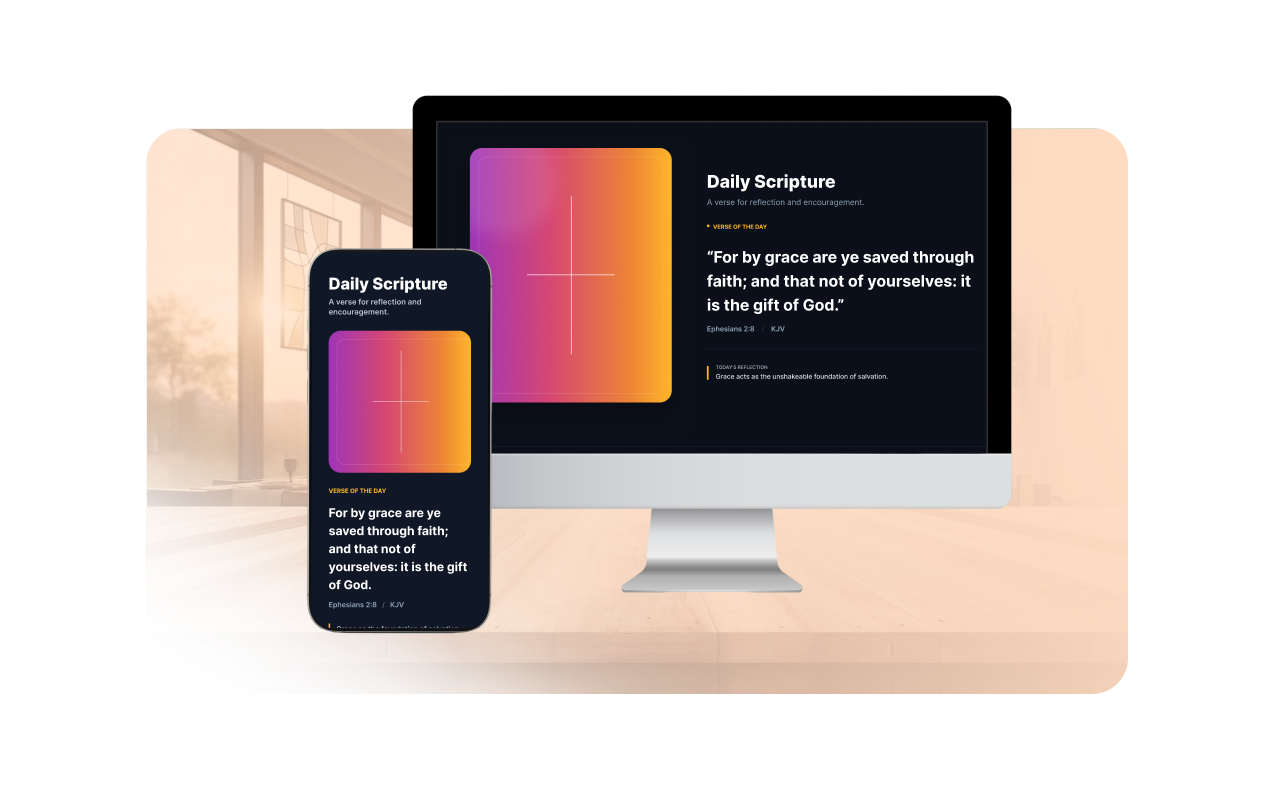
Share a responsive Scripture card on your website. Show random KJV verses with references, short reflections, artwork, and Jotform branding controls in a no-code builder.
How to create a Bible widget
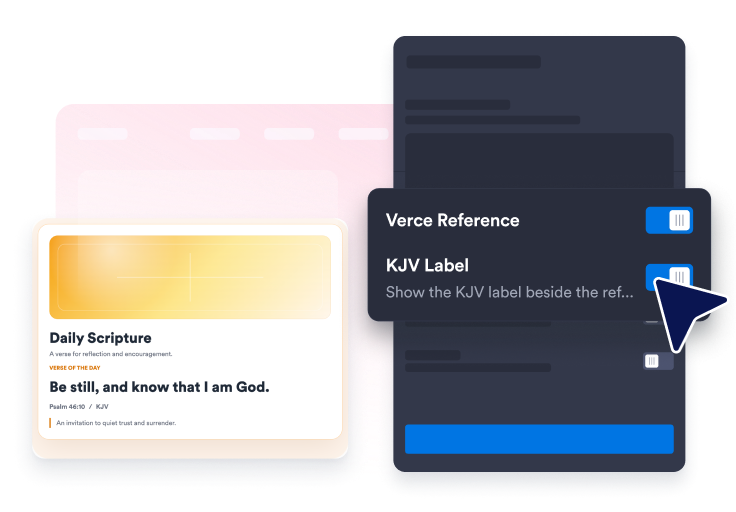
Display Scripture content
Show a random KJV verse with its reference, KJV label, and short reflection.
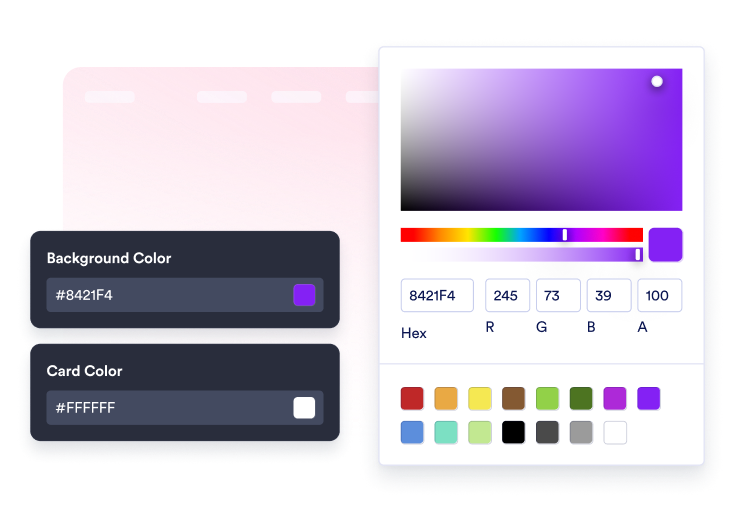
Customize the display
Adjust the header, labels, artwork panel, colors, layout, width, and corners.

Embed it on your website
Paste the embed code into a custom HTML or embed block, then publish your page to display the website widget.
Add daily Scripture in a widget that fits your page
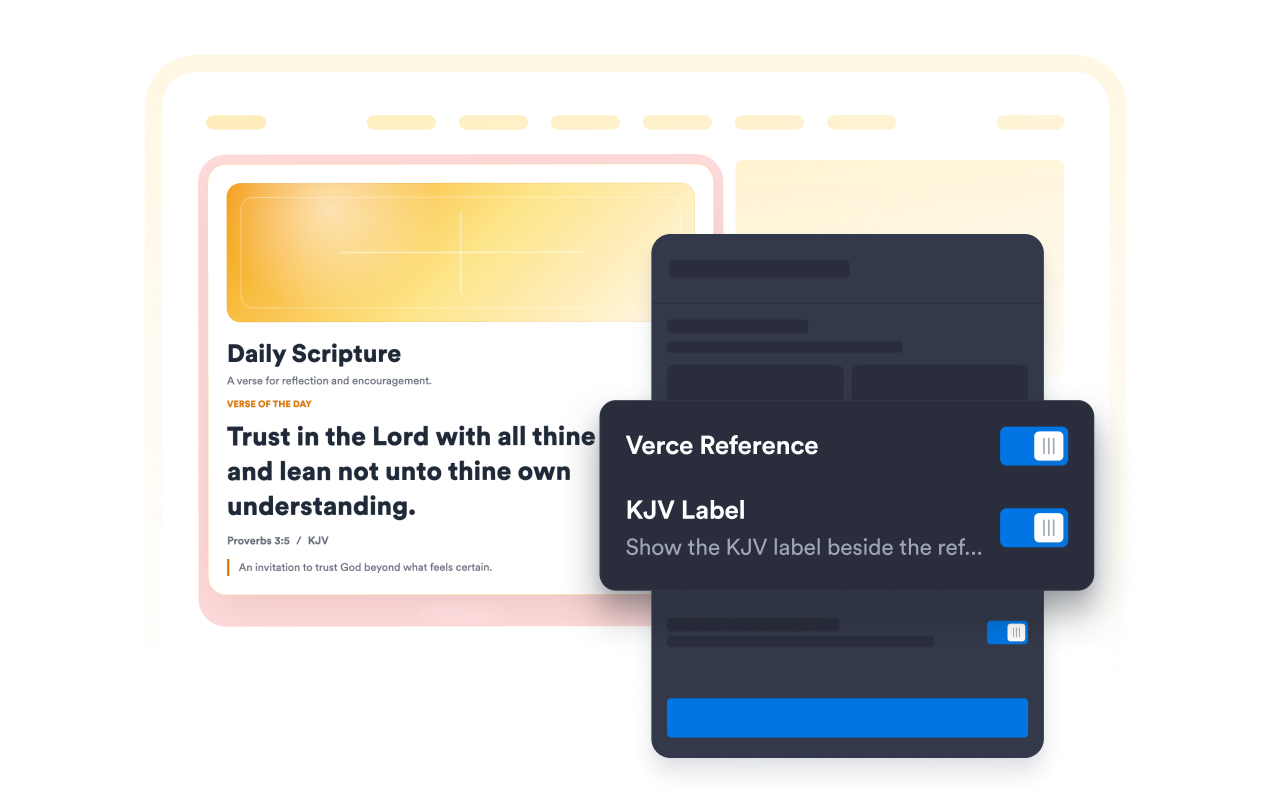
Show random KJV Scripture
Display a random verse with a reference, KJV label, and reflection.
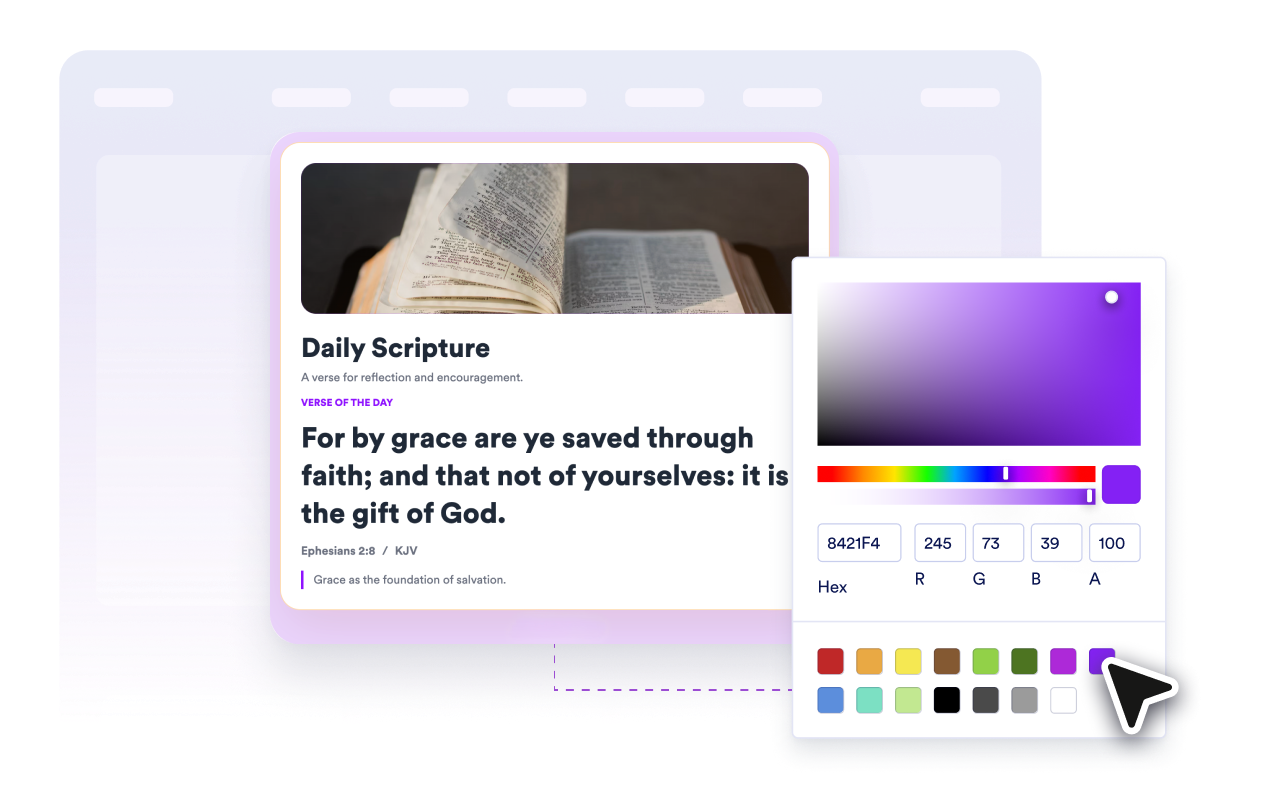
Match the card to your site design
Choose light or dark theme, set custom colors, and pick an optional artwork style for the Scripture panel.
Control layout and responsive width
Use card, split, or compact layouts, set a fixed or full width, and align the widget.
Why Jotform Website Widgets stand out
Jotform’s widgets make your website more interactive and increase conversions. There are many tools available, from star ratings and testimonial sliders to social proof popups and media embeds. Add widgets to your forms or landing pages to collect data, display proof, and capture leads — no coding required.
Add Jotform widgets to your website with a simple embed code. Customize the widget, preview how it looks, and paste it into any page that supports custom HTML or embed blocks, all without a developer.
Use Jotform Website Widgets to collect leads, show customer feedback, display social proof, embed media, or add helpful web page tools. Each widget helps visitors interact with your business directly from your website.
If you need help setting up, customizing, embedding, or troubleshooting your widget, Jotform’s customer support team is available 24-7. You can move forward with confidence, knowing that help is there when you need it.
Where to use your Bible Verse Widget
Add Scripture anywhere visitors would benefit from a short daily reflection or faith-based encouragement.
Church websites to highlight a daily verse on the homepage.
Ministry pages to add Scripture beside announcements, events, or devotionals.
Faith blogs to introduce posts with a relevant passage.
School and study pages to share a compact reflection prompt.
Community portals to keep encouragement visible between updates.
Personal websites to add a simple daily Scripture card.
Convert leads into paying customers with the Jotform Form Builder
Turn engagement into action with Jotform. Create powerful forms that capture leads, collect payments, and automate responses, all in one place. Every submission lands in your Jotform Inbox, where you can follow up or connect with your favorite apps.
Get Started — It’s Free!
FAQ
What is a Bible Verse Widget?
A Bible Verse Widget displays a random KJV Scripture card on your website with optional references, reflections, artwork, and branding controls.
Can I add my own Bible verses?
Does the widget fetch live Bible translations?
Can the verse change?
Can I hide the reference or meaning?
Can I customize the design?
Does it work on mobile?