Bible Verse Widget

Create Your Own Bible Verse Widget in Seconds for Your Website

Build a responsive Scripture display with random KJV verses, references, short reflections, optional artwork, and style controls.
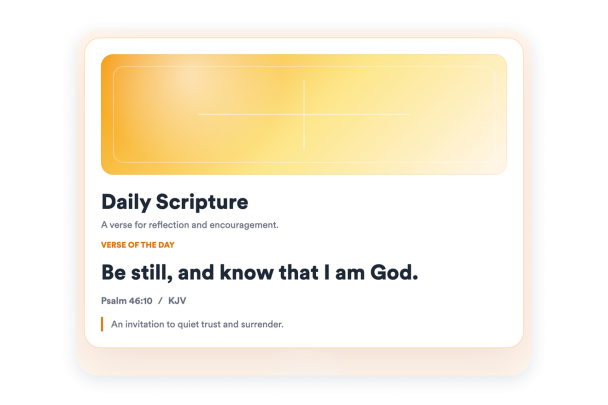

Create Your Bible Verse Widget - It's Free!
Create Your Own Bible Verse Widget in Seconds for Your Website Hero Bg Image

How to embed Bible Widget to WordPress

1Get your embed code

After customizing your Jotform website widget, click Try it on your website for free, and copy the generated embed code.

2Open the page editor

Go to the WordPress post or page where you want to display the widget, then add a new block.

3Add a Custom HTML block

Select Custom HTML and paste your Jotform Website widget embed code into the HTML field.

4Update and view

Click Update or Publish, then open the page to check your embedded widget.

Display Random KJV Scripture

Show random preset KJV verses with reference, KJV label, and reflection fields.

Content controls include:

Random versesKJV labelReferencesReflections
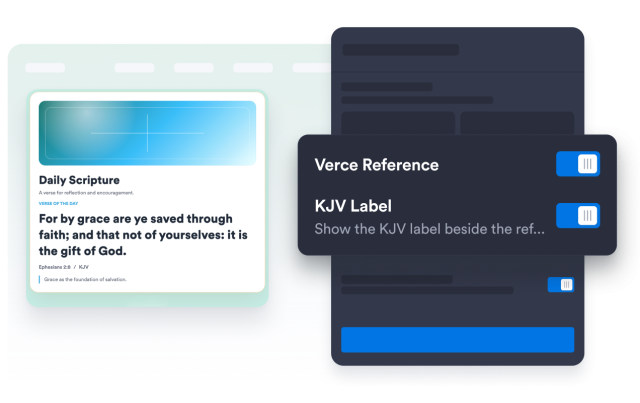
Add Scripture Content
Display Random KJV Scripture

Style the Scripture Card

Choose light or dark theme, set card and text colors, restore defaults, and select an artwork style.

Style controls include:

Light themeDark themeCustom colorsArtwork styles
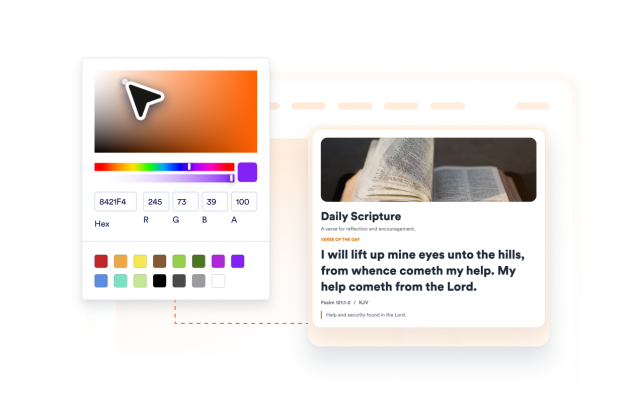
Style Your Widget
Style the Scripture Card

Control Layout and Width

Switch between card, split, and compact layouts, then set width and alignment.

Layout controls include:

Card layoutSplit layoutCompact layoutResponsive width
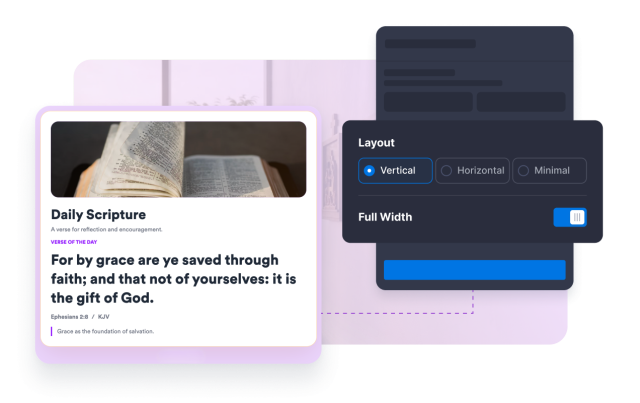
Customize Layout
Control Layout and Width