Buy Button Widget
Create a Buy Button That Turns Browsing Into Checkout
Build a no-code purchase CTA for product pages, carts, checkouts, bundles, and limited-time offers. Set the destination URL, choose embedded or floating placement, edit the message, and style the button to match your site.

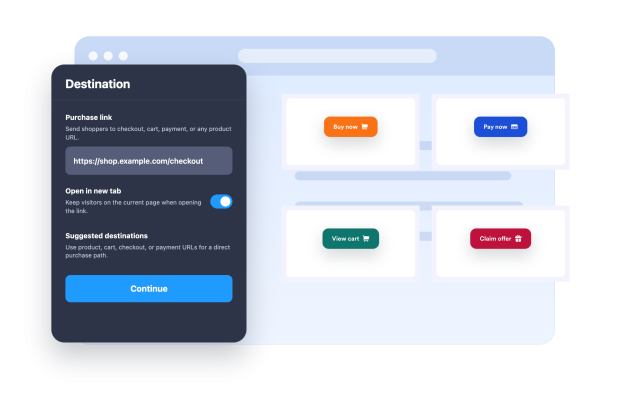
Send shoppers to the right purchase page
Link the button to a product page, cart, checkout, payment link, bundle page, or promotion so visitors can move from interest to purchase faster.
Purchase-focused controls include:
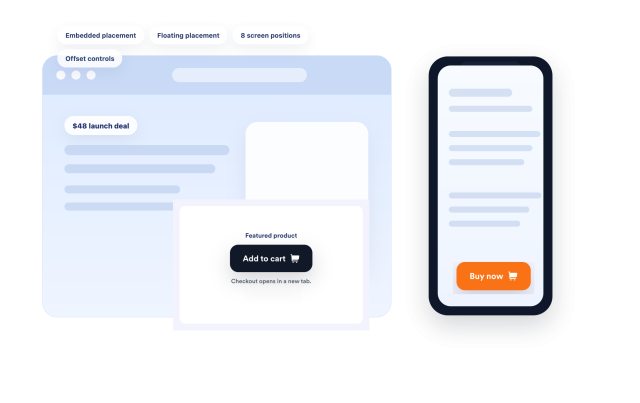
Choose embedded or floating placement
Add the button inside a product section or keep it visible while shoppers scroll through a long collection, launch, or campaign page.
Placement options include:
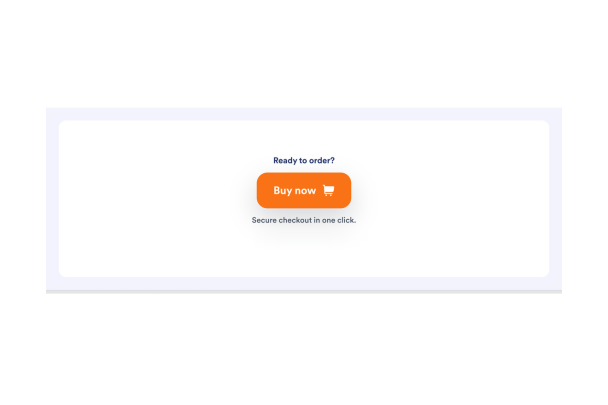
Add a clearer purchase message
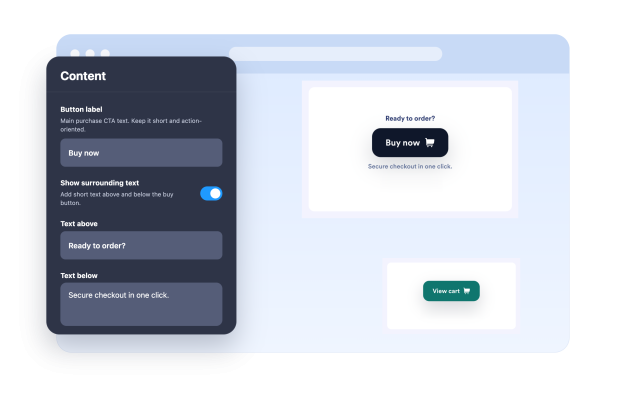
Use a main label and short supporting text above or below the button so shoppers know what happens after the click.
Content controls include:
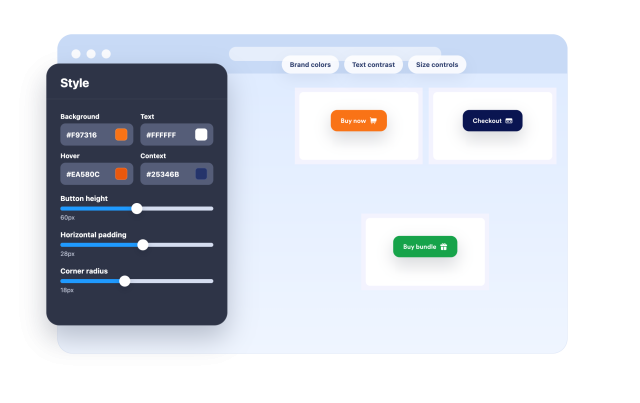
Style the button and control visibility
Adjust button and text colors, context text colors, sizing, corner radius, shadow, desktop and mobile visibility, branding, and scoped custom CSS.
Style controls include: