

WhatsApp Chat Widget
WhatsApp Chat Widget Features
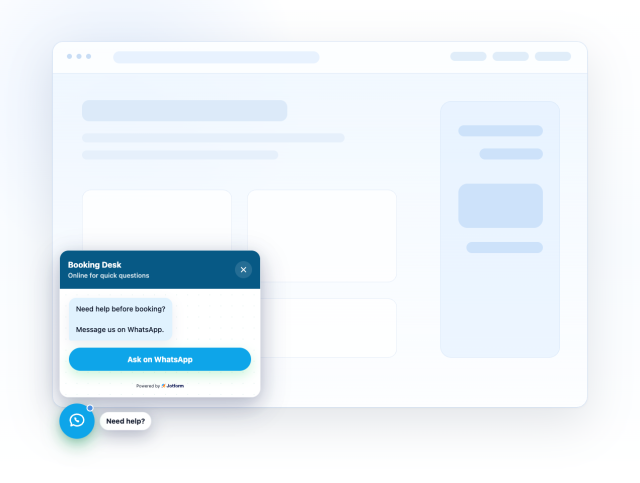
Build a website chat entry point with a WhatsApp contact source, greeting, pre-filled message, responsive placement, message field, and style controls.
Create Your WhatsApp Chat Widget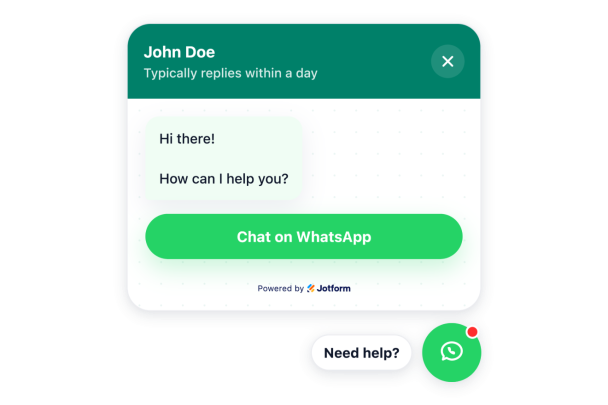

No-Code WhatsApp Setup
Connect a WhatsApp phone number or supported short link and create an embeddable click-to-chat experience without custom code.
Sources include:
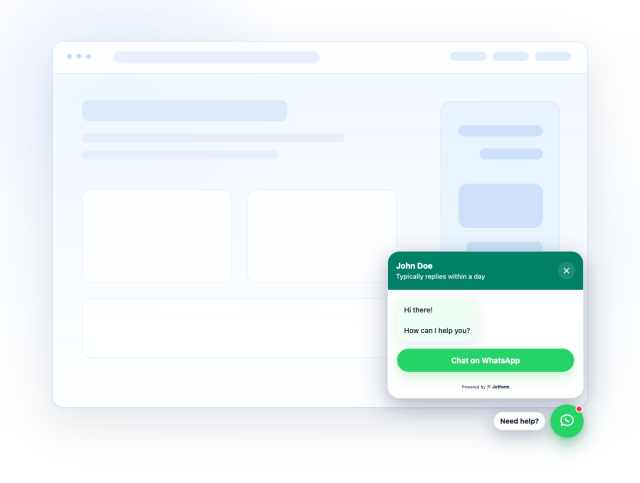
Custom Greeting and Reply Context
Set the agent name, status caption, welcome message, and pre-filled WhatsApp text so visitors know what to ask.
Content controls:
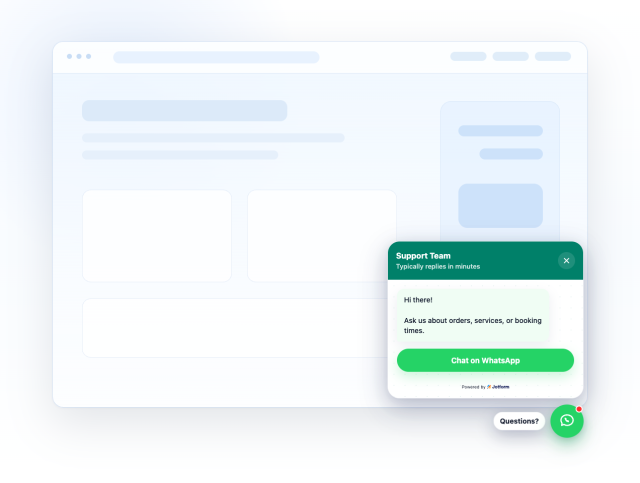
Start Button or Message Field
Use a direct WhatsApp CTA or let visitors type a message before opening WhatsApp.
Methods:
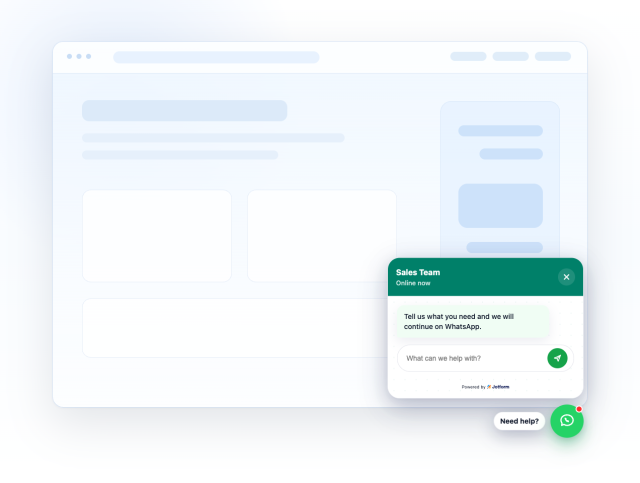
Responsive Floating Placement
Control left or right placement, bottom and side offsets, desktop/mobile visibility, auto-open timing, bubble size, and panel width.
Display controls:
Turn WhatsApp conversations into action with the Jotform ecosystem
Add a WhatsApp Chat Widget to your website, then use Jotform to collect responses, manage workflows, and keep every visitor interaction connected to the rest of your business.
Get Started With Jotform