WhatsApp Chat Widget for Websites
Make it easier for visitors to contact your business from any page. Jotform’s WhatsApp Chat Widget lets you add a customizable chat button, welcome message, and optional message field to your website without writing code.
How to create a Whatsapp Chat widget
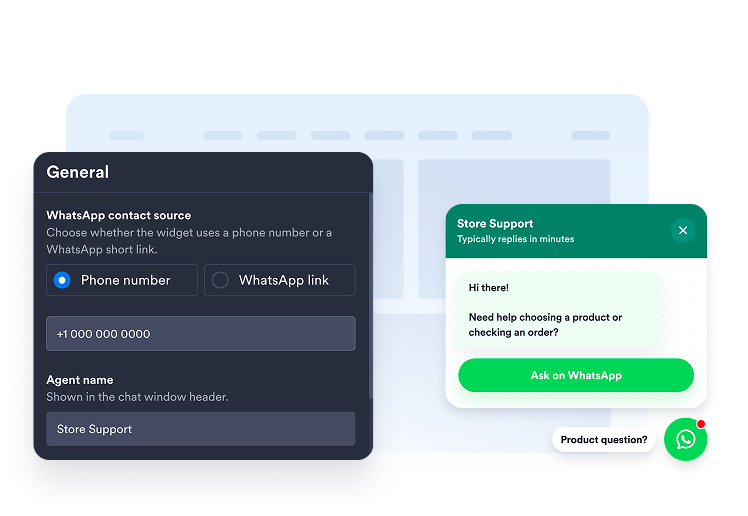
Connect your WhatsApp contact
Enter your WhatsApp phone number or add a supported short link. You can also prepare a default message to help visitors begin the conversation.
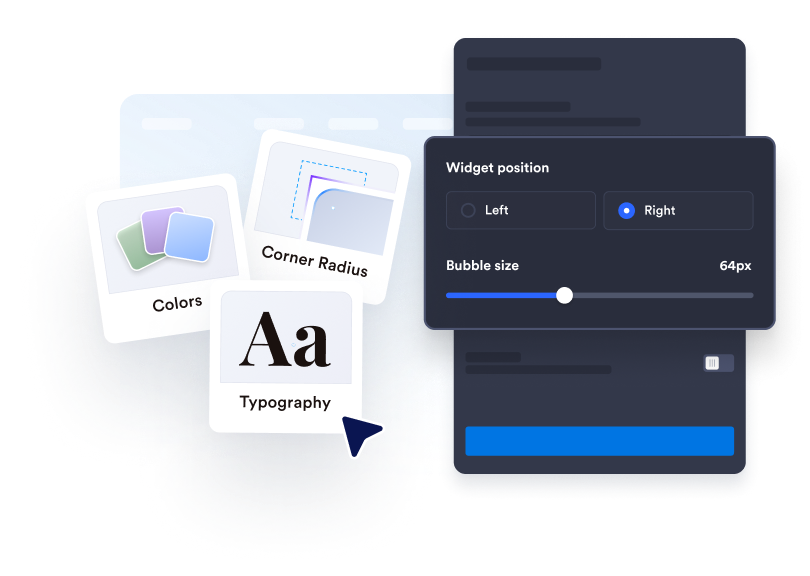
Customize the chat experience
Edit the agent name, welcome message, button text, colors, size, badge, and screen placement to fit your website.
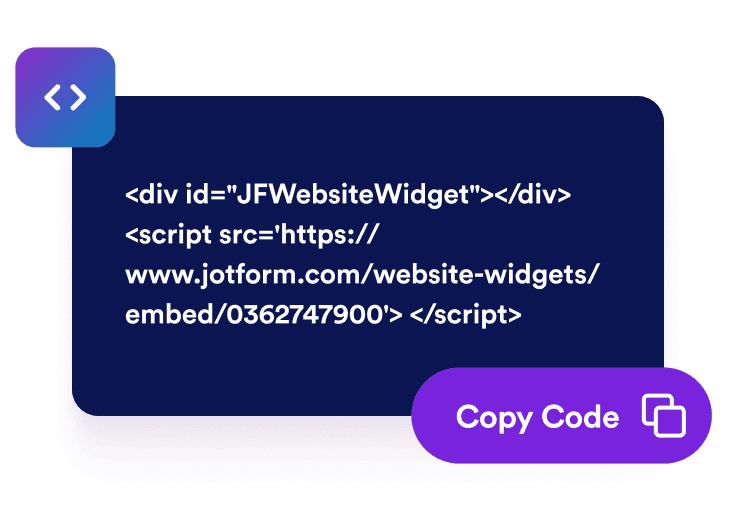
Get the embed code
Copy the generated embed code and paste it into a custom HTML or embed block on your website.
Help visitors to start direct WhatsApp conversations
Route visitors to the right chat
Connect the widget using a phone number, wa.me link, api.whatsapp.com link, or wa.link URL. Visitors can move from your website to the appropriate WhatsApp conversation without searching for your contact information.
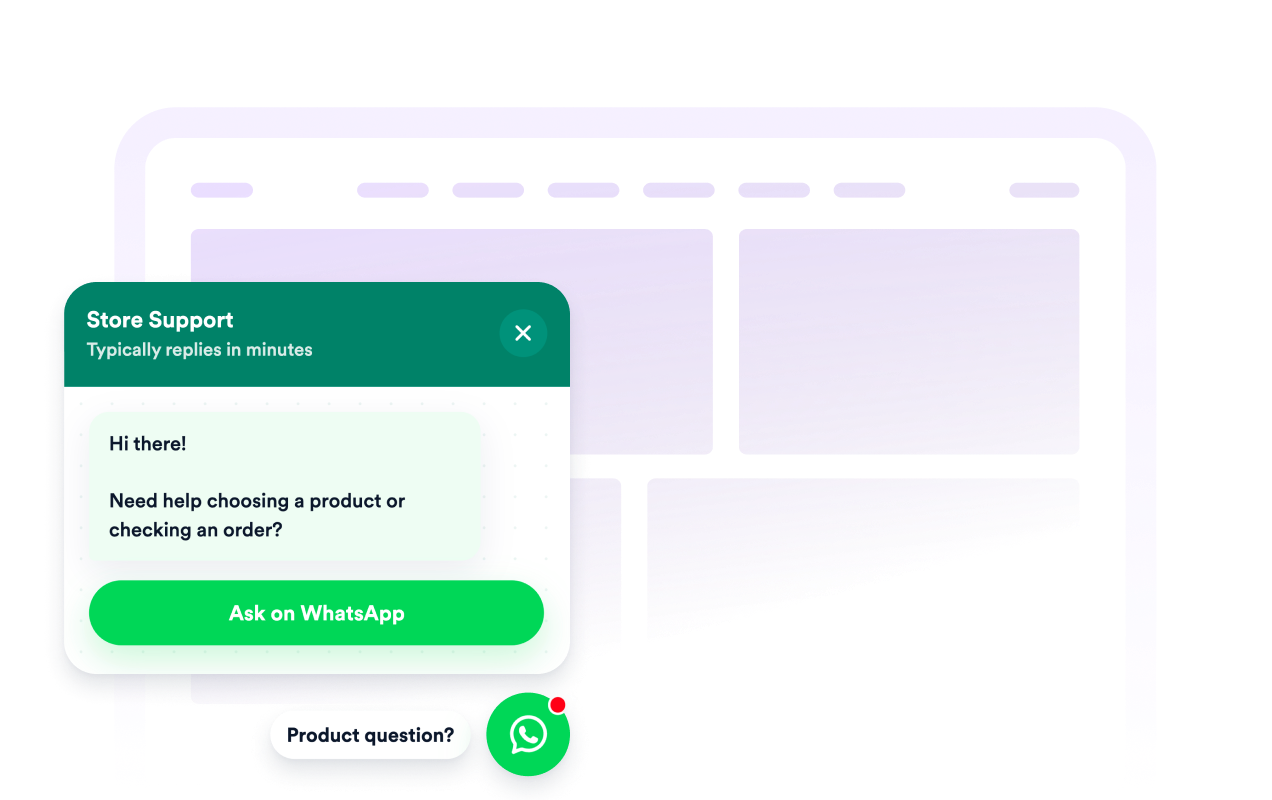
Set expectations before chats begin
Use the welcome message, agent name, and caption to introduce your business and explain what visitors can ask about. Clear context helps customers understand whether the chat is intended for sales, support, bookings, quotes, or general questions.
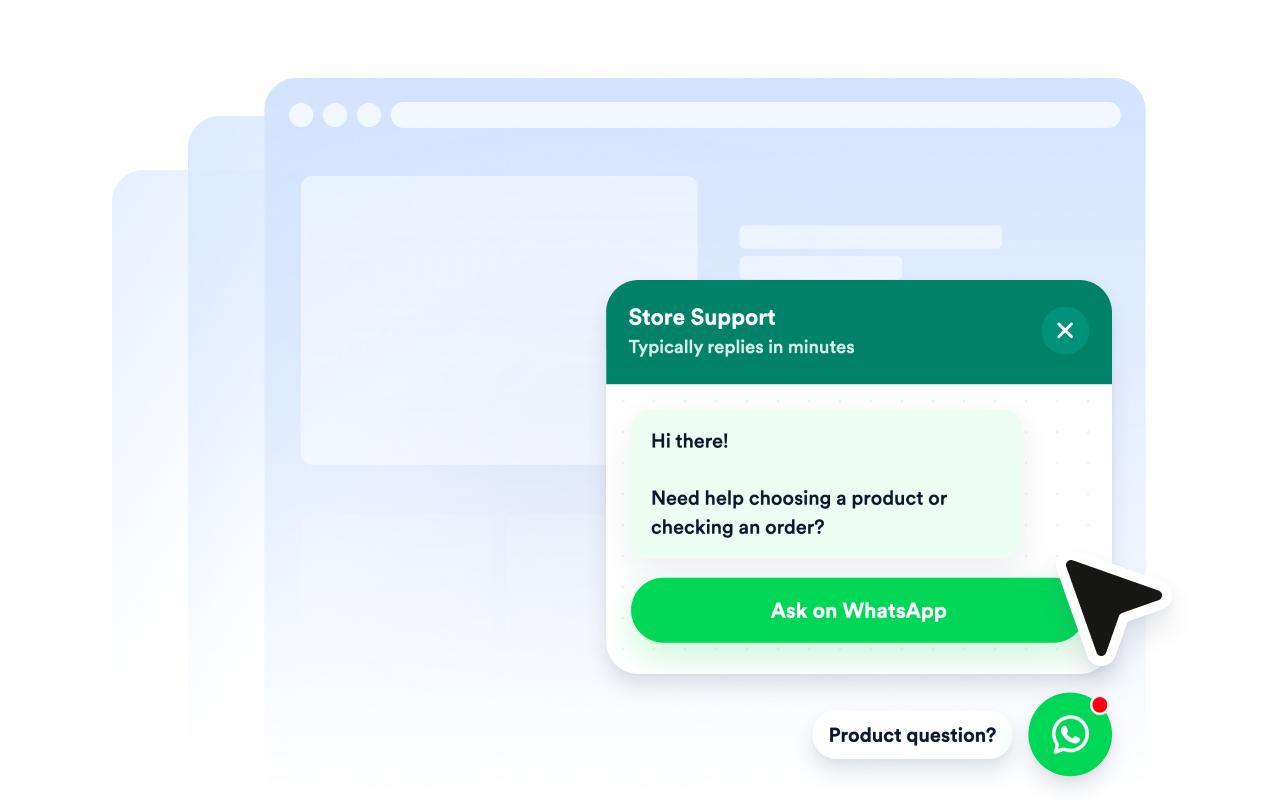
Collect context before WhatsApp opens
Display a clear CTA button or let visitors type a short message before continuing to WhatsApp. A default or visitor-written message can give your team useful context before the conversation begins.
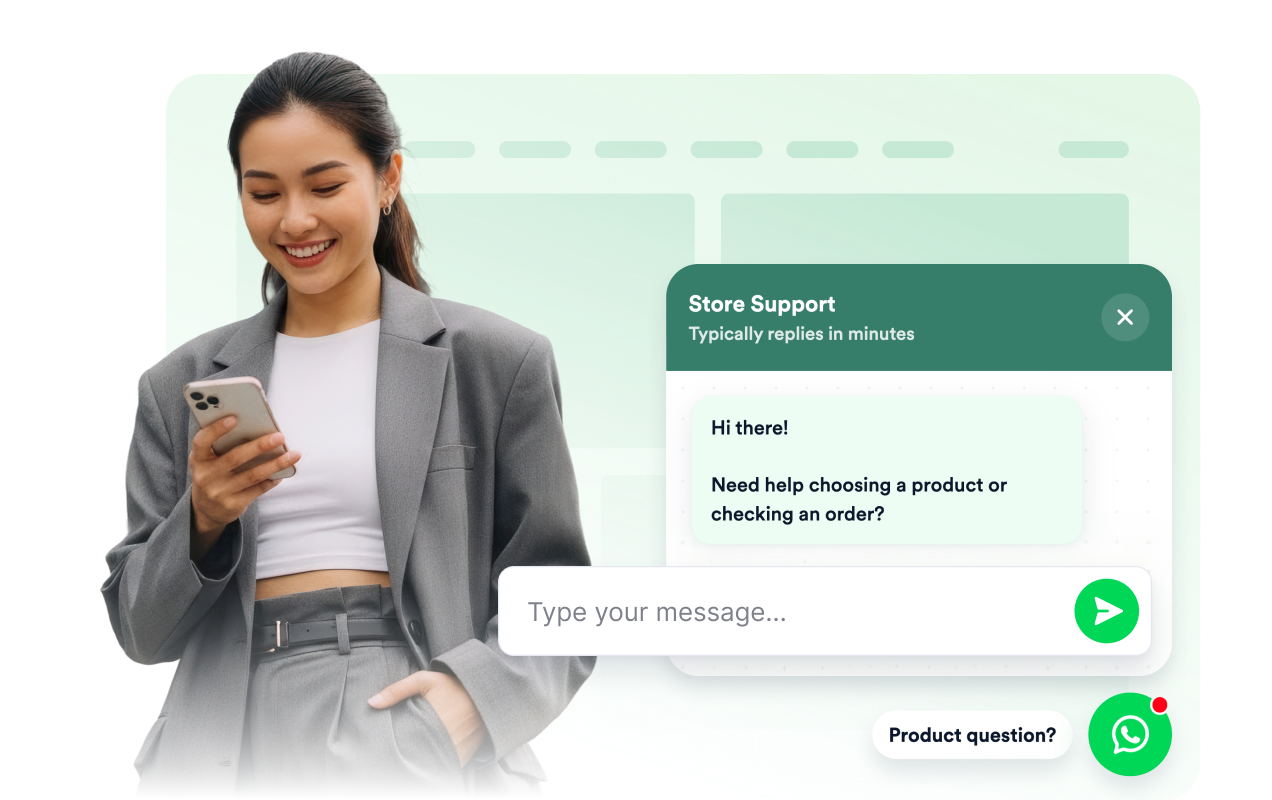
Keep chat visible and on-brand
Customize the chat bubble, header, message background, CTA colors, width, badge, rounded corners, and screen position. Create a recognizable contact option that complements your website and remains accessible across desktop and mobile screens.
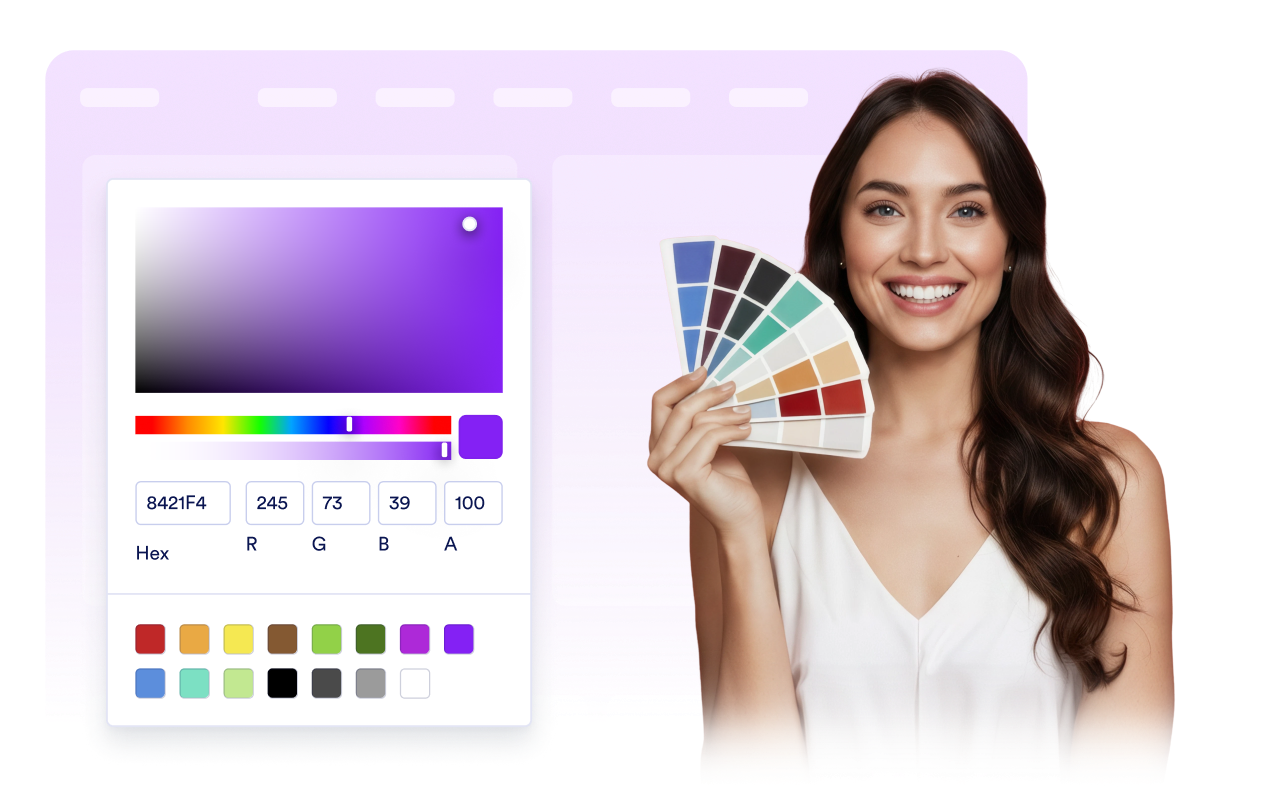
Why Jotform Website Widgets stand out
Jotform’s widgets make your website more interactive and increase conversions. There are many tools available, from star ratings and testimonial sliders to social proof popups and media embeds. Add widgets to your forms or landing pages to collect data, display proof, and capture leads — no coding required.
Add Jotform widgets to your website with a simple embed code. Customize the widget, preview how it looks, and paste it into any page that supports custom HTML or embed blocks, all without a developer.
Use Jotform Website Widgets to collect leads, show customer feedback, display social proof, embed media, or add helpful web page tools. Each widget helps visitors interact with your business directly from your website.
If you need help setting up, customizing, embedding, or troubleshooting your widget, Jotform’s customer support team is available 24-7. You can move forward with confidence, knowing that help is there when you need it.
Where to use your WhatsApp Chat widget
Add the widget to pages where visitors may need assistance, additional information, or a convenient way to continue the conversation.
Online stores to answer questions about products, availability, delivery, and orders.
Service business pages to discuss quotes, appointments, project requirements, or availability.
Booking and event pages to clarify schedules, registration details, locations, and requirements.
Local business websites to handle inquiries for restaurants, salons, clinics, real estate businesses, and other local services.
Convert leads into paying customers with the Jotform Form Builder
Turn engagement into action with Jotform. Create powerful forms that capture leads, collect payments, and automate responses, all in one place. Every submission lands in your Jotform Inbox, where you can follow up or connect with your favorite apps.
Get Started — It’s Free!
FAQ
What is a WhatsApp Chat Widget?
A WhatsApp Chat Widget is a floating website contact button and chat preview that directs visitors to a WhatsApp conversation with your business. It provides a convenient contact option without adding a complete messaging inbox to your website.
How do I add WhatsApp chat to my website?
Which WhatsApp links can I connect?
Can visitors start with a prefilled message?
Can I customize the greeting and chat button?
Does the WhatsApp widget work on mobile?
Can I use the widget with a WhatsApp Business number?
Does the widget automate WhatsApp replies?
Do I need to write code?
Can I create a free WhatsApp widget for my website?
Which website platforms support the WhatsApp Chat Widget?
Can I get help setting up my WhatsApp Chat Widget?