Disable Right Click Widget for your website
Protect important images, text, and page content with a no-code widget that blocks right-click actions, image dragging, text selection, and copy events based on the content you choose.
How to create a Disable Right Click widget
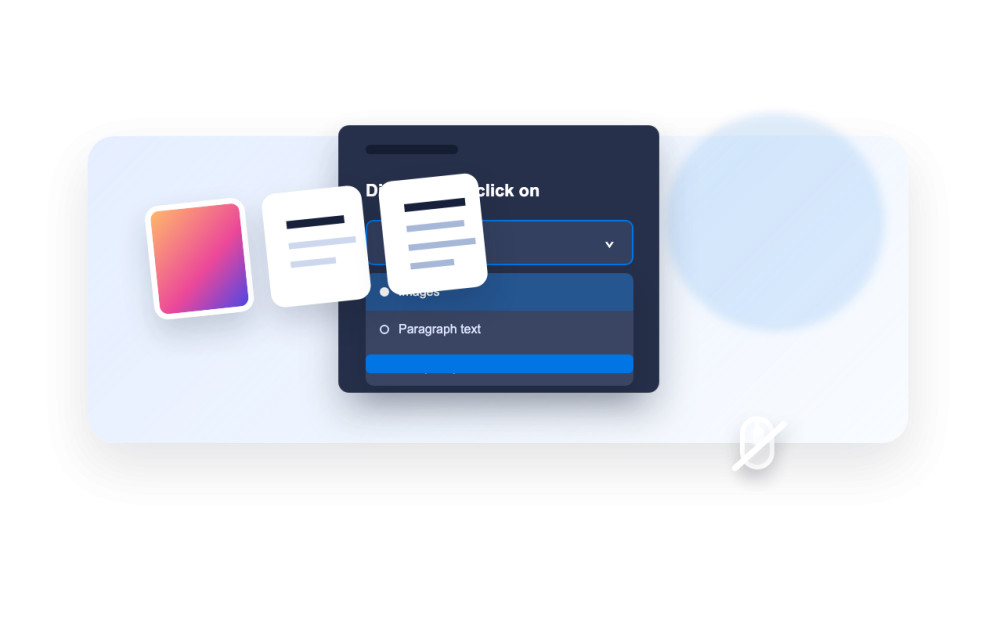
Choose what to protect
Select whether the widget protects images, text, or everything on the page.
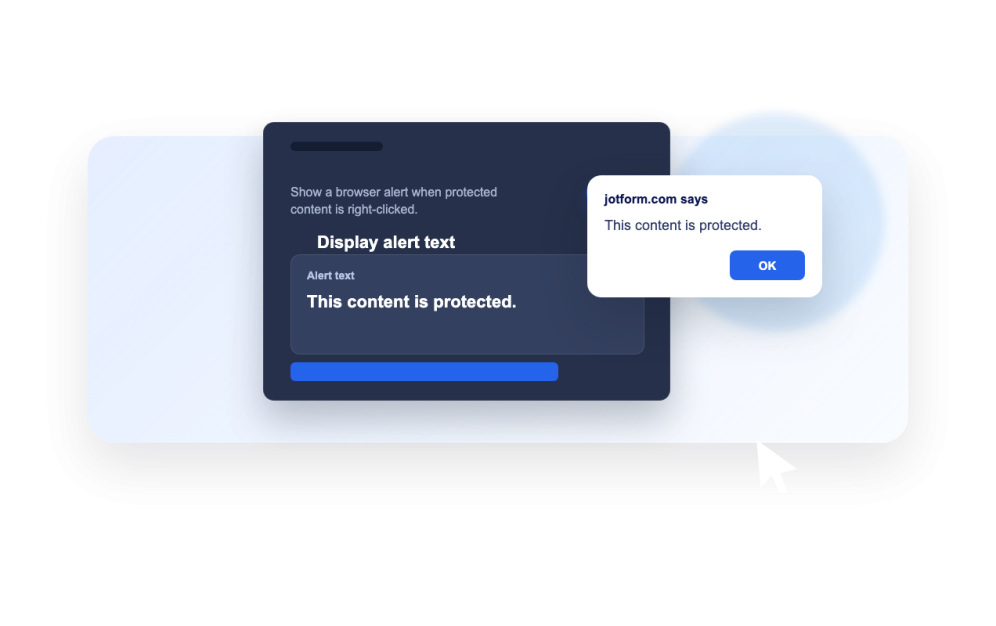
Set visitor behavior
Decide whether to block dragging, text selection, copy actions, and optional alert messages.
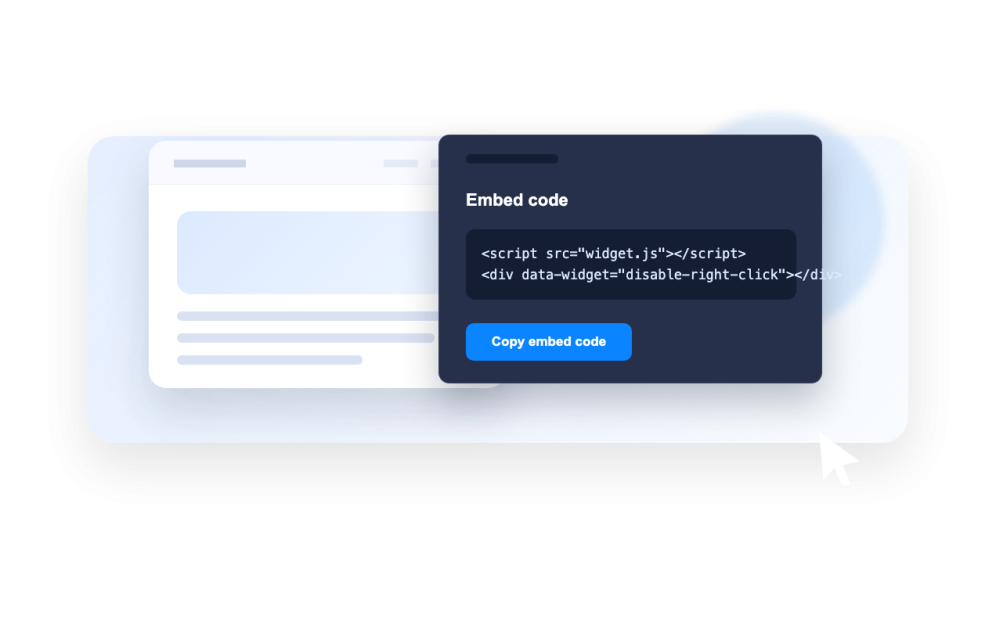
Embed it on your site
Copy the generated embed code and add the protection to the page where it should run.
Protect page content without custom code
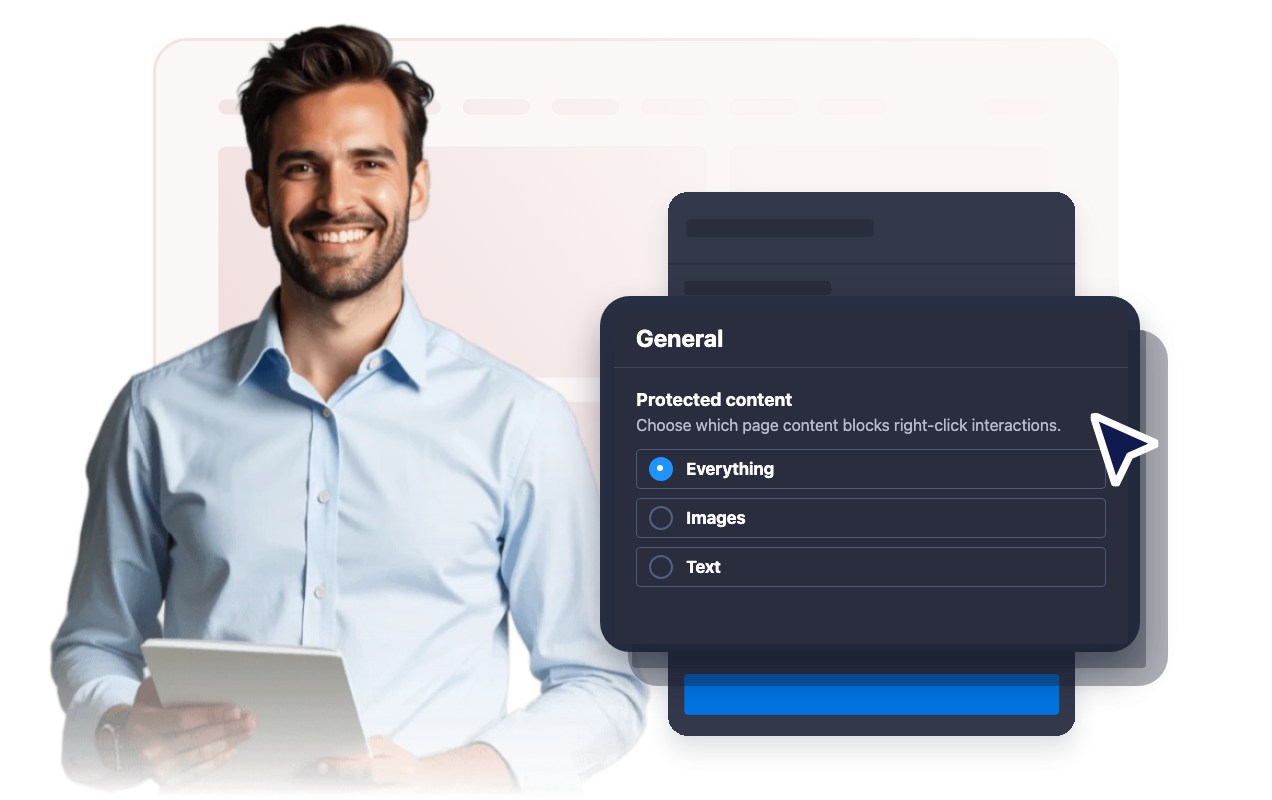
Choose the protected content type
Apply right-click protection to the entire page, only images, or only text so the widget matches the content you need to protect.
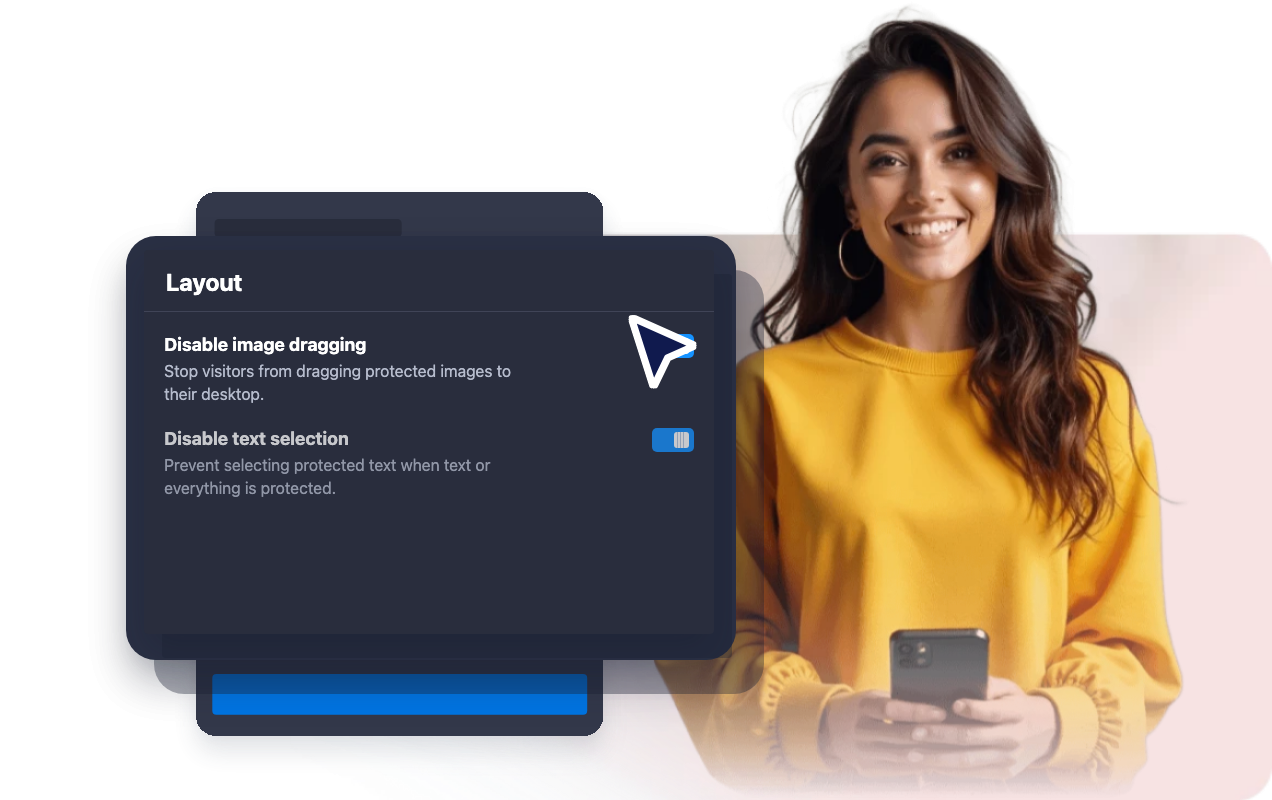
Stop image dragging
Prevent visitors from dragging protected images from your website to their desktop or another folder.
Show an optional alert message
Display a short browser alert when visitors try a blocked right-click action, or keep the protection silent.

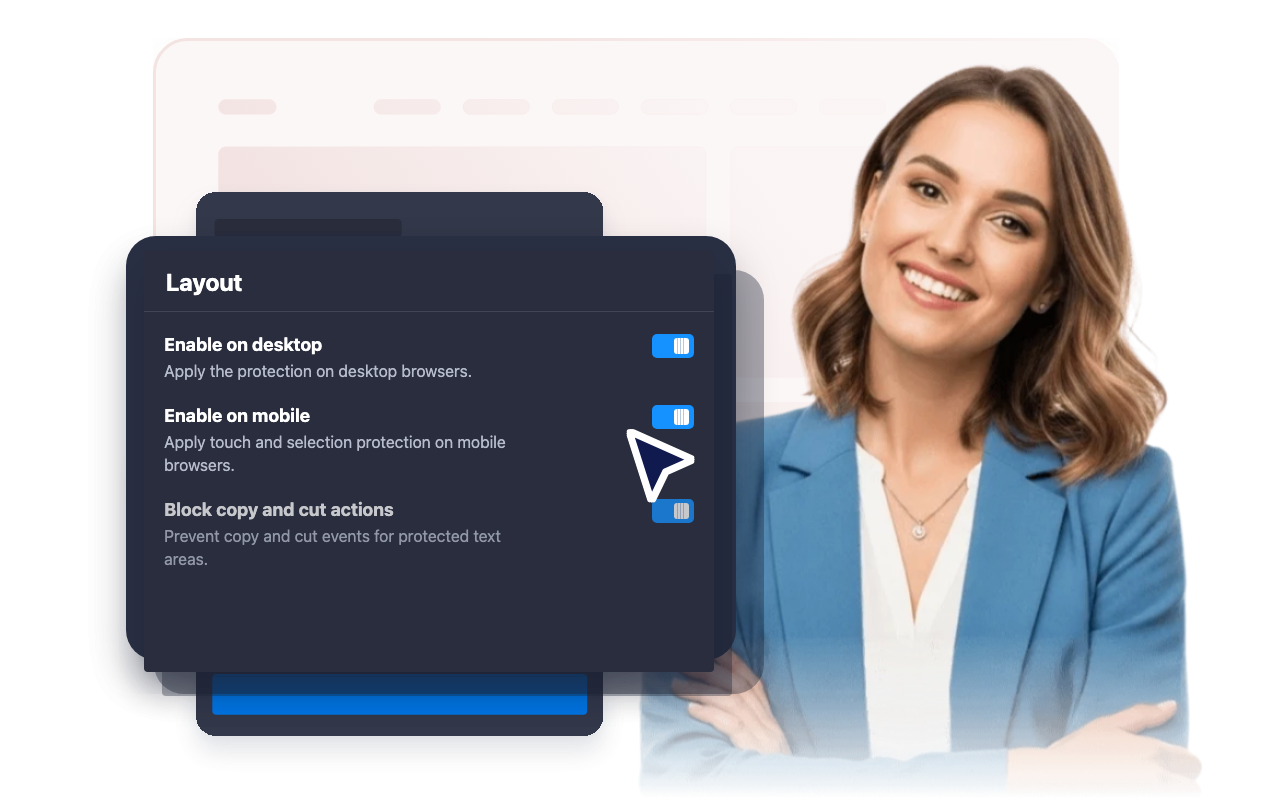
Control desktop and mobile behavior
Enable the protection on desktop, mobile, or both depending on how visitors interact with your site content.
Why Jotform Website Widgets stand out
Jotform’s widgets make your website more interactive and increase conversions. There are many tools available, from star ratings and testimonial sliders to social proof popups and media embeds. Add widgets to your forms or landing pages to collect data, display proof, and capture leads — no coding required.
Add Jotform widgets to your website with a simple embed code. Customize the widget, preview how it looks, and paste it into any page that supports custom HTML or embed blocks, all without a developer.
Use Jotform Website Widgets to collect leads, show customer feedback, display social proof, embed media, or add helpful web page tools. Each widget helps visitors interact with your business directly from your website.
If you need help setting up, customizing, embedding, or troubleshooting your widget, Jotform’s customer support team is available 24-7. You can move forward with confidence, knowing that help is there when you need it.
Where to use your Disable Right Click widget
Use the widget on pages where images, text, downloads, or branded content need an extra layer of visitor-side protection.
Photography and portfolio pages where image dragging and right-click saving should be discouraged.
Product galleries that show branded product images, campaign visuals, or preview assets.
Course and member content where text selection and copy actions should be limited on protected pages.
Case studies and reports that contain proprietary screenshots, diagrams, or written material.
Event and venue pages that publish original photos, schedules, menus, or promotional content.
Landing pages where you want visitors focused on calls to action instead of opening context-menu actions.
Convert leads into paying customers with the Jotform Form Builder
Turn engagement into action with Jotform. Create powerful forms that capture leads, collect payments, and automate responses, all in one place. Every submission lands in your Jotform Inbox, where you can follow up or connect with your favorite apps.
Get Started — It’s Free!
FAQ
What is a Disable Right Click widget?
A Disable Right Click widget blocks browser context-menu actions for the content you choose, such as images, text, or the full page.
Can I protect only images?
Can I protect text content?
Can I show a message when right-click is blocked?
Does it work on mobile devices?
Does this completely prevent copying?
Do I need to write code?
Can I style the widget?