Dynamic Text Widget for your website
Add a dynamic text widget to your website in seconds. Customize the design and embed it with Jotform's no-code website widget builder.
Create Now — It’s Free!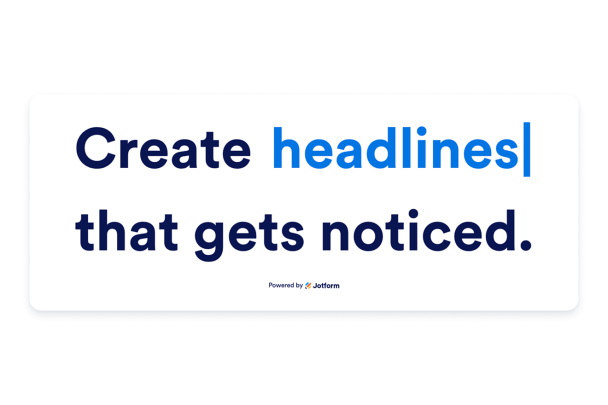

How to create a Dynamic Text widget
Write your message
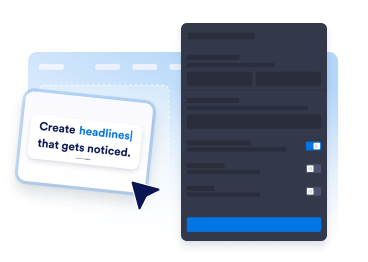
Add the static words before and after the animated phrase, then enter the rotating messages you want visitors to see.
Customize the design
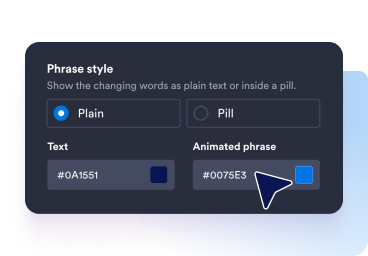
Adjust the colors, text size, font weight, highlight style, corner radius, and alignment. In the final step, choose fade, slide, typewriter, or no animation.

Embed it on your website
Preview the finished widget, copy the embed code, and place the responsive dynamic text wherever your page needs emphasis.
Highlight more messages without adding clutter
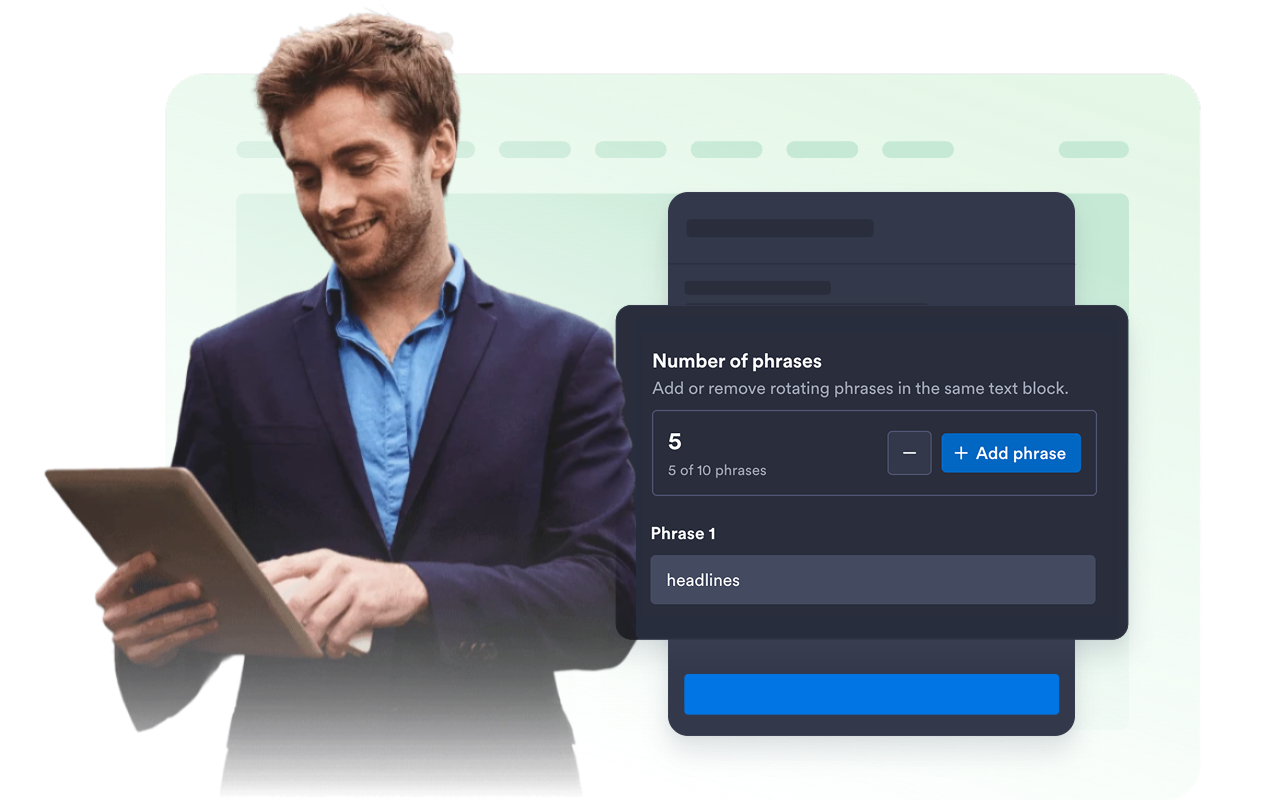
Rotate up to ten phrases
Show multiple benefits, offers, keywords, or announcements inside one compact headline so visitors can absorb more context without extra page sections.
Choose phrase style
Decide how your dynamic text appears on the page. Keep changing phrases as plain text for a clean, seamless look, or display them inside a pill to make the animated words stand out.

Design a highlight that fits your brand
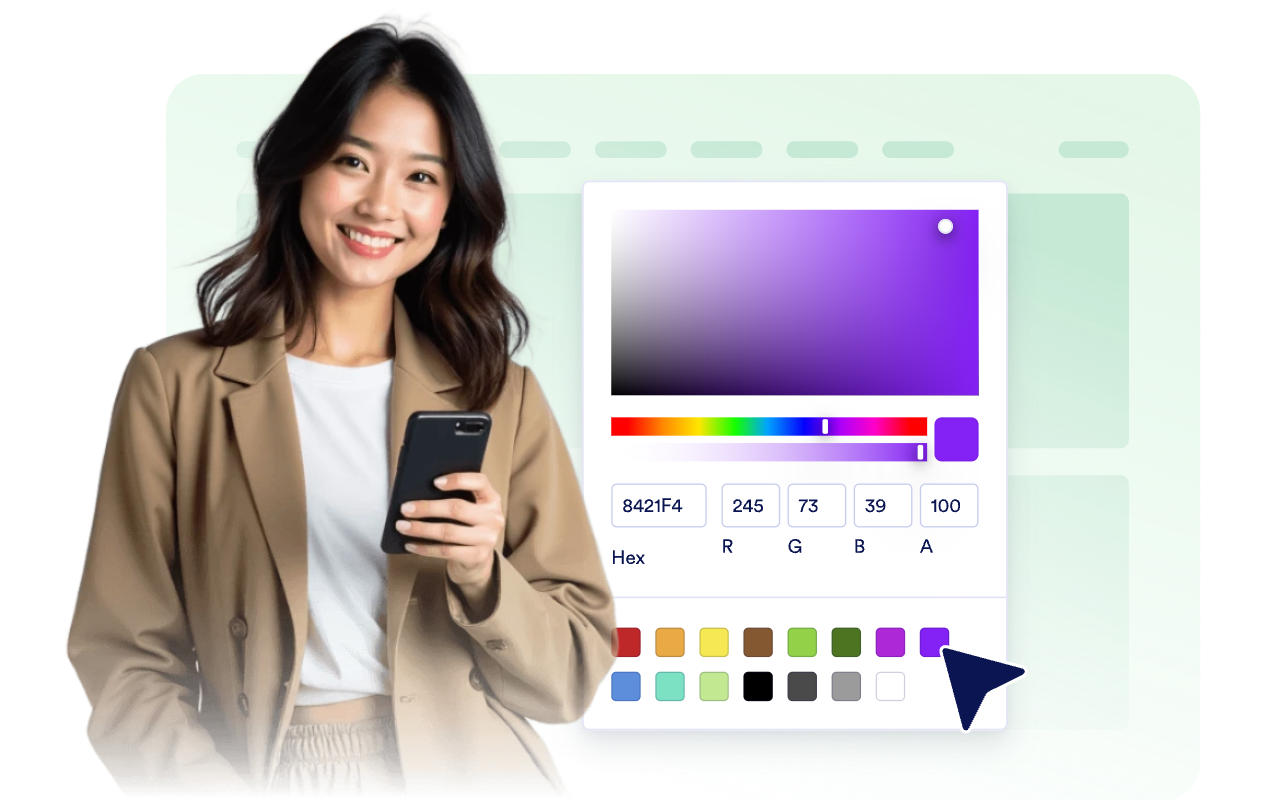
Control text color, phrase color, font size, font weight, plain or pill styling, corner radius, branding, and optional scoped CSS.
Keep every layout readable
Choose inline or stacked text, align the message, set automatic or custom width, and decide whether the widget appears on desktop, mobile, or both.

Why Jotform Website Widgets stand out
Jotform’s widgets make your website more interactive and increase conversions. There are many tools available, from star ratings and testimonial sliders to social proof popups and media embeds. Add widgets to your forms or landing pages to collect data, display proof, and capture leads — no coding required.
Add Jotform widgets to your website with a simple embed code. Customize the widget, preview how it looks, and paste it into any page that supports custom HTML or embed blocks, all without a developer.
Use Jotform Website Widgets to collect leads, show customer feedback, display social proof, embed media, or add helpful web page tools. Each widget helps visitors interact with your business directly from your website.
If you need help setting up, customizing, embedding, or troubleshooting your widget, Jotform’s customer support team is available 24-7. You can move forward with confidence, knowing that help is there when you need it.
Where to use your Dynamic Text Widget
Use Dynamic Text Widget anywhere a single message needs to carry several ideas, spotlight a priority, or make a key line easier to notice.
Landing page heroes to rotate product benefits, audience segments, campaign messages, or value propositions.
Promotional sections to call out sales, deadlines, new arrivals, bundles, or limited-time offers.
Signup pages to emphasize outcomes, feature categories, templates, or reasons to create an account.
Event pages to cycle through dates, sessions, speakers, registration windows, or attendee benefits.
Product pages to spotlight use cases, differentiators, plans, customer types, or feature groups.
Long-form pages to add motion to an important line of copy without inserting a large visual block.
Convert leads into paying customers with the Jotform Form Builder
Turn engagement into action with Jotform. Create powerful forms that capture leads, collect payments, and automate responses, all in one place. Every submission lands in your Jotform Inbox, where you can follow up or connect with your favorite apps.
Get Started — It’s Free!
FAQ
What is a Dynamic Text widget?
A Dynamic Text widget displays a website message with one changing word or phrase, helping you feature several ideas inside the same text block.
What can I use Dynamic Text for?
Which animation styles are available?
Can I customize the text design?
How many rotating phrases can I add?
Does the Dynamic Text widget work on mobile?
Do I need to write code to use it?
Can I keep the text from rotating?