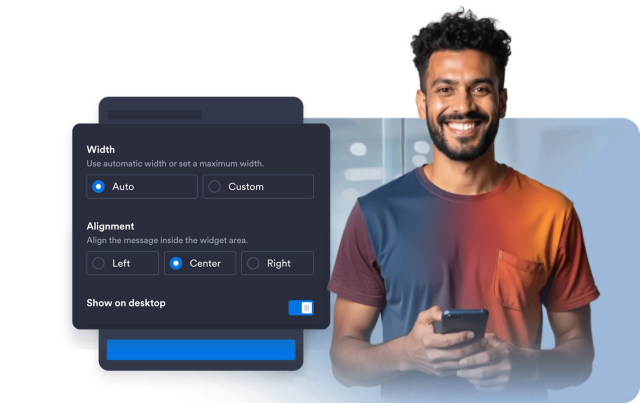
Dynamic Text Widget
Create a Dynamic Text Widget That Fits Your Website Message
Build a responsive animated text block for headlines, announcements, offers, and calls to action. Add rotating phrases, choose the motion style, customize the highlight, and control how the widget appears on different devices.
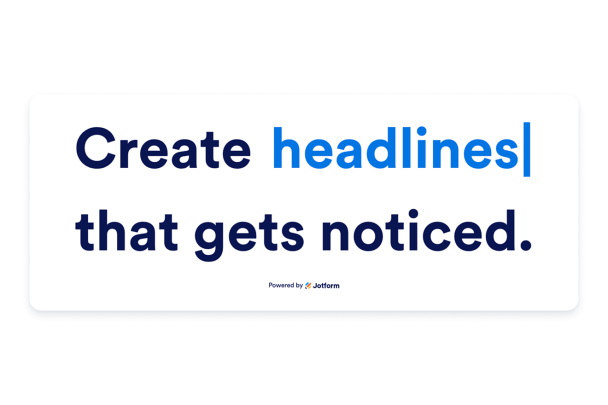

Add Rotating Phrases
Combine static text with up to ten rotating phrases so one headline can communicate several benefits, offers, or announcements.
Text controls include:

Choose Motion Style
Select a fade, slide, typewriter, or static display depending on how much movement your page needs, then set how often phrases change.
Animation options include:

Style the Highlight
Make the changing phrase feel native to your site with editable colors, font size, font weight, plain or pill styling, border radius, and scoped CSS.
Style controls include:
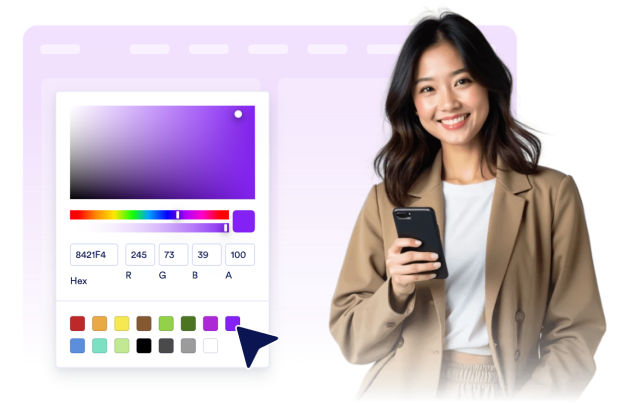
Control Layout and Visibility
Place the text inline or stacked, align it with the surrounding content, set a safe maximum width, and choose desktop or mobile visibility.
Layout controls include: