

Banner Widget for your website
Promote offers, events, product launches, new menus, travel deals, and announcements with a responsive website banner. Jotform's Banner widget lets you add text, buttons, coupons, countdown timers, forms, background images, background videos, custom colors, and clickable links without code.
How to add a Banner widget

Choose a banner style
Start with a simple, vertical, video, product, webinar, social, restaurant, travel, or holiday banner layout.

Customize content and design
Edit headings, text, buttons, coupons, timers, forms, background type, colors, spacing, and responsive display settings.
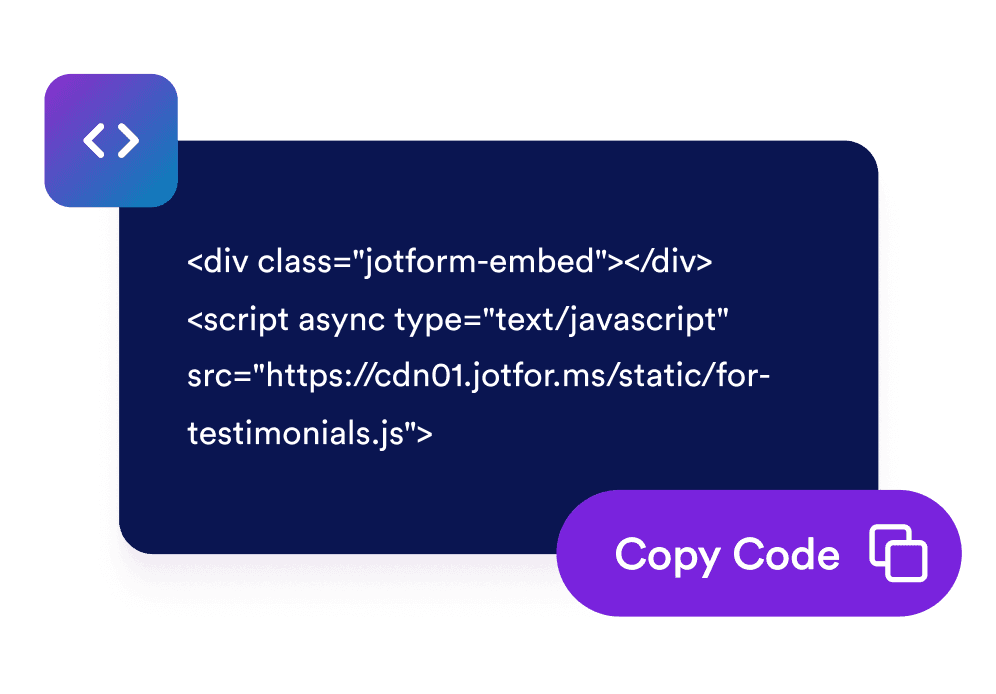
Embed it on your website
Preview the banner, copy the generated embed code, and place it on any page where you want visitors to act.
Create campaign banners that match your page and goal
Start from campaign-ready banner styles
Build simple announcements, video banners, product promos, webinars, social campaigns, restaurant menus, travel discounts, and holiday sales from one widget.

Use rich background media and flexible colors
Choose solid colors, gradients, image backgrounds, YouTube or Vimeo video backgrounds, brightness control, stretch behavior, and rounded corners.

Add actions that drive clicks and signups
Add CTA buttons, text links, clickable banner areas, coupon codes, countdown timers, email forms, and separators.

Control layout, size, and mobile behavior
Switch between vertical and horizontal layouts, set custom or full width, choose content alignment, tune padding and spacing, and show the banner on all devices, desktop, or mobile.

Why Jotform Widgets stand out
Jotform’s widgets make your website more interactive and conversion-ready. From star ratings and testimonial sliders to social proof pop-ups and media embeds, you can combine tools inside your forms or landing pages to collect data, display proof, and capture leads without writing code.
Explore all Jotform WidgetsWhere to use your Banner widget
Place a banner anywhere visitors need a clear campaign message, limited-time offer, or next action.
Homepage hero areas to announce sales, product launches, webinars, seasonal campaigns, or new services.
Product and pricing pages to highlight discounts, coupon codes, bundles, or free-shipping offers near purchase decisions.
Event and webinar pages to promote registration deadlines with CTA buttons, forms, and countdown timers.
Restaurant and local business pages to feature menus, opening announcements, local promos, or special offers.
Travel and hospitality pages to show limited-time destination deals, booking promos, or seasonal packages.
Blog posts and content pages to route readers toward newsletter signup, related offers, or featured campaigns.
Convert leads into paying customers with Jotform Form Builder
Turn engagement into action with Jotform. Create powerful forms that capture leads, collect payments, and automate responses, all in one place. Every submission lands in your Jotform Inbox, ready to follow up or connect with your favorite apps.
Get Started - It’s Free!
FAQ
What is a Banner widget?
A Banner widget is a customizable promotional block you can embed on your website to announce offers, events, launches, coupons, media campaigns, and calls to action.
Can I make the whole banner clickable?
Can I add images or videos?
Can I add coupons, countdowns, or forms?
Can I customize the layout?
Does it work on mobile?
Can I use custom CSS?
Do I need to write code?