


Banner Widget
Create Your Own Banner Widget in Seconds for Your Website
Build promotional banners for sales, launches, webinars, products, menus, travel deals, and announcements. Customize content, actions, backgrounds, layout, style, responsive behavior, and advanced code settings in a no-code builder.
Create Your Banner Widget - It's Free!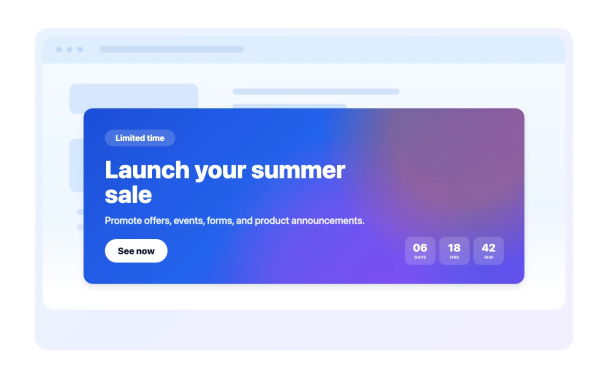
Choose Campaign-Ready Banner Styles
Start from simple, vertical, video, social, webinar, product, restaurant, travel, and holiday banner compositions, then customize the message and action.
Starter styles include:

Use Images, Videos, Colors, and Gradients
Set a solid color, gradient, image background, or YouTube/Vimeo video background. Control brightness, stretch behavior, gradient direction, and rounded corners.
Background controls include:

Add Buttons, Links, Coupons, Timers, and Forms
Guide visitors from announcement to action with CTA buttons, text links, full-banner links, coupon codes, countdown timers, separators, and email forms.
Action blocks include:

Control Layout, Sizing, Alignment, and Mobile Display
Choose vertical or horizontal layout, custom or full width, content alignment, padding, spacing, button width, desktop-only or mobile-only visibility, and mobile spacing overrides.
Layout controls include:
