Exit Intent Popup Widget for your website
Give visitors one more helpful reason to act before they leave. Use Jotform's no-code Exit Intent Popup widget to show targeted offers, coupon codes, lead forms, and reminders at the moment visitors move away from your page.
How to create a Exit Intent Popup widget
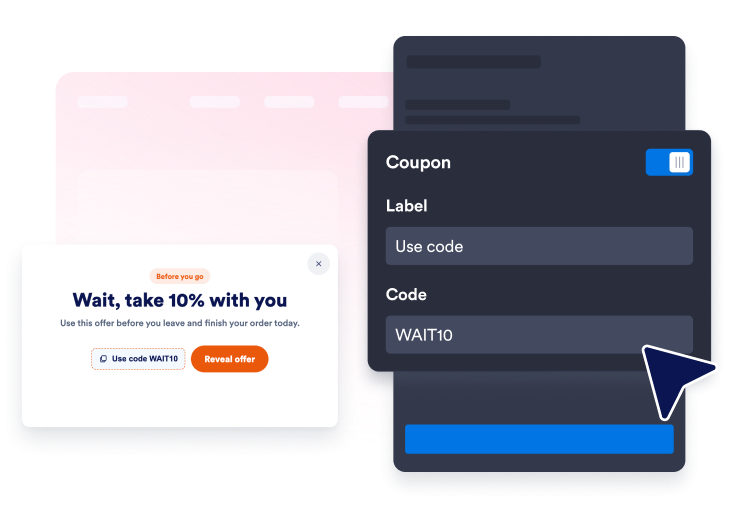
Create your exit offer
Add headline text, coupon details, a CTA, or a Jotform lead form for visitors who are about to leave.
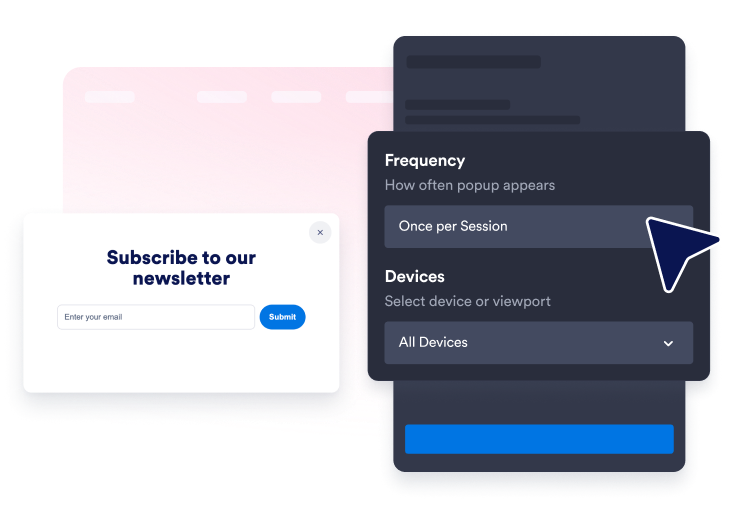
Customize display rules
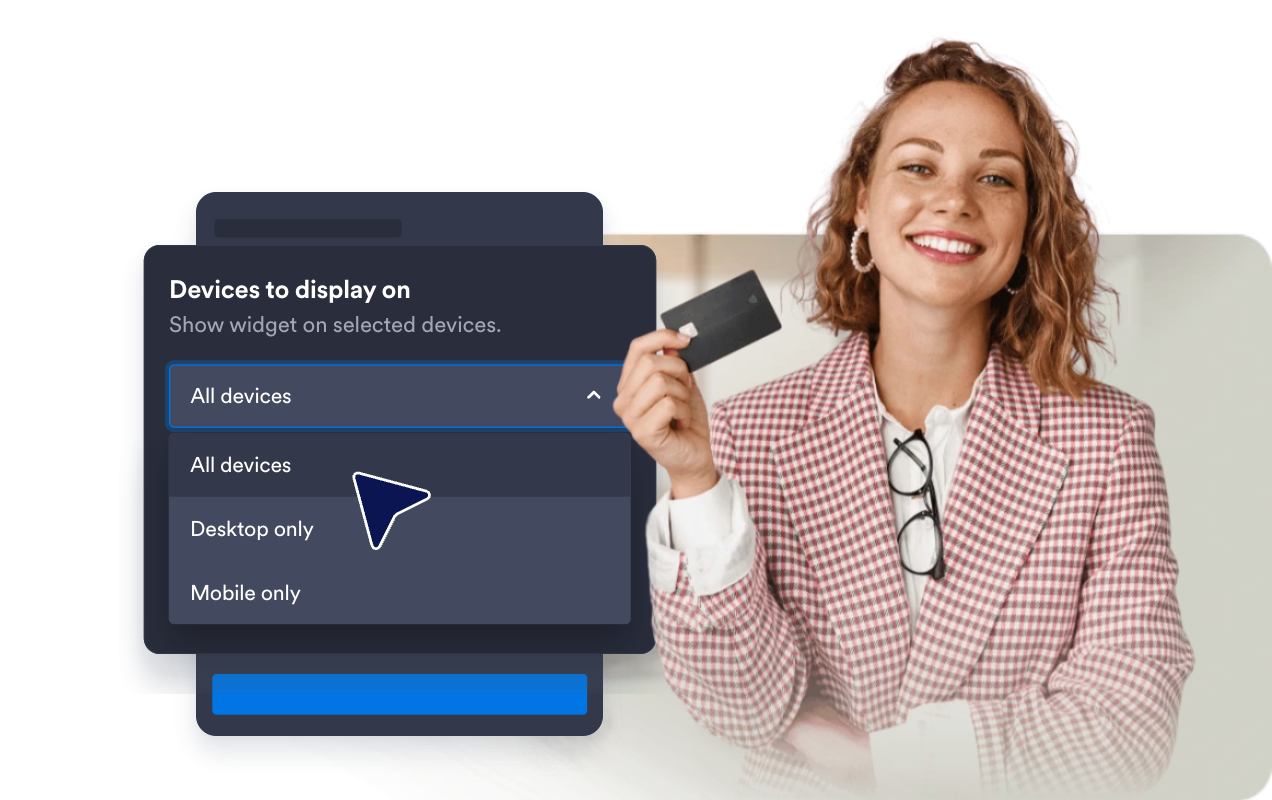
Keep the popup focused on exit intent while setting frequency, device visibility, page targeting, backdrop, and close behavior.
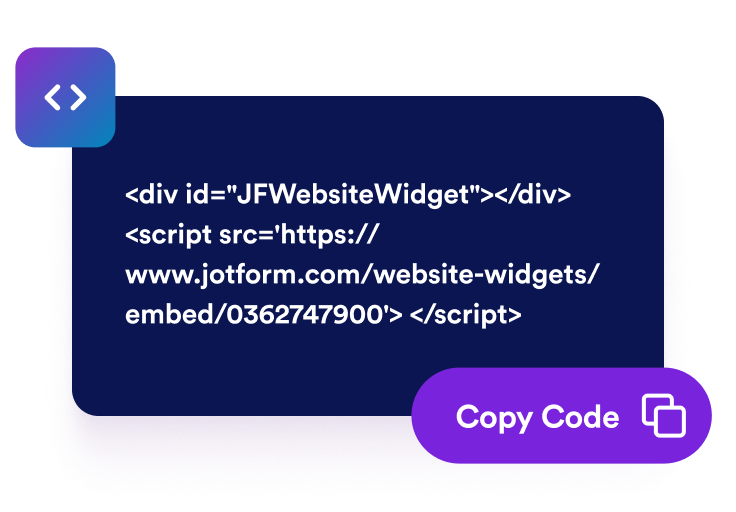
Embed it on your website
Preview the popup, copy the embed code, and publish it on the pages where a final prompt can help visitors take action.
Recover attention before visitors leave
Trigger offers at the exit moment
Show a focused modal when visitors signal they are about to leave, so coupons, reminders, and lead magnets appear at a more relevant moment.

Turn last-second interest into action
Add CTA buttons, text links, coupon codes, countdowns, or embedded Jotform forms to guide visitors toward checkout, signup, booking, or registration.
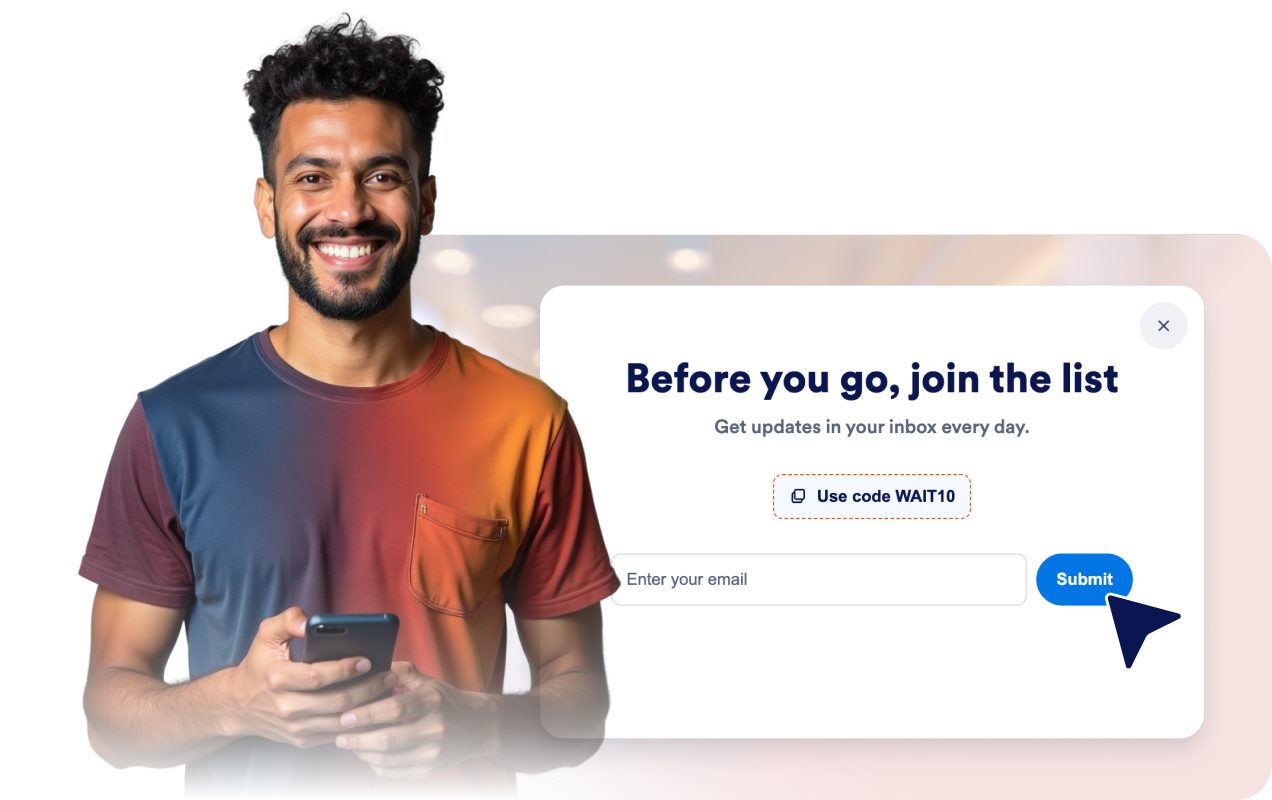
Match your popup to your brand
Adjust colors, backgrounds, rounded corners, spacing, media, button styles, close controls, and custom CSS so the popup fits your website.

Keep repeat visits controlled
Choose frequency caps, device display, page targeting, date scheduling, backdrop behavior, and a reopen button to keep the experience useful.
Why Jotform Website Widgets stand out
Jotform’s widgets make your website more interactive and increase conversions. There are many tools available, from star ratings and testimonial sliders to social proof popups and media embeds. Add widgets to your forms or landing pages to collect data, display proof, and capture leads — no coding required.
Add Jotform widgets to your website with a simple embed code. Customize the widget, preview how it looks, and paste it into any page that supports custom HTML or embed blocks, all without a developer.
Use Jotform Website Widgets to collect leads, show customer feedback, display social proof, embed media, or add helpful web page tools. Each widget helps visitors interact with your business directly from your website.
If you need help setting up, customizing, embedding, or troubleshooting your widget, Jotform’s customer support team is available 24-7. You can move forward with confidence, knowing that help is there when you need it.
Where to use your Exit Intent Popup widget
Use exit-intent popups on pages where a timely final message can help visitors subscribe, buy, book, or continue exploring.
Cart and checkout pages to offer a coupon or support prompt before shoppers abandon their order.
E-commerce product pages to highlight discounts, bundles, shipping offers, or limited-stock reminders.
Lead generation landing pages to offer a consultation, quote request, checklist, or downloadable guide.
Newsletter and content pages to invite visitors to subscribe before leaving an article or resource page.
Event and webinar pages to remind visitors about deadlines, seats, or registration benefits.
Pricing and comparison pages to answer hesitation with a final CTA, coupon, or contact option.
Convert leads into paying customers with the Jotform Form Builder
Turn engagement into action with Jotform. Create powerful forms that capture leads, collect payments, and automate responses, all in one place. Every submission lands in your Jotform Inbox, where you can follow up or connect with your favorite apps.
Get Started — It’s Free!
FAQ
What is an Exit Intent Popup widget?
An Exit Intent Popup widget is an embeddable website popup that appears when visitors show signs of leaving a page. It can promote offers, collect leads, share coupons, and guide visitors to forms or links.
How does the exit-intent trigger work?
Can I add a coupon code?
Can I collect leads with a form?
Can I control how often the popup appears?
Can I limit where the popup appears?
Does it work on mobile?
Do I need to code anything?