Glossary Widget for your website
Help visitors understand specialized terms with a searchable glossary you can customize without code. Add term-and-definition pairs, enable A–Z filters, choose list or accordion layouts, and match your brand styling.
How to create a Glossary widget
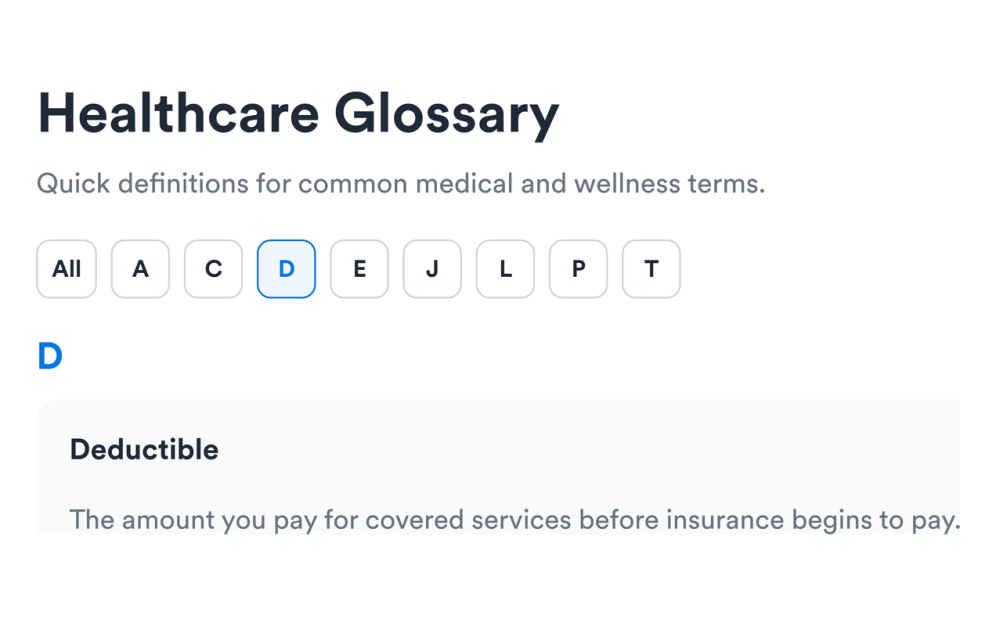
Add your terms
Create term and definition pairs, reorder entries, and build a glossary tailored to your industry or audience.
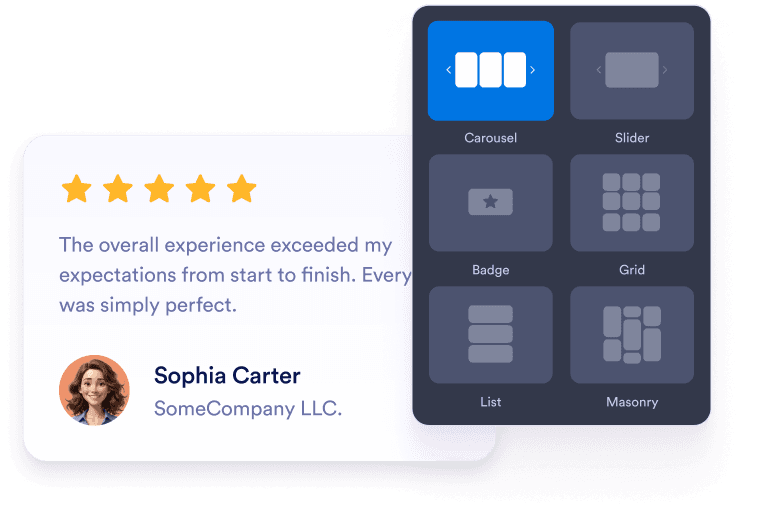
Customize layout and filters
Turn on search and alphabetical filters, choose list or accordion layouts, and adjust colors, spacing, and accents.
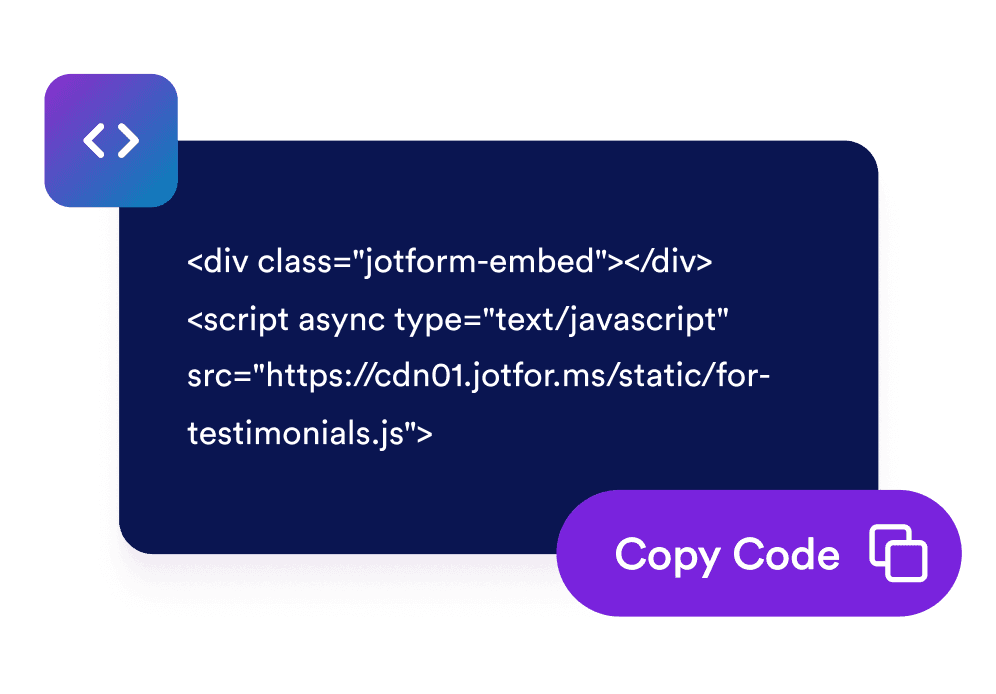
Embed it on your website
Preview the glossary, copy the embed code, and place it on help pages, product docs, courses, or any page with complex terminology.
Make complex language easier to understand
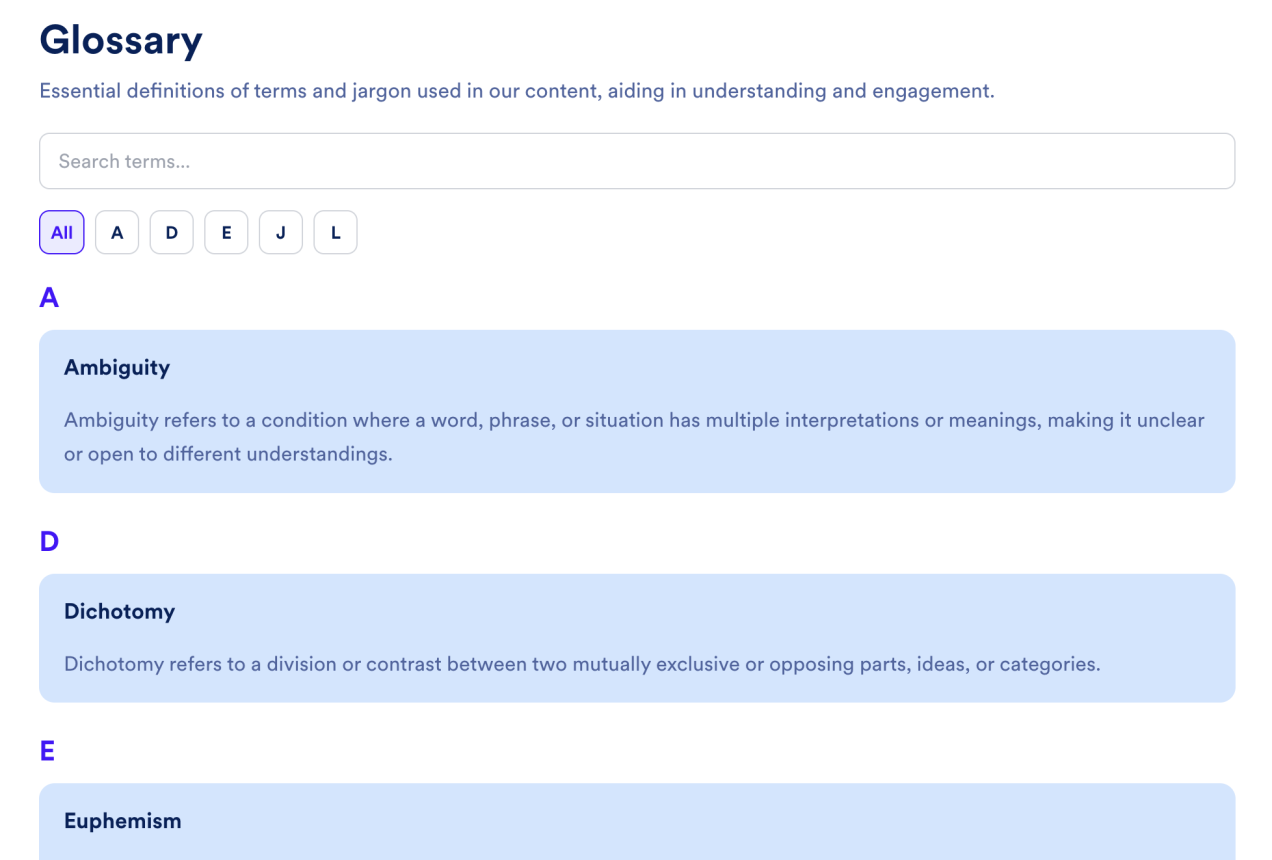
Search terms instantly
Let visitors filter the glossary by keyword across term names and definitions so they can find the right entry without scrolling through every row.
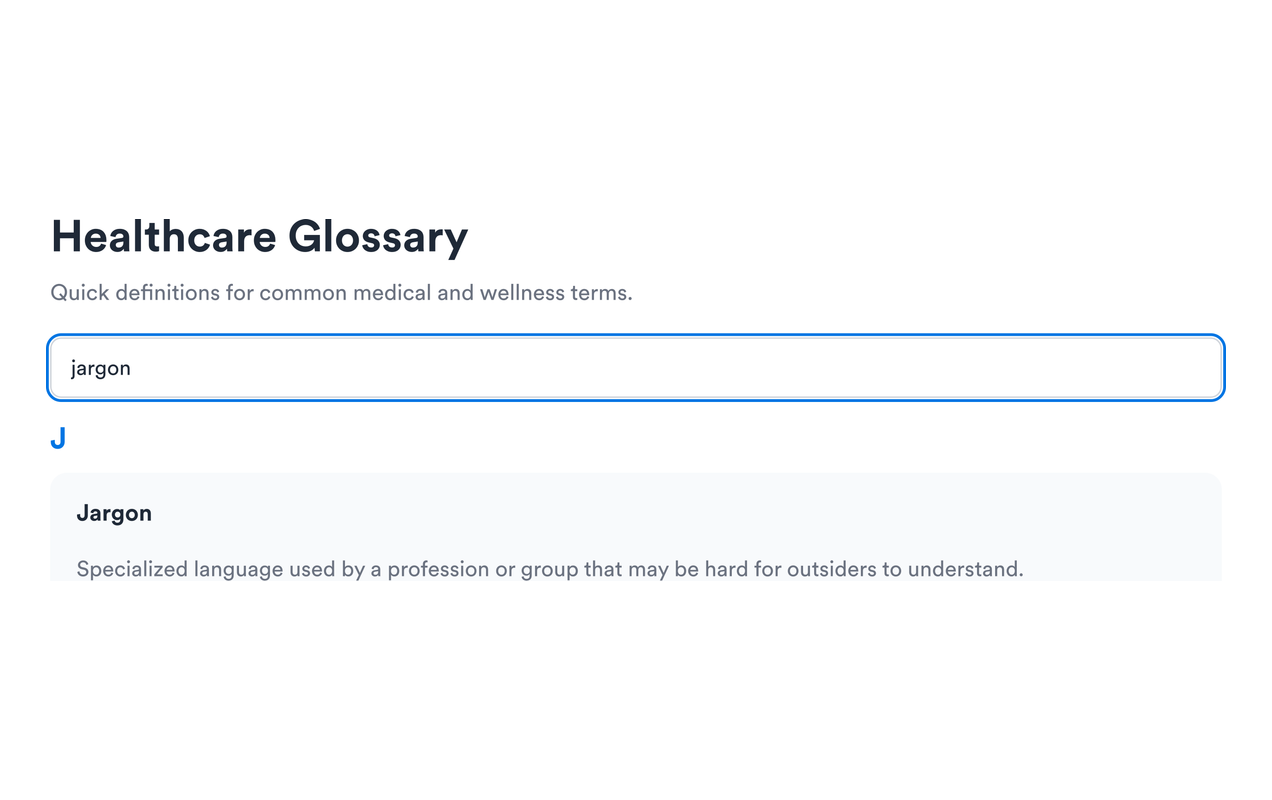
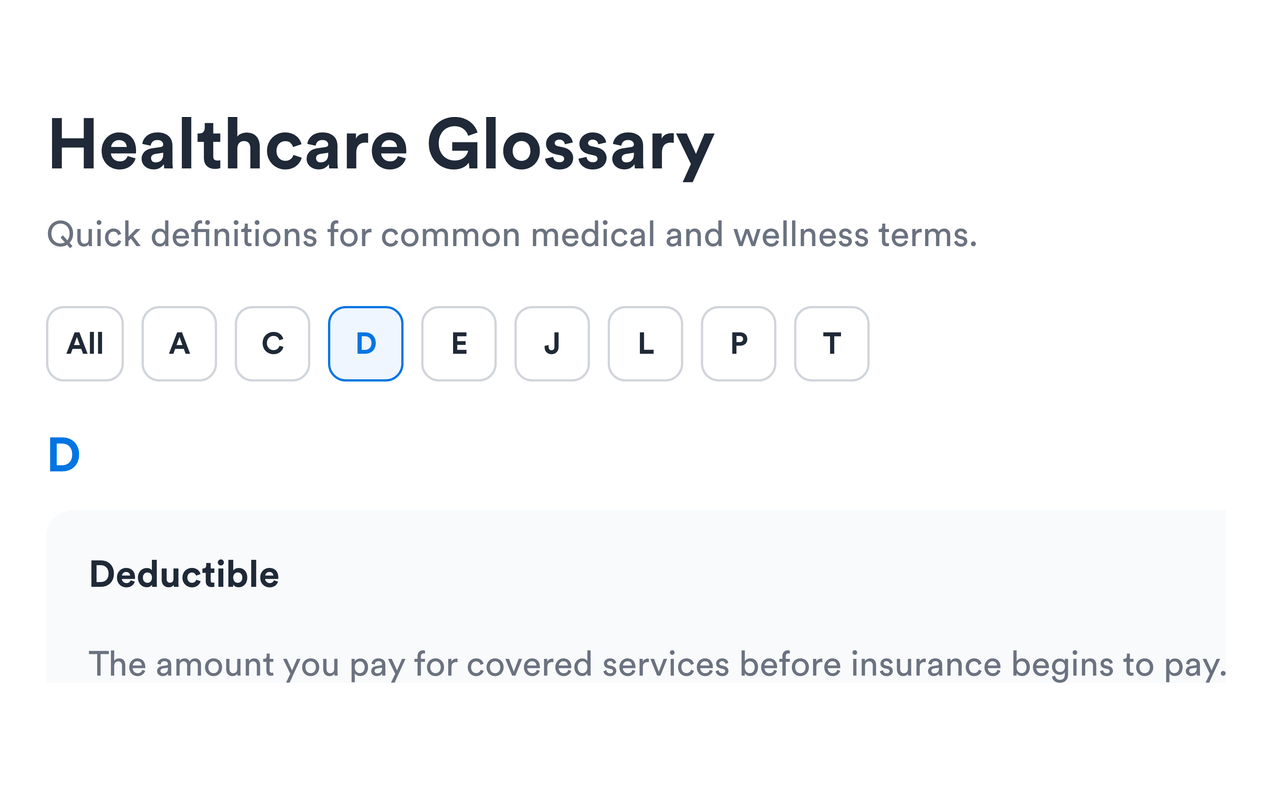
Browse with A–Z filters
Group terms alphabetically and add letter filters so longer glossaries stay easy to scan and navigate.
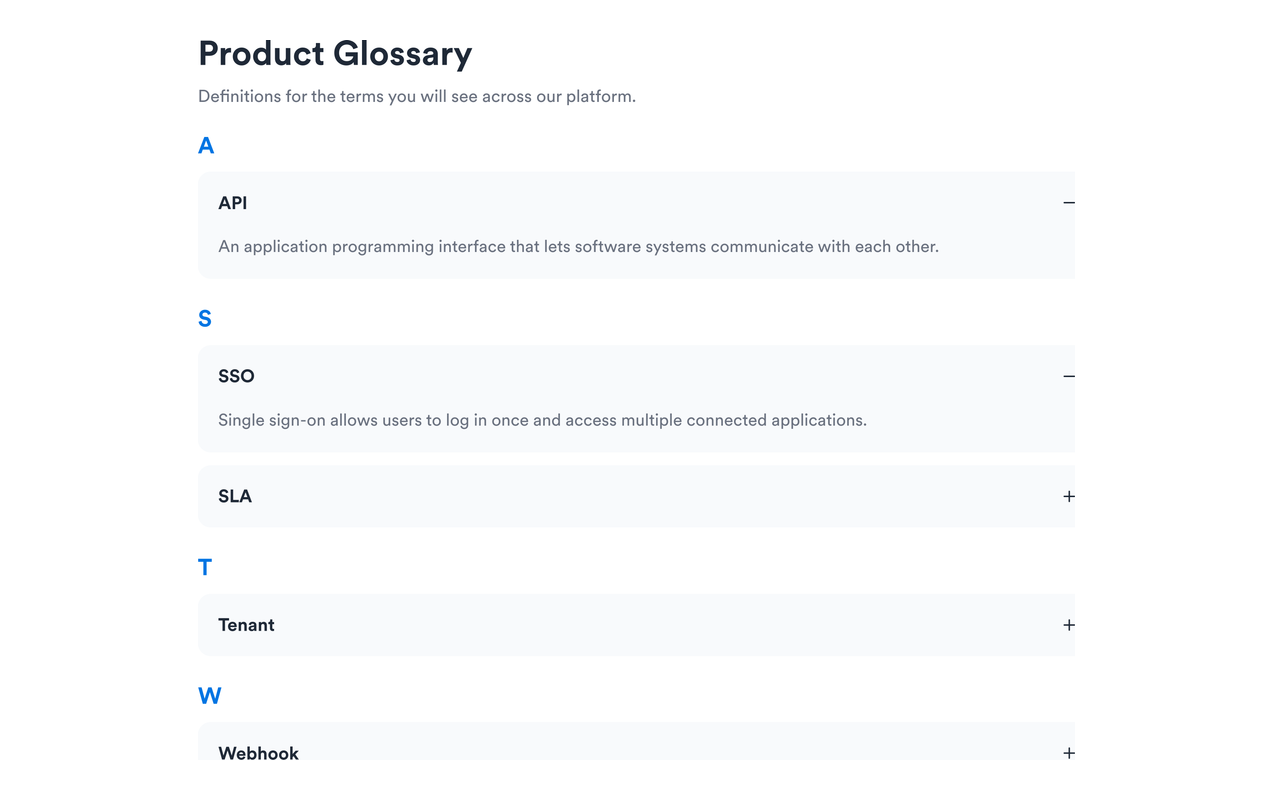
Choose list or accordion layouts
Show definitions in an always-visible list or use accordion rows when you want a more compact glossary section on the page.
Match your website style
Customize section backgrounds, term colors, definition colors, accents, card treatments, pagination, and optional scoped custom CSS.
Why Jotform Website Widgets stand out
Jotform’s widgets make your website more interactive and increase conversions. There are many tools available, from star ratings and testimonial sliders to social proof popups and media embeds. Add widgets to your forms or landing pages to collect data, display proof, and capture leads — no coding required.
Add Jotform widgets to your website with a simple embed code. Customize the widget, preview how it looks, and paste it into any page that supports custom HTML or embed blocks, all without a developer.
Use Jotform Website Widgets to collect leads, show customer feedback, display social proof, embed media, or add helpful web page tools. Each widget helps visitors interact with your business directly from your website.
If you need help setting up, customizing, embedding, or troubleshooting your widget, Jotform’s customer support team is available 24-7. You can move forward with confidence, knowing that help is there when you need it.
Where to use your Glossary widget
Add a glossary anywhere clear definitions can improve comprehension, reduce support questions, and build trust with visitors.
Help centers to explain product, policy, and support terminology in one searchable place.
Course and training pages to define lesson vocabulary, acronyms, and industry jargon.
Healthcare and compliance pages to clarify specialized terms without sending visitors elsewhere.
SaaS and product docs to demystify feature names, billing terms, and technical language.
Research and publishing sites to give readers quick access to definitions while they browse.
Community and membership pages to onboard new members with a shared vocabulary reference.
Convert leads into paying customers with the Jotform Form Builder
Turn engagement into action with Jotform. Create powerful forms that capture leads, collect payments, and automate responses, all in one place. Every submission lands in your Jotform Inbox, where you can follow up or connect with your favorite apps.
Get Started — It’s Free!
FAQ
What is a Glossary widget?
A Glossary widget is an embeddable definition list for your website. It helps visitors understand specialized terms without leaving the page.
Can I add as many terms as I need?
Does the glossary include search?
Can visitors browse by letter?
What layouts are available?
Can I customize the design?
Do I need to write code?
Can I paginate long glossaries?
Will it work on mobile?