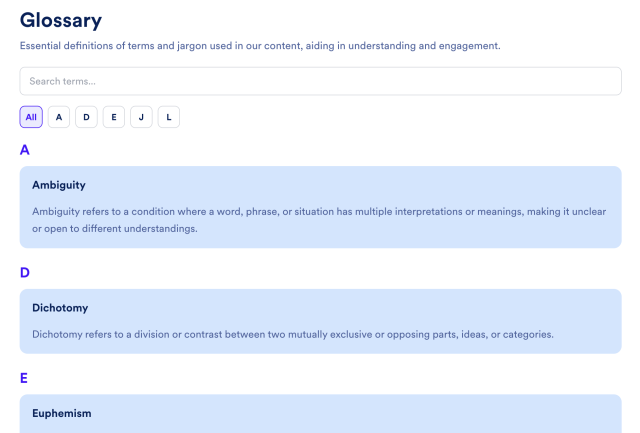
Glossary Widget
Create a Searchable Glossary for Your Website
Improve user experience, explain key terminology, and create SEO-friendly content that helps visitors find answers faster. Fully customizable.
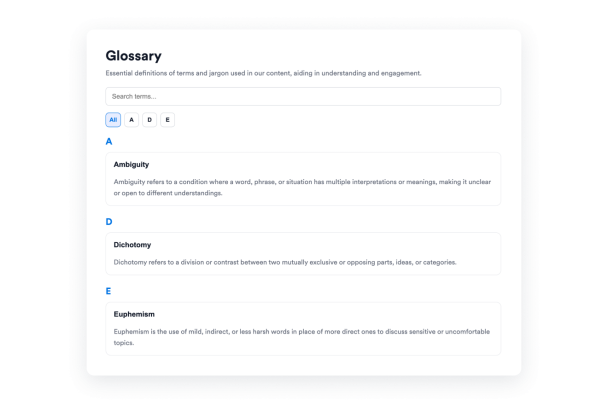

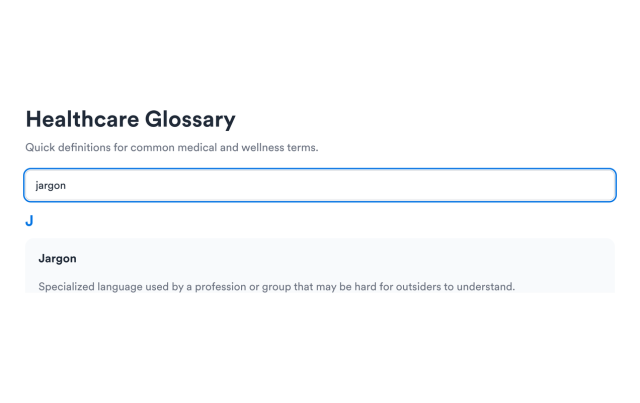
Search Terms and Definitions
Enable keyword search so visitors can filter across term names and definition text without scanning the full glossary.
Search supports:
Term textDefinition textNo-match stateLive filtering
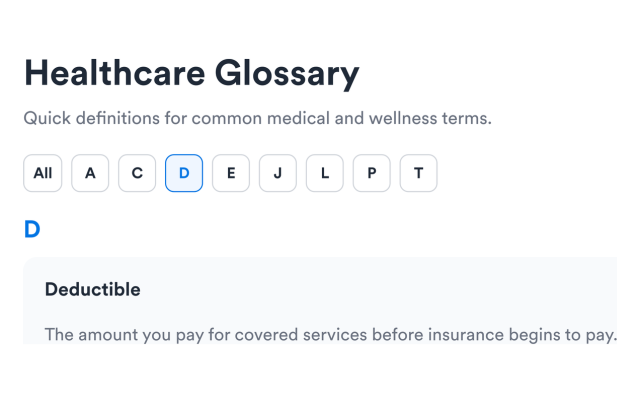
Navigate With A–Z Filters
Group entries alphabetically and let visitors jump to a letter group or browse only the letters that contain terms.
Filter options include:
Letter groupsUsed letters onlyFull alphabetAll letters view
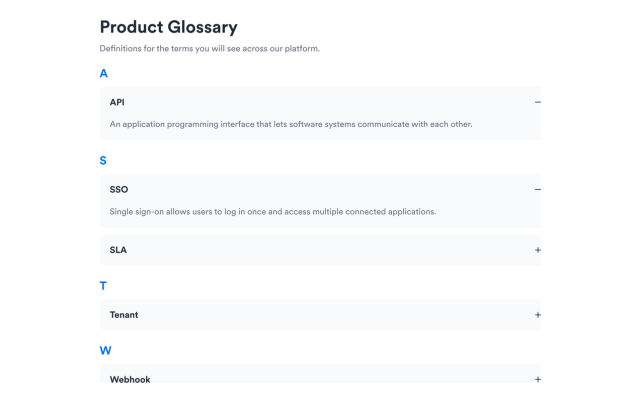
Choose List or Accordion Layouts
Use a list when definitions should stay visible, or switch to accordion rows for a more compact glossary section.
Layout options include:
ListAccordionPlus / minus iconsMultiple open terms
Style the Glossary to Match Your Brand
Adjust section backgrounds, term colors, definition colors, accents, card treatments, and optional scoped custom CSS.
Style controls include:
Section backgroundTerm colorsAccent colorsCustom CSS