AI Review Response Generator

Give every review a thoughtful reply. Paste customer feedback, choose your tone, and get three AI-written responses you can edit and copy.

Write your review response

Your review responses will appear here

Generate three drafts, make them your own, and copy the reply that fits.

AI Review Response Generator

Try now

How to generate a review response

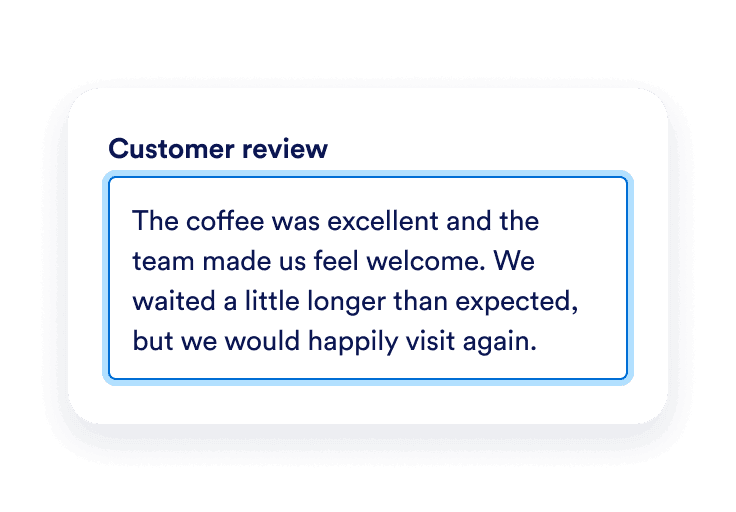
A five-star customer review praising the coffee and friendly service copied into the Customer review field.

Paste a customer review

Copy the feedback you want to reply to. Add your business name if you want it included, and leave out private customer details.
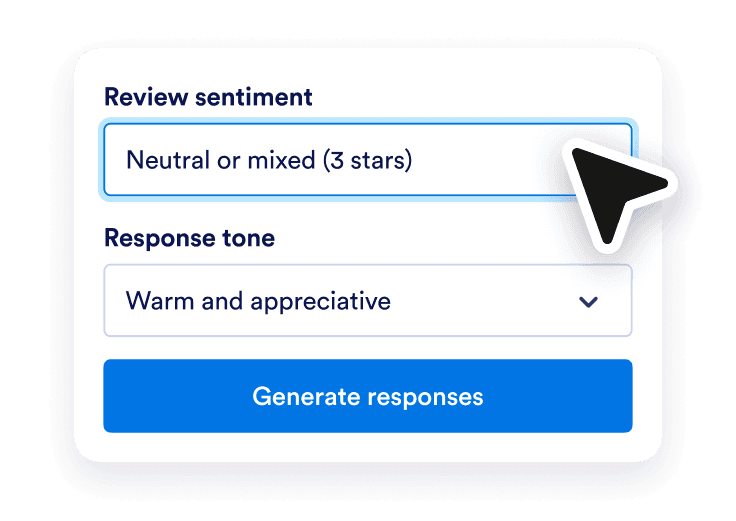
Positive review sentiment and a warm and appreciative response tone selected above the Generate responses button.

Choose the sentiment and tone

Select positive, mixed, or negative feedback. Choose a professional, warm, empathetic, or concise voice to guide your draft.
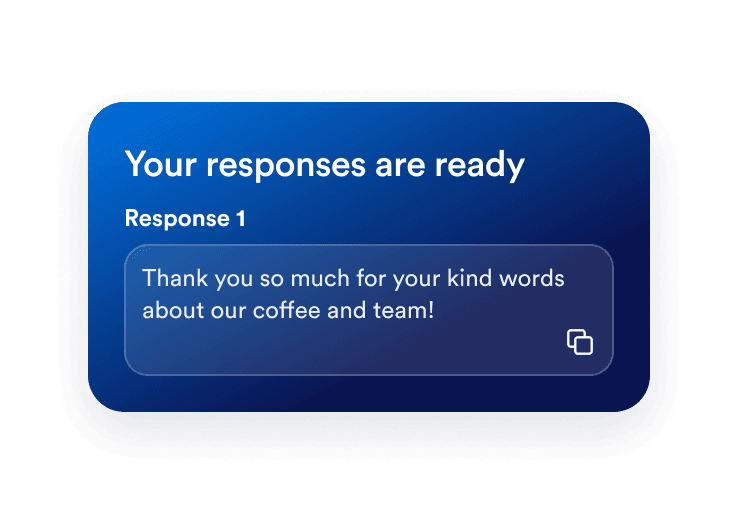
An editable review response thanking a customer, with a green Copied confirmation and two alternative drafts behind it.

Edit and copy your reply

Compare three response options, personalize your favorite, and copy it. Publish the reply yourself on the platform where the review was left.

Thoughtful replies start with the right words

Respond to the details that matter

Start with a draft based on what your customer actually wrote. Acknowledge a compliment, address a concern, or recognize both sides of a mixed review without starting from a blank page.
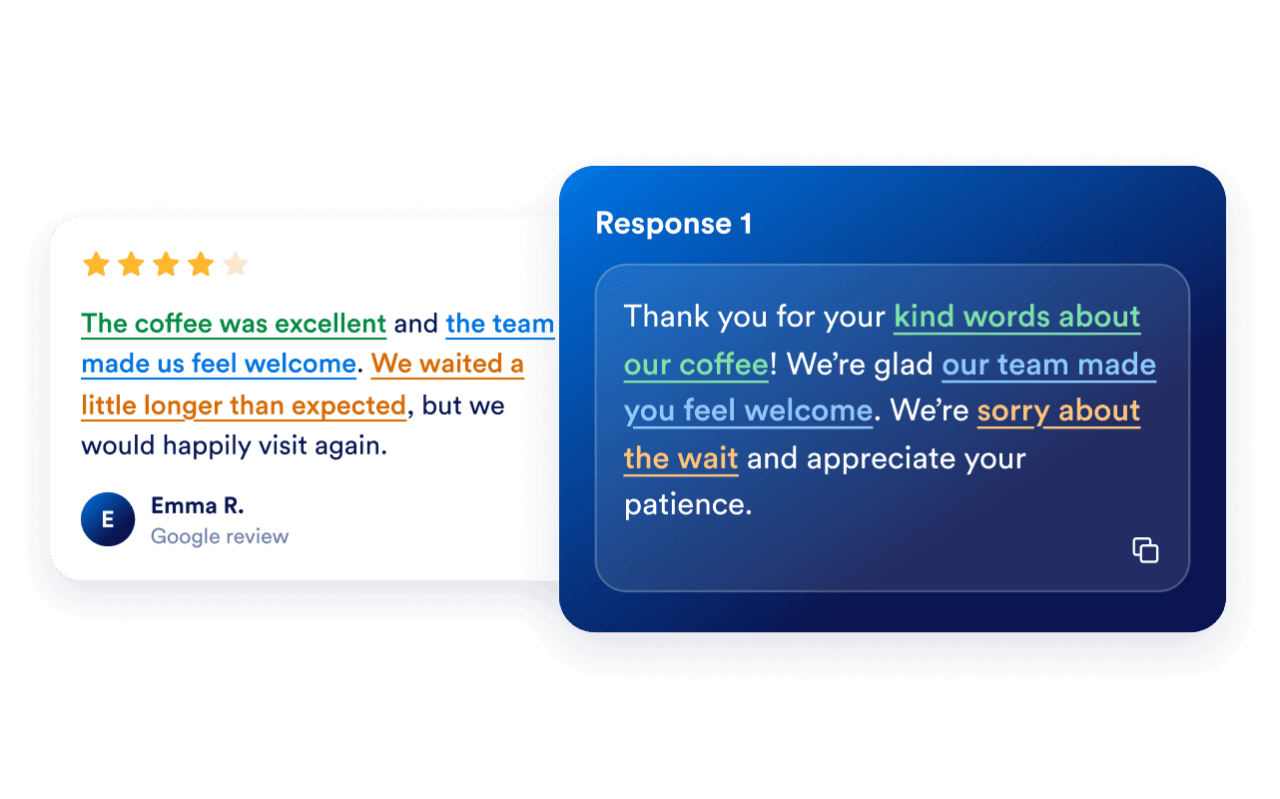
A customer review about friendly service beside a personalized business reply acknowledging the feedback.

Find a voice that fits your business

Choose a tone that suits the conversation. Thank a happy customer warmly, keep a response brief, or take an empathetic approach to a complaint. Review the wording to make sure it sounds like you.
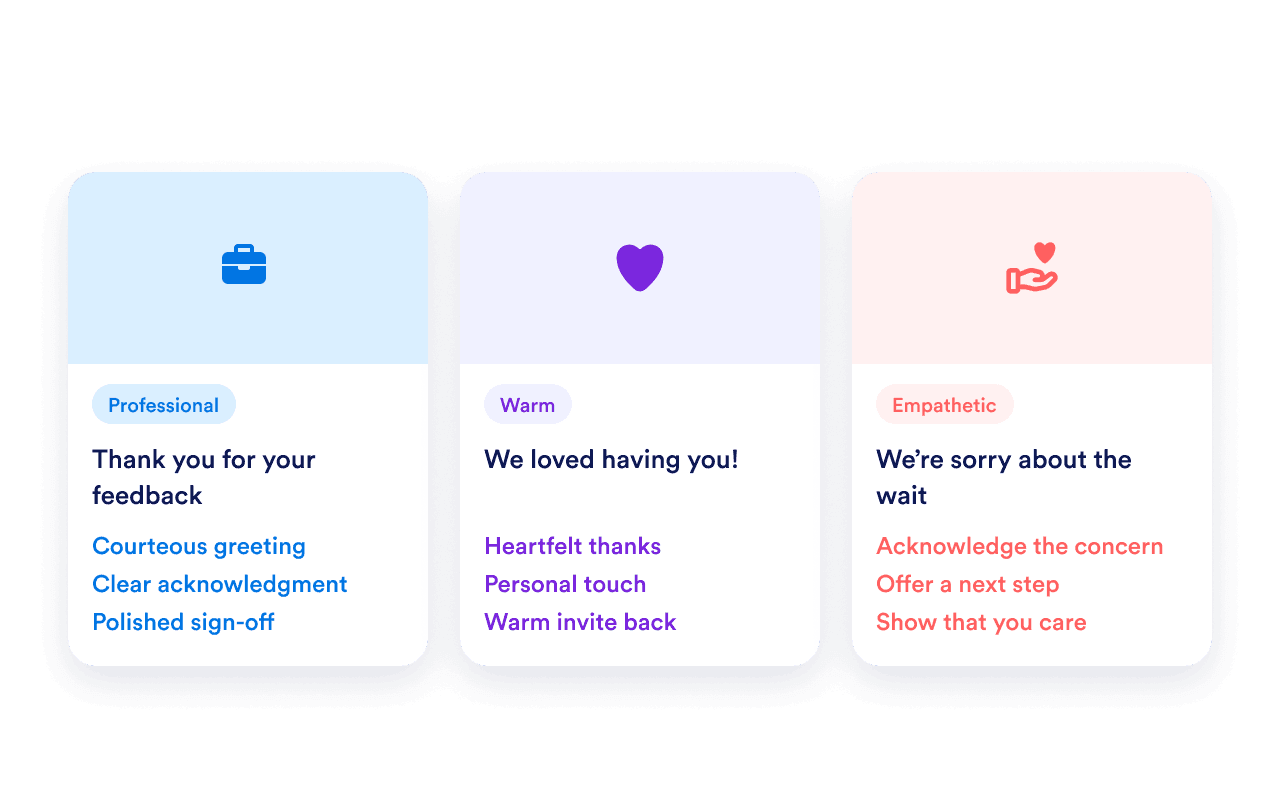
Professional, warm, and empathetic tone choices surrounding a review response draft.

Make the final reply your own

Three editable options give you a starting point, not a script you have to follow. Add accurate context, remove anything that does not fit, and copy the version you are ready to share.
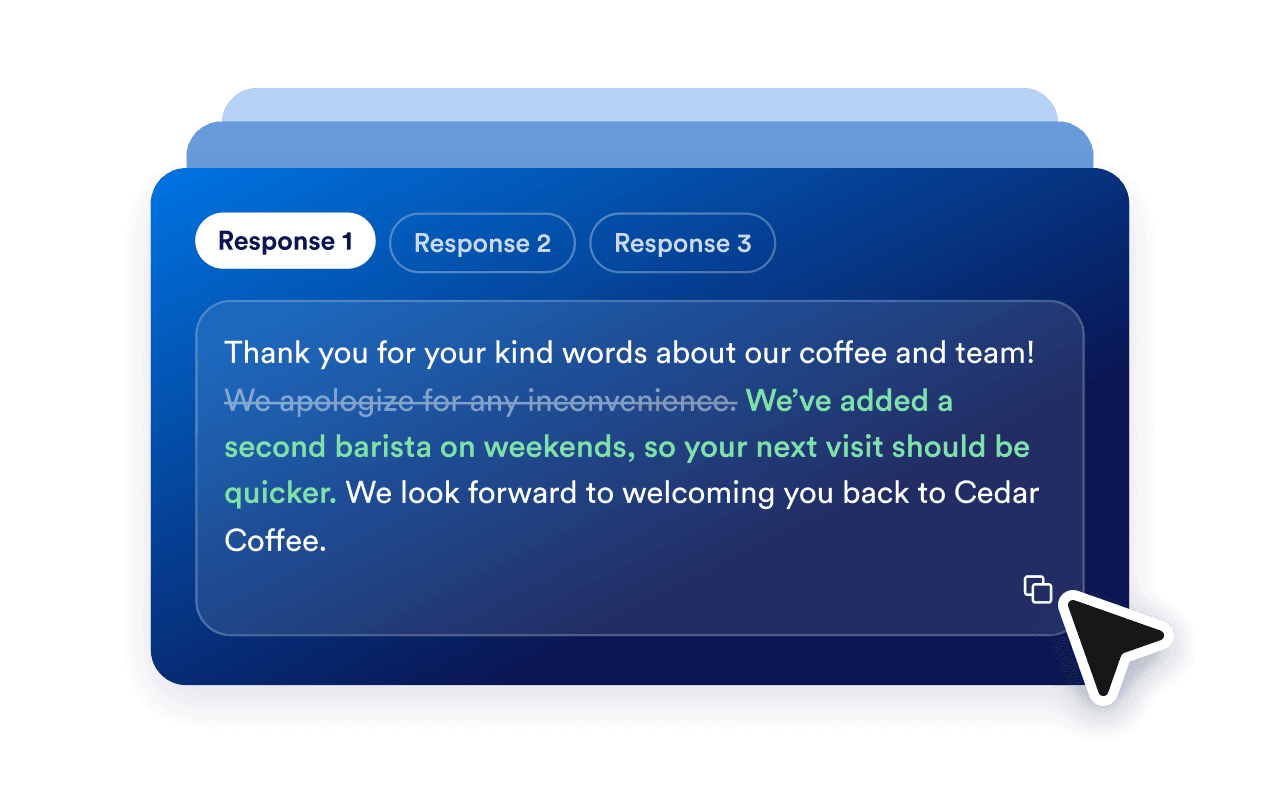
Three review response cards with one edited reply selected and copied.

Bring customer reviews to your website

Let visitors explore your customer feedback with Jotform’s Google Reviews Widget. Choose a layout, customize its look, and embed it on your site.

Frequently Asked Questions

  • What is an AI review response generator?

    An AI review response generator drafts replies to customer feedback. Paste a review, optionally add your business name, and choose the sentiment and tone. Jotform generates three options you can edit and copy.

  • Is the Review Response Generator free?

  • Can I respond to negative or mixed reviews?

  • Does this tool post replies to Google automatically?

  • Can I edit a response before copying it?

  • Can I use it for reviews from other platforms?

  • Which language will the responses use?

  • What information should I include?

  • How can I invite more customers to leave a review?

  • How can I display Google reviews on my website?