Review Sentiment Analysis

Understand what your customers are saying. Paste a review to explore its sentiment, tone, and key topics, then use an editable reply as a starting point for your response.

Analyze your customer review

Your review analysis will appear here

Explore the sentiment, tone, and topics behind your customer’s words.

Review Sentiment Analysis

Try now

How to analyze a customer review

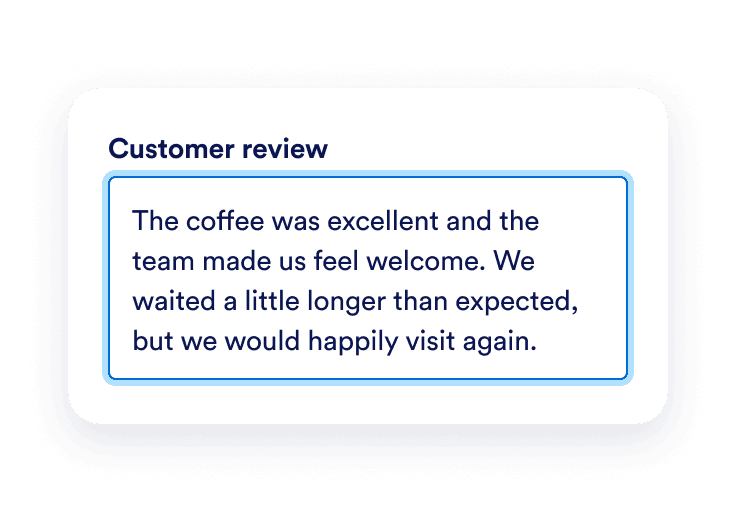
A customer review praises the coffee and staff while mentioning a long wait.

Paste the review

Copy one customer review into the text box. Include the full feedback so the analysis can consider praise, concerns, and context together. Leave out personal or sensitive details.
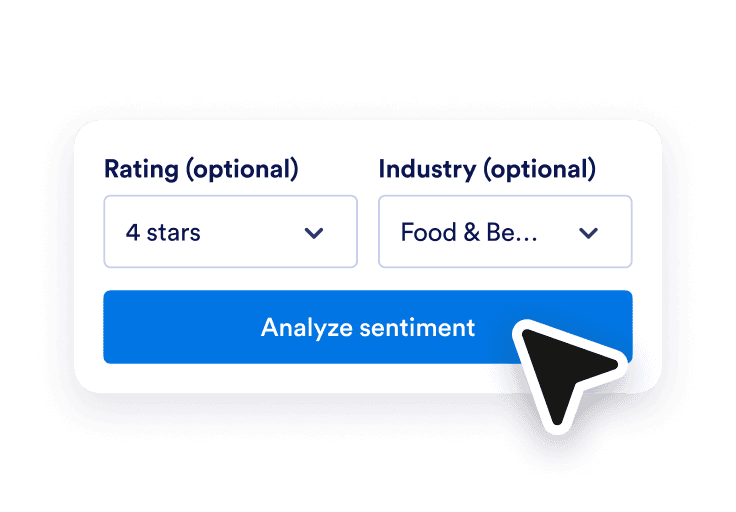
An optional four-star rating and Food and Beverage industry selected for a review.

Add context if you have it

Optionally choose the original star rating and the business industry. These provide context; the analysis still assesses the words in the review rather than assigning sentiment from stars alone.
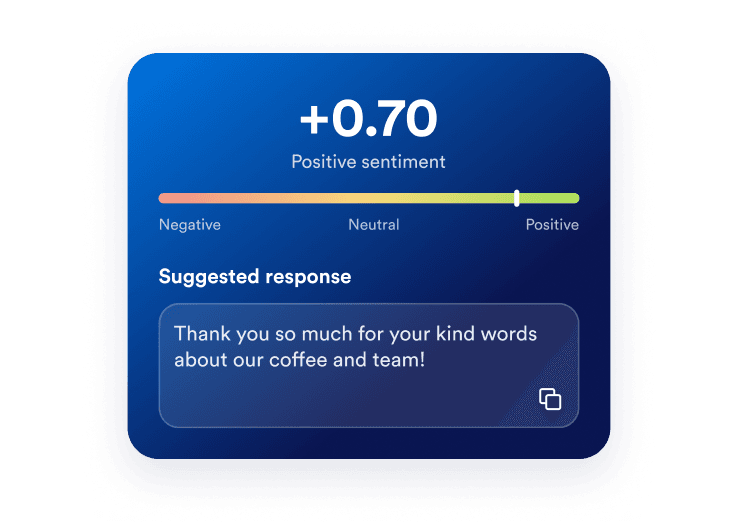
A positive sentiment score of +0.70 appears above an editable suggested response and a copy button.

Explore the analysis and draft

Read the sentiment score, interpretation, tone, and topic breakdown. Edit the suggested owner reply and copy it when it reflects what you want to say.

Turn individual feedback into a clearer next step

Look beyond the star rating

A high rating can still include a concern, and a low rating can include praise. Review the text-based interpretation to understand both sides before deciding how to respond. Learn more about customer sentiment and what it reveals about customers’ feelings toward your business.
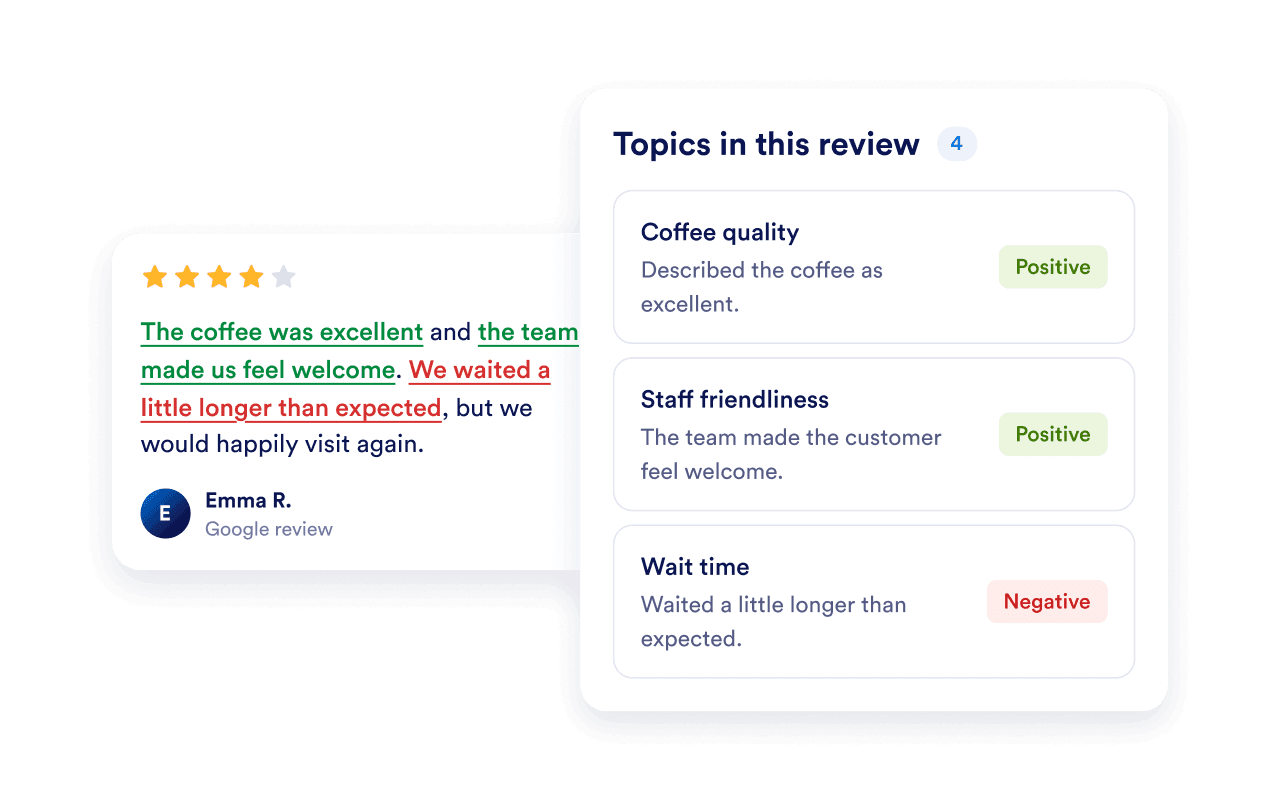
Positive feedback about coffee and service appears beside a concern about waiting time.

See the details behind the overall tone

Explore topic-level sentiment so a positive overall review does not hide a specific complaint. The tool names aspects mentioned in the review and explains how the reviewer describes them. Learn how customer experience automation can help your team act on those complaints and follow up with customers.
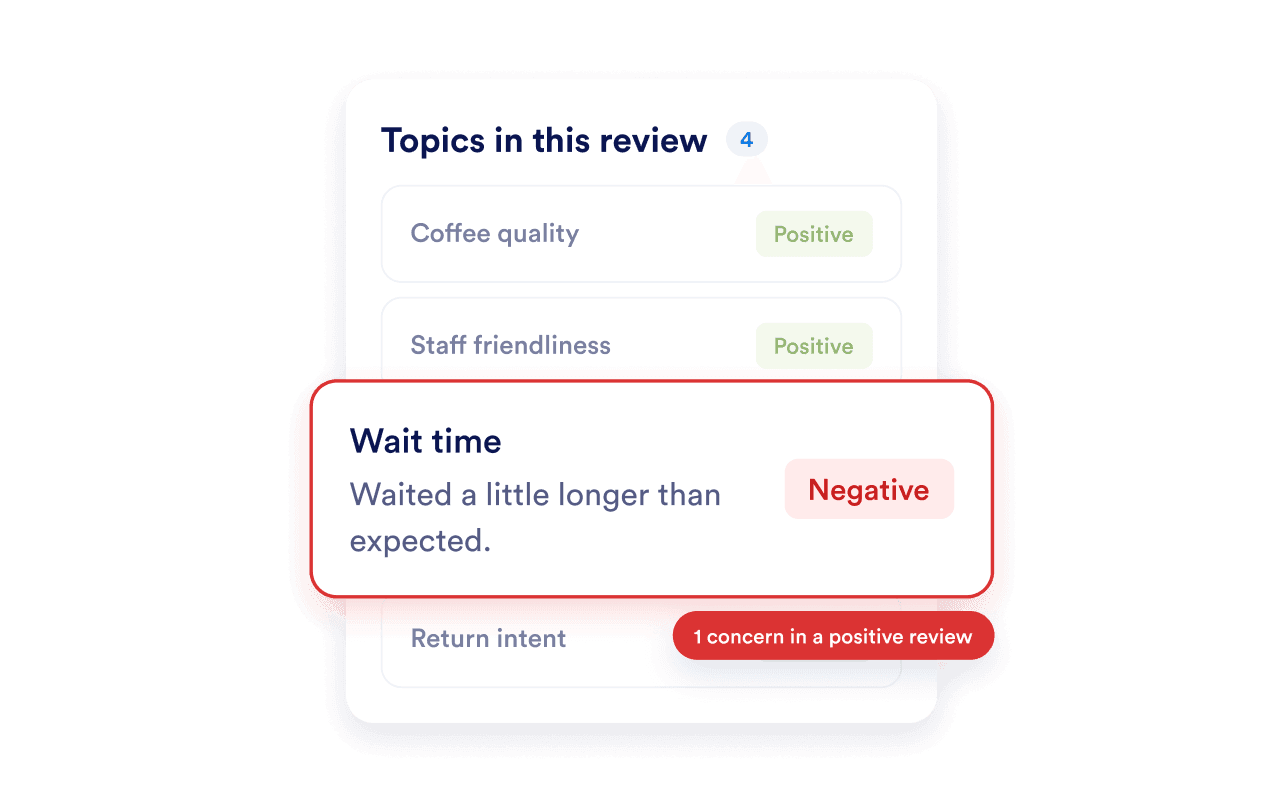
Coffee, service, and waiting time shown as separate topics with their own sentiment labels.

Connect understanding with a thoughtful response

Use the suggested reply as a draft, check its details, and make it your own. For more reply options, try Jotform’s AI Review Response Generator. Then showcase customer feedback with the Google Reviews Widget.
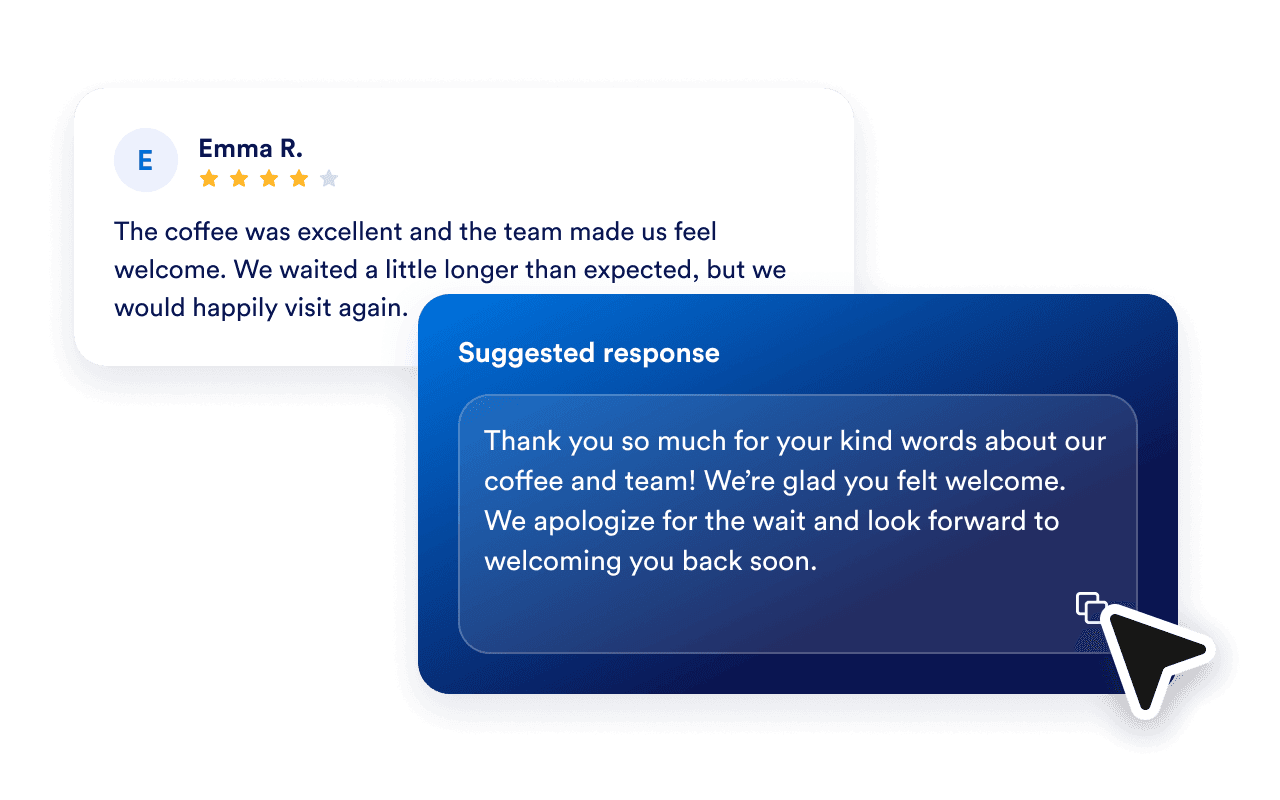
A four-star customer review appears beside a suggested response that thanks the customer and acknowledges the wait, with a copy button.

Bring your customers’ experiences to your website

Help visitors learn about your business through customer feedback. Customize Jotform’s Google Reviews Widget and embed reviews in a layout that fits your website.

Frequently Asked Questions

  • What does the Review Sentiment Analysis tool do?

    It analyzes one customer review and returns a sentiment score, a brief interpretation, detected tones, topics with their own sentiment, and a suggested owner reply. It does not connect to a review account or post a response.

  • How do I read the sentiment score?

  • Can a positive review include negative topics?

  • Does the star rating determine the result?

  • Why should I choose an industry?

  • How accurate is AI sentiment analysis?

  • Can I analyze reviews in other languages?

  • Can I analyze multiple reviews or track trends?

  • Which review platforms can I use?

  • What happens to the review text?

  • Can I edit and copy the suggested response?

  • How can I display Google reviews on my website?