Grid Widget for your website
Build a flexible content grid with image, video, icon, and text cards. Choose a grid, list, or masonry layout, then adjust columns, spacing, media ratio, links, buttons, colors, and branding without code.
How to create a Grid widget
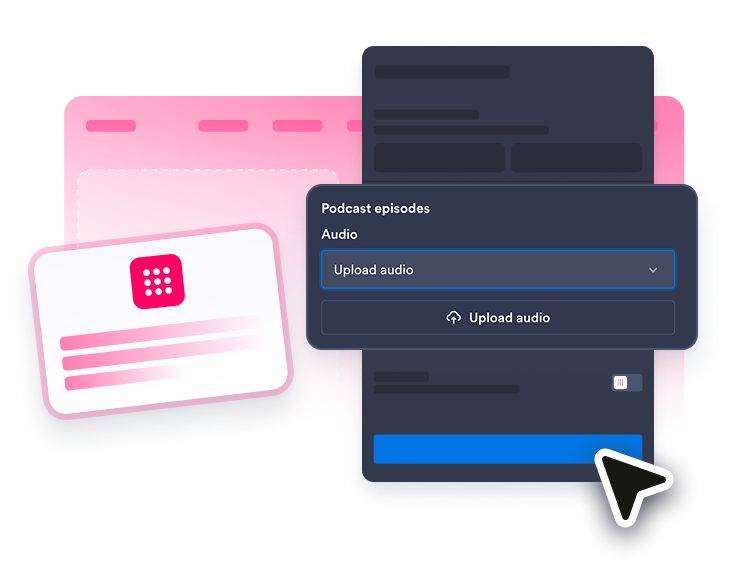
Add your grid items
Create image, video, icon, or text cards with titles, descriptions, links, badges, and optional buttons.
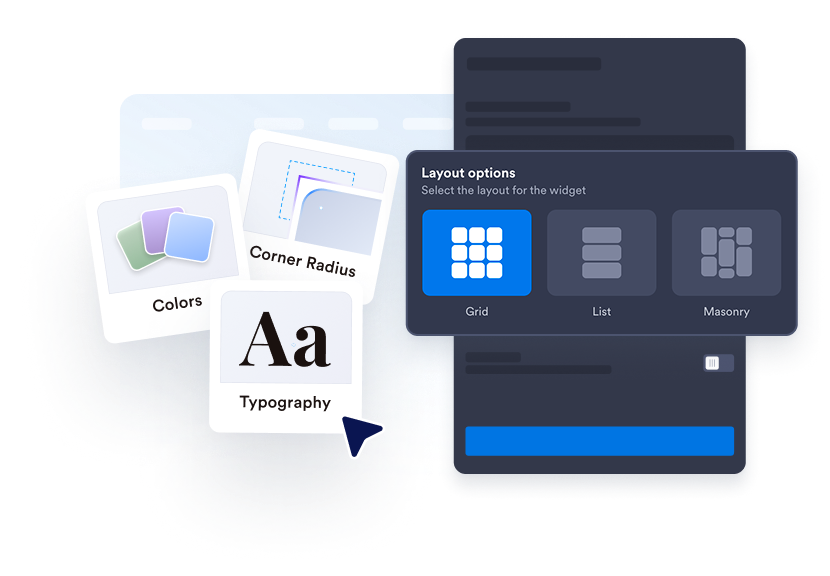
Choose the layout and spacing
Pick grid, list, or masonry, then set the width, columns, spacing, and media ratio that fit your page.
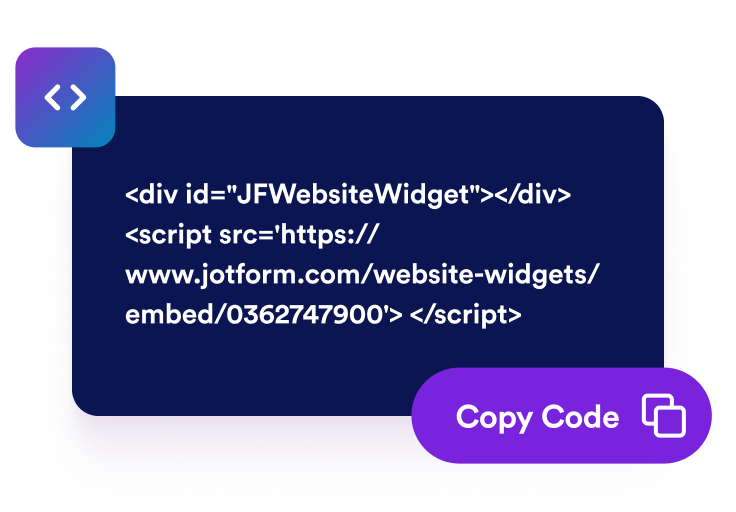
Style and embed it
Customize card corners, borders, text colors, and branding, then copy the embed code onto your website.
Turn mixed content into a clean, scannable website section
Create mixed-media grid cards
Group images, videos, icons, and text updates in one widget so product highlights, resources, campaigns, and announcements stay easy to scan.
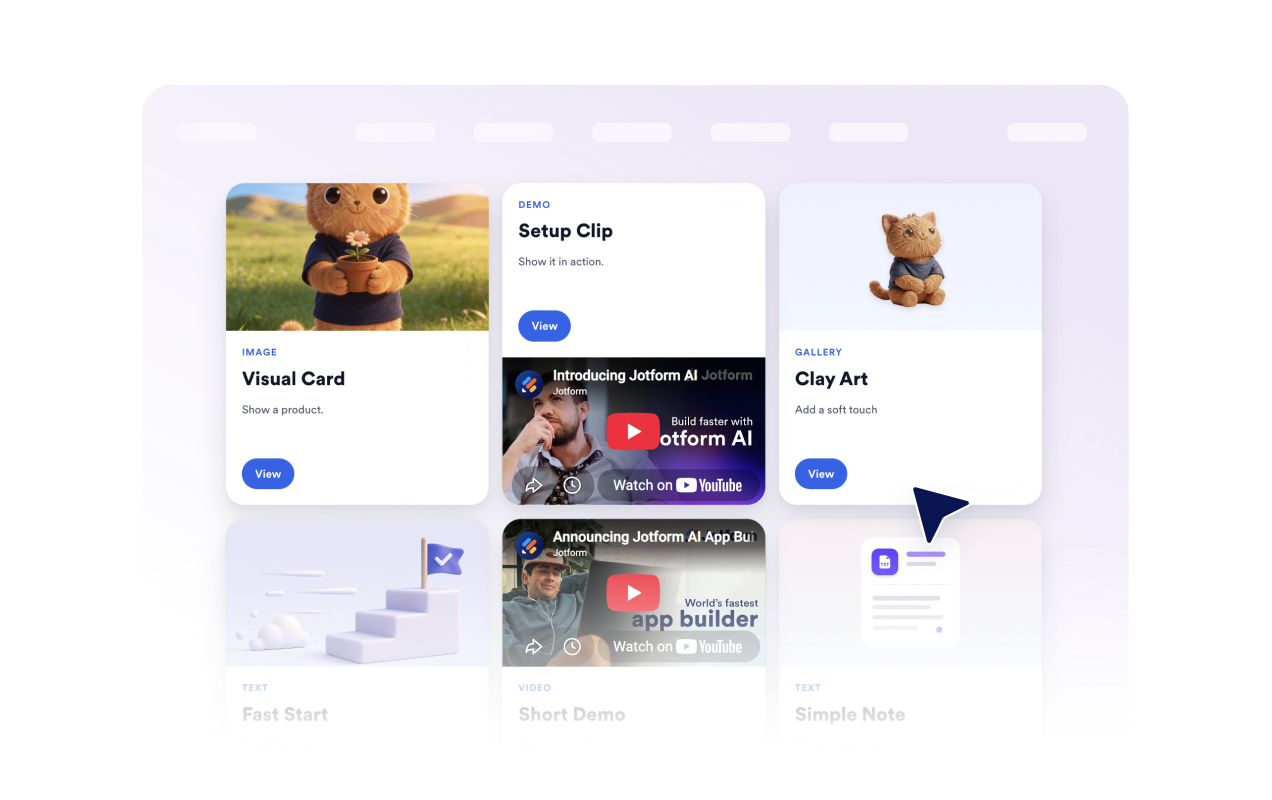
Choose the right page layout
Use a balanced grid for visual cards, a masonry layout for mixed card heights, or a list layout when visitors need denser copy and faster scanning.

Move, reorder, and resize grid items
Arrange cards in the builder by moving important items into stronger positions, reordering sections, and resizing blocks for the composition you need.

Match your website style
Adjust card corners, borders, title colors, body text colors, text sizes, and Jotform branding visibility so the grid feels native to the page.

Why Jotform Website Widgets stand out
Jotform’s widgets make your website more interactive and increase conversions. There are many tools available, from star ratings and testimonial sliders to social proof popups and media embeds. Add widgets to your forms or landing pages to collect data, display proof, and capture leads — no coding required.
Add Jotform widgets to your website with a simple embed code. Customize the widget, preview how it looks, and paste it into any page that supports custom HTML or embed blocks, all without a developer.
Use Jotform Website Widgets to collect leads, show customer feedback, display social proof, embed media, or add helpful web page tools. Each widget helps visitors interact with your business directly from your website.
If you need help setting up, customizing, embedding, or troubleshooting your widget, Jotform’s customer support team is available 24-7. You can move forward with confidence, knowing that help is there when you need it.
Where to use your Grid widget
Use a Grid widget anywhere your website needs structured cards, media, links, and calls to action in one flexible section.
Homepages to highlight campaigns, featured collections, product updates, or resource hubs in one polished block
Product pages to group feature cards, launch videos, documentation links, and supporting calls to action around one topic
Resource centers to organize guides, tutorials, downloads, videos, and quick links into a cleaner browsing experience
Editorial pages to surface mixed-media stories, curated picks, or campaign content without custom development
Landing pages to keep supporting content compact while giving visitors clear paths to deeper pages
Internal portals to present team updates, materials, announcements, and shortcuts in a flexible card layout
Convert leads into paying customers with the Jotform Form Builder
Turn engagement into action with Jotform. Create powerful forms that capture leads, collect payments, and automate responses, all in one place. Every submission lands in your Jotform Inbox, where you can follow up or connect with your favorite apps.
Get Started — It’s Free!
FAQ
What is a Grid widget?
A Grid widget lets you display image, video, icon, and text cards on your website in grid, list, or masonry layouts.
What can I add to each grid item?
Which layouts does the Grid widget support?
Can I control columns and spacing?
Can I move, reorder, or resize grid items?
Can I add links and buttons?
Can I customize the design?
Does the Grid widget support videos?
Is the Grid widget responsive?