Grid
Create a Grid Widget for Your Website
Build one flexible widget for featured content, media collections, launch highlights, and curated resources. Add cards, arrange items, choose a layout, and adjust spacing, colors, text, and card styling in a no-code builder.


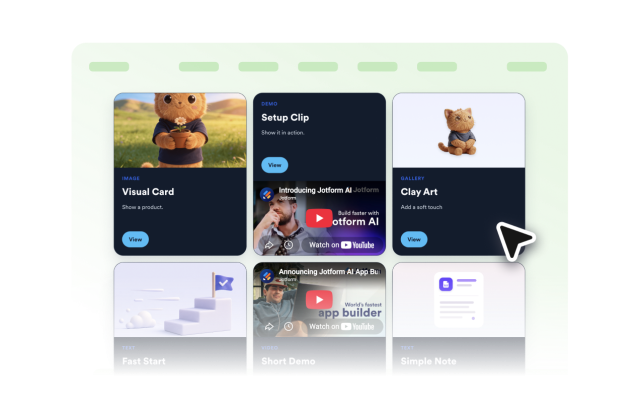
Build Mixed-Media Cards
Combine image, video, icon, and text cards in one widget so product highlights, updates, resources, and calls to action can live together.
Each card can include:

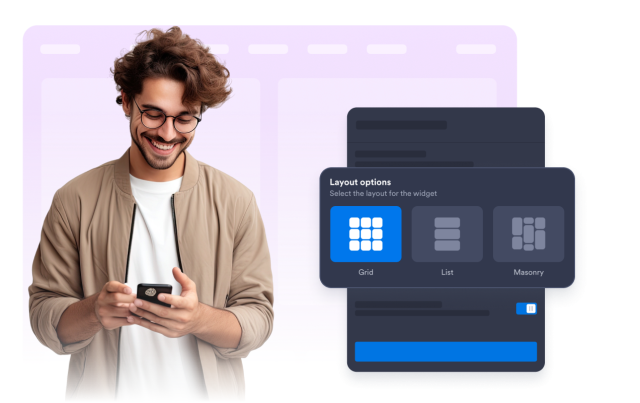
Choose Grid, List, or Masonry Layouts
Reuse the same content set in a balanced grid, compact list, or masonry wall depending on the page width, visual rhythm, and scanning style you need.
Layout options include:
Move, Reorder, and Resize Items
Arrange the grid visually in the builder. Move cards into priority positions, reorder sections as content changes, and resize blocks to create stronger page compositions.
Arrangement controls include:
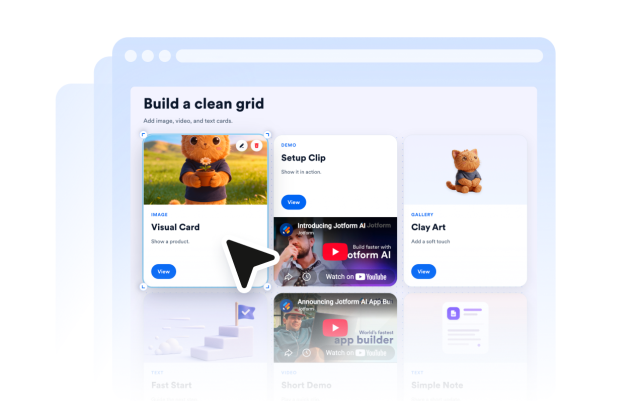
Customize the Full Card Style
Tune the widget surface, card corners, border color, title and text colors, font sizes, media ratio, and branding visibility so the grid fits your page design.
Style controls include: