Image Hotspot Widget for Your Website
Turn a product photo, floor plan, screenshot, diagram, or map into an interactive guide. Place up to eight markers and give each one a detail card with an optional image, title, description, and CTA button.
How to create a Image Hotspot widget

Upload your image
Start with a product photo, floor plan, app screenshot, infographic, or other image visitors need to explore.

Place and edit hotspots
Add up to eight markers, drag them into position, and choose a number or icon for each one. Then add an optional image, title, description, and CTA link.
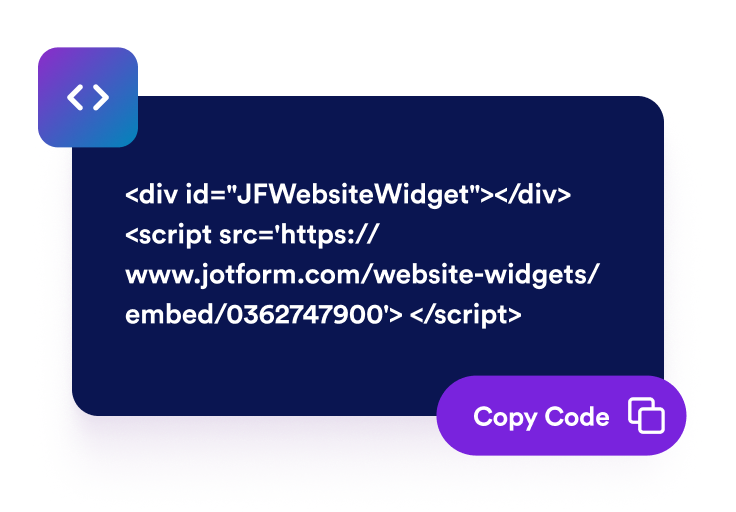
Style and embed it
Set marker and card colors, click or hover behavior, sizing, font, and device visibility, then publish the no-code widget on your site.
Make static images interactive without custom code
Place pins visually with responsive coordinates
Add pins directly on the image and drag them into position. Hotspots are stored as relative coordinates, so they stay aligned as the image scales on desktop, tablet, and mobile.

Give every hotspot its own content
Add an optional image, title, and description to each detail card. You can also show a custom CTA button that opens its destination in a new tab.

Use click or hover with mobile bottom sheets
Open cards on click or hover on desktop. On mobile, the active hotspot opens in a bottom sheet that keeps the image easy to view.

Match markers and cards to your website
Use numbered or icon markers, choose from the icon library, and adjust marker size, pulse effect, card size, colors, theme, corner radius, font, and text alignment.

Why Jotform Website Widgets stand out
Jotform’s widgets make your website more interactive and increase conversions. There are many tools available, from star ratings and testimonial sliders to social proof popups and media embeds. Add widgets to your forms or landing pages to collect data, display proof, and capture leads — no coding required.
Add Jotform widgets to your website with a simple embed code. Customize the widget, preview how it looks, and paste it into any page that supports custom HTML or embed blocks, all without a developer.
Use Jotform Website Widgets to collect leads, show customer feedback, display social proof, embed media, or add helpful web page tools. Each widget helps visitors interact with your business directly from your website.
If you need help setting up, customizing, embedding, or troubleshooting your widget, Jotform’s customer support team is available 24-7. You can move forward with confidence, knowing that help is there when you need it.
Where to use your Image Hotspot widget
Use interactive hotspots anywhere visitors need to inspect a visual and understand what each part means.
Product images and lookbooks to identify featured items, explain key details, and link visitors to product pages.
Real estate and venue floor plans to annotate rooms, booths, seating zones, amenities, or rental options.
App screenshots to explain interface areas, workflow steps, dashboards, or product features.
Infographics and reports to add focused explanations without crowding the original graphic.
Educational diagrams to make maps, process visuals, and training images easier to explore.
Portfolio pages to describe design details, materials, before-and-after notes, or project decisions.
Convert leads into paying customers with the Jotform Form Builder
Turn engagement into action with Jotform. Create powerful forms that capture leads, collect payments, and automate responses, all in one place. Every submission lands in your Jotform Inbox, where you can follow up or connect with your favorite apps.
Get Started — It’s Free!
FAQ
What is an Image Hotspot widget?
An Image Hotspot widget adds interactive markers to an image. Each marker can open a detail card with an image, title, description, and CTA button.
Can I place hotspots visually?
How many hotspots can I add?
What can I add to each hotspot card?
Can visitors open cards on hover?
How does it work on mobile?
Can I change the marker style?
Can I style the cards?
Can I control which devices display the widget?
Do I need to write code?