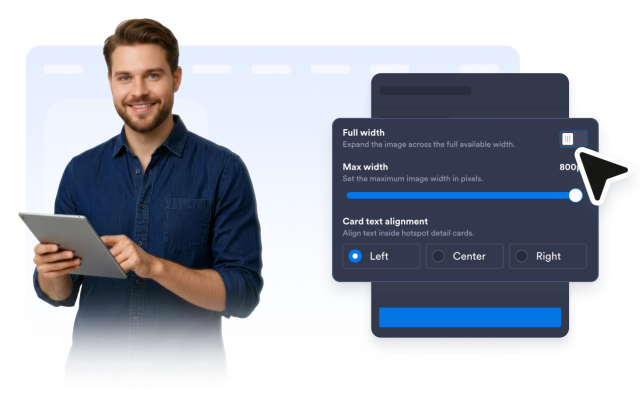
Image Hotspot Widget
Image Hotspot Widget Features for Interactive Visuals
Place and style up to eight markers, build focused detail cards, choose click or hover interactions, and control how your responsive image appears across devices.


Add and Drag Pins on the Image
Add markers directly on the image and drag them to the exact points that need context. Relative coordinates keep every hotspot aligned as the image resizes.
Placement controls include:

Build Focused Cards for Each Hotspot
Give every hotspot an optional image, title, description, and CTA button. Show only the content each point needs and choose a number or icon for its marker.
Card content includes:
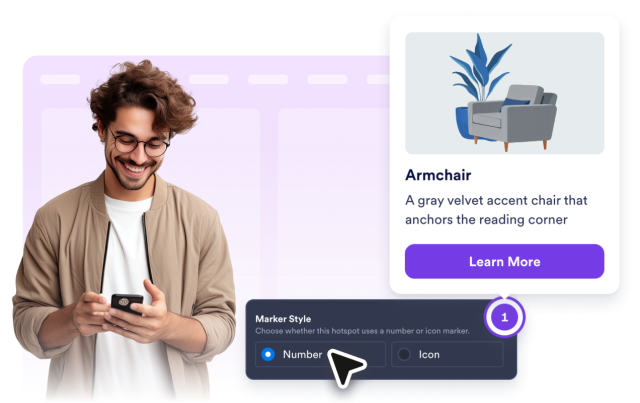
Choose How Visitors Explore the Image
Open cards on click or hover on desktop. Touch devices use click behavior, while narrow screens present the selected card in a readable bottom sheet.
Behavior controls include:
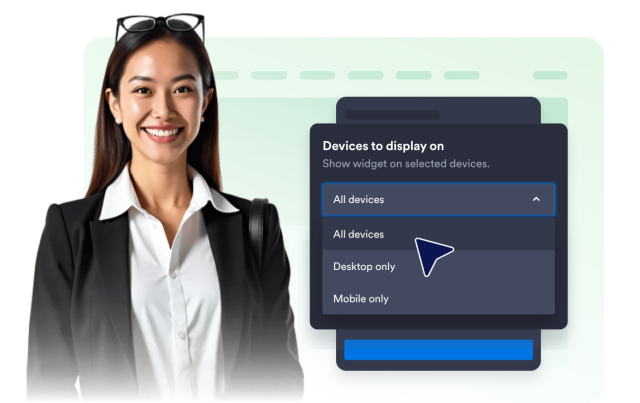
Customize Markers, Cards, and Layout
Match the widget to your site with marker and button colors, light, dark, or custom card themes, sizing, corners, font, text alignment, and device visibility.
Style controls include: