Medium Feed Features
Customize your Medium stories for any page
Display public Medium content with flexible source, layout, article-detail, modal, engagement, refresh, style, direction, and label controls.
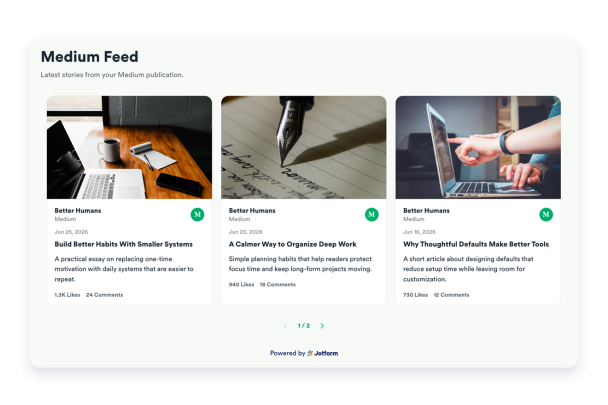

Fetch and refresh Medium stories from a URL
Use a publication, profile, custom domain, or direct feed URL to pull public stories into the widget, then refresh the source from the widget header when needed.
Source controls:

Pick a layout for your content
Show article previews in a readable list, editorial grid, Pinterest-style masonry board, or marquee strip for announcement-style sections.
Layouts include:

Let readers open full stories in a modal
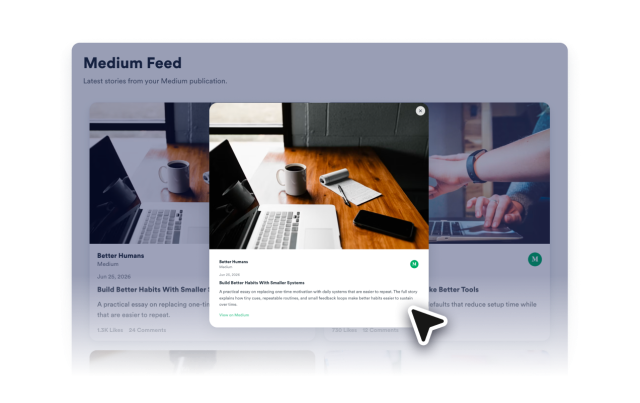
Open the full available feed content in a responsive modal with a fixed desktop image column, scrollable content, share action, and original Medium link.
Modal details:
Style the feed for your brand
Adjust themes, curated palettes, reset colors, borders, shared card and image radius, shadows, button styles, text direction, spacing, and custom CSS.
Style controls: