Medium Feed Widget for your website
Turn a public Medium publication, profile, or custom-domain feed into a responsive website widget with article cards, masonry and marquee layouts, full-post modals, engagement counts, refresh controls, and brand styling.
Create Now — It’s Free!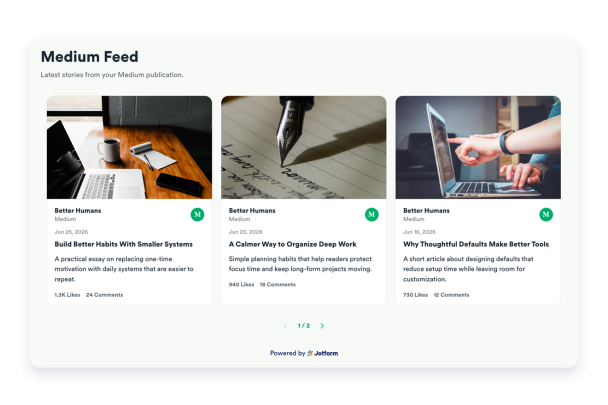

How to create a Medium Feed widget
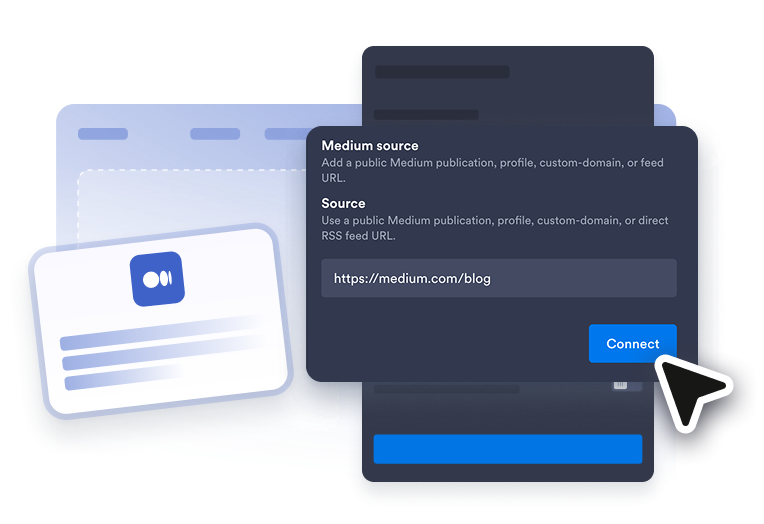
Add your Medium URL
Paste a public Medium publication, profile, custom-domain, or direct RSS feed URL.
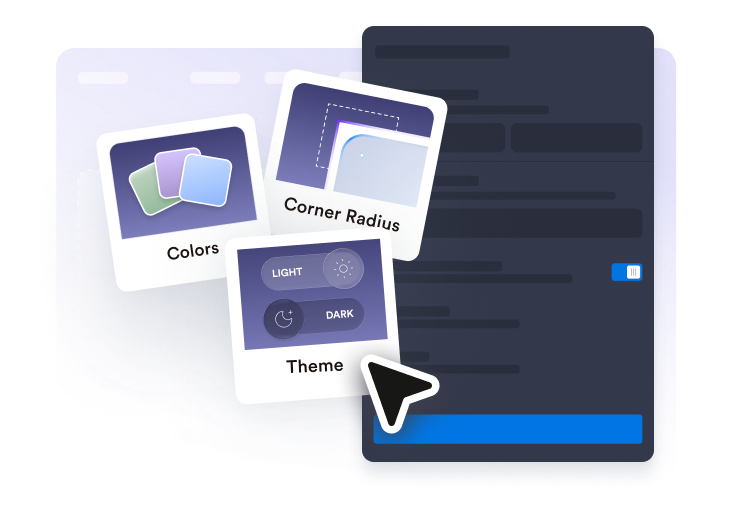
Customize the reading experience
Choose list, grid, masonry, or marquee layouts; set excerpt length; show engagement counts; and style themes, palettes, radius, and labels.
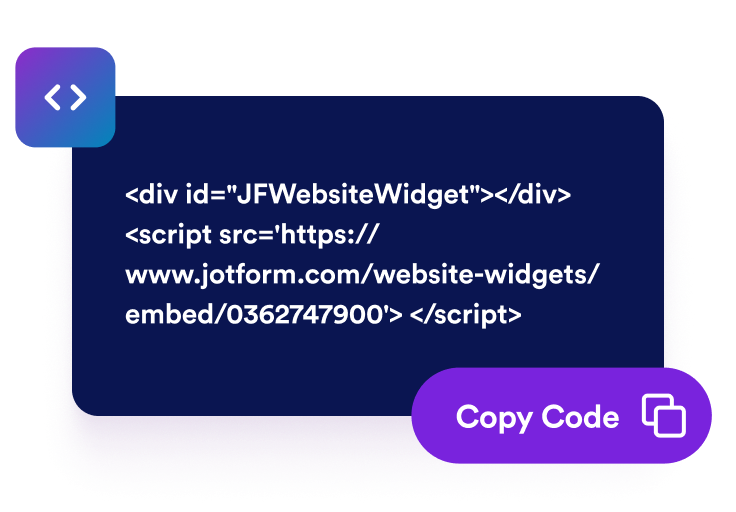
Embed it on your website
Preview the responsive feed, copy the embed code, and let visitors open full stories in a modal before continuing to Medium.
Create a polished Medium Feed widget
Connect and refresh a public Medium source
Load stories from a Medium publication, author profile, custom-domain blog, or direct RSS URL, then let editors refresh the feed without rebuilding the widget.

Choose list, grid, masonry, or marquee layouts
Use a classic list for reading, a balanced grid for publications, a Pinterest-style masonry board for varied excerpts, or a compact marquee for latest-story strips.

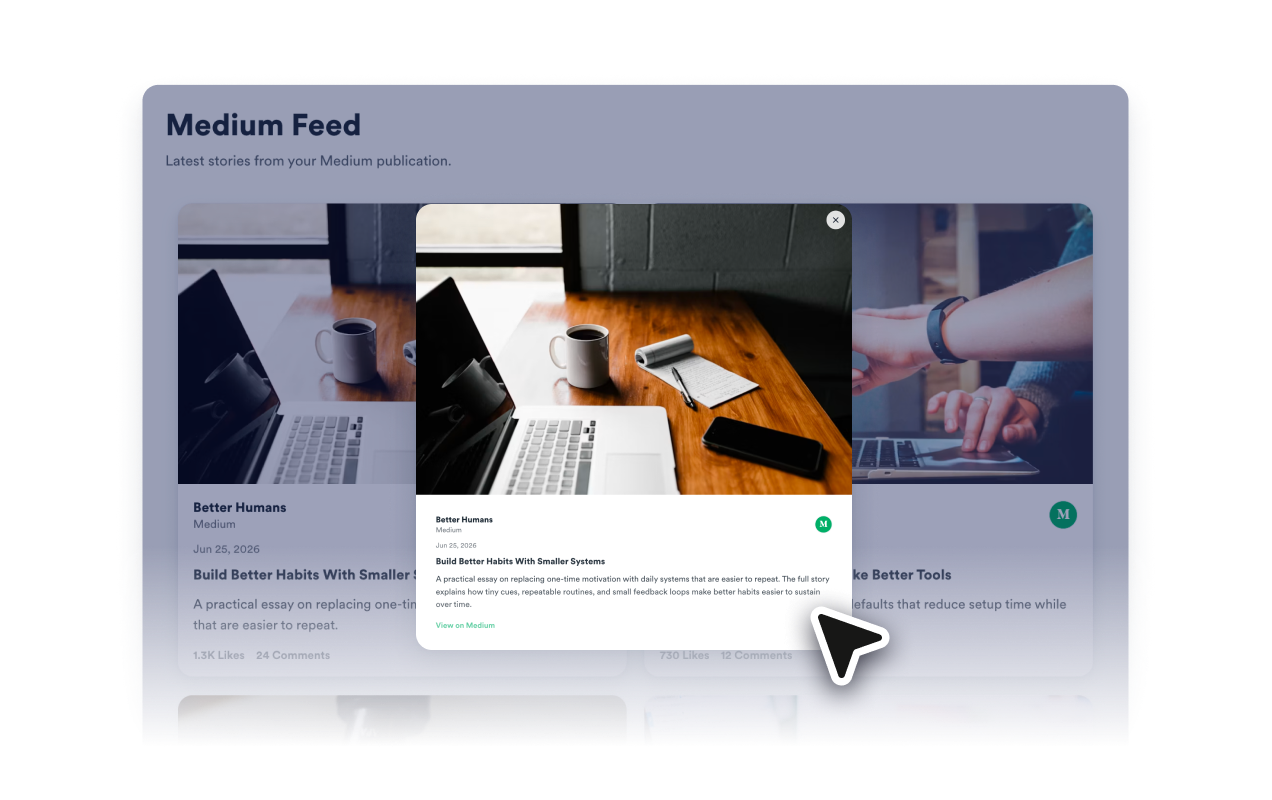
Open full stories in a modal
Let visitors read the full available feed content inside a responsive modal, then open the original Medium post from a clear modal action.
Style the feed for your brand
Apply light, dark, or editorial themes; randomize curated palettes; reset colors; adjust radius, shadows, spacing, buttons, RTL direction, and scoped custom CSS.

Why Jotform Website Widgets stand out
Jotform’s widgets make your website more interactive and increase conversions. There are many tools available, from star ratings and testimonial sliders to social proof popups and media embeds. Add widgets to your forms or landing pages to collect data, display proof, and capture leads — no coding required.
Add Jotform widgets to your website with a simple embed code. Customize the widget, preview how it looks, and paste it into any page that supports custom HTML or embed blocks, all without a developer.
Use Jotform Website Widgets to collect leads, show customer feedback, display social proof, embed media, or add helpful web page tools. Each widget helps visitors interact with your business directly from your website.
If you need help setting up, customizing, embedding, or troubleshooting your widget, Jotform’s customer support team is available 24-7. You can move forward with confidence, knowing that help is there when you need it.
Where to use your Medium Feed widget
Add a Medium Feed wherever your latest writing should support the page without sending readers away too early.
Blog homepages to feature the newest Medium stories in a layout that matches your site.
Portfolio pages to show recent essays, thought leadership, or publication work beside your projects.
Resource hubs to keep guides, tutorials, and editorial updates browsable from one embedded feed.
Startup and creator sites to surface announcements, founder notes, and long-form updates.
Community pages to highlight publication activity and make new writing easier to discover.
Company newsrooms to keep product updates, announcements, and thought-leadership articles visible on your marketing site.
Convert leads into paying customers with the Jotform Form Builder
Turn engagement into action with Jotform. Create powerful forms that capture leads, collect payments, and automate responses, all in one place. Every submission lands in your Jotform Inbox, where you can follow up or connect with your favorite apps.
Get Started — It’s Free!
FAQ
What is a Medium Feed widget?
A Medium Feed widget displays public Medium stories on your website in a responsive embedded feed.
Can I use a Medium custom domain?
Can I customize the layout?
Can visitors read posts without leaving my site?
Can I control excerpt length?
Can the widget show Medium engagement counts?
Can I refresh the feed?
Can I match my website colors?
Does it work on mobile?
Do I need code to embed it?