Number Counter Widget
Number Counter Widget Features
Create animated number counters for stats, KPIs, milestones, ratings, totals, and achievements. Customize counter values, icons, layouts, animations, live JSON data, colors, accessibility text, and custom CSS in a no-code builder.

Create multiple counter blocks
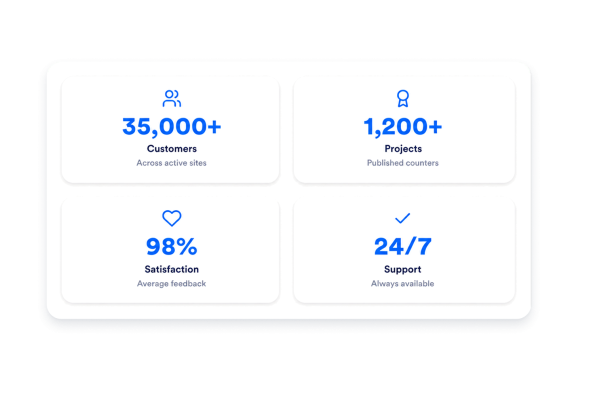
Display up to eight statistic blocks for the numbers your visitors need to notice. Add target values, start values, prefixes, postfixes, titles, descriptions, built-in icons, custom image icons, links, and JSON key paths for each counter.
Counter fields include:

Fit counters to your layout
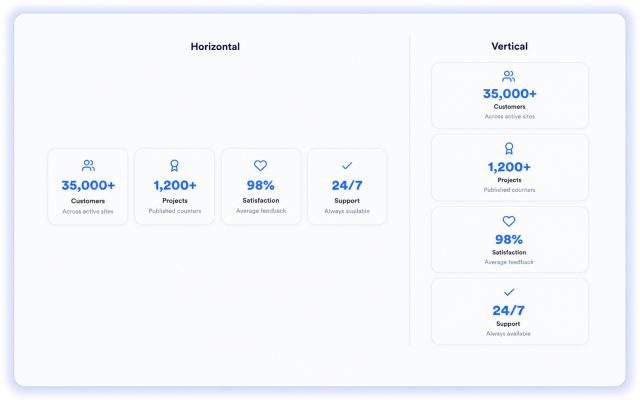
Choose a horizontal or vertical layout for desktop and tablet. Counters always stack vertically on mobile.
Layout controls include:
Animate and refresh values
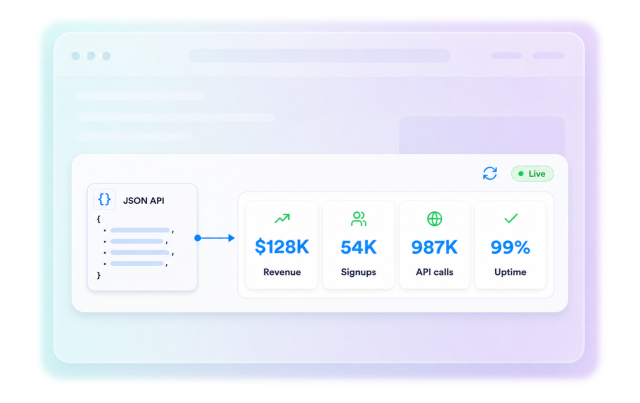
Make important numbers easier to notice with count-up animation, fade-up animation, decimal places, and number formatting. Connect optional external JSON data and set refresh intervals when published counters need updated values.
Behavior controls include:
Match counters to your brand
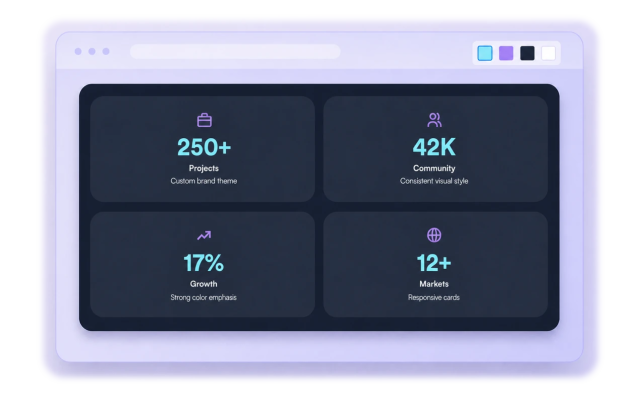
Start with light, dark, or vivid themes, then fine-tune the full visual style. Set custom colors for backgrounds, cards, numbers, text, and icons, and adjust typography, corner radius, branding, and scoped CSS.
Style controls include: