PDF Embed Widget
PDF Embed Widget Features
Display one PDF directly on your website with an embeddable viewer. Upload a file or paste a direct PDF URL, then customize the file name, viewer size, download access, colors, icons, typography, and mobile-ready display without code.
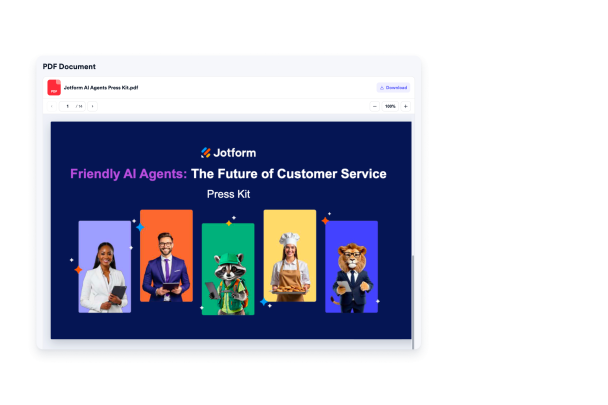

Add your PDF source
Upload one PDF file or paste a direct PDF URL so visitors can read the document on your page. Keep the file name clear, validate the source, and replace the document when the file changes.
Source controls include:

Show a focused viewer
Display a clean inline PDF reader that keeps visitors on your website while they review the document. Set the viewer height and reading area so the PDF fits naturally into your page layout.
Viewer options include:

Give visitors reading controls
Help visitors review the PDF with familiar controls for zooming, scrolling, page navigation, and downloads when enabled. Keep download access optional when you only want the document available for inline reading.
Viewer actions include:

Match your website style
Customize the document experience with title sizing, file name sizing, download label styling, viewer background, text color, accent color, file icon visibility, icon color, width, height, branding, and scoped CSS.
Design options include: