Portfolio Widget for your website
Create a responsive portfolio gallery for creative work, client projects, photography, videos, architecture, fashion, web design, and case studies. Add presets, project details, media galleries, categories, links, popups, custom colors, and layouts without code.
Create Now — It’s Free!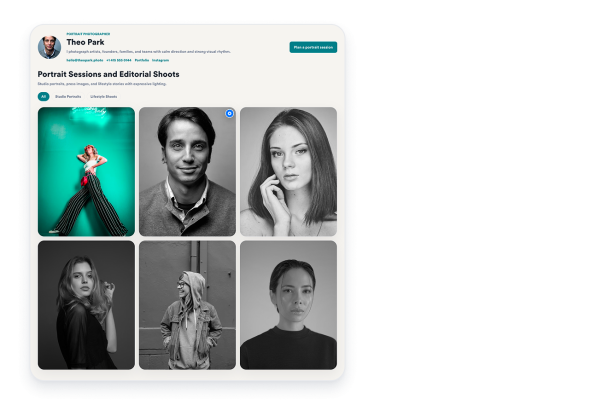

How to create a Portfolio widget
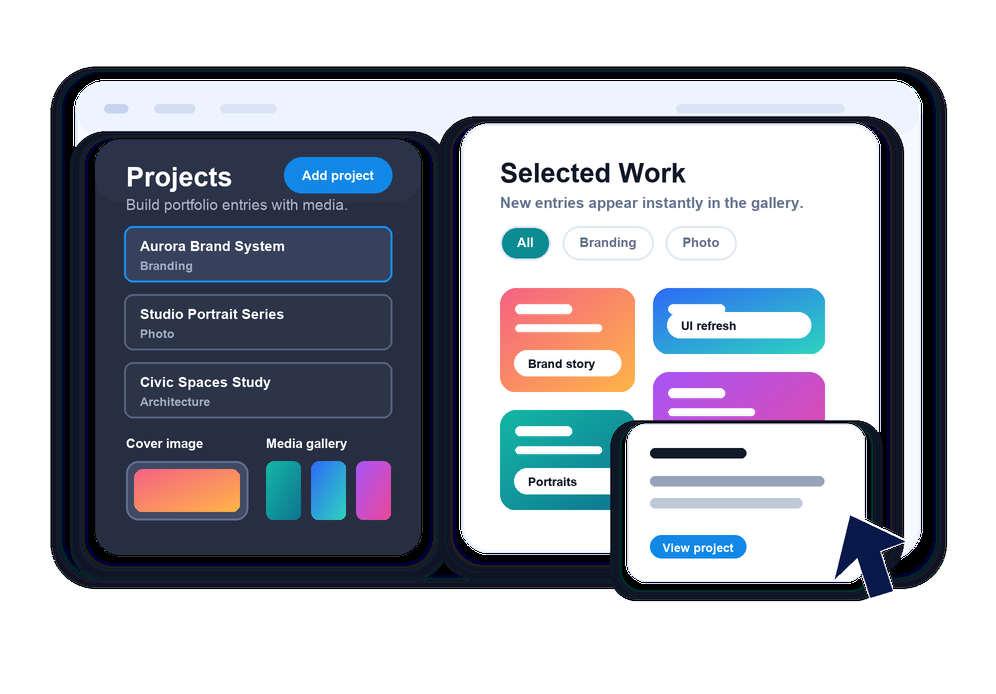
Add your projects
Create portfolio entries with titles, categories, cover images, media galleries, descriptions, dates, clients, locations, and project links.
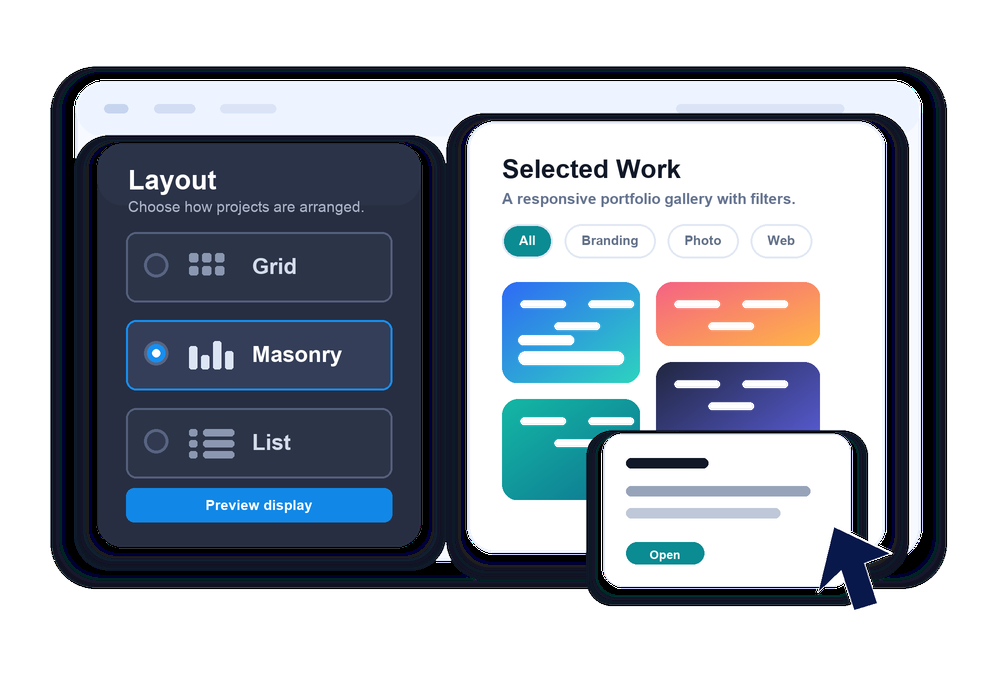
Choose the display
Start with a template preset or switch between grid, masonry, and list layouts, then choose whether card details appear below images or in hover overlays.
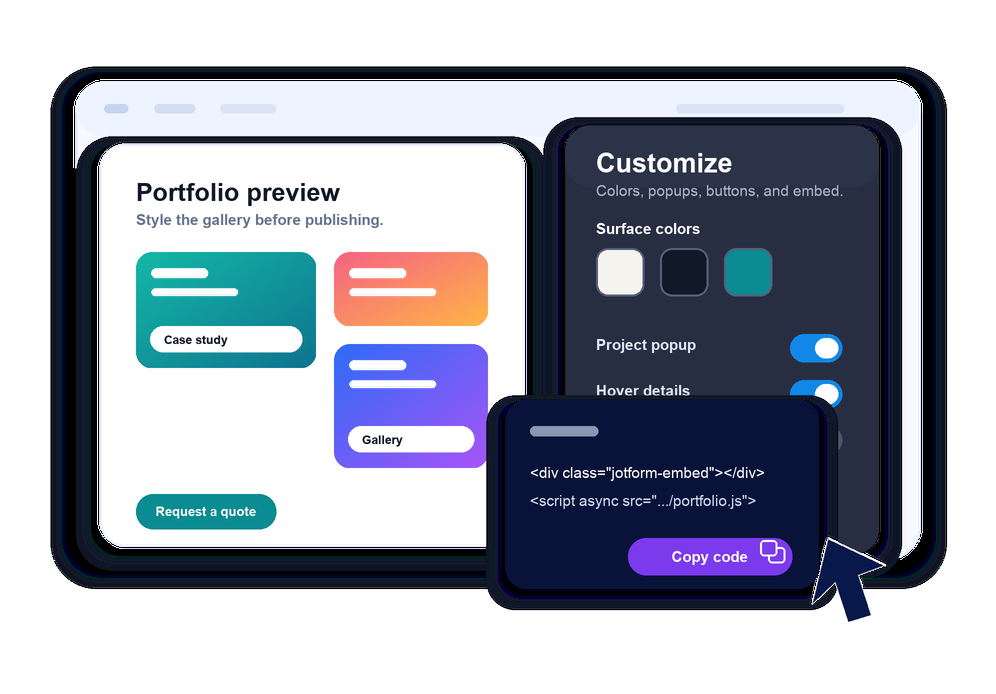
Customize and embed
Adjust colors, columns, spacing, popups, buttons, hover and popup visibility, custom CSS, and branding before copying the embed code to your site.
Build a portfolio visitors can browse without leaving your page
Organize projects by category
Add portfolio categories such as Branding, Photography, Web Design, Video, Fashion, or Architecture and let visitors filter the gallery instantly.

Open rich project details
Cards can open a popup with larger media galleries, descriptions, project metadata, and calls to action, or link directly to external project pages.

Match your visual style
Customize template presets, light and dark themes, surface colors, cards, overlays, popups, buttons, hover effects, radius, spacing, and custom CSS.

Control responsive layouts
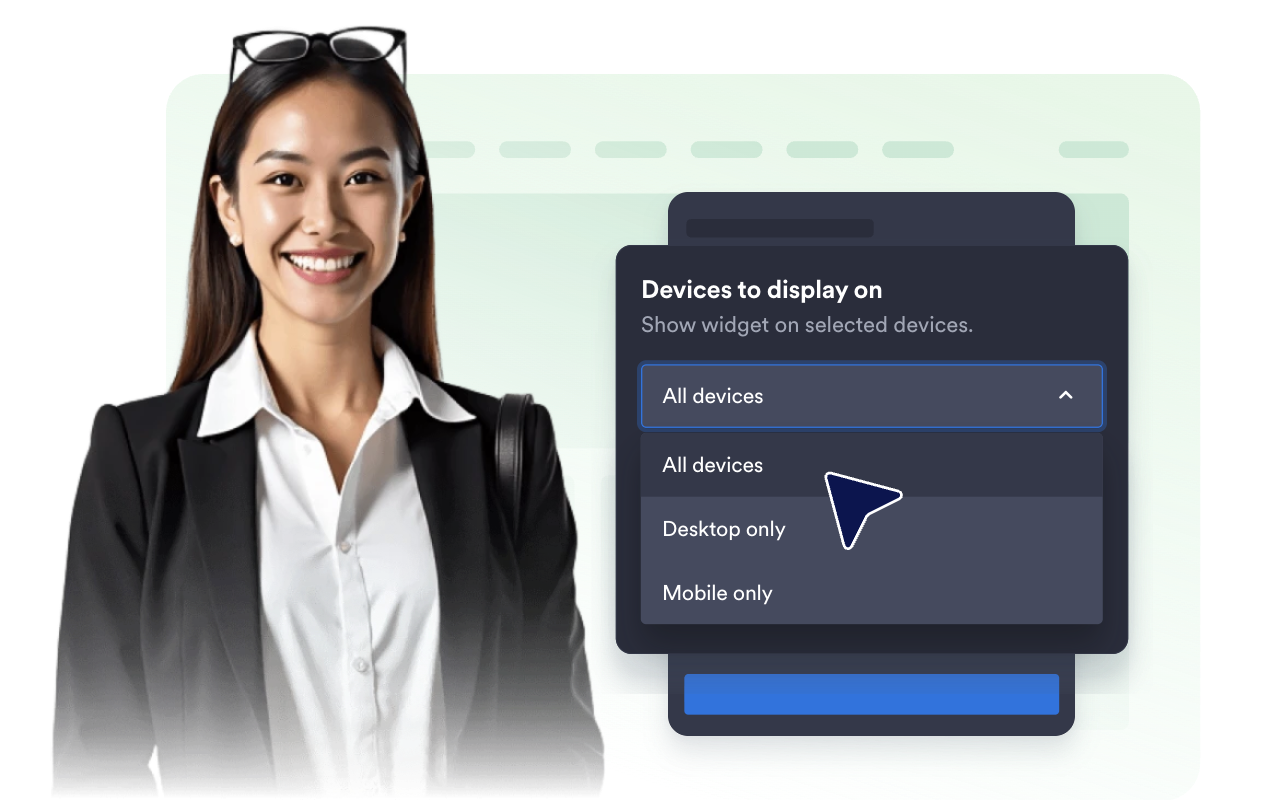
Set desktop, tablet, and mobile columns with grid, masonry, and list views so your portfolio stays polished on every screen.
Where to use your Portfolio widget
Add the widget anywhere visitors need to evaluate your work, style, services, or project results.
Creative portfolios to show selected work with project details, categories, and visuals.
Agency websites to present case studies, client work, launch campaigns, and service examples.
Photography pages to group shoots by type, client, location, or campaign.
Architecture and design pages to display projects with visuals, timelines, and client notes.
Video production pages to combine cover images, embedded videos, and external project links.
Freelancer sites to turn examples, testimonials, and contact links into one scannable showcase.
Why Jotform Website Widgets stand out
Jotform’s widgets make your website more interactive and increase conversions. There are many tools available, from star ratings and testimonial sliders to social proof popups and media embeds. Add widgets to your forms or landing pages to collect data, display proof, and capture leads — no coding required.
Add Jotform widgets to your website with a simple embed code. Customize the widget, preview how it looks, and paste it into any page that supports custom HTML or embed blocks, all without a developer.
Use Jotform Website Widgets to collect leads, show customer feedback, display social proof, embed media, or add helpful web page tools. Each widget helps visitors interact with your business directly from your website.
If you need help setting up, customizing, embedding, or troubleshooting your widget, Jotform’s customer support team is available 24-7. You can move forward with confidence, knowing that help is there when you need it.
Convert leads into paying customers with the Jotform Form Builder
Turn engagement into action with Jotform. Create powerful forms that capture leads, collect payments, and automate responses, all in one place. Every submission lands in your Jotform Inbox, where you can follow up or connect with your favorite apps.
Get Started — It’s Free!
FAQ
What is a Portfolio widget?
A Portfolio widget displays projects, case studies, images, videos, and creative work on your website in a responsive gallery.
Can I add categories and filters?
Can projects open in a popup?
Can I link projects to external pages?
Does it support images and videos?
Can I customize the design?
Do I need code to embed it?