Portfolio Widget
Create Your Own Portfolio in Seconds for Your Website
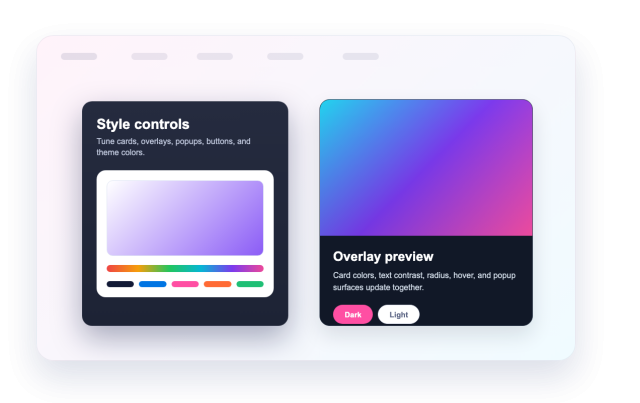
Build a responsive project gallery with template presets, categories, images, videos, media galleries, hover overlays, popups, buttons, responsive columns, and custom styling without code.


Add Complete Portfolio Projects
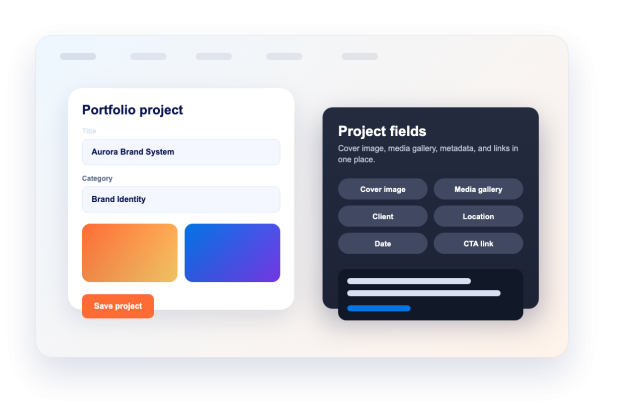
Build each entry with a title, category, cover image, image or video media, extra gallery media, short and long descriptions, date, client, location, and project links.
Project fields include:
Choose Grid, Masonry, or List Layouts
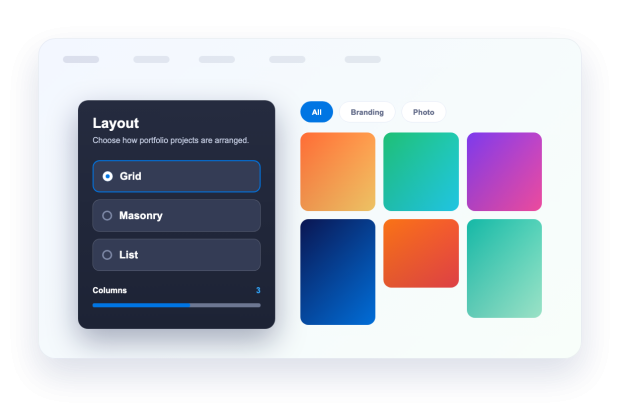
Use masonry for editorial galleries, grid for consistent project cards, or list for detailed case-study browsing.
Layouts include:
Show Details in Popups or External Links
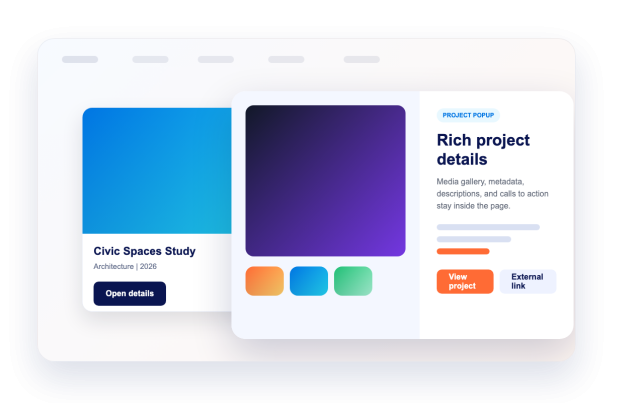
Let visitors open a project popup with large media, gallery thumbnails, metadata, and its own visibility controls, or send them to a case study, store page, reel, or external portfolio link.
Browsing controls include:
Customize Cards, Overlays, and Popups
Start with a template preset or light and dark themes, then customize surface colors, card colors, overlay colors, popup colors, button colors, hover effects, and custom CSS.
Style options include: