Quote Widget for your website
Display a clean quote card on your website. Choose a preset quote category or add your own lines, show or hide the title, author, accent marks, highlight message, and branding, then customize colors, background, theme mode, width, alignment, and corner radius without code.
How to create a Quotes widget
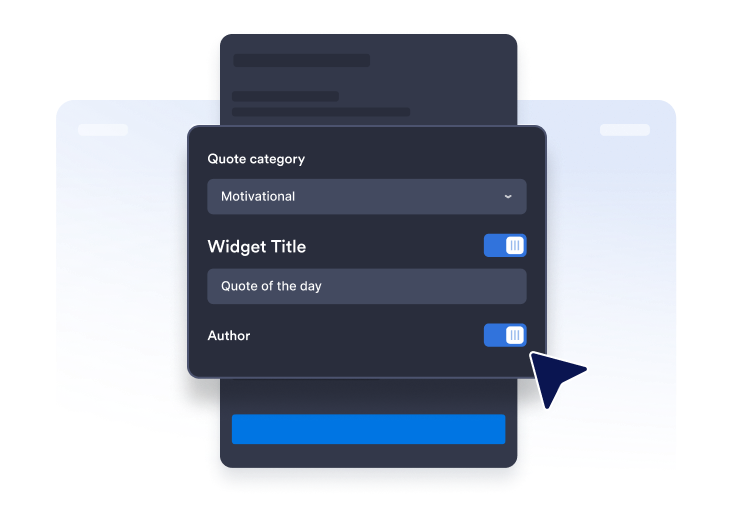
Select your quote type
Choose the quote category you would like to display to your visitors.
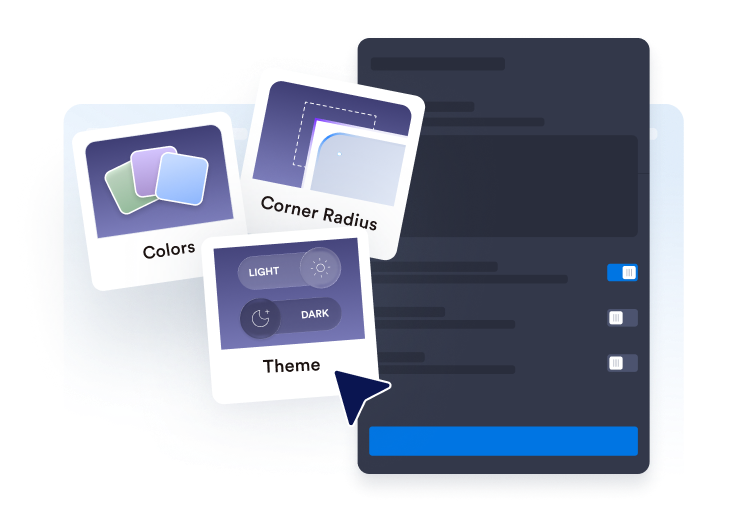
Customize the widget
Choose the theme, font and customize all the visual settings to make the widget blend in perfectly to your site.

Copy and paste the embed code
Copy and add the embed code to an HTML block, CMS page, or site builder section where the quote should appear.
Add an embeddable quote display that fits your page
Use preset or custom quote content
Choose motivational, productivity, leadership, creative, or mindfulness quote sets, or paste your own quote lines for a fully custom display.
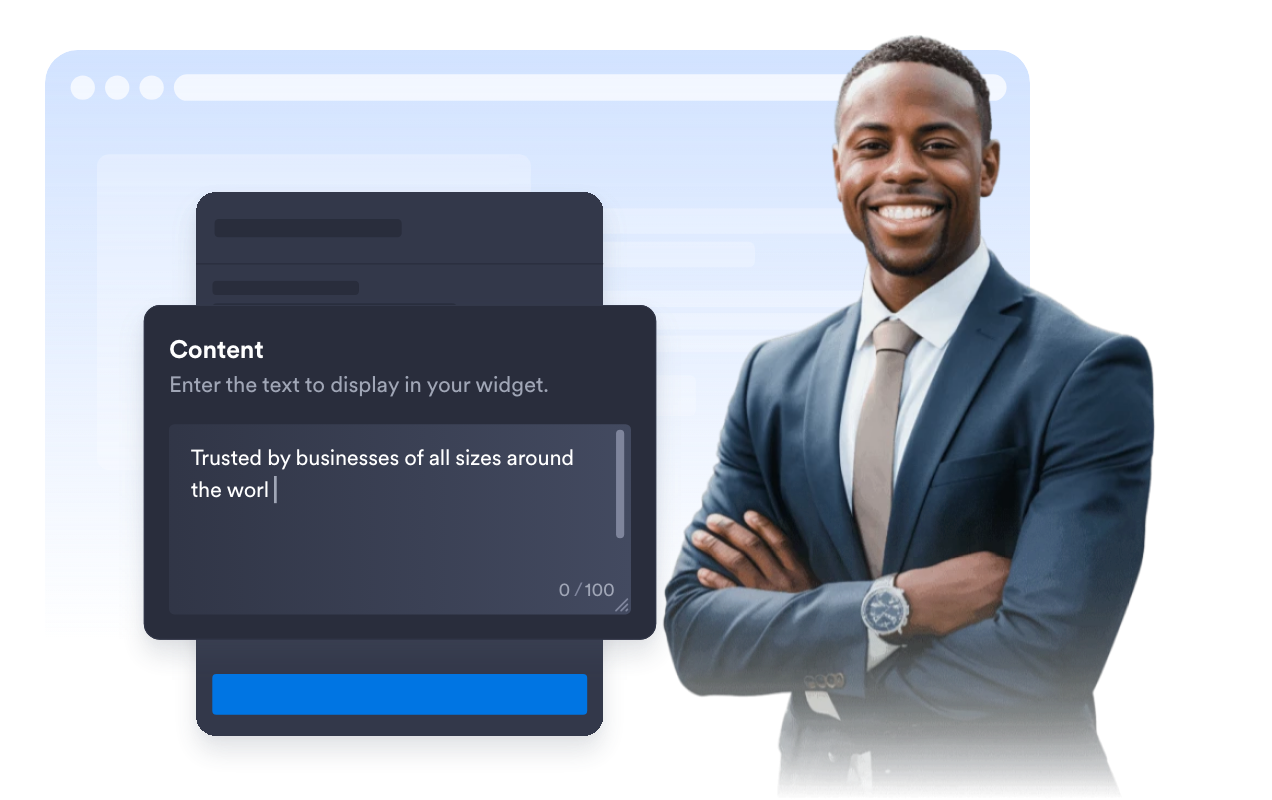
Control what appears in the widget
Show or hide the widget title, author, accent marks, highlight message, and Jotform branding from the General settings.

Control width, alignment, and corners
Use full width or a custom width, align the widget left, center, or right, and choose the corner radius when the highlight message is enabled.
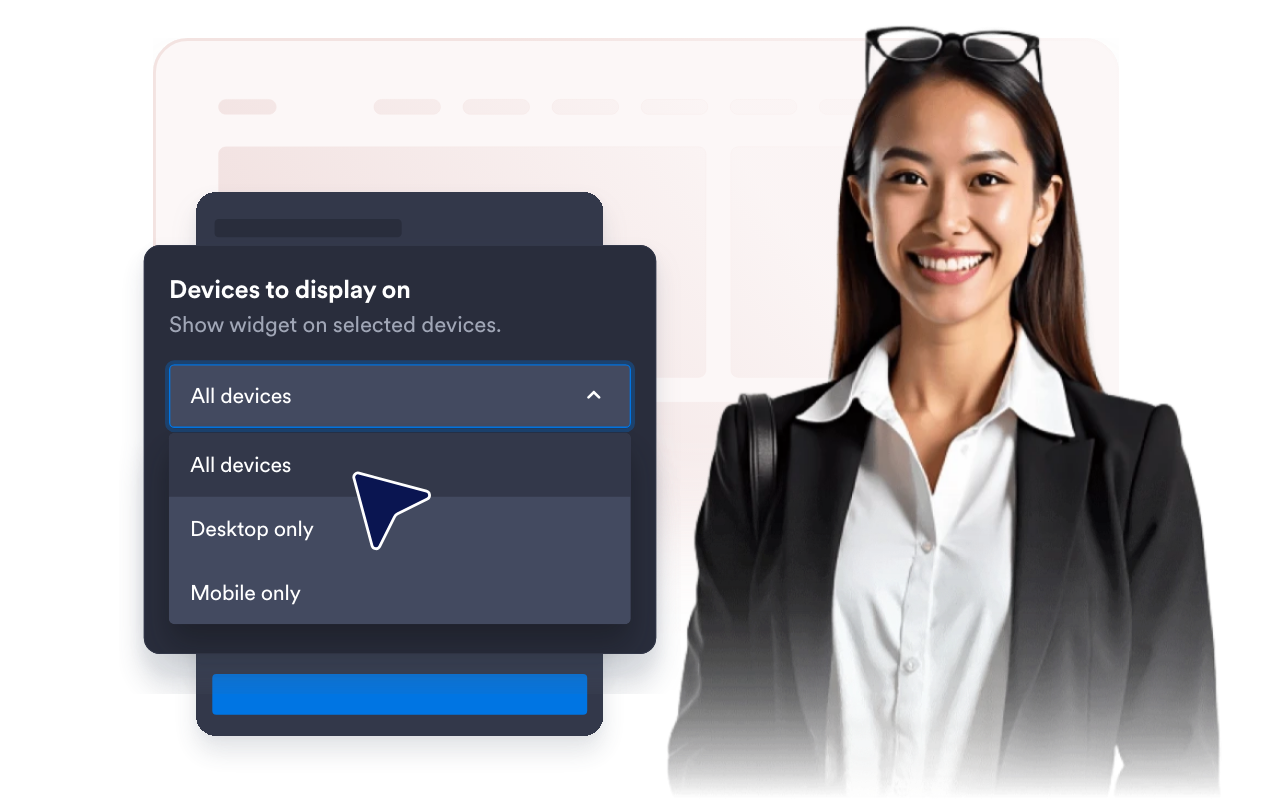
Why Jotform Website Widgets stand out
Jotform’s widgets make your website more interactive and increase conversions. There are many tools available, from star ratings and testimonial sliders to social proof popups and media embeds. Add widgets to your forms or landing pages to collect data, display proof, and capture leads — no coding required.
Add Jotform widgets to your website with a simple embed code. Customize the widget, preview how it looks, and paste it into any page that supports custom HTML or embed blocks, all without a developer.
Use Jotform Website Widgets to collect leads, show customer feedback, display social proof, embed media, or add helpful web page tools. Each widget helps visitors interact with your business directly from your website.
If you need help setting up, customizing, embedding, or troubleshooting your widget, Jotform’s customer support team is available 24-7. You can move forward with confidence, knowing that help is there when you need it.
Where to use your Quote Widget
Add the widget anywhere a short quote can set context, encourage visitors, or make a page feel more personal.
Personal dashboards to show a compact motivational quote.
Team portals to keep project pages focused with leadership or productivity quotes.
Course and study pages to add a quick learning or reflection prompt.
Wellness and mindfulness pages to share calm reminders in a compact card.
Onboarding pages to reinforce culture, values, or training themes.
Blogs and resource hubs to break up long content with a relevant quote.
Convert leads into paying customers with the Jotform Form Builder
Turn engagement into action with Jotform. Create powerful forms that capture leads, collect payments, and automate responses, all in one place. Every submission lands in your Jotform Inbox, where you can follow up or connect with your favorite apps.
Get Started — It’s Free!
FAQ
What is a Quote Widget?
A Quote Widget displays a short quote with optional title, author, accent marks, highlight message, and Jotform branding controls on your website.
Can I add my own quotes?
Can I control what appears in the widget?
Can I customize the colors?
Can I control the size and alignment?
Does it work on mobile?
Do I need to write code?