





Etsy Reviews on Website Examples
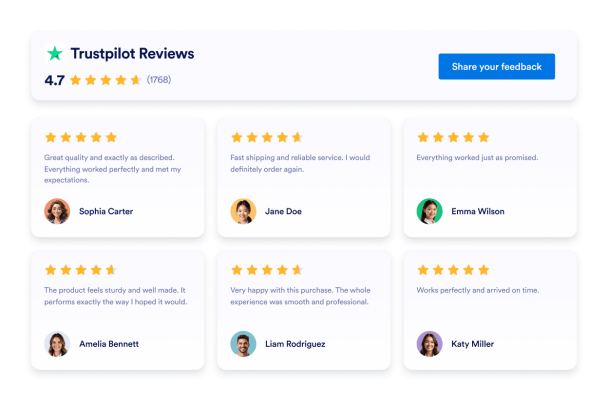
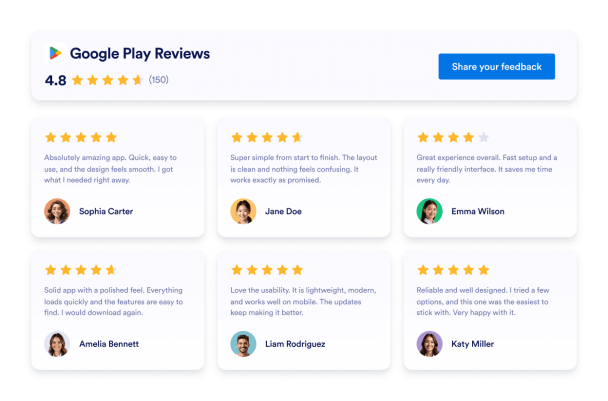
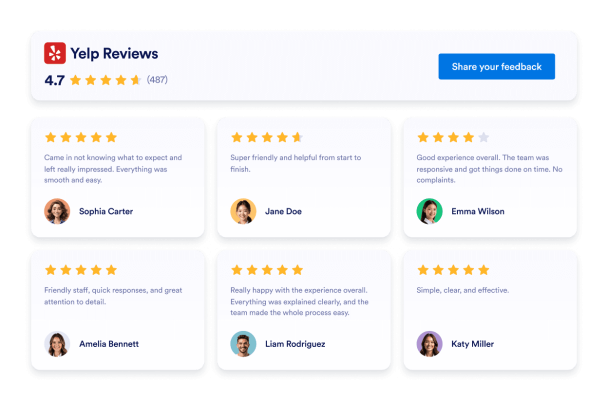
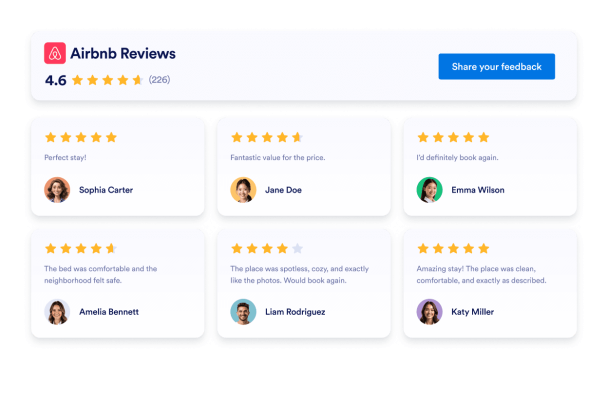
Displaying Etsy shop reviews on your website helps build trust and show authentic customer feedback. Businesses often embed Etsy reviews using widgets that present social proof in a polished, responsive format. Below are several Etsy reviews on website examples showing different widget layouts you can use to present customer feedback.
Create Your Etsy Reviews Widget - It's Free!Dark Carousel Etsy Reviews Example
A dark carousel layout displays Etsy shop reviews in a rotating slider with a dark interface that blends seamlessly with modern website designs. Visitors can browse testimonials using navigation arrows or pagination while the dark background highlights review content with strong contrast.
Best for
Grid Etsy Reviews Widget Example
The grid layout displays several Etsy reviews at once in an organized structure. Grid layouts are often used on testimonial pages or sections where businesses want to showcase several reviews together.
Best for
Etsy Reviews Badge Example
A Etsy reviews badge is a compact widget that displays your average rating and number of reviews. Many websites display rating badges in headers, footers, or near call-to-action sections.
Best for
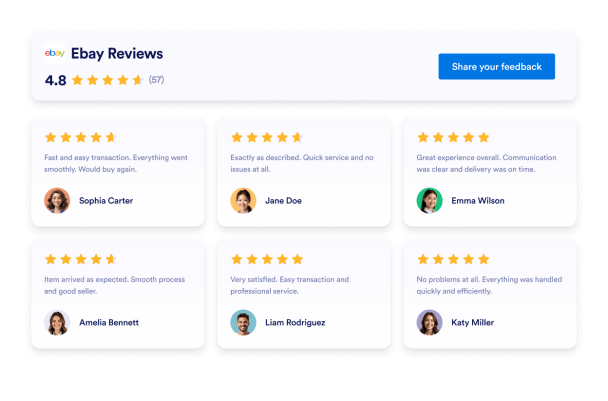
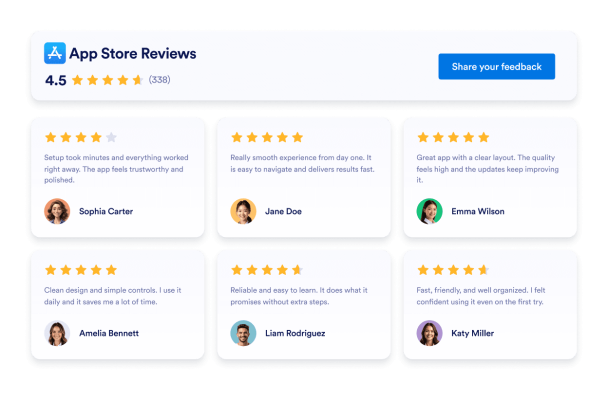
List Etsy Reviews Example
The list layout stacks Etsy reviews vertically, creating a clean and readable testimonial section. Visitors can scroll through reviews and easily read each testimonial.
Best for
Masonry Etsy Reviews Widget Example
The masonry layout arranges Etsy reviews in a dynamic grid with different card heights, similar to a Pinterest-style layout. Masonry layouts are often used on design-focused websites that want to create an engaging testimonial gallery.
Best for
Slider Etsy Reviews Example
The slider layout allows visitors to scroll horizontally through Etsy reviews in a smooth, interactive format.
Best for
Convert leads into paying customers with Jotform Form Builder
Turn engagement into action with Jotform. Create powerful forms that capture leads, collect payments, and automate responses, all in one place. Every submission lands in your Jotform Inbox, ready to follow up or connect with your favorite apps.
Get Started — It’s Free!