Sales Notification Widget for your website
Display recent purchase and activity notifications that help visitors notice product interest, new orders, bookings, signups, or other timely actions. Customize messages, images, CTA links, timing, placement, colors, close behavior, and responsive display in a no-code builder.
Create Now — It’s Free!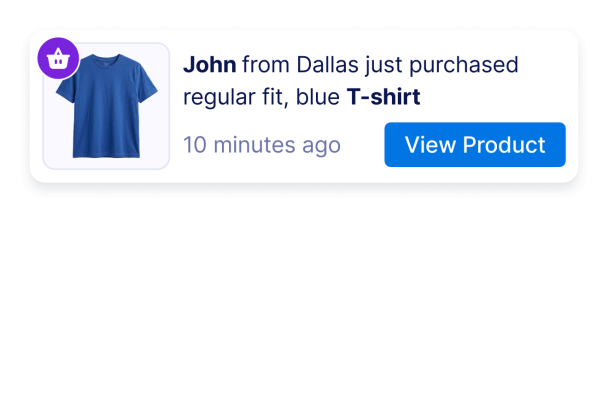

How to create a Sales Notification widget
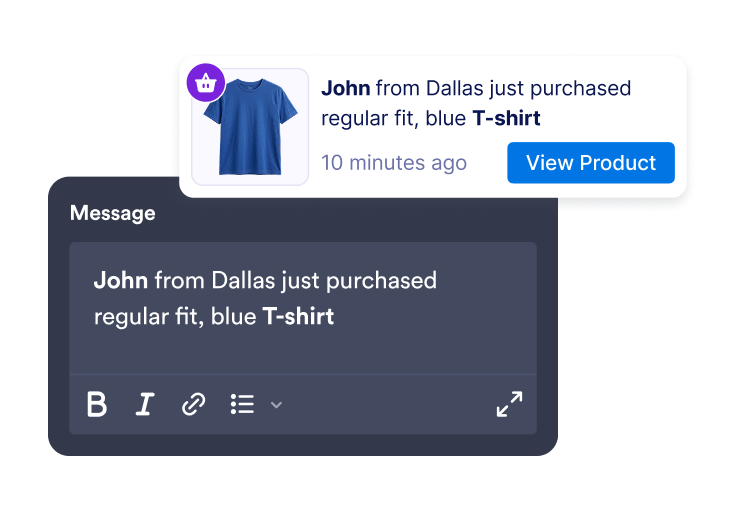
Add activity messages
Create sales or activity notifications with customer names, locations, product names, timestamps, images, badges, and CTA links.
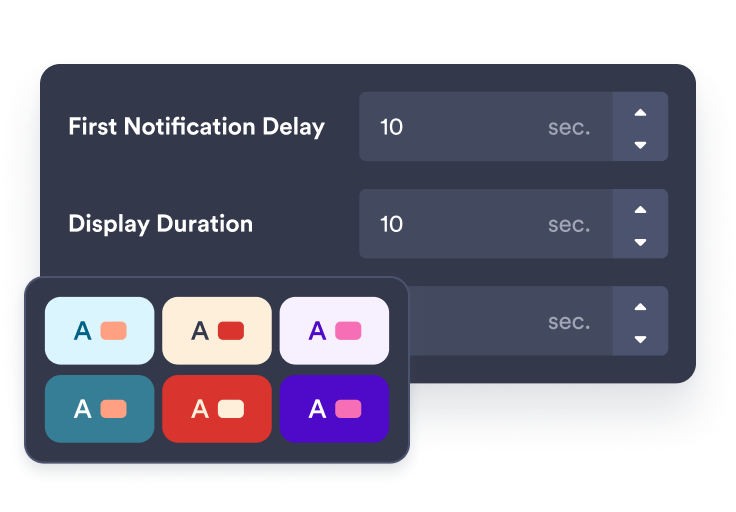
Customize timing and style
Choose where the notification appears, how long it stays visible, how often it rotates, and how it matches your brand.
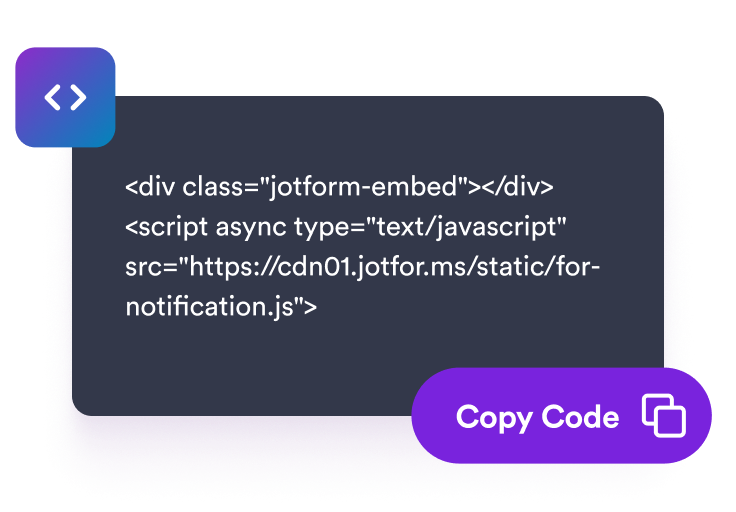
Embed it on your site
Preview your notification widget, copy the embed code, and add it to pages where recent activity can support visitor decisions.
Show timely activity notifications that fit your store
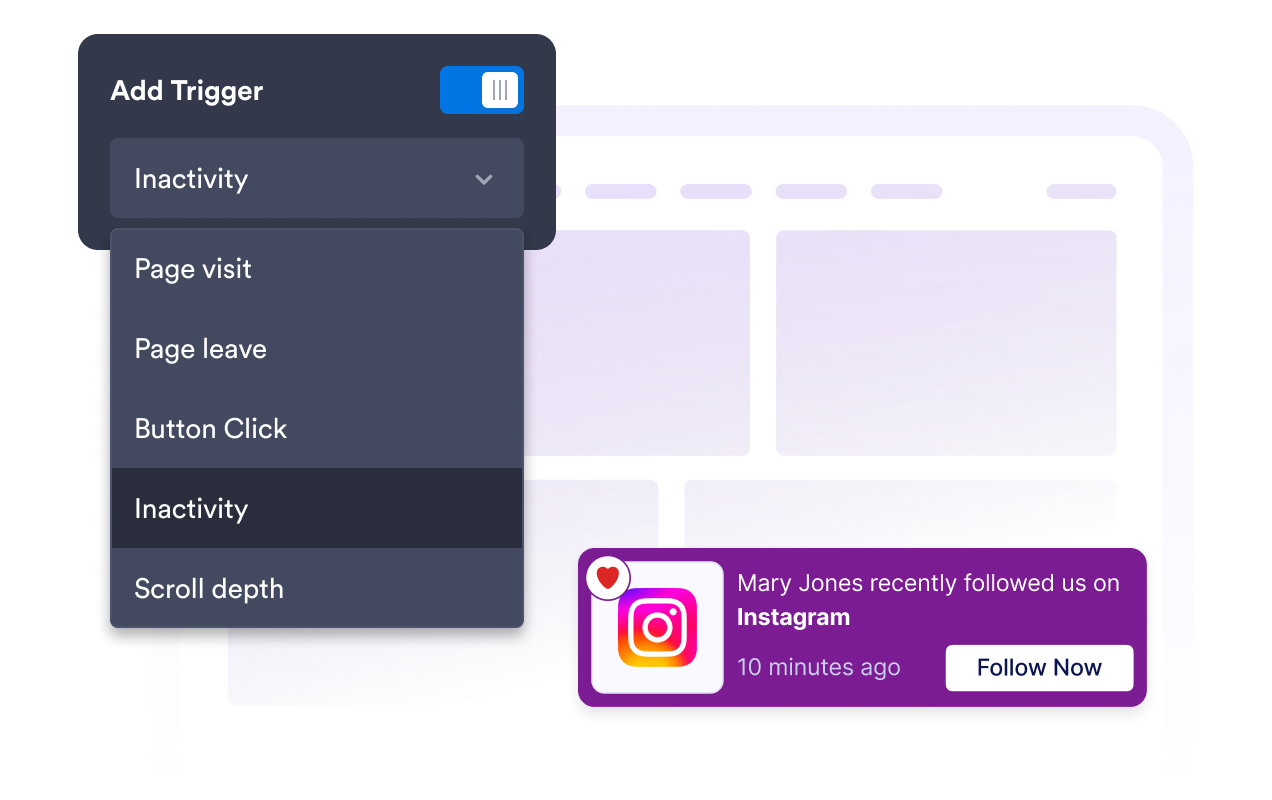
Create recent sales and activity alerts
Add editable notifications for purchases, bookings, signups, donations, low-stock updates, or other activity that supports your page message.
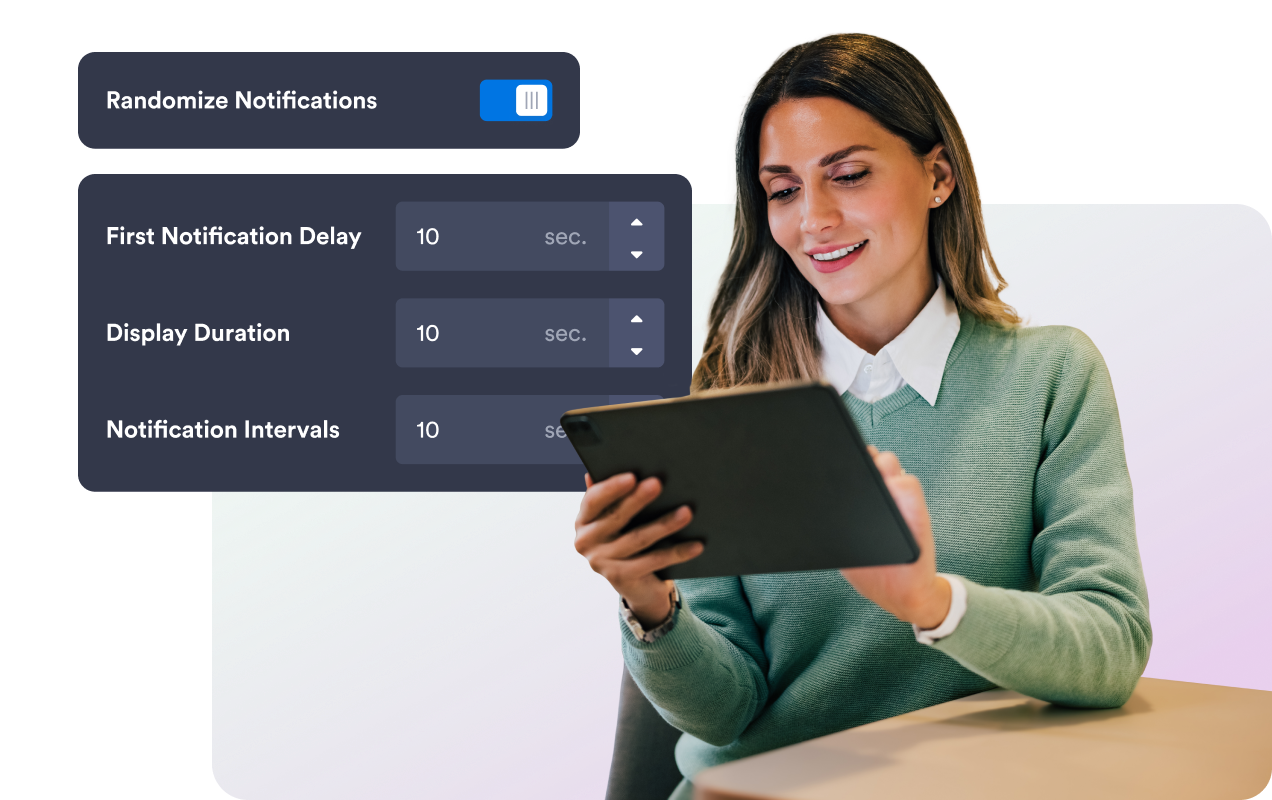
Rotate notifications with clear timing
Set the first delay, display duration, interval, random order, and visitor memory rules so notifications feel timely without overwhelming visitors.
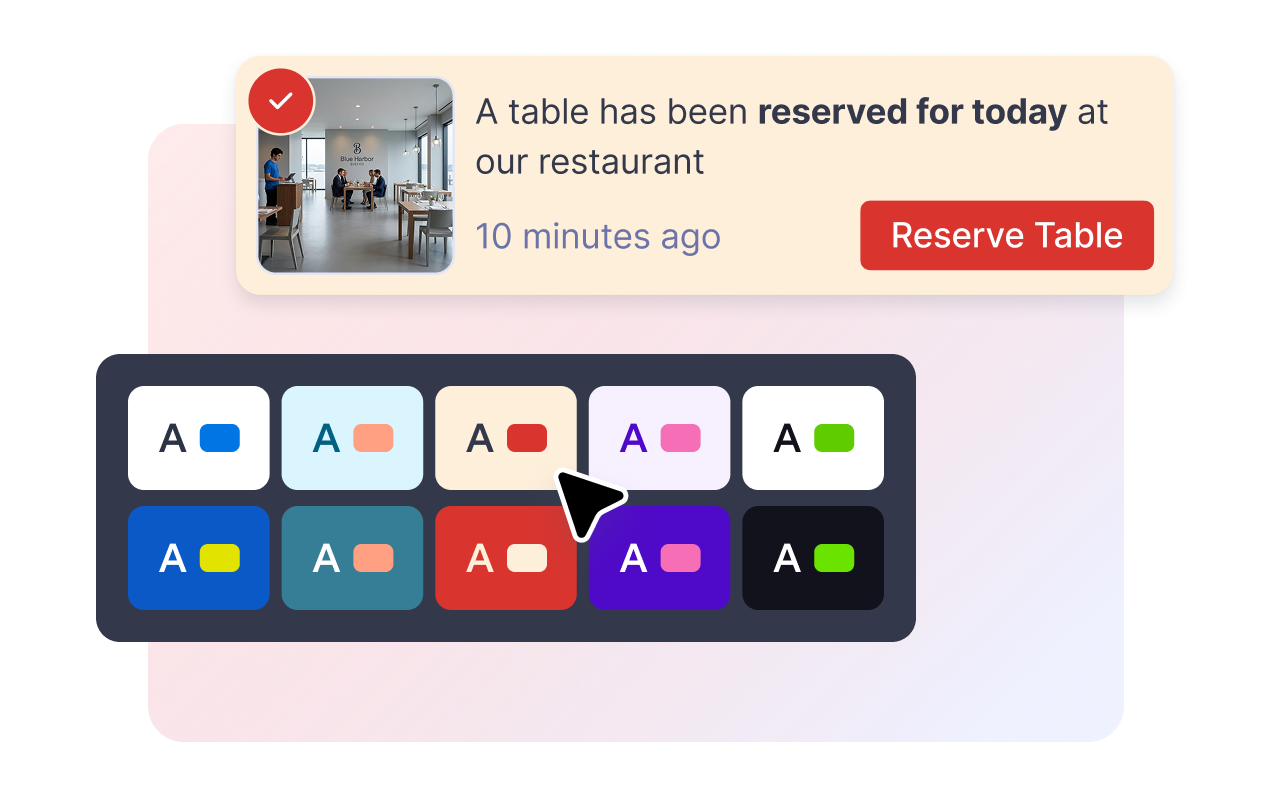
Match the notification to your website
Adjust card colors, message text, CTA button colors, badge color, rounded corners, image size, shadow, branding, and scoped custom CSS.
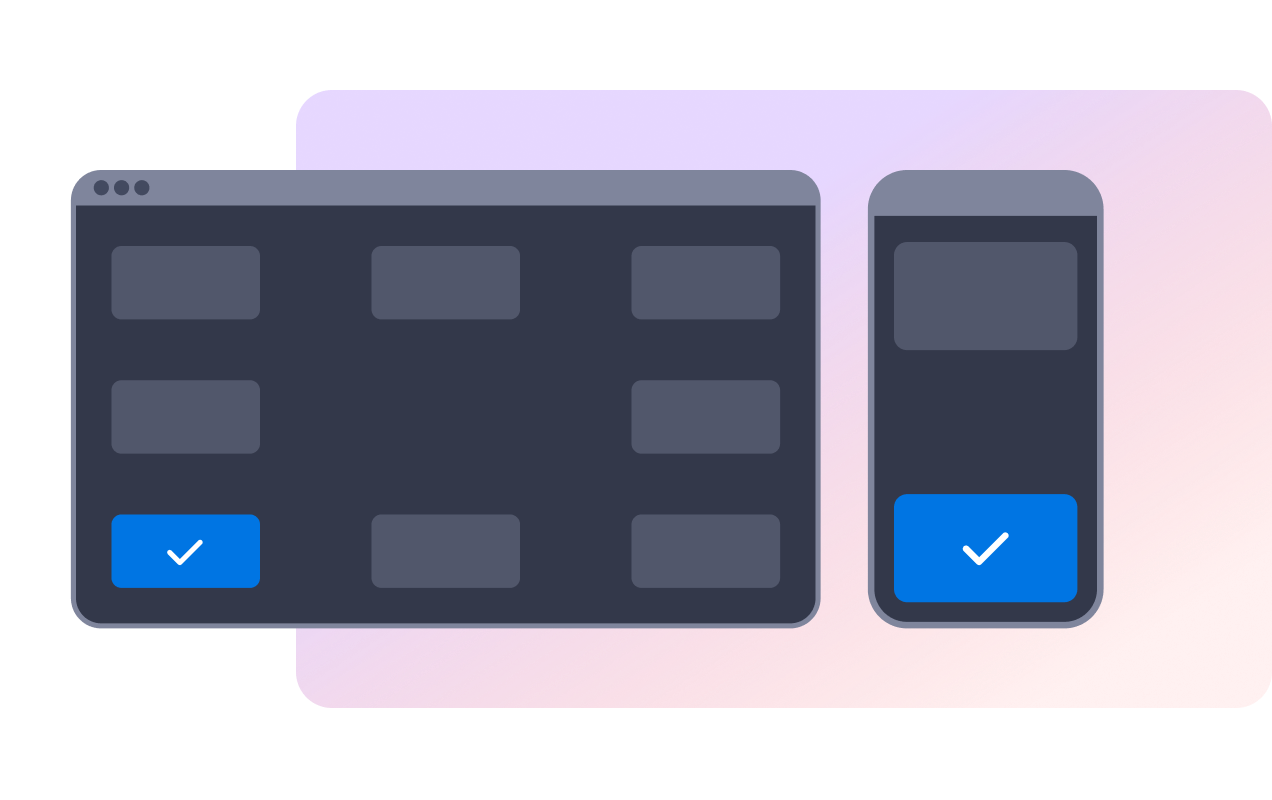
Control placement on desktop and mobile
Place the notification in a screen corner on desktop, choose top or bottom on mobile, and let visitors dismiss messages with close or swipe controls.
Why Jotform Website Widgets stand out
Jotform’s widgets make your website more interactive and increase conversions. There are many tools available, from star ratings and testimonial sliders to social proof popups and media embeds. Add widgets to your forms or landing pages to collect data, display proof, and capture leads — no coding required.
Add Jotform widgets to your website with a simple embed code. Customize the widget, preview how it looks, and paste it into any page that supports custom HTML or embed blocks, all without a developer.
Use Jotform Website Widgets to collect leads, show customer feedback, display social proof, embed media, or add helpful web page tools. Each widget helps visitors interact with your business directly from your website.
If you need help setting up, customizing, embedding, or troubleshooting your widget, Jotform’s customer support team is available 24-7. You can move forward with confidence, knowing that help is there when you need it.
Where to use your Sales Notification widget
Add sales notifications where recent activity can make a product, offer, booking, or signup path feel active and current.
Product pages to show recent purchases, popular items, and CTA links near buying decisions.
Collection pages to highlight activity around specific categories or seasonal campaigns.
Booking pages to show recent reservations, appointments, or signups.
Checkout support pages to reinforce that other visitors are completing similar actions.
Donation or event pages to display recent contributions, ticket purchases, or registrations.
Convert leads into paying customers with the Jotform Form Builder
Turn engagement into action with Jotform. Create powerful forms that capture leads, collect payments, and automate responses, all in one place. Every submission lands in your Jotform Inbox, where you can follow up or connect with your favorite apps.
Get Started — It’s Free!
FAQ
What is a Sales Notification widget?
A Sales Notification widget is an embeddable website popup that displays recent purchase or activity messages in a floating notification card.
Can I edit the notification messages?
Can I control when notifications appear?
Can visitors close the notification?
Can I customize the design?
Does the widget automatically sync with my store orders?
Will it work on mobile?
Do I need to code anything?