Sales Notification Widget
Create Your Own Sales Notification Widget in Seconds for Your Website
Build floating activity alerts with editable sale messages, product images, CTA links, timing controls, responsive placement, close behavior, and brand styling.
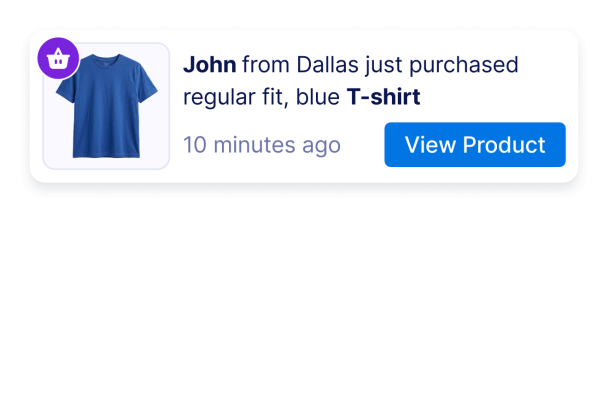

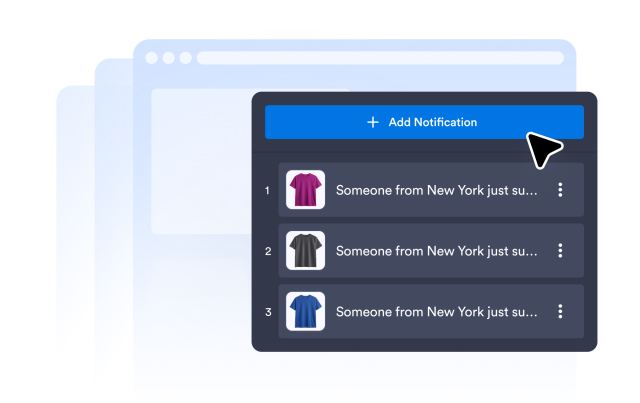
Add Sales and Activity Notification Slots
Create notification messages for recent purchases, bookings, signups, donations, or other activity. Each slot can include a name, location, action, product, timestamp, image, badge, and CTA link.
Content fields include:
Control Timing and Rotation
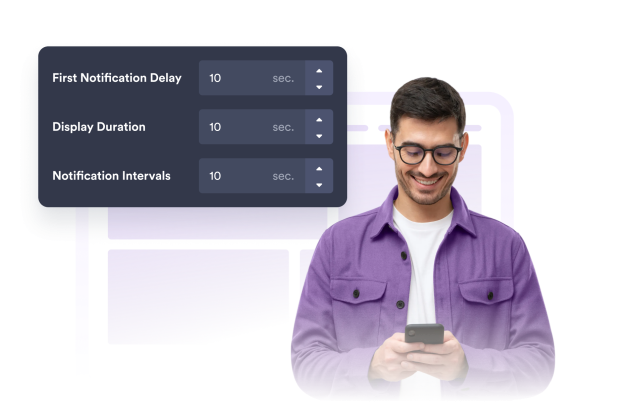
Choose when the first message appears, how long it stays visible, how quickly messages rotate, whether order is randomized, and how long visitors are remembered.
Timing controls include:
Customize Colors, Shape, and Branding
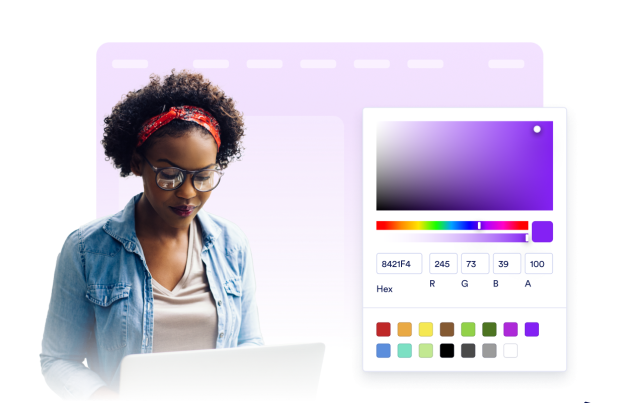
Set notification card colors, message and time colors, CTA button colors, badge color, corner radius, image size, shadow, Jotform branding, and scoped custom CSS.
Style controls include:
Place Notifications on Desktop and Mobile
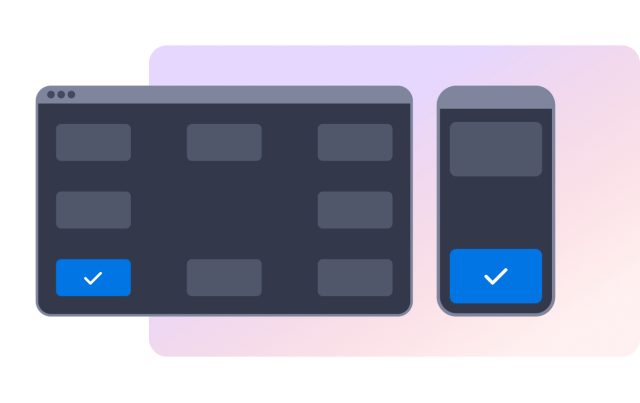
Show the notification in a desktop corner, choose top or bottom mobile placement, set edge offsets, and let visitors close messages with a button or swipe gesture.
Layout controls include: