Scroll Progress Indicator Widget

Create Your Own Scroll Progress Indicator Widget in Seconds for Your Website

Add a responsive progress bar and floating circle to long pages. Show percentage progress, enable scroll-to-top, style colors, and control placement without code.

Create Your Scroll Progress Indicator Widget - It's Free!
Create Your Own Scroll Progress Indicator Widget in Seconds for Your Website Hero Bg Image

How to embed Scroll Progress Widget to WordPress

1Get your embed code

After customizing your Jotform website widget, click Try it on your website for free, and copy the generated embed code.

2Open the page editor

Go to the WordPress post or page where you want to display the widget, then add a new block.

3Add a Custom HTML block

Select Custom HTML and paste your Jotform Website widget embed code into the HTML field.

4Update and view

Click Update or Publish, then open the page to check your embedded widget.

Show Bar and Circle Progress Together

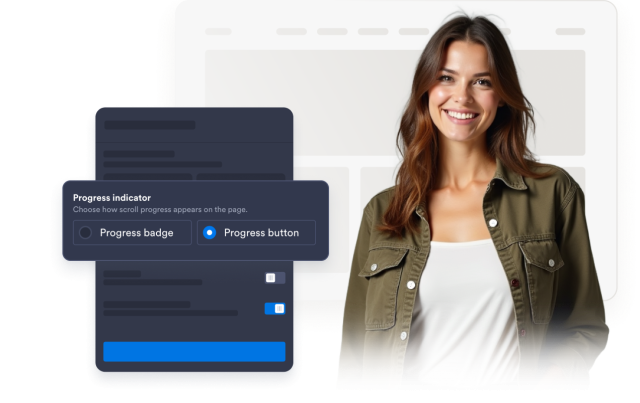
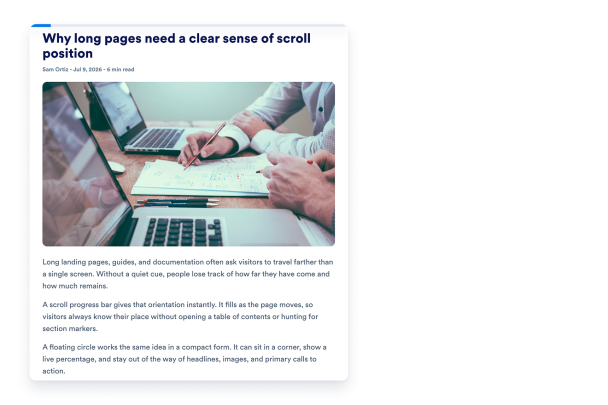
Give visitors two clear cues as they scroll: a fixed progress bar across the page and a floating circular indicator that updates in real time.

Indicator controls include:

Progress barProgress buttonShow percentage
Create Your Widget
Show Bar and Circle Progress Together

Jump Back to the Top Instantly

Turn the floating progress button into a scroll-to-top control so visitors can reset to the header, navigation, or main CTA in one click.

Behavior controls include:
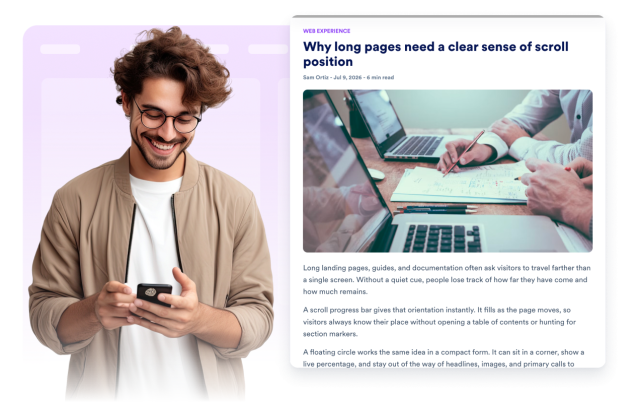
Scroll to top on clickHide at startHide when complete
Enable Scroll to Top
Jump Back to the Top Instantly

Customize Colors and Fill Style

Choose solid or gradient fills, then tune progress, track, and percentage colors so the widget matches your brand.

Style controls include:
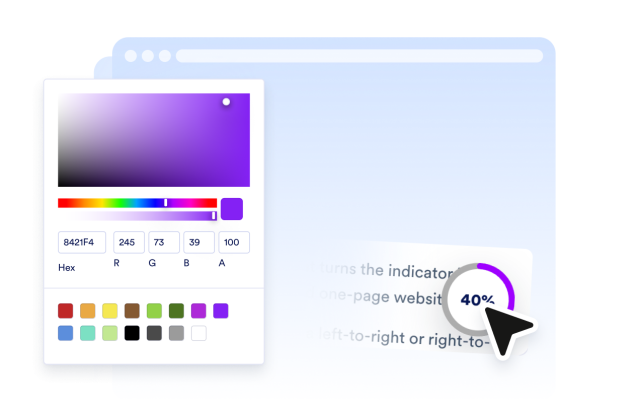
Solid or gradientProgress colorTrack colorPercentage colors
Style Your Widget
Customize Colors and Fill Style

Place It Where Visitors Expect It

Pin the bar to the top or bottom, place the button in any corner, set sizes and edge offset, and choose desktop or mobile visibility.

Layout controls include:
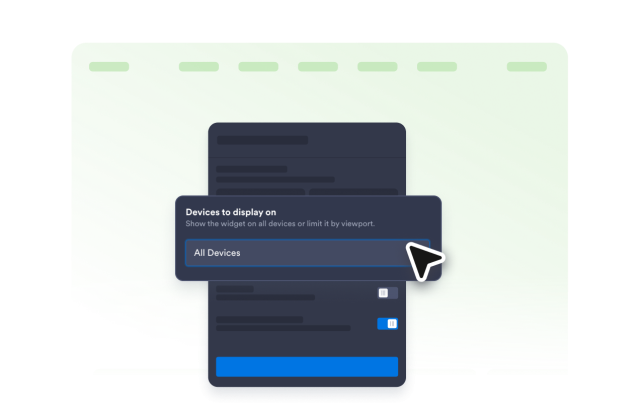
Bar positionButton cornerEdge offsetDevice visibility
Set Placement
Place It Where Visitors Expect It