Social Share Widget for your website
Make it easy for visitors to share any page, post, product, or campaign. Choose from nine popular social and messaging networks, then publish responsive inline or floating share buttons without writing any code.
Create Now — It’s Free!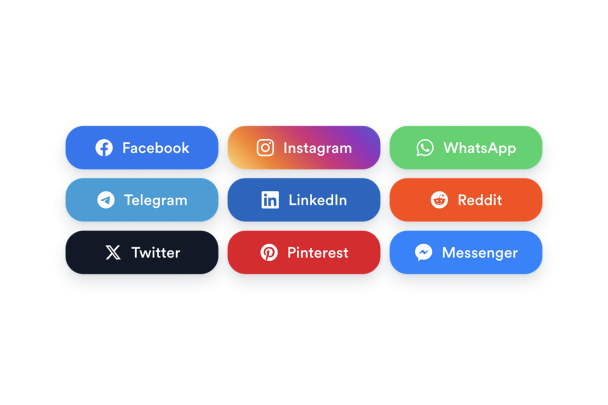

How to create a Social Share widget
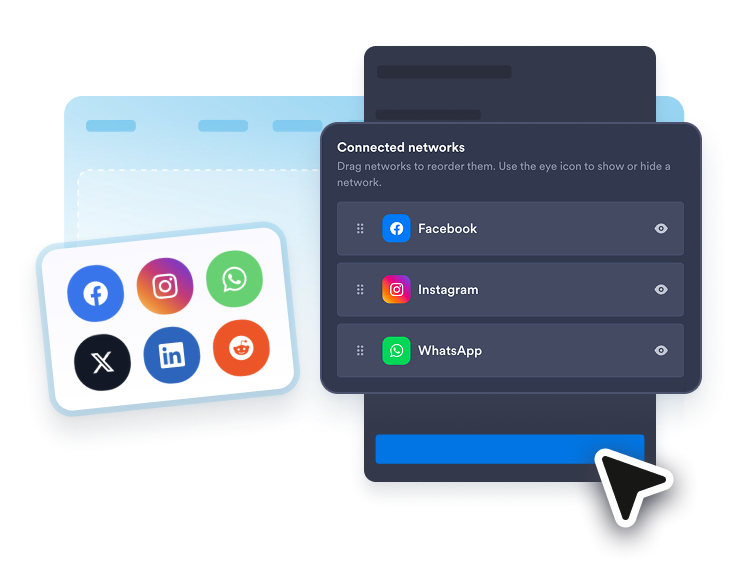
Choose your platforms
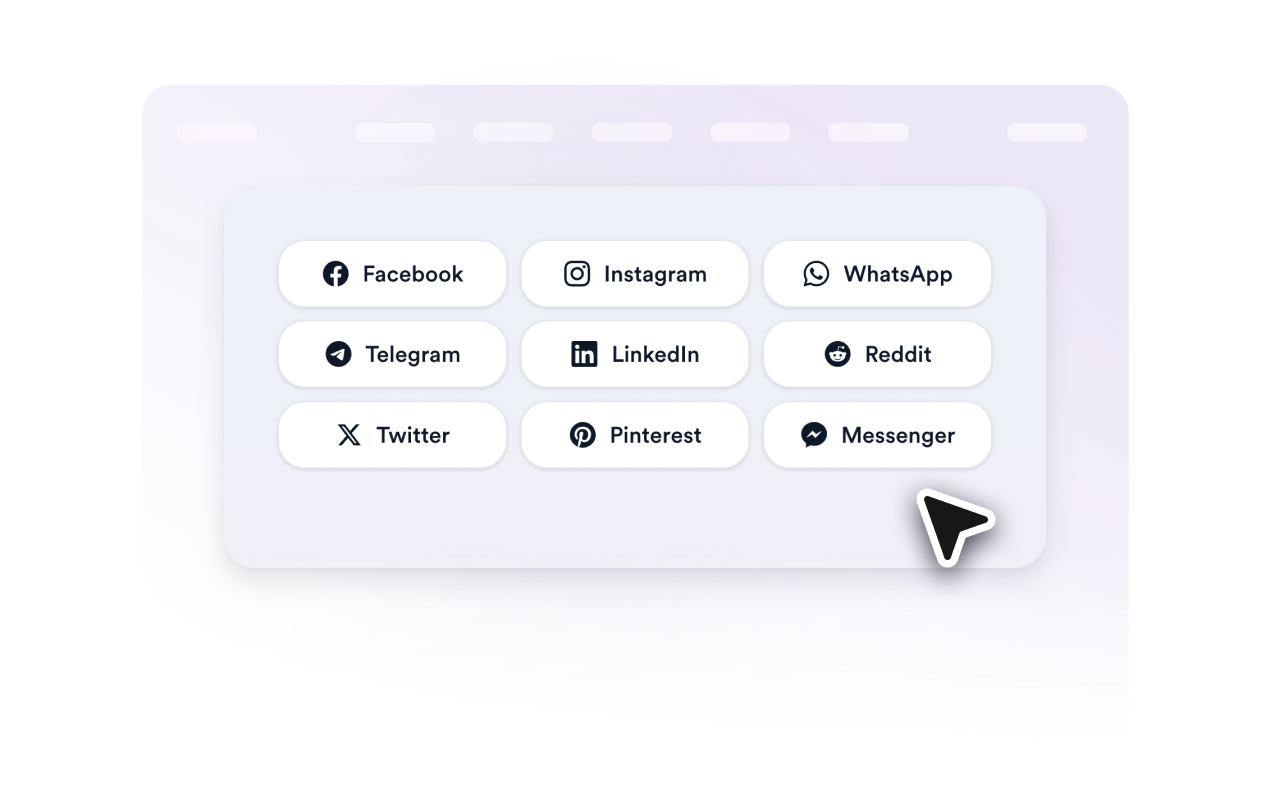
Show or hide Facebook, Instagram, WhatsApp, Telegram, LinkedIn, Reddit, X, Pinterest, and Messenger, then drag them into the order you want.
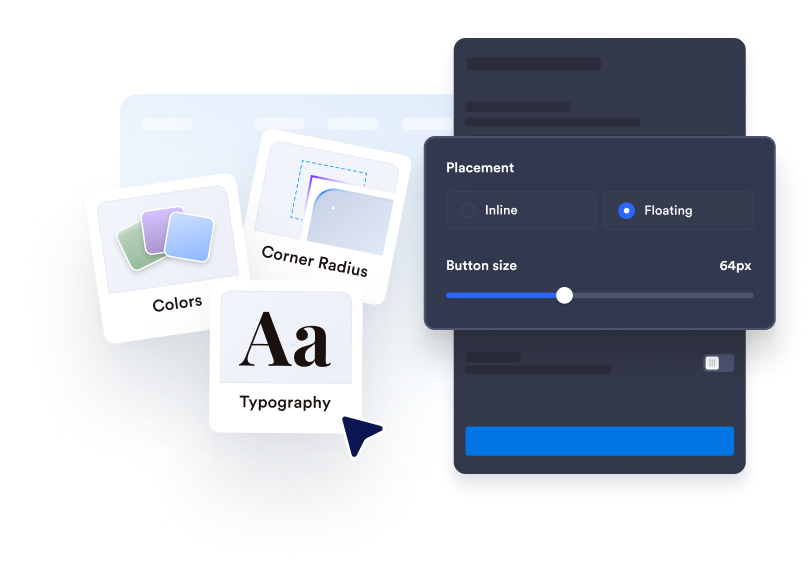
Customize the buttons and layout
Choose button content, corner radius, size, font, animation, Native, Light, or Dark theme, and whether to show Jotform branding.
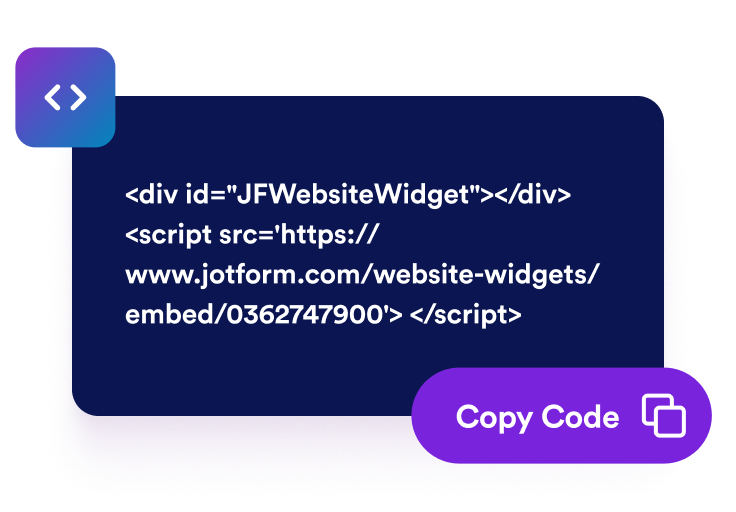
Embed to your website
After finalizing the content and the layout of your widget and copy the generated embed code and embed to your website.
Help visitors share your content from any page
Control platform order and visibility
Drag the nine available platforms into the order you want, then use the eye control to show only the ones that fit your audience.

Match the buttons to your website
Choose icon, text, or icon-and-text buttons, adjust corner radius and size, select a font and theme, and add a hover animation.
Use floating or inline share buttons
Keep sharing visible as visitors scroll with a floating rail, or place buttons inside articles, product pages, landing pages, and campaign sections.

Keep sharing comfortable on all platforms
Let buttons wrap responsively on smaller screens, or hide the widget on mobile when the page needs more room.

Why Jotform Website Widgets stand out
Jotform’s widgets make your website more interactive and increase conversions. There are many tools available, from star ratings and testimonial sliders to social proof popups and media embeds. Add widgets to your forms or landing pages to collect data, display proof, and capture leads — no coding required.
Add Jotform widgets to your website with a simple embed code. Customize the widget, preview how it looks, and paste it into any page that supports custom HTML or embed blocks, all without a developer.
Use Jotform Website Widgets to collect leads, show customer feedback, display social proof, embed media, or add helpful web page tools. Each widget helps visitors interact with your business directly from your website.
If you need help setting up, customizing, embedding, or troubleshooting your widget, Jotform’s customer support team is available 24-7. You can move forward with confidence, knowing that help is there when you need it.
Where to use your Social Share widget
Add social sharing anywhere visitors may want to send your content to their audience, colleagues, customers, or friends.
Blog posts and articles so readers can share helpful content while it is fresh in mind
Product pages to encourage shoppers to share items with friends, teams, or buying committees
Landing pages for campaigns, launches, downloads, webinars, and events that benefit from wider reach
Portfolio and case study pages so prospects can send examples to decision makers
News and announcement pages to make updates easy to distribute across social channels
Mobile pages where a compact floating share button can keep the action reachable without covering content
Convert leads into paying customers with the Jotform Form Builder
Turn engagement into action with Jotform. Create powerful forms that capture leads, collect payments, and automate responses, all in one place. Every submission lands in your Jotform Inbox, where you can follow up or connect with your favorite apps.
Get Started — It’s Free!
FAQ
What is a Social Share widget?
A Social Share widget adds sharing buttons to your website so visitors can send the current page through selected social networks and messaging apps.
Which networks can I show?
Can the buttons float on the page?
Can I change the order of the buttons?
Can I customize the design?
What happens when a visitor selects a network?
Does it work on mobile?
Do I need to write code?