Sudoku Widget for Your Website
Add a playable Sudoku puzzle to any website. Visitors can choose a difficulty, use note mode, track time and mistakes, and solve the board without leaving your page.
Create Now — It’s Free!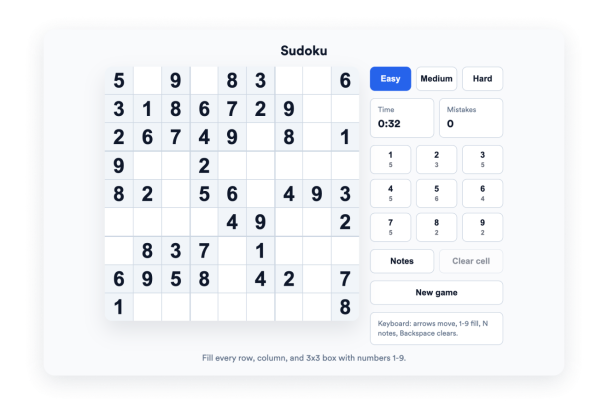

How to create a Sudoku widget
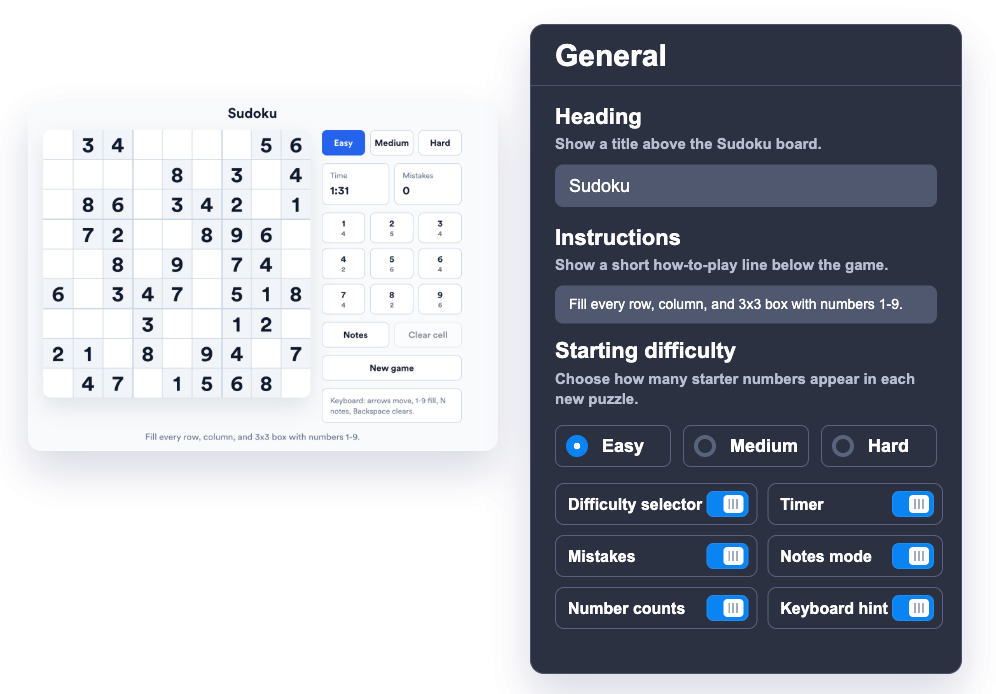
Customize the puzzle
Choose the default difficulty, heading, instructions, timer, mistake counter, note mode, and number count controls.
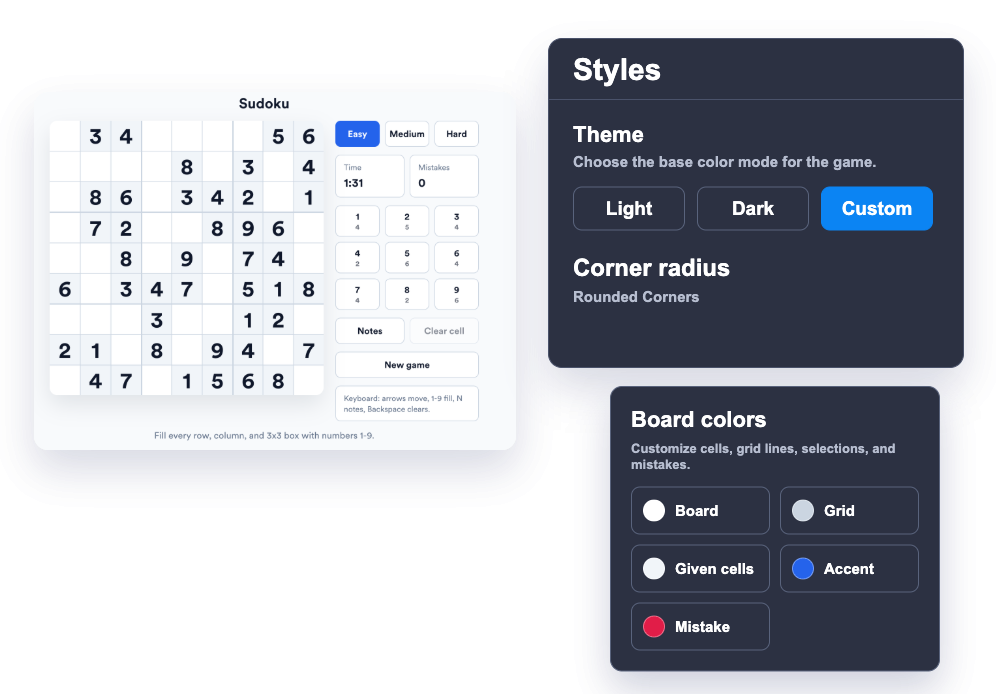
Match your website style
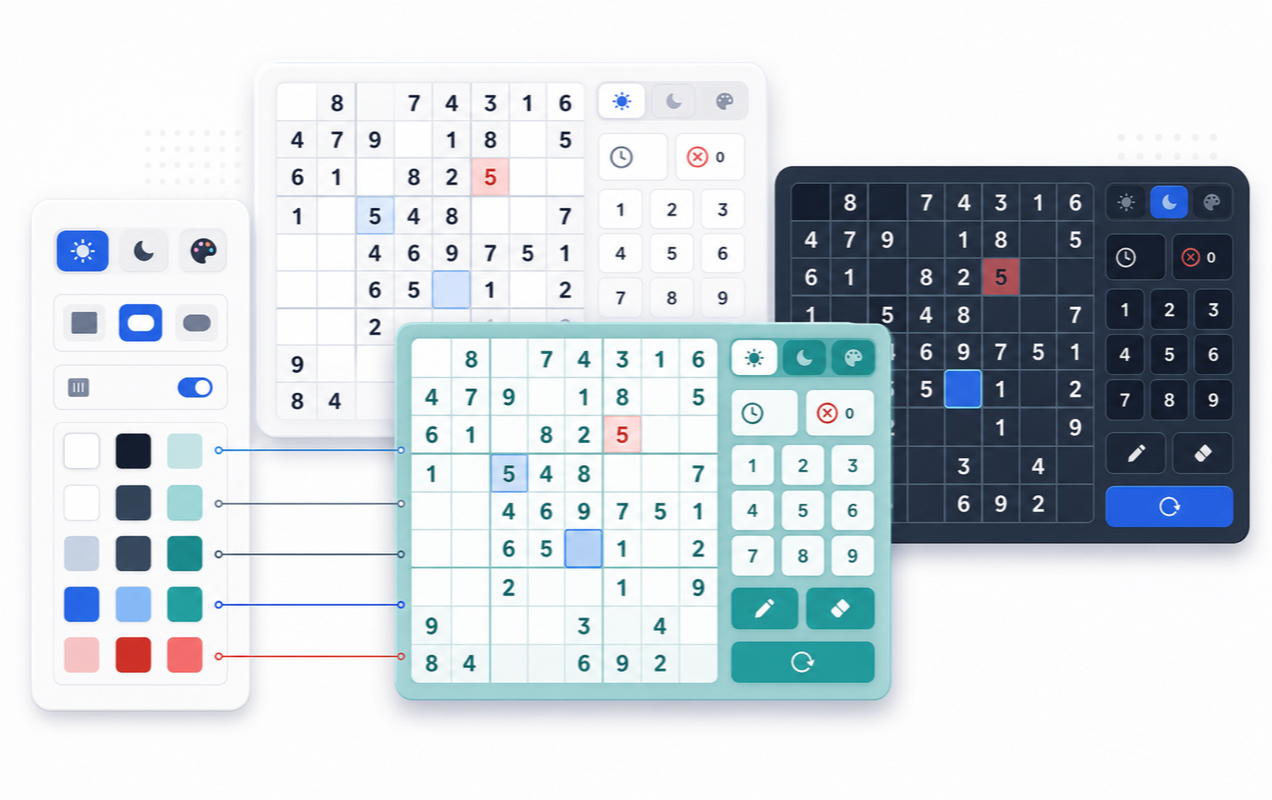
Pick a light, dark, or custom theme and adjust the board, grid, cell, accent, and error colors.
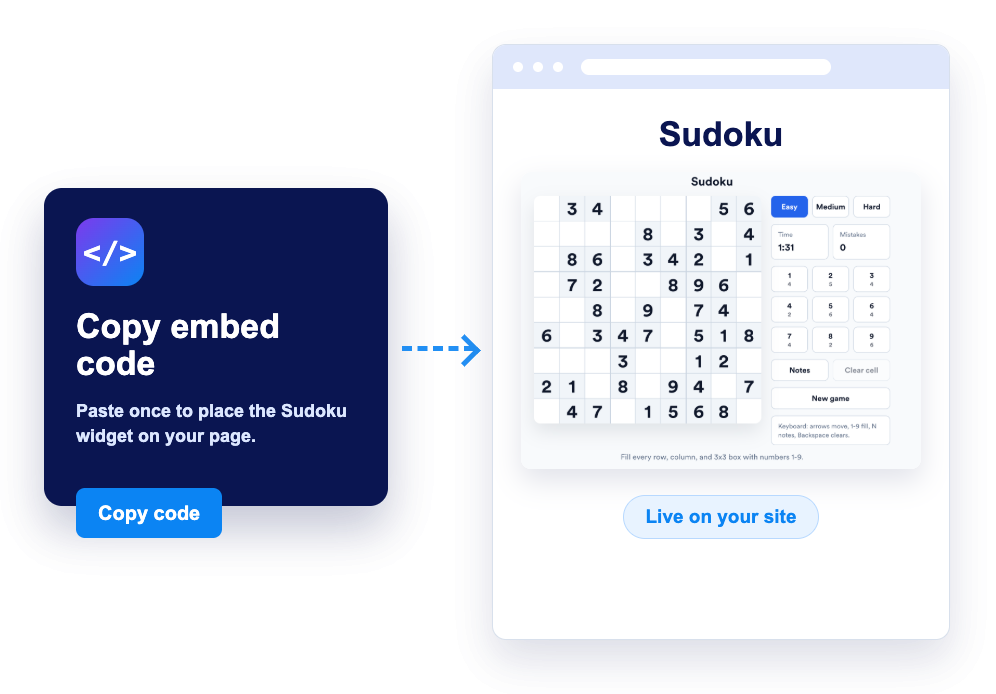
Embed it on your site
Preview the widget, copy the generated embed code, and place a playable Sudoku puzzle anywhere on your website.
Give visitors a focused puzzle they can play instantly
Add a familiar Sudoku board
Give visitors a clean 9x9 Sudoku puzzle with 3x3 box separators, selectable cells, keyboard controls, and an on-screen number pad.
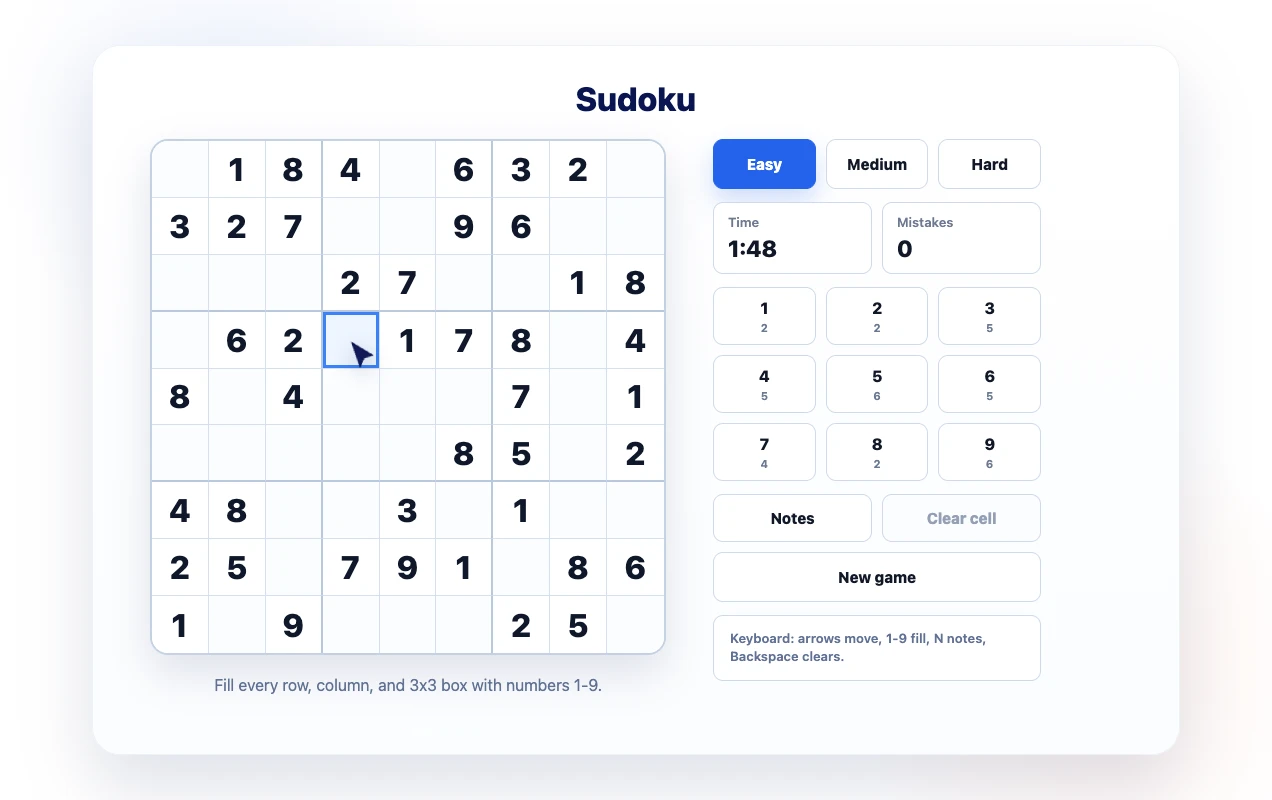
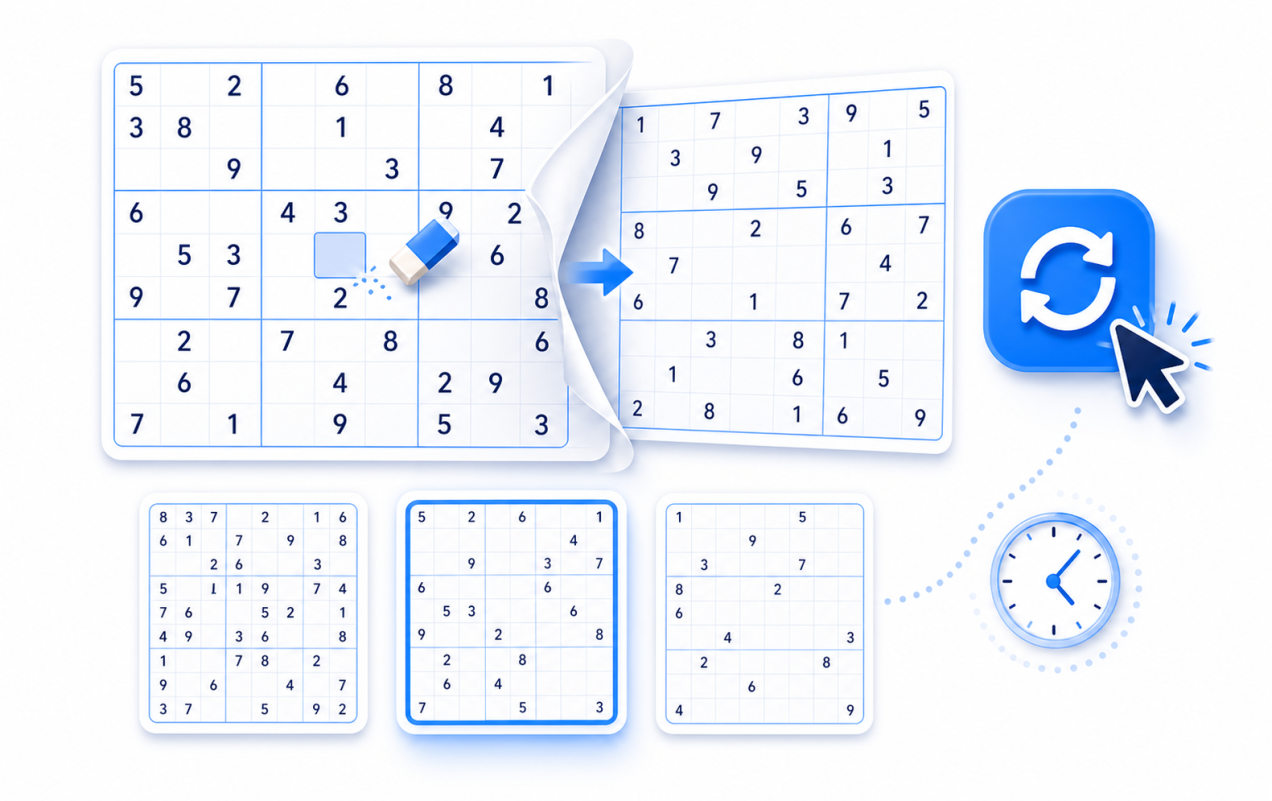
Let players start fresh anytime
Visitors can start a new puzzle, switch between Easy, Medium, and Hard, clear editable cells, and keep solving at their own pace.
Style the game to match your brand
Choose light, dark, or custom colors for the puzzle surface, cells, grid, accent states, and error states so the widget feels native to your site.
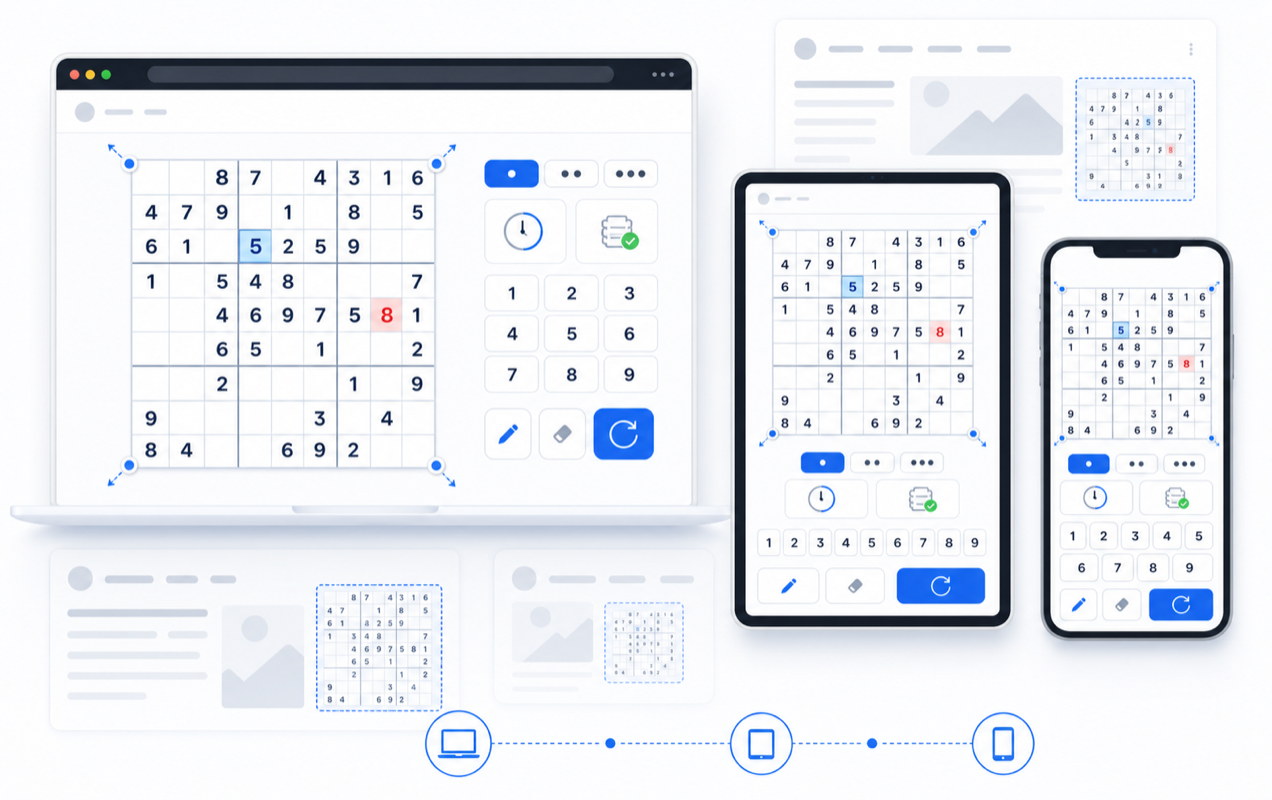
Support desktop and mobile play
Use a responsive layout with configurable board size and side or bottom controls, so the puzzle fits campaign pages, blogs, learning hubs, and mobile screens.
Why Jotform Website Widgets stand out
Jotform’s widgets make your website more interactive and increase conversions. There are many tools available, from star ratings and testimonial sliders to social proof popups and media embeds. Add widgets to your forms or landing pages to collect data, display proof, and capture leads — no coding required.
Add Jotform widgets to your website with a simple embed code. Customize the widget, preview how it looks, and paste it into any page that supports custom HTML or embed blocks, all without a developer.
Use Jotform Website Widgets to collect leads, show customer feedback, display social proof, embed media, or add helpful web page tools. Each widget helps visitors interact with your business directly from your website.
If you need help setting up, customizing, embedding, or troubleshooting your widget, Jotform’s customer support team is available 24-7. You can move forward with confidence, knowing that help is there when you need it.
Where to use your Sudoku widget
Use the widget wherever a calm, replayable puzzle can make a page more engaging without sending visitors away from your website.
Education sites to add a logic puzzle for students, clubs, tutoring pages, and learning resources.
Blogs and newsletters to give readers a quick puzzle break between articles, updates, or community posts.
Community pages to add an interactive activity that visitors can replay during events, challenges, or themed campaigns.
Portfolio and personal sites to show personality with a lightweight, playable widget that fits the page design.
Landing pages to increase dwell time with a familiar game that visitors can start immediately.
Membership sites to offer a simple daily-style activity alongside announcements, lessons, or member content.
Convert leads into paying customers with the Jotform Form Builder
Turn engagement into action with Jotform. Create powerful forms that capture leads, collect payments, and automate responses, all in one place. Every submission lands in your Jotform Inbox, where you can follow up or connect with your favorite apps.
Get Started — It’s Free!
FAQ
What is the Sudoku widget?
The Sudoku widget is an embeddable puzzle visitors can play directly on your website. It includes a 9x9 board, difficulty options, note mode, timer, mistake tracking, and customizable styling.
How do visitors play it?
Can I change the difficulty?
Can I customize how it looks?
Does it work on mobile devices?
Can I hide parts of the interface?
Do I need to write code?
Is the Sudoku widget free?