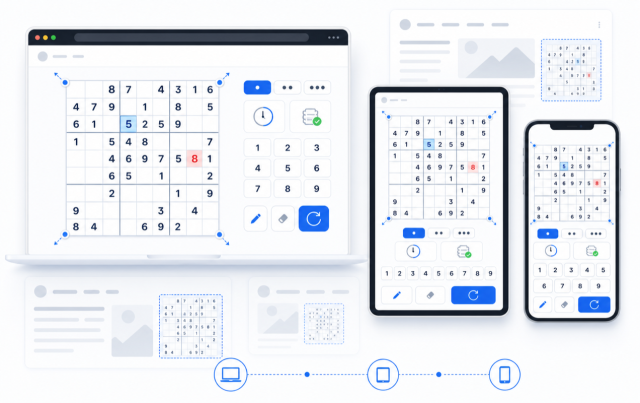
Sudoku Widget
Create Your Own Sudoku Widget in Seconds for Your Website
Add a playable logic puzzle to blogs, education pages, community sites, landing pages, and member areas. Customize the board, controls, colors, and layout, then embed it on your website.

Play with Keyboard or On-Screen Controls
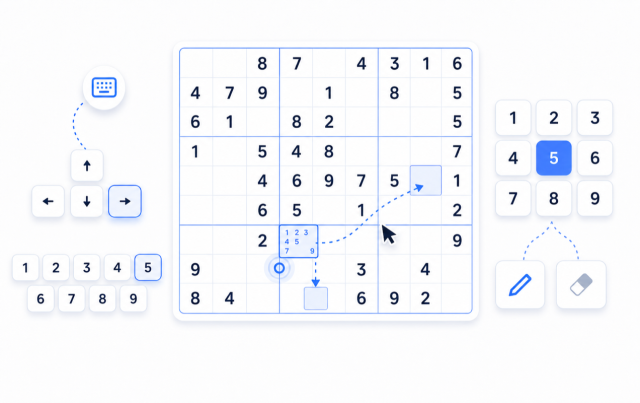
Visitors can select a cell, use the 1-9 number pad, move with arrow keys, toggle notes, and clear editable cells. The puzzle stays easy to play whether they use a keyboard, mouse, or touch screen.
Controls include:
Set the Challenge for Your Audience
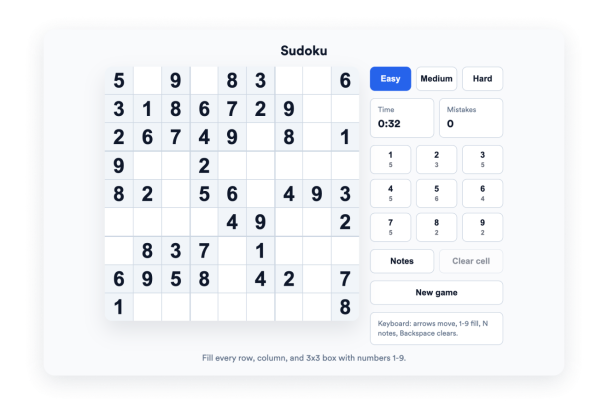
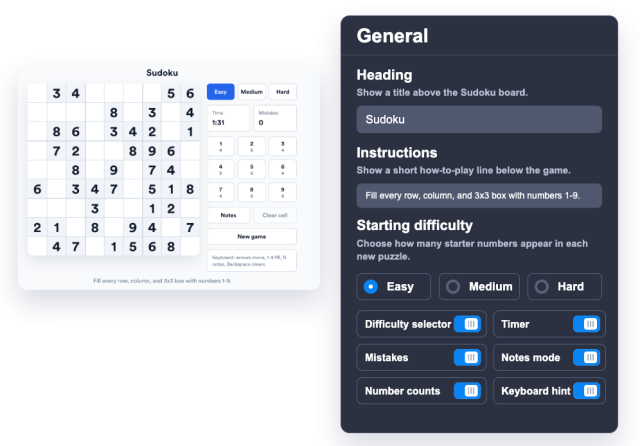
Choose Easy, Medium, or Hard as the default difficulty and decide whether visitors can switch levels. Show the timer, mistake counter, and number counts to make the puzzle more structured.
Gameplay options include:
Match the Board to Your Brand
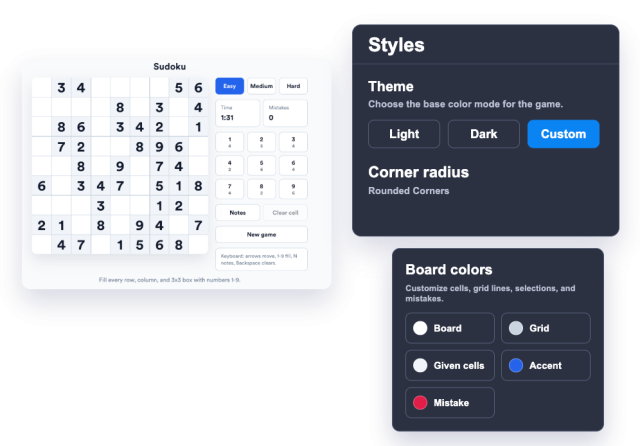
Use a light, dark, or custom theme and tune the board, grid, given-cell, accent, and error colors. Adjust the corner radius and max width so the puzzle fits your page design.
Style controls include:
Fit the Puzzle into Any Page Layout
Place controls beside the board on wider sections or below it for compact layouts. The widget can fit blog posts, resource pages, learning portals, and mobile-first sites.
Layout options include: