Telegram Chat Widget for Websites
Add a floating Telegram chat button to your website so visitors can open a conversation from any page. Customize the Telegram destination, greeting, start-chat method, colors, placement, badge, and device visibility without code.
Create Now — It’s Free!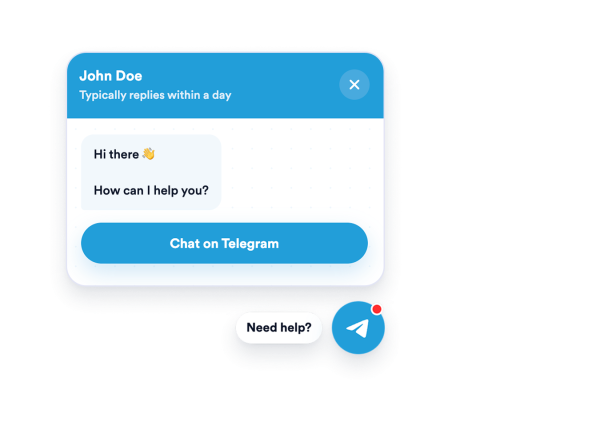

How to create a Telegram Chat widget
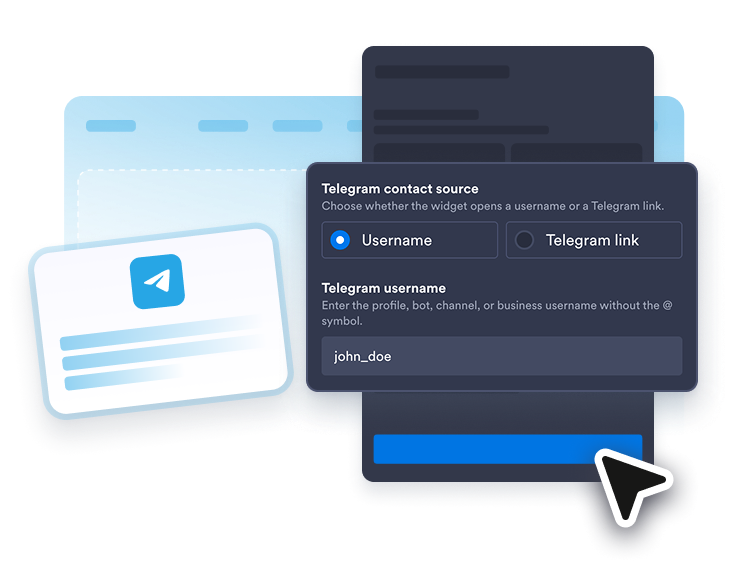
Connect your Telegram contact
Add a Telegram username, t.me link, or supported Telegram deep link.
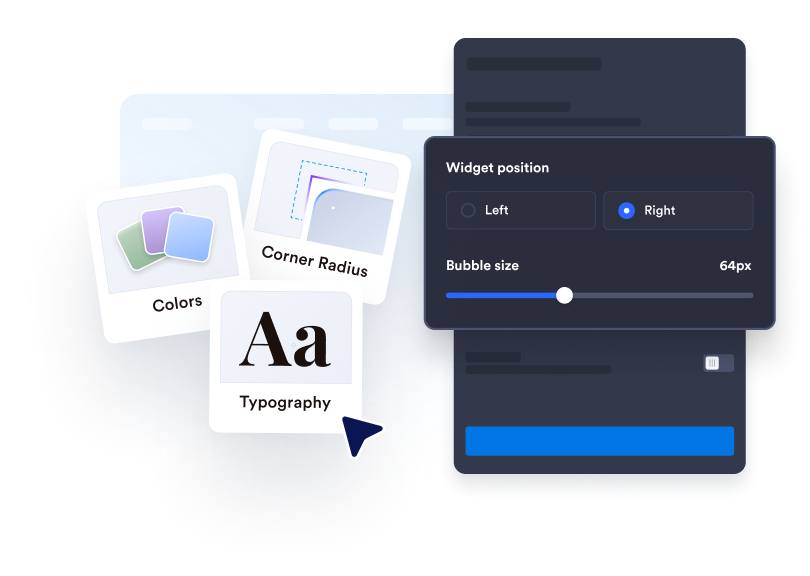
Customize the chat prompt
Edit the bubble label, agent name, agent caption, welcome message, start-chat method, colors, badge, size, and placement.
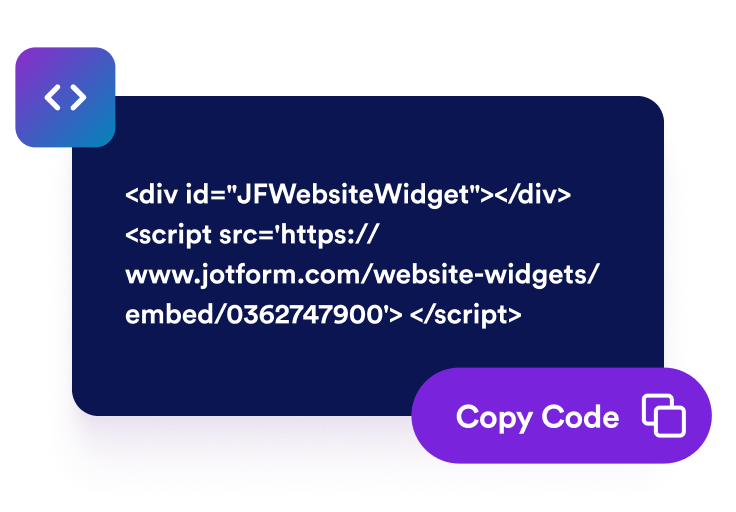
Embed it on your website
Copy the generated embed code and publish your Telegram chat widget anywhere.
Help visitors start the right Telegram conversation
Open Telegram from your site
Connect the widget with a Telegram username, t.me URL, telegram.me URL, telegram.dog URL, or tg:// deep link so visitors land in the right conversation.
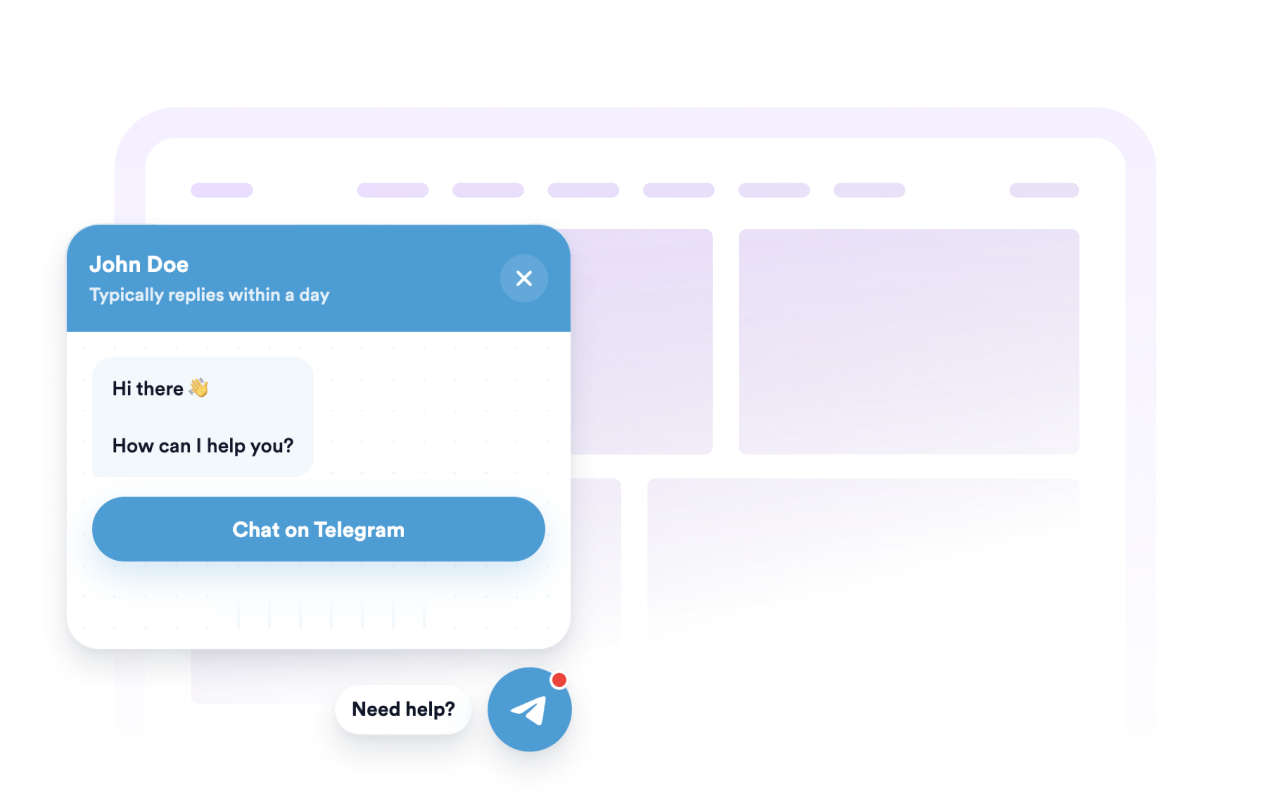
Control the floating layout
Set left or right placement, bubble size, chat window width, offsets, auto-open delay, and desktop or mobile visibility.

Set a helpful welcome message
Introduce your team, set expectations, and add a pre-filled message so visitors know what to ask when they open Telegram.

Match your website style
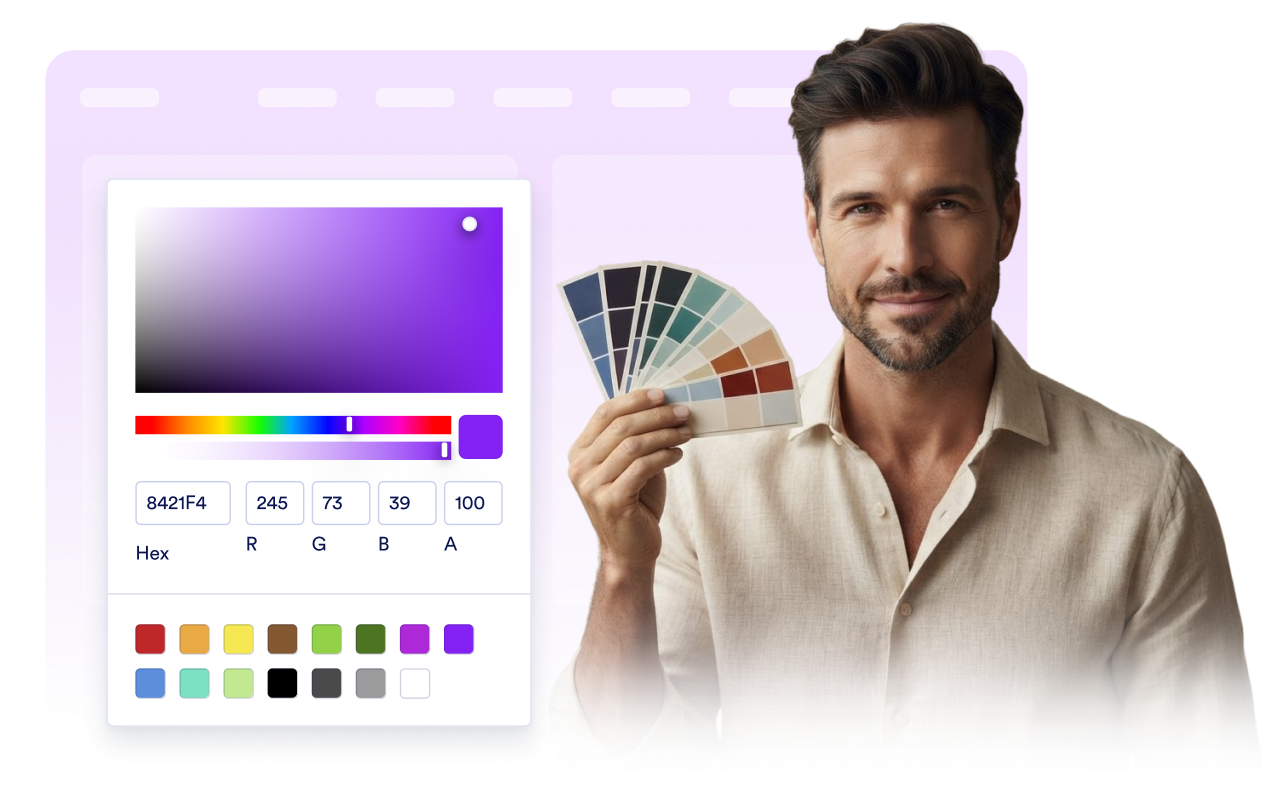
Adjust the chat bubble, icon, header, message background, CTA colors, width, rounded corners, badge, and screen position.
Why Jotform Website Widgets stand out
Jotform’s widgets make your website more interactive and increase conversions. There are many tools available, from star ratings and testimonial sliders to social proof popups and media embeds. Add widgets to your forms or landing pages to collect data, display proof, and capture leads — no coding required.
Add Jotform widgets to your website with a simple embed code. Customize the widget, preview how it looks, and paste it into any page that supports custom HTML or embed blocks, all without a developer.
Use Jotform Website Widgets to collect leads, show customer feedback, display social proof, embed media, or add helpful web page tools. Each widget helps visitors interact with your business directly from your website.
If you need help setting up, customizing, embedding, or troubleshooting your widget, Jotform’s customer support team is available 24-7. You can move forward with confidence, knowing that help is there when you need it.
Where to use your Telegram Chat widget
Place the widget on pages where visitors need a fast way to ask questions or continue the conversation on Telegram.
Online stores to answer product, shipping, and order questions.
Support and service pages to route customer questions to your Telegram contact.
Booking and consultation pages to help visitors confirm details before signing up.
Creator, community, and local business sites to continue website interest in Telegram.
Convert leads into paying customers with the Jotform Form Builder
Turn engagement into action with Jotform. Create powerful forms that capture leads, collect payments, and automate responses, all in one place. Every submission lands in your Jotform Inbox, where you can follow up or connect with your favorite apps.
Get Started — It’s Free!
FAQ
What is a Telegram Chat widget?
A Telegram Chat widget is a floating website button and chat preview that lets visitors open a Telegram conversation with your configured contact.
Do I need to code to add it to my website?
Can I customize the greeting and button?
Which Telegram links are supported?
Does the widget store Telegram messages?
Do visitors need Telegram?