Waitlist Widget for Your Website
Let visitors join your waitlist with their email, add optional name or phone fields, and see their position and signup count after they sign up.
Create Now — It’s Free!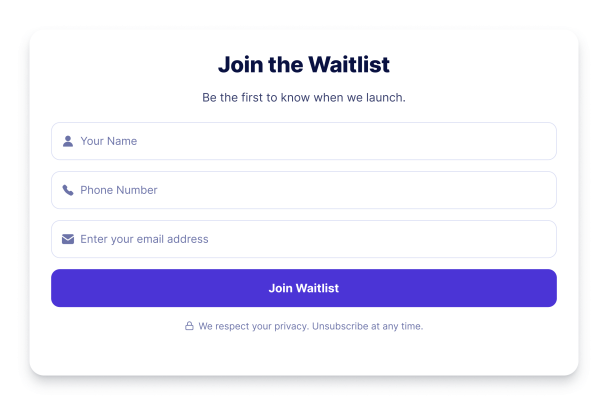

How to create a Waitlist widget
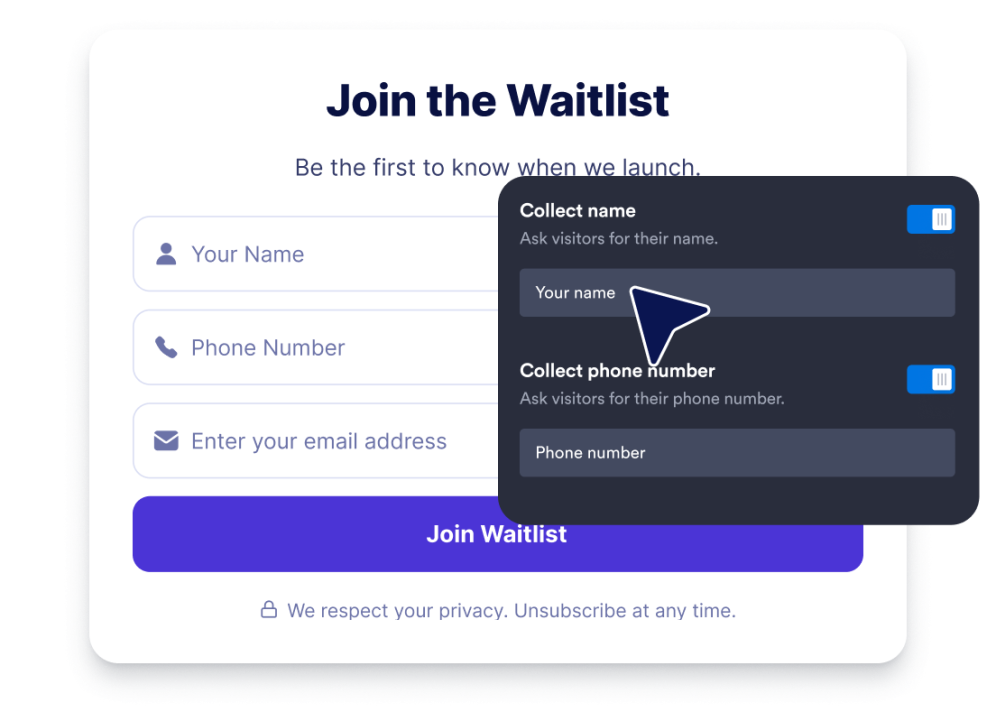
Set up your waitlist form
Write your heading, subheading, placeholder text, and button label, then choose whether to collect a name or phone number in addition to email.
Style the signup experience
Choose a design preset, adjust colors, set corner radius and width, and decide whether visitors should see their queue position or signup count.

Embed it on your website
Copy the generated embed code and paste it into your website so visitors can join your waitlist directly from the page.
Capture demand and build anticipation before you launch
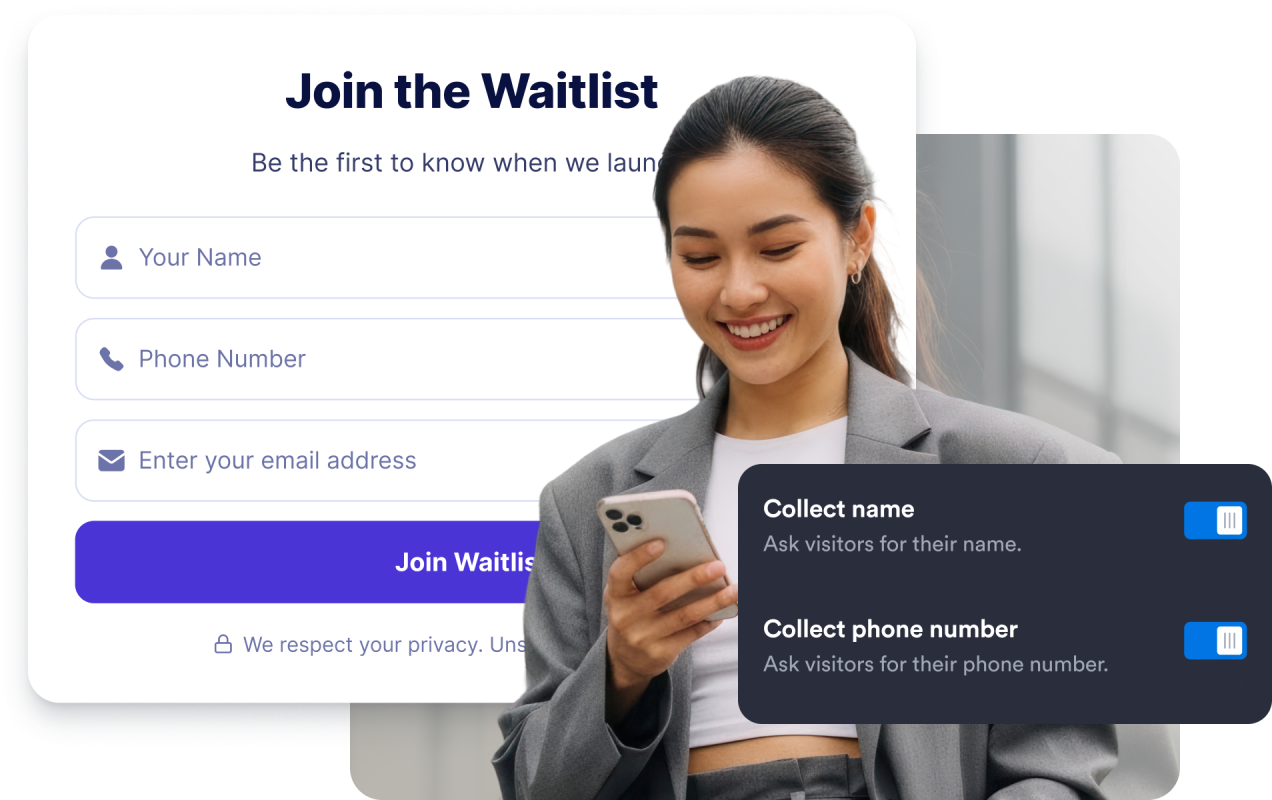
Collect signups with optional fields
Ask for an email address and, when needed, turn on name and phone fields so visitors can reserve their spot with the right amount of information.
Show visitors their queue position
After someone joins, display a success state with their spot in line, such as "You're #128," so the signup feels immediate and personal.

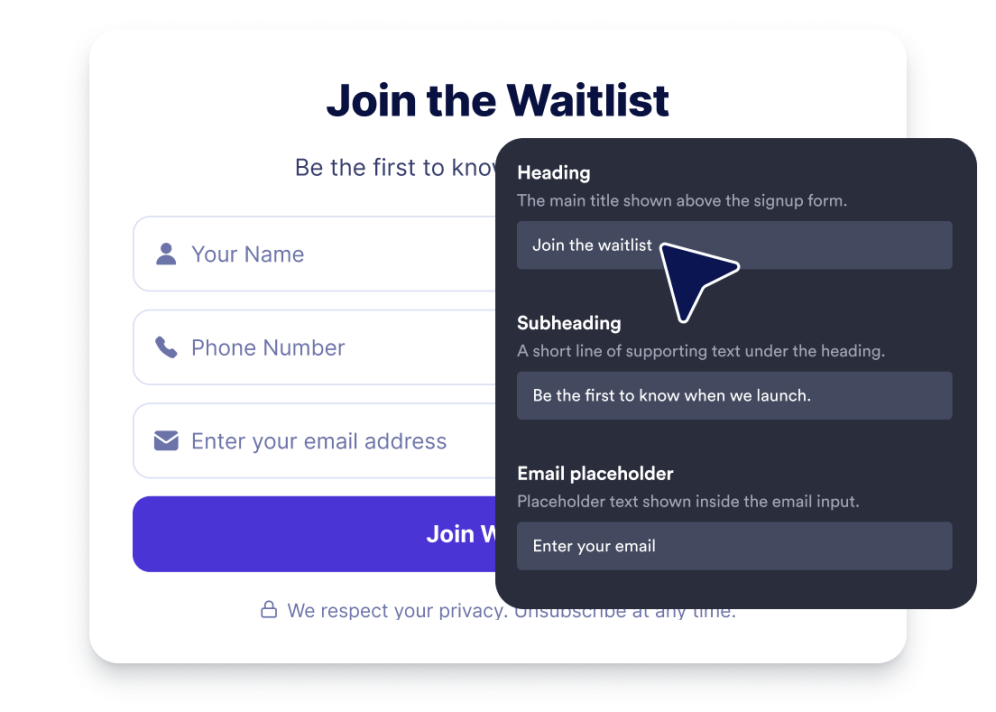
Customize your waitlist text
Edit the heading, subheading, email placeholder, button label, privacy note, and success message so the widget matches your launch.
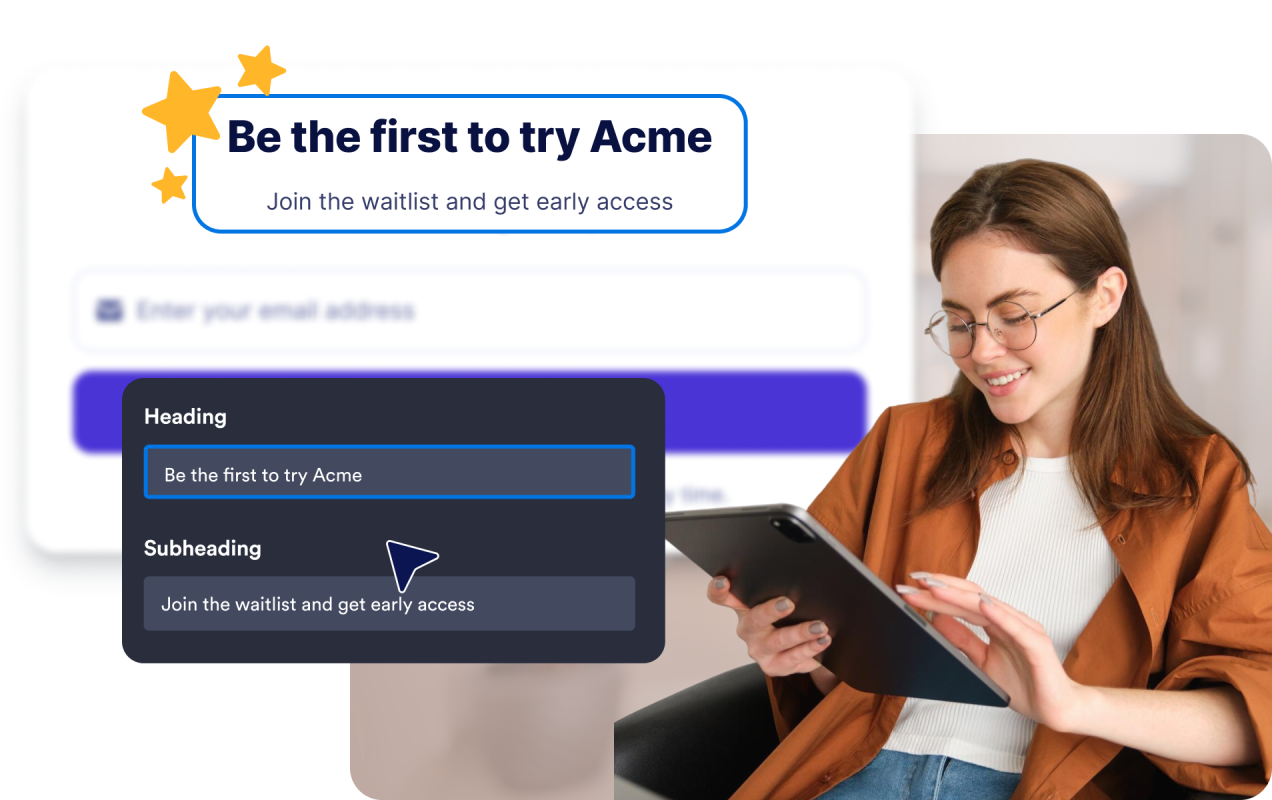
Match the widget to your site
Use design presets, colors, corner radius, width, alignment, branding controls, and custom CSS to make the waitlist fit your website.
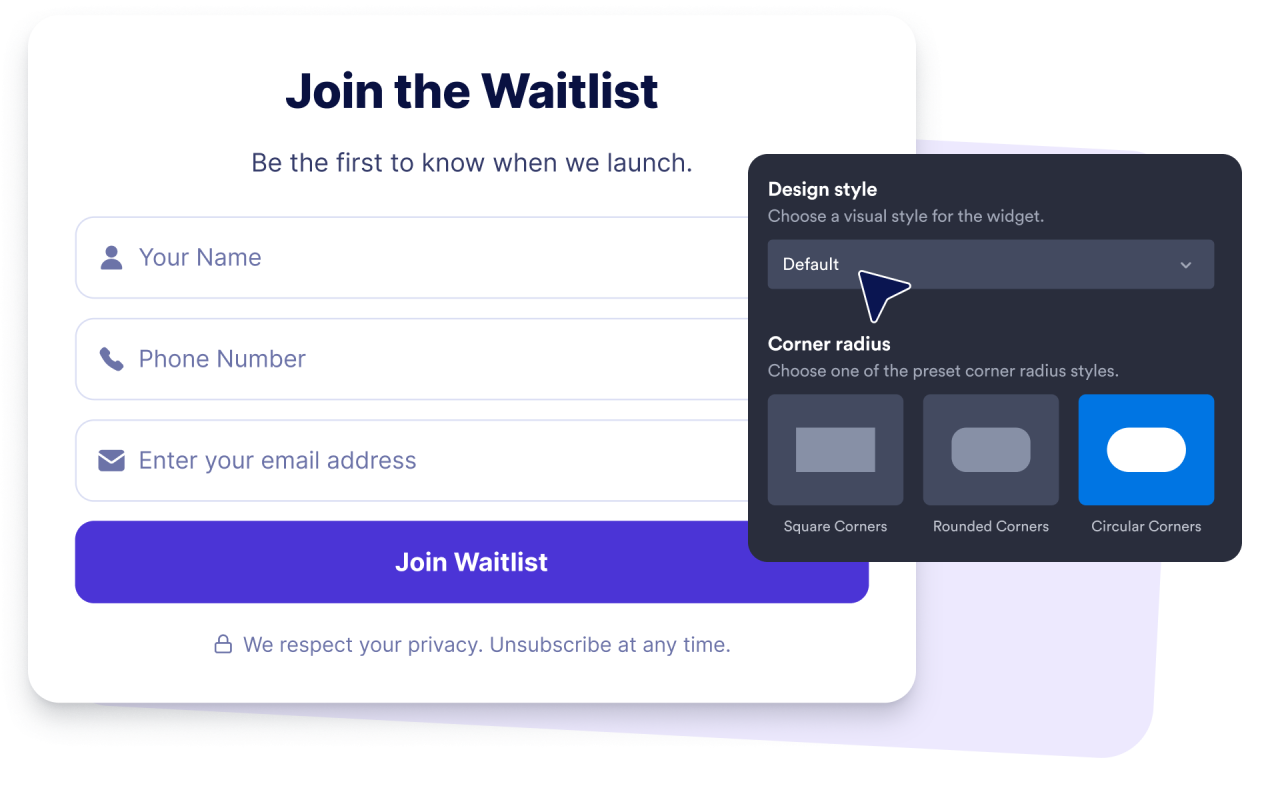
Why Jotform Website Widgets stand out
Jotform’s widgets make your website more interactive and increase conversions. There are many tools available, from star ratings and testimonial sliders to social proof popups and media embeds. Add widgets to your forms or landing pages to collect data, display proof, and capture leads — no coding required.
Add Jotform widgets to your website with a simple embed code. Customize the widget, preview how it looks, and paste it into any page that supports custom HTML or embed blocks, all without a developer.
Use Jotform Website Widgets to collect leads, show customer feedback, display social proof, embed media, or add helpful web page tools. Each widget helps visitors interact with your business directly from your website.
If you need help setting up, customizing, embedding, or troubleshooting your widget, Jotform’s customer support team is available 24-7. You can move forward with confidence, knowing that help is there when you need it.
Where to use your Waitlist widget
Place the widget wherever visitors are ready to reserve a spot, register interest, or line up for something that is not available yet.
Coming-soon pages where visitors can reserve their place before your product or feature goes live.
Product landing pages that need to capture demand and gauge interest ahead of launch.
Early access and beta pages where you invite testers to join the queue for a new release.
Event and course pages for sold-out sessions, upcoming cohorts, or limited seats.
Restaurant and service pages where guests can line up for openings, tables, or new offerings.
Campaign landing pages where a compact signup form turns traffic into an engaged early audience.
Convert leads into paying customers with the Jotform Form Builder
Turn engagement into action with Jotform. Create powerful forms that capture leads, collect payments, and automate responses, all in one place. Every submission lands in your Jotform Inbox, where you can follow up or connect with your favorite apps.
Get Started — It’s Free!
FAQ
What is a Waitlist widget?
A Waitlist widget lets website visitors join a waitlist with their email address and see a confirmation after they sign up.
What information does the widget collect?
Can I make the name and phone fields optional?
Does it show visitors their position in line?
Can it show how many people have joined?
Can I hide the signup count or position?
Can I customize the text?
Can I send confirmation emails?
Can I match the widget to my brand?
Do I need to know how to code?