Waitlist Widget Features
Waitlist Widget for Your Website
Collect interest before your launch, event, beta, or limited release. Customize the signup message, fields, privacy note, signup count, and queue position, then embed your waitlist on any page that supports custom HTML or embed blocks.

Collect Signups With a Flexible Join Form
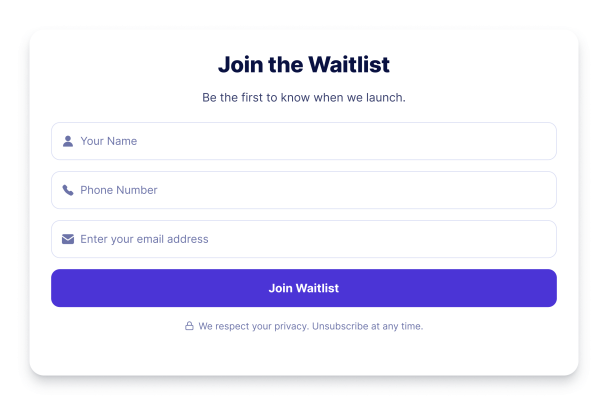
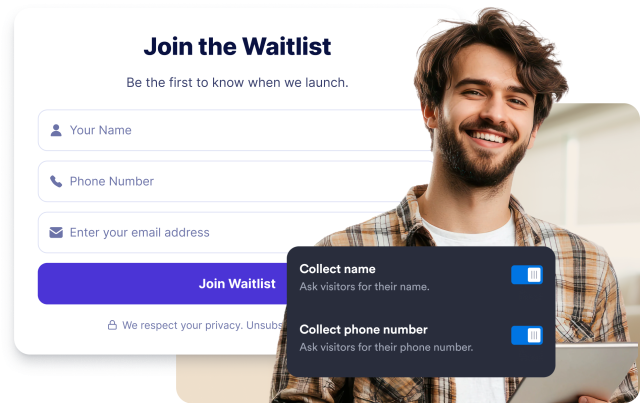
Let visitors reserve their spot with an email address, then enable optional name and phone fields when you need more context from each signup.
Form fields:
Show Queue Position and Signup Count
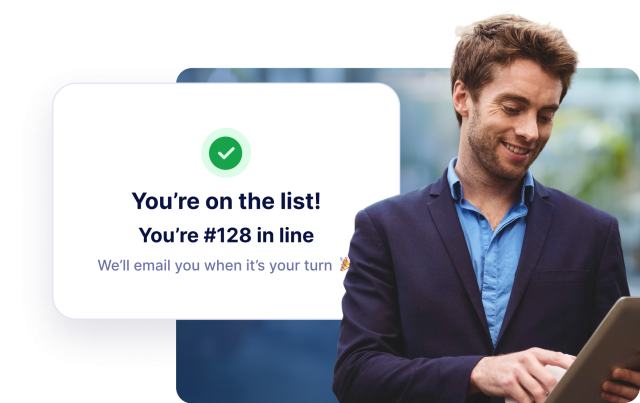
Display a running signup total before visitors join, then show each new signup their queue position in the success state to build launch momentum.
Displays:
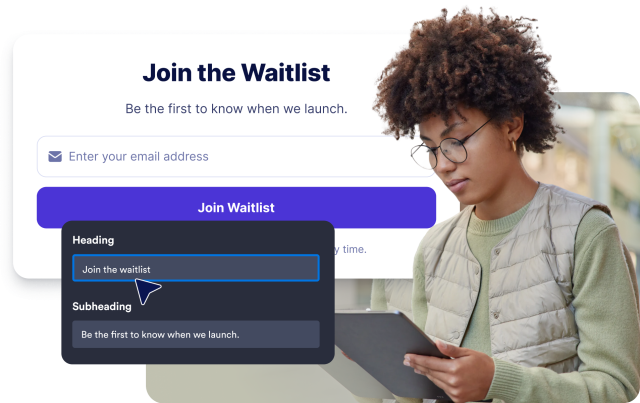
Customize Your Waitlist Text
Edit the heading, subheading, email placeholder, button label, privacy note, and success message so your waitlist matches your launch voice.
Content controls:
Match Your Brand and Embed Anywhere
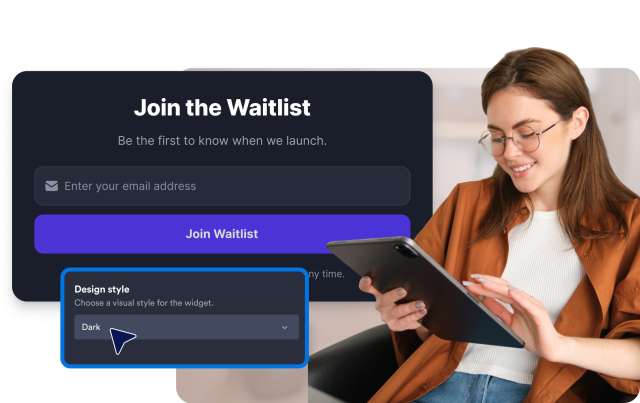
Choose a design preset or use custom colors, corner radius, width, alignment, branding, and CSS controls before embedding the widget on your website.
Customization: