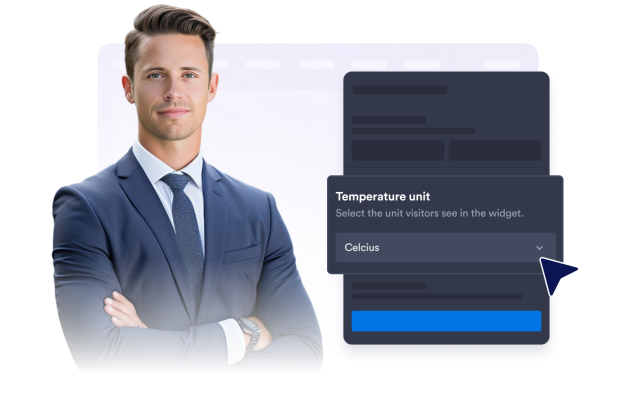
Weather Widget Features
Customize the Layout and Settings of Your Weather Widget Features
Show current conditions and upcoming forecasts directly on your website. Choose a fixed or visitor-based location, select the right forecast view, control visible weather details, customize the design, and localize temperature units and labels without coding.
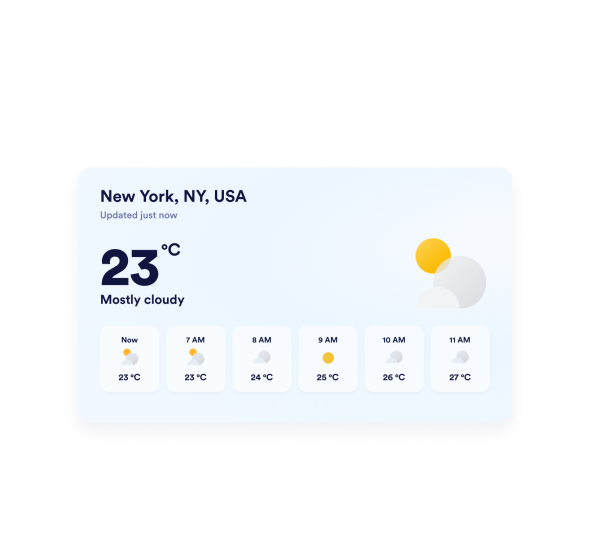

Show Weather for the Right Location
Display weather for a destination that matters to your audience. Enter a city, ZIP code, or coordinates for a fixed forecast, or use visitor-location mode to show local conditions. You can also replace the searched location with a familiar venue, neighborhood, or business name.
Location controls include:
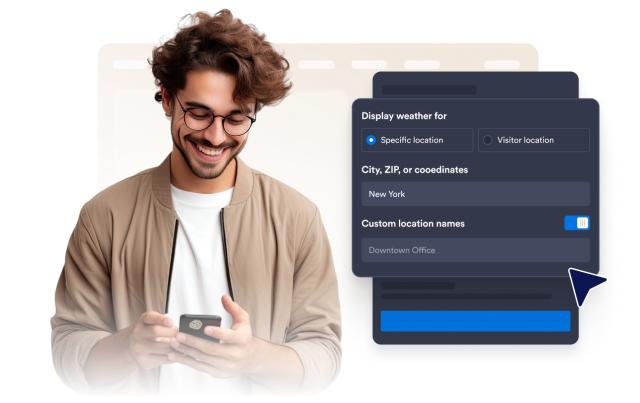
Choose and Style the Right Forecast View
Match the forecast display to your available page space and the information visitors need. Choose a detailed, daily, hourly, current-weather, or temperature-only view, then customize the background, colors, card width, and corner radius to fit your website.
Forecast views include:
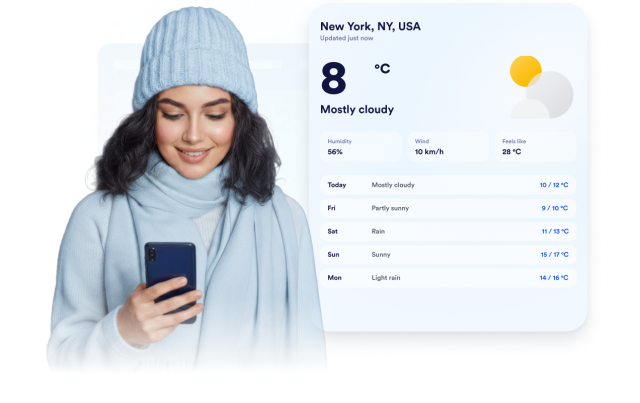
Show the Weather Details Visitors Need
Give visitors enough information to plan around local conditions without overwhelming the page. Set the forecast length and, depending on the selected view, display daily or hourly forecasts alongside temperature, humidity, wind, feels-like conditions, and weather descriptions.
Weather details can include:
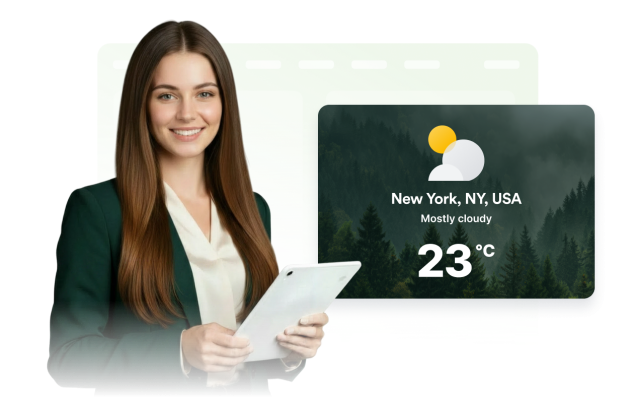
Localize Weather Units and Widget Labels
Make weather information familiar to your intended audience. Display temperatures in Fahrenheit or Celsius, customize core interface labels, and control whether the responsive widget appears on desktop devices, mobile devices, or both.
Localization controls include: