Website Tour Widget for your website
Guide visitors through menus, product sections, forms, checkout steps, or other important page areas with an interactive tour they can start, follow, skip, and complete without custom code.
How to create a Website Tour widget
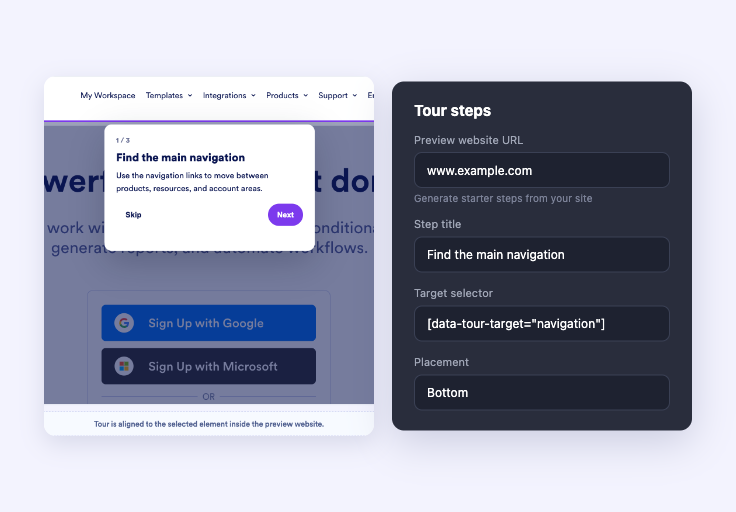
Generate or add tour steps
Enter a website URL to generate a starter tour, or add your own steps with titles, descriptions, placements, and target selectors.
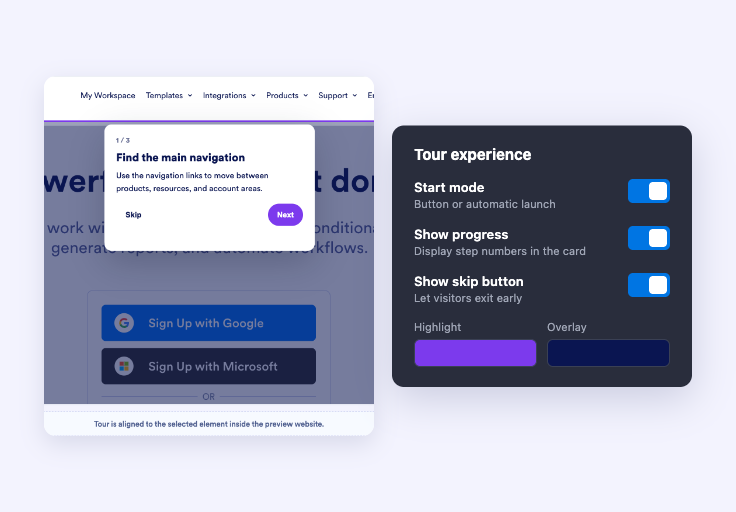
Customize the tour experience
Set the start mode, progress display, skip controls, labels, overlay, highlight, card, and button styling.

Embed it on your website
Paste the embed code into a custom HTML or embed block, then publish your page to display the website widget.
Help visitors understand your page faster
Turn key page areas into a guided path
Build an ordered walkthrough for navigation, product details, forms, pricing, checkout steps, or any section visitors should understand before taking action.
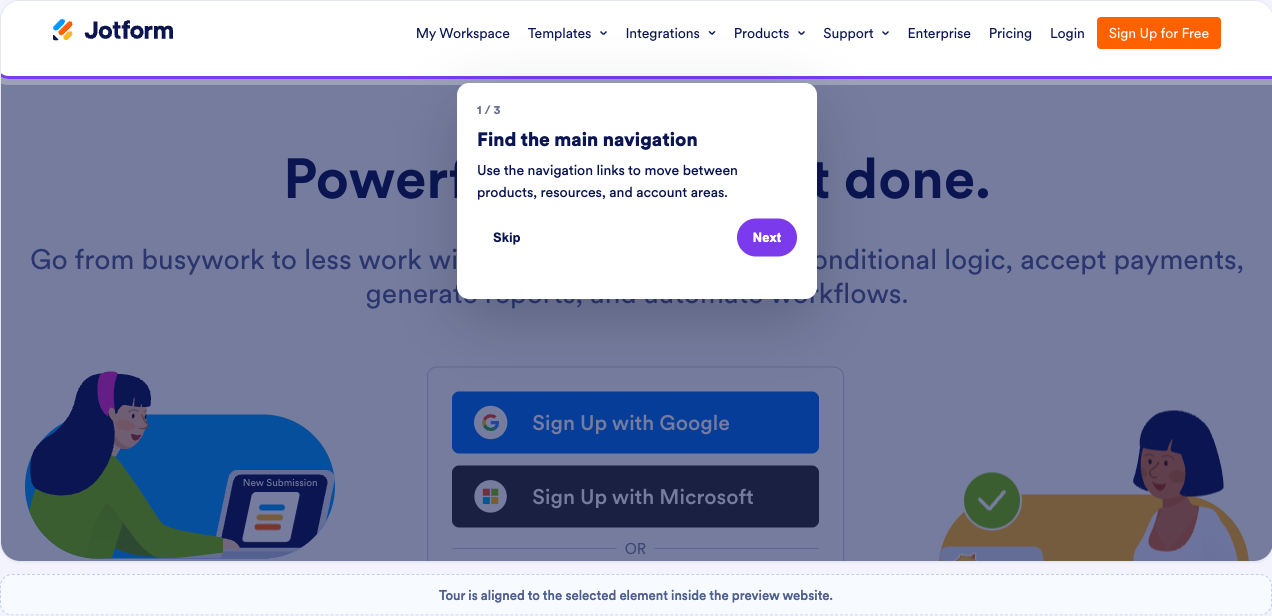
Make each highlighted element easy to follow
Dim the surrounding page, spotlight the active target, and show concise tooltip copy with Back, Next, Skip, and Done controls.
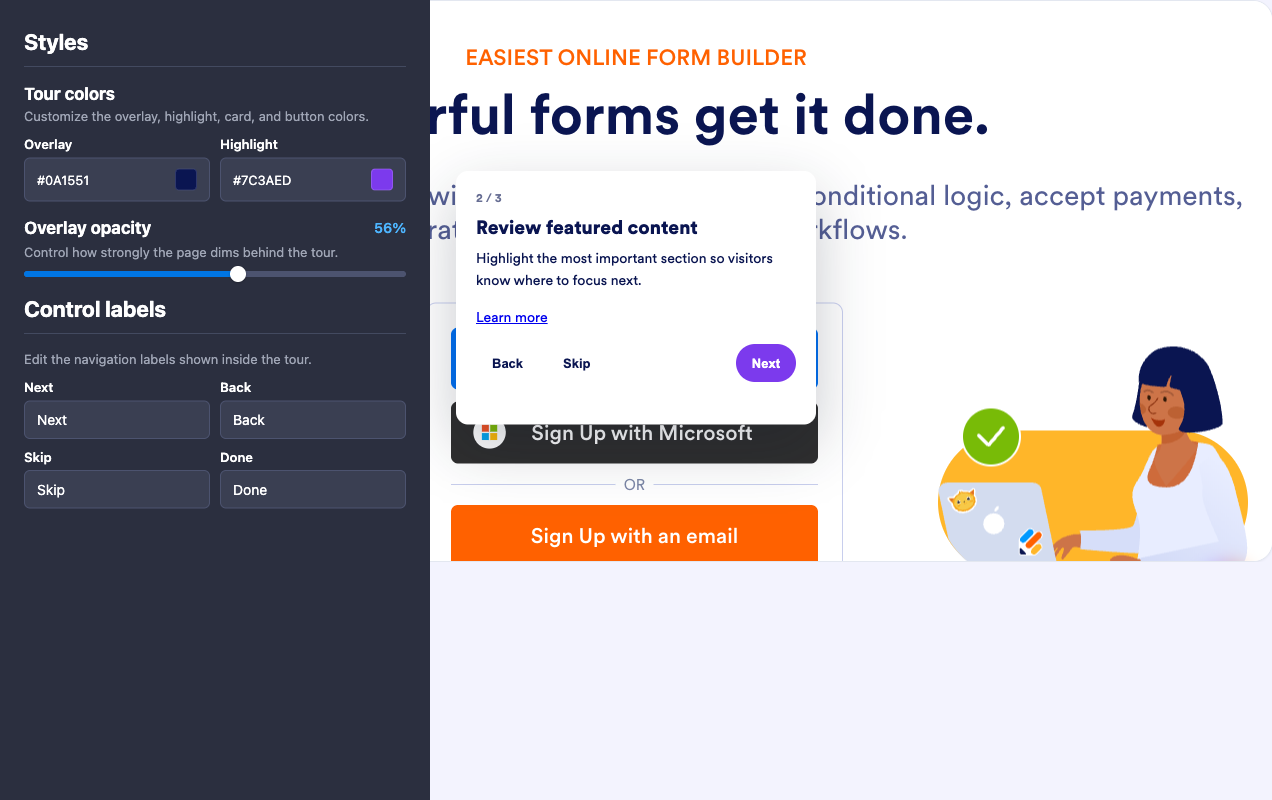
Choose the right launch behavior
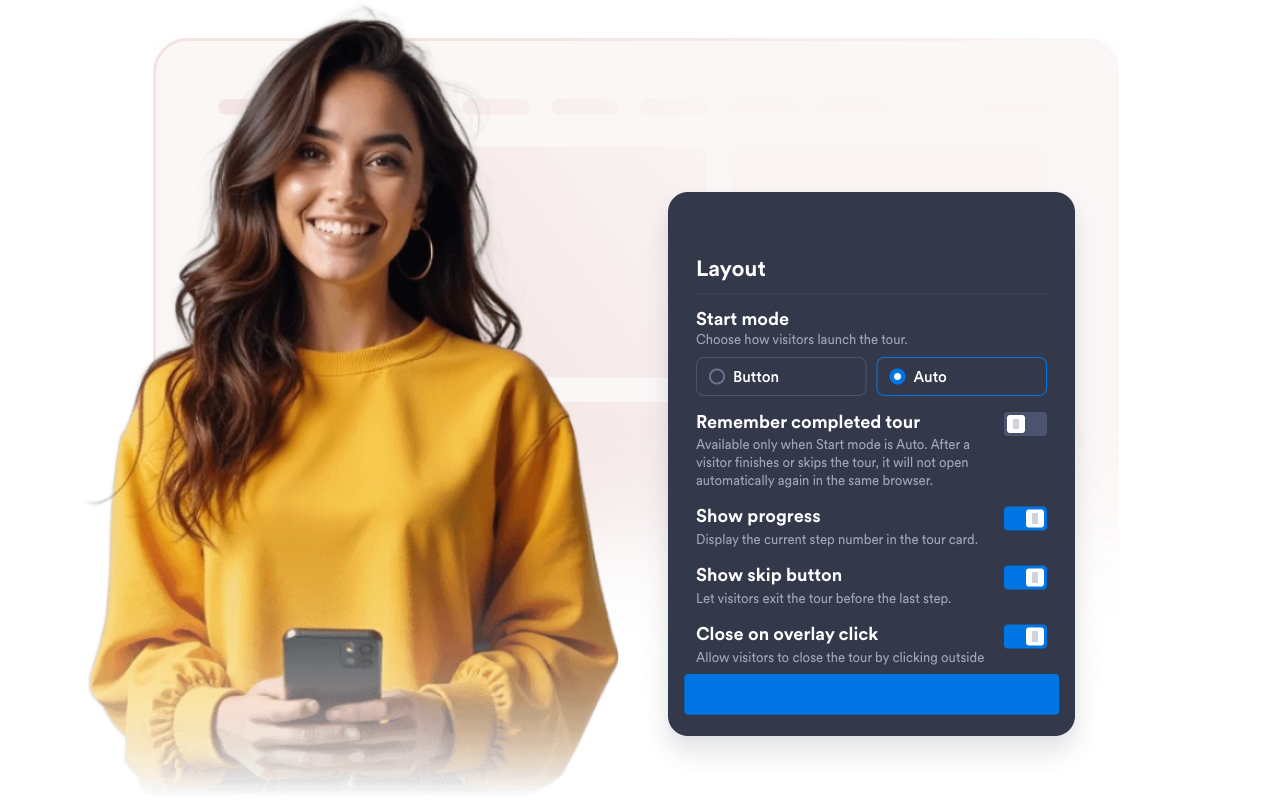
Let visitors start the tour from a button or open it automatically, then control progress, skip behavior, overlay closing, and completion memory.
Keep tours practical across screen sizes
Show the widget on desktop, mobile, or both, and use fallback positioning when a selector is unavailable or a target moves on smaller screens.

Why Jotform Website Widgets stand out
Jotform’s widgets make your website more interactive and increase conversions. There are many tools available, from star ratings and testimonial sliders to social proof popups and media embeds. Add widgets to your forms or landing pages to collect data, display proof, and capture leads — no coding required.
Add Jotform widgets to your website with a simple embed code. Customize the widget, preview how it looks, and paste it into any page that supports custom HTML or embed blocks, all without a developer.
Use Jotform Website Widgets to collect leads, show customer feedback, display social proof, embed media, or add helpful web page tools. Each widget helps visitors interact with your business directly from your website.
If you need help setting up, customizing, embedding, or troubleshooting your widget, Jotform’s customer support team is available 24-7. You can move forward with confidence, knowing that help is there when you need it.
Where to use your Website Tour widget
Use a guided tour anywhere visitors need a quick orientation before they browse, configure, buy, book, submit, or manage something on your website.
SaaS product pages to introduce dashboards, feature panels, billing areas, settings, and first-run account actions.
E-commerce pages to point shoppers toward filters, product details, promotions, shipping fields, checkout steps, or support links.
Customer portals to explain menus, forms, documents, statuses, support options, and account tools new users may overlook.
Course and membership sites to walk learners through lessons, resources, progress areas, and community sections.
Booking and event pages to guide visitors through schedules, venue details, seat options, registration steps, and confirmation actions.
Internal tools to onboard teammates to new workflows without building a custom tutorial system from scratch.
Convert leads into paying customers with the Jotform Form Builder
Turn engagement into action with Jotform. Create powerful forms that capture leads, collect payments, and automate responses, all in one place. Every submission lands in your Jotform Inbox, where you can follow up or connect with your favorite apps.
Get Started — It’s Free!
FAQ
What is a Website Tour widget?
A Website Tour widget guides visitors through selected page elements with highlighted targets, tooltip text, and step navigation controls.
How do I create tour steps?
How do I choose what each tour step highlights?
Can visitors skip or close the tour?
Can the tour start automatically?
Can I customize the design?
Does the Website Tour widget work on mobile?
Can I embed it on different website platforms?
Do I need to write code?
Is the Website Tour widget free?
Where can I get help with setup?
Can it personalize tours from browsing history?