Website Tour Widget Features
Create Your Own Website Tour Widget in Seconds for Your Website
Add guided steps, highlight key page elements, customize tooltip controls, style the overlay, and choose how visitors start or skip the tour.

Build Step-by-Step Guided Tours
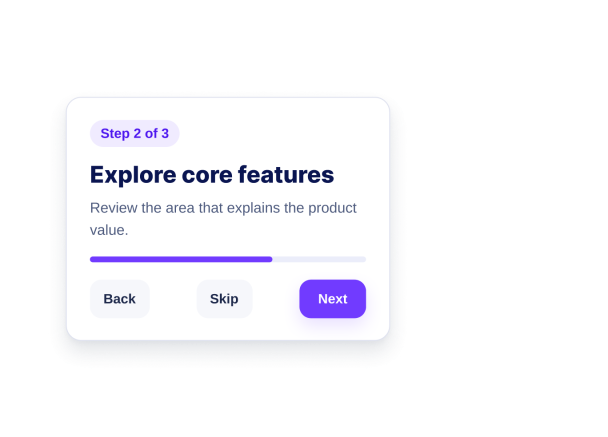
Create an ordered walkthrough with a title, description, target selector, placement, and optional call-to-action for each step.
Step fields include:

Highlight the Active Page Element
Use an overlay and highlight color to make the active section clear while keeping the rest of the page visible.
Style controls include:

Control Launch and Navigation Behavior
Choose button or automatic start, show progress, customize navigation labels, and decide whether visitors can skip or close the tour.
Behavior options include:

Keep Tours Useful on Different Screens
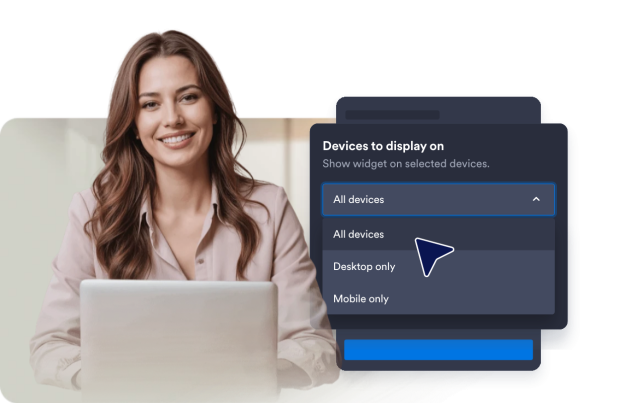
Enable the tour on desktop, mobile, or both, and let the renderer fall back gracefully when a selector is unavailable.
Display controls include: