WhatsApp Chat Widget

WhatsApp Chat Widget Features for Websites

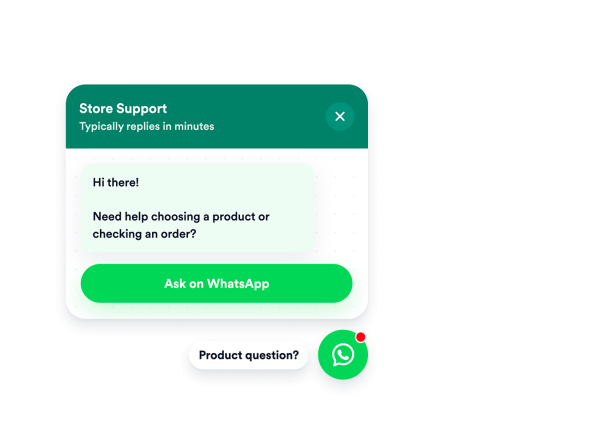
Add a WhatsApp click-to-chat entry point to your website with phone number and short-link support, greeting text, pre-filled messages, an optional message field, floating placement, and style controls.

Create Your WhatsApp Chat Widget
WhatsApp Chat Widget Features for Websites Hero Bg Image

How to embed WhatsApp Chat Widget to WordPress

1Get your embed code

After customizing your Jotform website widget, click Try it on your website for free, and copy the generated embed code.

2Open the page editor

Go to the WordPress post or page where you want to display the widget, then add a new block.

3Add a Custom HTML block

Select Custom HTML and paste your Jotform Website widget embed code into the HTML field.

4Update and view

Click Update or Publish, then open the page to check your embedded widget.

Connect WhatsApp Without Code

Give visitors a direct way to start a WhatsApp conversation from your website. Add a phone number, wa.me link, wa.link URL, or api.whatsapp.com link, then publish a click-to-chat widget without custom code.

Sources include:

Phone numberwa.mewa.linkapi.whatsapp.com
Set Up WhatsApp Chat
Connect WhatsApp Without Code

Set Expectations Before Chats

Help visitors understand who they’re contacting before WhatsApp opens. Customize the agent name, status caption, welcome message, and pre-filled WhatsApp text so the chat prompt feels clear and helpful.

Content controls:
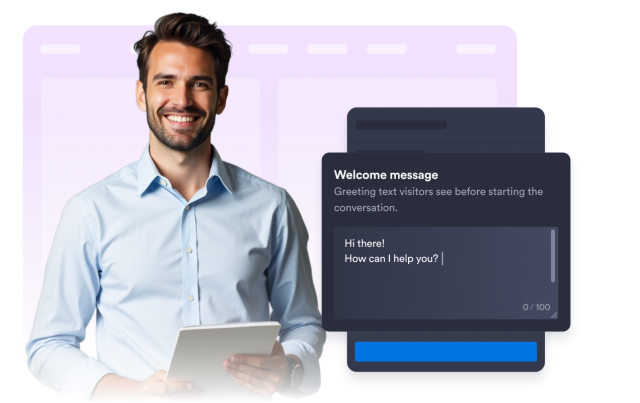
Agent nameCaptionWelcome messagePre-filled text
Customize Your Greeting
Set Expectations Before Chats

Offer Button or Message Field

Choose how visitors begin the conversation. Use a simple start-chat button, or add a message field so visitors can type a short question before continuing to WhatsApp.

Methods:
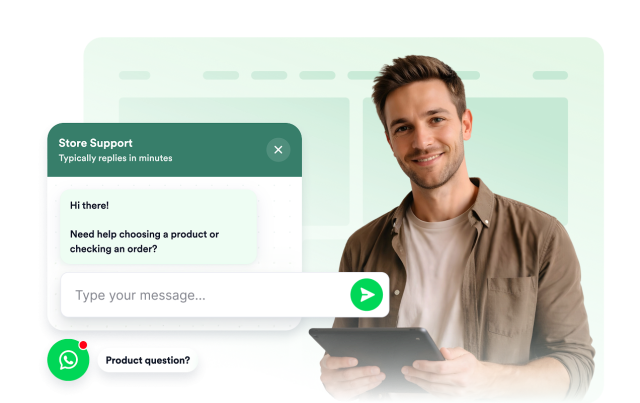
Start buttonMessage fieldCTA textPlaceholder
Choose Your Chat Method
Offer Button or Message Field

Place Chat Where It Fits

Keep the WhatsApp chat option visible without covering important page content. Control left or right placement, bottom and side offsets, desktop and mobile visibility, auto-open timing, bubble size, and panel width.

Display controls:
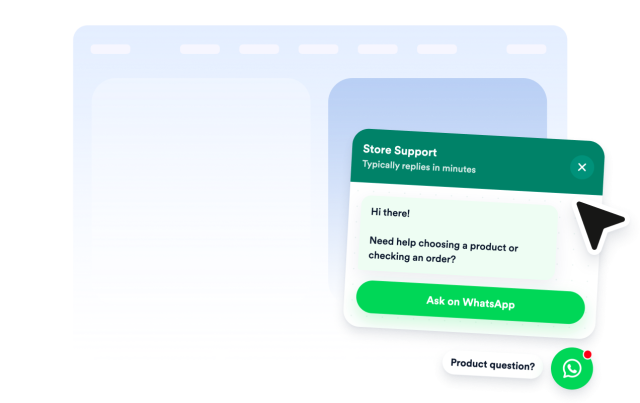
Left/rightOffsetsMobileAuto-open
Adjust Widget Placement
Place Chat Where It Fits

Pair Chat With Jotform Forms

Use WhatsApp for quick conversations and Jotform forms for structured next steps. Add forms for quotes, bookings, requests, payments, or follow-ups when visitors need more than a chat message.

Get Started With Jotform
Pair Chat With Jotform Forms