
Top 8 Agentforce competitors
Agentforce is Salesforce’s artificial intelligence (AI) powered workspace. What is Salesforce, exactly? It’s a cloud-based platform that businesses and other organizations use to manage sales, marketing, and customer service through a comprehensive set of tools.
Salesforce’s Agentforce tool is specifically designed to help service, sales, and support teams manage conversations more efficiently. It brings together automation, chatbots, and real-time insights inside the Salesforce ecosystem, making it a natural fit for organizations already using Salesforce tools every day. But for some, that can feel constraining.
Fortunately, we’ve compiled a list of the eight leading alternatives to Agentforce for 2026. Whether you want to enhance your current Salesforce experience or find a Salesforce alternative that’s a more flexible, independent platform, this list will help you identify the best options for your team’s size, goals, and budget.
Why you might need an Agentforce alternative
While Agentforce can be a strong choice for many teams, it’s not always the best option. Before you invest in Agentforce (or in any tool on this list for that matter), it’s a good idea to spend some time considering how your team works, whether the platform aligns with those processes and workflows, and if it really solves the pressing problems your team is currently wrestling with.
Despite Agentforce’s benefits and features, an alternative tool might
- Address your specific pain points more efficiently
- Deploy more quickly
- Cost less to deploy and maintain
Today’s support, HR, sales development, and other teams might look for an Agentforce alternative for a number of specific reasons. Some of those include
- Salesforce lock-in: Agentforce may cause your organization to become overly dependent on Salesforce. If you want to avoid “vendor lock,” you may wish to explore alternatives with a greater degree of flexibility.
- Steep learning curve: Powerful platforms and tools can be complex and difficult to master, even to a moderately productive level. That’s a hidden cost your organization will have to pay.
- Occasional lag: In some cases, large platforms can begin to feel sluggish, especially at scale.
- Limited customization options: Sometimes teams (especially ones in niche or highly technical fields) may require a greater degree of customization than Agentforce can offer.
- Over-engineering for small teams: Along the same lines, smaller support teams might find broad-based platforms like Agentforce more of a program than they really need.
- Industry misalignment: If your organization is in a highly specialized profession or industry — like healthcare, law, or finance — you’ll need tools that come with the specific compliance, routing, and data management features applicable to your organization.
- Limited AI customization: If your team needs AI-powered tools that follow your brand’s tone or strictly use your organization’s knowledge base, you may need something with more AI customization options.
The bottom line? If getting what you bargained for out of Agentforce requires funding changes to your customer relationship management (CRM) platform or other core systems, ignoring advanced features, or making specialized adjustments to the user interface or workflow that require the services of a professional developer, you might want to explore some alternatives that align more closely with your needs.
Agentforce alternatives at a glance
 Jotform Salesforce Agent |  Einstein Bots |  Sendbird |  Qualified |  ValueText |  Ada |  LivePerson |  ViaSay | |
|---|---|---|---|---|---|---|---|---|
| Best for | Teams who are happy with both Salesforce and Jotform, and want a no-code AI chat agent | Organizations who want CRM automation and enterprise reporting within Salesforce | Companies in search of AI customer service agents and omnichannel messaging | B2B revenue and marketing teams focused on conversational account-based marketing (ABM) | Organizations that rely heavily on SMS and WhatsApp inside Salesforce | Enterprise organizations that need multichannel no- or low-code AI chatbots | Enterprise organizations in need of a conversational AI platform | Travel, hospitality, and enterprise contact centers who need multilingual cross-platform chatbots with agent handoff capabilities |
| Key features | One-click connection to Salesforce | Alternative to Agentforce with a uniquely deep Salesforce integration | Robust software development kits (SDKs) with thorough documentation and fast integration for developer use | Acts as a sales development representative, helping you engage website users, qualify leads, and more with a conversational ABM approach | Can switch from one channel to another if the message is not delivered or received | Can access multiple sources including existing knowledge bases, websites, and imported documents | Deep analytics that let you track performance using several metrics | Strong integrations with CRMs and other systems, with bots able to pull in data from connected sources for smarter responses |
| Plans/pricing | Free version; paid plans range from $34 to $99 per month | Add-ons to Salesforce plans | $349 to $499 per month | Contact Qualified for information on plans and pricing | Contact ValueText for information on plans and pricing | Contact Ada for information on plans and pricing | Contact LivePerson for information on plans and pricing | Contact ViaSay for information on plans and pricing |
| Try It Now |
The 8 best Agentforce alternatives for 2026
1. Jotform Salesforce Agent
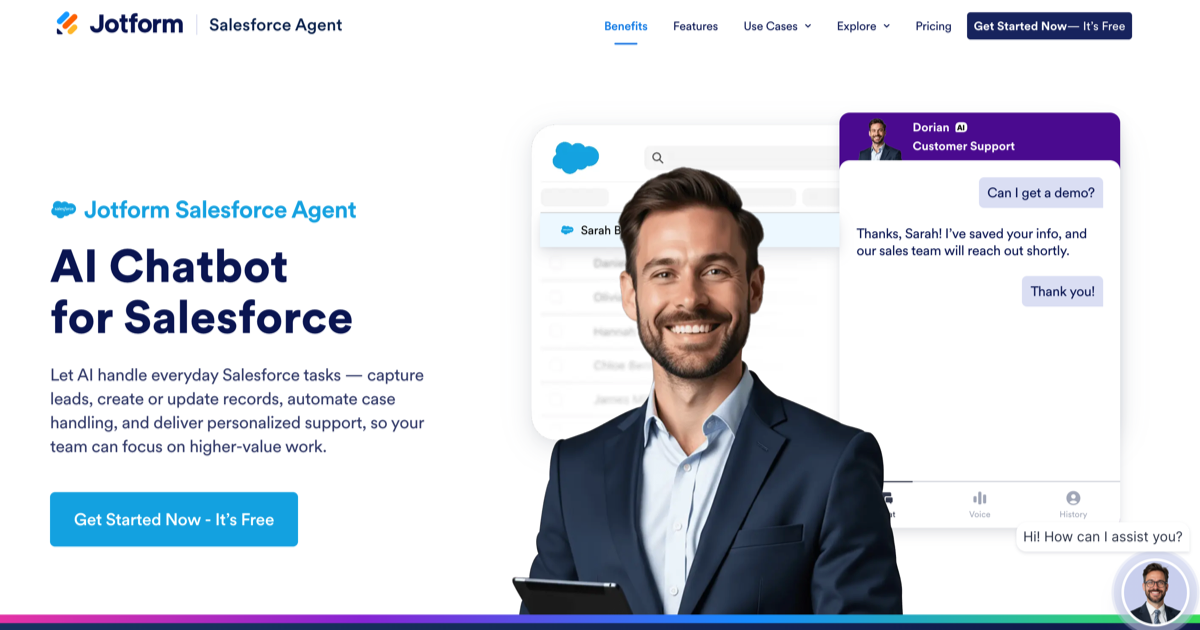
Jotform Salesforce Agent is a good fit if your organization or team workflows rely heavily on forms. Users can launch a working Salesforce-connected AI agent in mere minutes, no code required. Integration logs and action summaries make it easy to monitor what the agent is doing, resulting in clear oversight capabilities.
What’s more, your agents will never miss another lead as Jotform’s Salesforce Agent can capture and sync every interaction with customers into your Salesforce account automatically. That means greater efficiency and an always-there support system for customer service, HR, and sales teams alike.
- Best for: Teams who use and like both Salesforce and Jotform, and are searching for a no-code AI chat agent
- Key features: One-click connection to Salesforce; can read and write various elements you’re probably used to working with in Salesforce, such as Leads, Contacts, and Cases; automatically scrapes Salesforce knowledge base documents to accurately address customer inquiries and can create and update records in real time; because there’s a single source of truth, Jotform ensures that all relevant data flows directly into Salesforce, keeping your organization’s records clean and accurate
- Pros: Easy, no-code setup; strong form and data capture features — reviewers praise quick connectivity and templates; smooth Salesforce integration for lead capture and case automation; good value and generous free or entry tiers for small use cases
- Cons: Some users report that agents occasionally “forget” context and require prompt-engineering, access to some of Jotform’s more advanced features or higher quotas require paid plans
- Plans/pricing: Free version; paid plans range from $34 to $99 per month (AI or agent limits vary by plan), and enterprise options are available
2. Einstein Bots
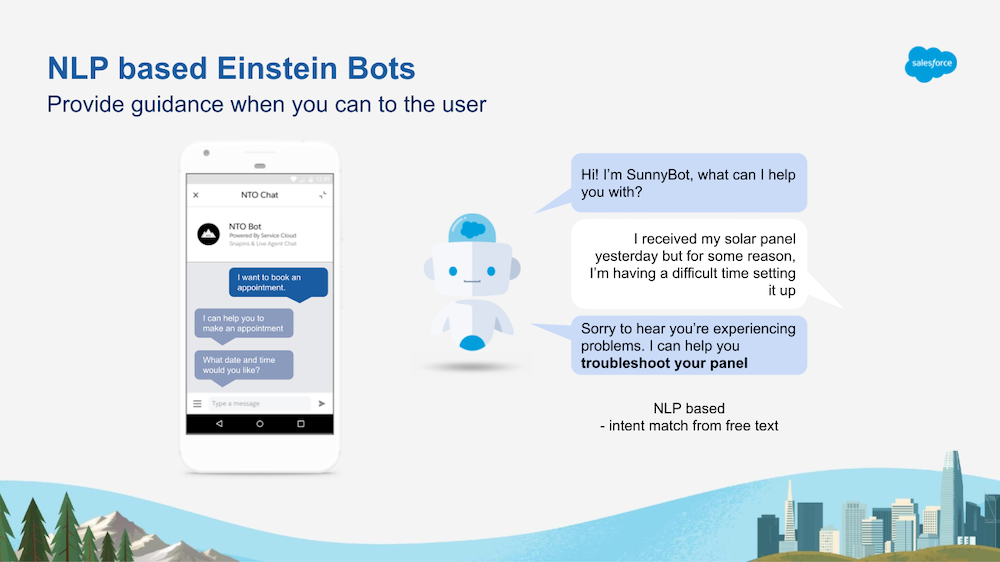
Salesforce’s own Einstein Bots are a native alternative to Agentforce that boast a uniquely deep Salesforce integration. In addition to their support of multi-channel deployment, Einstein Bots also rely on Salesforce Knowledge for answers. This workspace can help your agents improve customer service and more.
If your organization’s CRM, reporting, and service workflows live in the Salesforce environment, and you’re looking for simple support or service workflows, then Einstein Bots are the default native choice. On the other hand, if your team is looking to avoid vendor lock-in or it needs a solution that’s more broadly and deeply featured as an AI platform, consider other alternatives.
- Best for: Organizations who are already committed to Salesforce and who want deep, native CRM automation and enterprise reporting within the Salesforce ecosystem
- Key features: Can search and recover customer and service records, create and update Cases to resolve disputes and problems, and trigger Salesforce automated workflows; users can rely on Bot Blocks, modular components that help manage bot workflows and handoffs, so that customers get access to live human agents promptly when needed; reside on most channels, including SMS, chat, Slack, Facebook Messenger, and WhatsApp; supports conversations in multiple languages, including Chinese (both Simplified and Traditional), Hungarian, Punjabi, Slovak, and many more
- Pros: Powerful in its pairing with Salesforce, thanks to native data access and reporting; many users praise its CRM and enterprise reporting; collects structured customer inputs for integration into workflows and records
- Cons: Full use depends on being in the Salesforce environment — Einstein Bots can’t be used on a standalone basis, raising risk of vendor lock-in; implementation can be complex and require experienced Salesforce development skills, leading to a potentially steep curve for deployment; not as flexible or autonomous as Agentforce
- Plans/pricing: Einstein Bots’ features are generally either sold as add-ons or included in certain Salesforce editions — the exact licensing terms and fees depend on your base Service Cloud or Sales Cloud edition
3. Sendbird
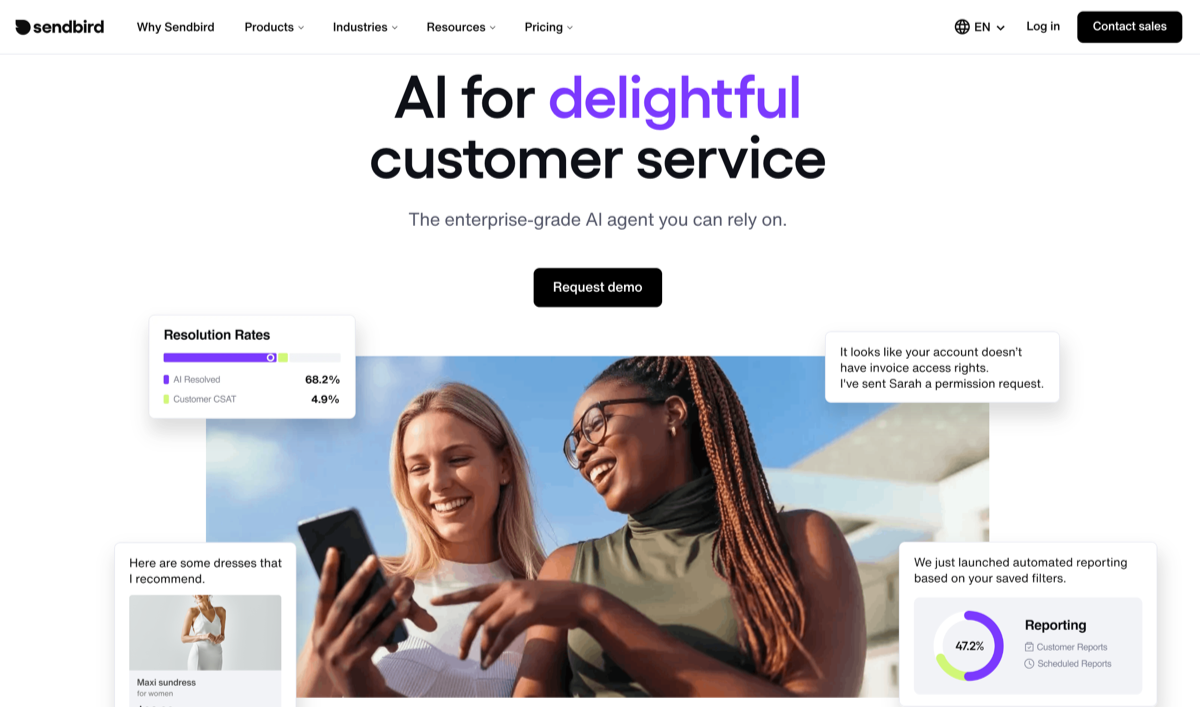
Sendbird is an AI agent tool built to help automate and simplify support and sales workflows. It leverages AI technology that’s designed to help your team engage with customers across multiple channels while simultaneously ensuring that human agents are available for more complex questions and complaints.
It’s a particularly beneficial tool for organizations with a high volume of customer interactions that require prompt management. This allows your team to allocate its resources to issues requiring human involvement, while automating routine inquiries and interactions.
- Best for: Organizations that want to add AI customer service agents and omnichannel messaging, as well as product and developer teams who are building embedded in-app, real-time chat or messaging
- Key features: Seamlessly integrates with existing comms channels, so that your organization can maintain a consistent presence across all its platforms and your users can reach out for assistance in their preferred channel, such as chat, email, or social; AI features can send out marketing, sales, and support messages proactively to help re-engage former customers and improve the overall user experience; robust APIs are designed to be scalable and flexible, so your organization can craft customized AI agents targeted to your specific needs
- Pros: Strong moderation and analytics features, robust SDKs with thorough documentation and fast integration for developer use, many users comment positively on Sendbird’s reliability and scale.
- Cons: Pricing and overages can be complex and difficult to parse, with many user reviews mentioning potentially steep costs at scale; some user reviews cite a need for clearer documentation in niche areas
- Plans/pricing: Pricing tiers are based on monthly active users; the Starter plan begins at around $349 per month when billed annually, while Pro costs around $499 per month; custom enterprise pricing is also available
4. Qualified
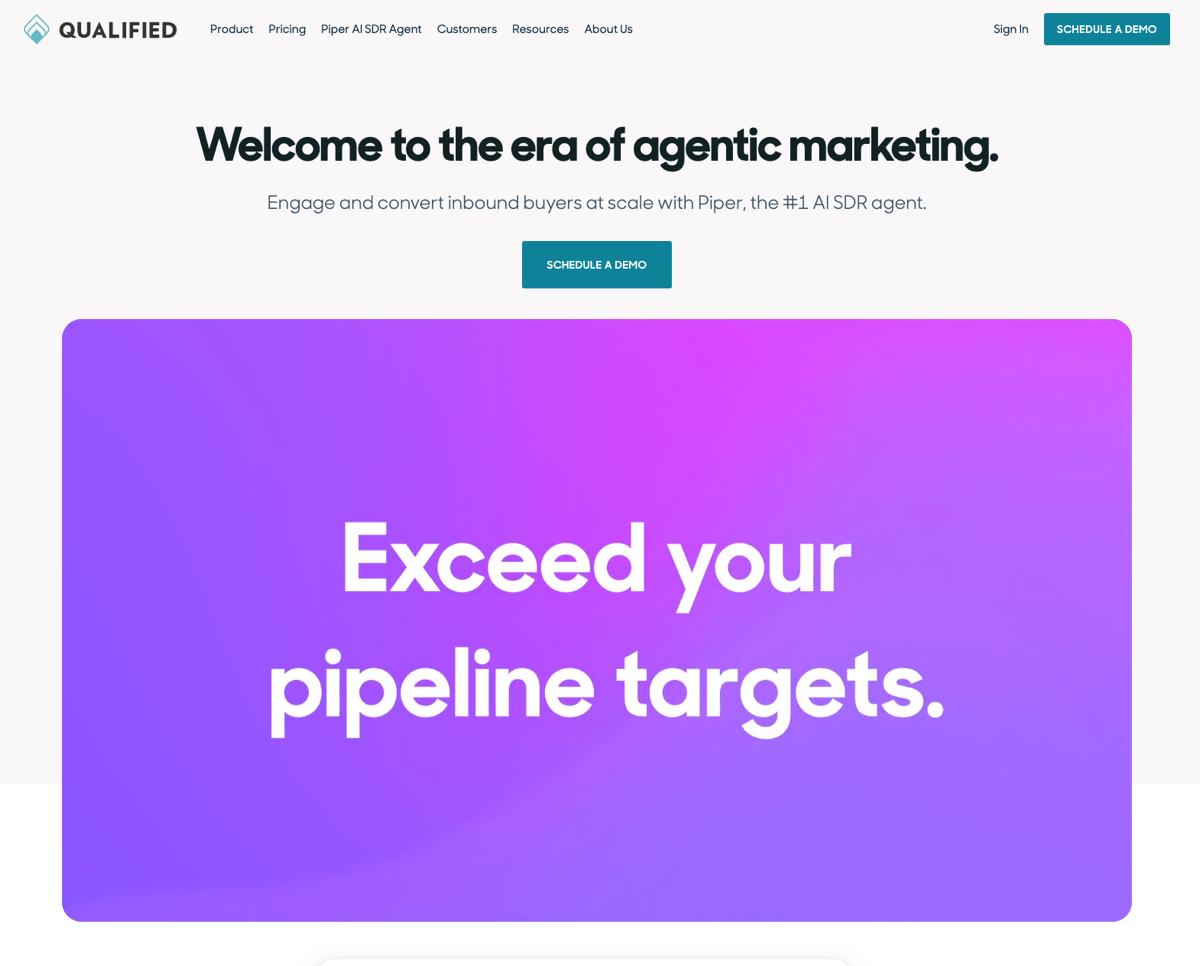
Qualified and Piper, its AI agent that acts as your company’s sales development representative, helps you engage website users, qualify leads, and more through a conversational account-based marketing approach.
For businesses that want to convert high-value B2B website traffic and already have systems for ABM or CRM, Qualified is a strong contender that’s built to that purpose. However, you’ll want to plan to incur additional costs for implementation and administration.
- Best for: B2B revenue and marketing teams focused on conversational ABM and real-time website-to-sales engagement, especially for lead qualification and routing into Salesforce at scale
- Key features: Identifies accounts; routes non-routine inquiries to human SDRs; schedules sales meetings with leads; integrates with marketing automation tools, including Salesforce
- Pros: Helps accelerate the progress of leads through your pipeline with real-time lead qualification and scheduling of meetings, many users report a good ROI for inbound conversions, integrates well with Salesforce and ABM and intent-based tech stacks
- Cons: Steep learning curve, no pricing information on website
- Plans/pricing: Contact Qualified for information on plans and pricing
5. ValueText
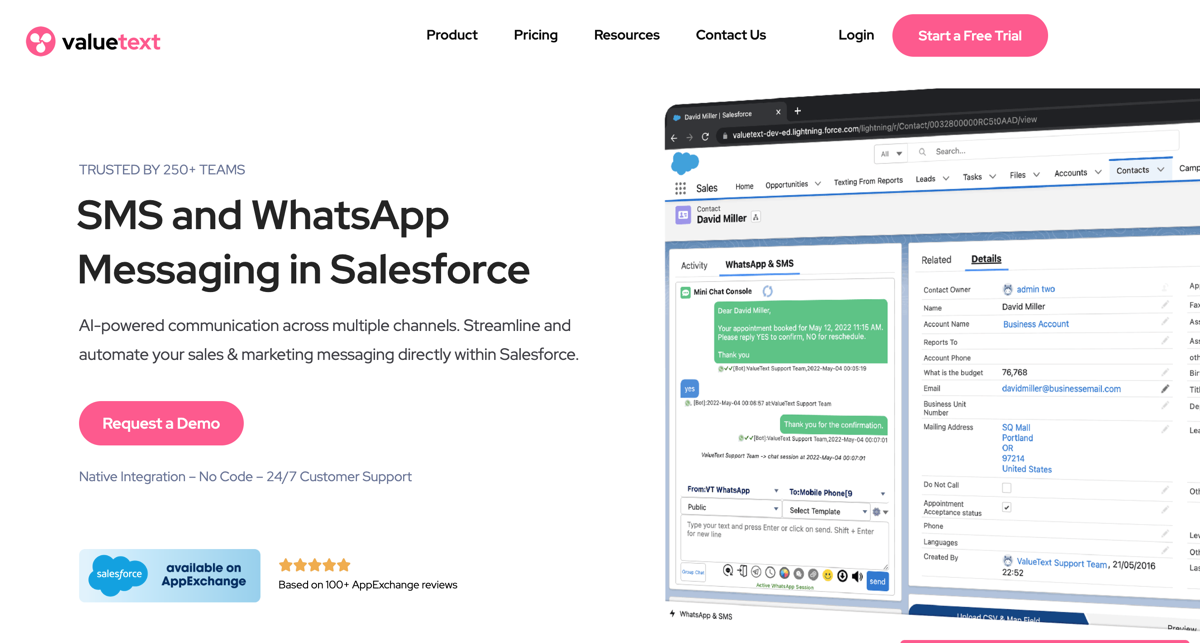
ValueText is a native Salesforce AppExchange product, which means you can send and receive SMS and WhatsApp messages directly from your team’s Salesforce records — including Contacts, Leads, Opportunities, and custom objects — all without leaving the CRM interface.
The platform also supports AI chatbots, which can automatically engage with contacts, qualify leads, and route to live agents where appropriate. This process is especially useful for customer support teams, as well as for qualifying leads with engaging and conversational flows.
- Best for: Organizations that rely heavily on SMS, WhatsApp, or messaging inside the Salesforce environment and that are seeking automation for workflows there
- Key features: Supports one-to-one conversations as well as bulk campaigns and can switch channels from WhatsApp to SMS if the delivery to WhatsApp fails, helping to ensure your recipients still receive the message; messages can be set to send at the optimal time based on your recipient’s time zone, or your business hours if you prefer; with enterprise-grade security — including end-to-end encryption, data masking, GDPR/TCPA compliance, and opt-in/opt-out management — ValueText is a good solution for teams requiring additional data safety
- Pros: Particularly useful for teams looking for SMS/WhatsApp messaging capabilities built directly in Salesforce with no external middleware required, users report easy setup and reliable messaging for campaigns and appointments, strong positive reputation for niche use cases among Salesforce SMS apps
- Cons: Some users report a desire for more advanced analytics and integration options
- Plans/pricing: Contact ValueText for information on plans and pricing
6. Ada
Ada’s AI agent is knowledge-driven, with multiple sources including existing knowledge bases, websites, and even custom imported documents. Since the AI agent can search that larger base of content and use it to craft responses, customers enjoy speedier and more accurate responses to their questions.
It can even learn and improve its responses through “coaching” features, such as a review of past conversations, human-provided feedback, response refinement, and improved decision paths. You can also configure more complex workflows with multiple steps so that the agent doesn’t simply spit out canned responses but follows a prescribed series of steps to finish a task.
- Best for: Enterprise organizations that need no- or low-code AI chatbots across many channels
- Key features: Playbooks lets your team define specific conversational flows that align with your procedures; the agent works through branching logic, variables, and conditional steps much the same way a human agent would when following a script; supports multichannel deployment, including web chat, mobile, voice, email, social, and messaging apps, as well as over 50 languages for a global audience
- Pros: Users give Ada high marks for ease of use even for non-technical teams; good for high containment of routine queries so that the agent handles a large percentage of customer questions without the need for human handoff — this helps human agents free up time for more intensive or advanced inquiries; strong reputation for facilitating customer success and helping teams achieve real results quickly
- Cons: Setup can take time to understand and align to your brand’s tone, as well as handle complex topics; pricing can feel out of reach for smaller teams; Ada seems better suited for mid-sized to large organizations
- Plans/pricing: Contact Ada for information on plans and pricing
7. LivePerson
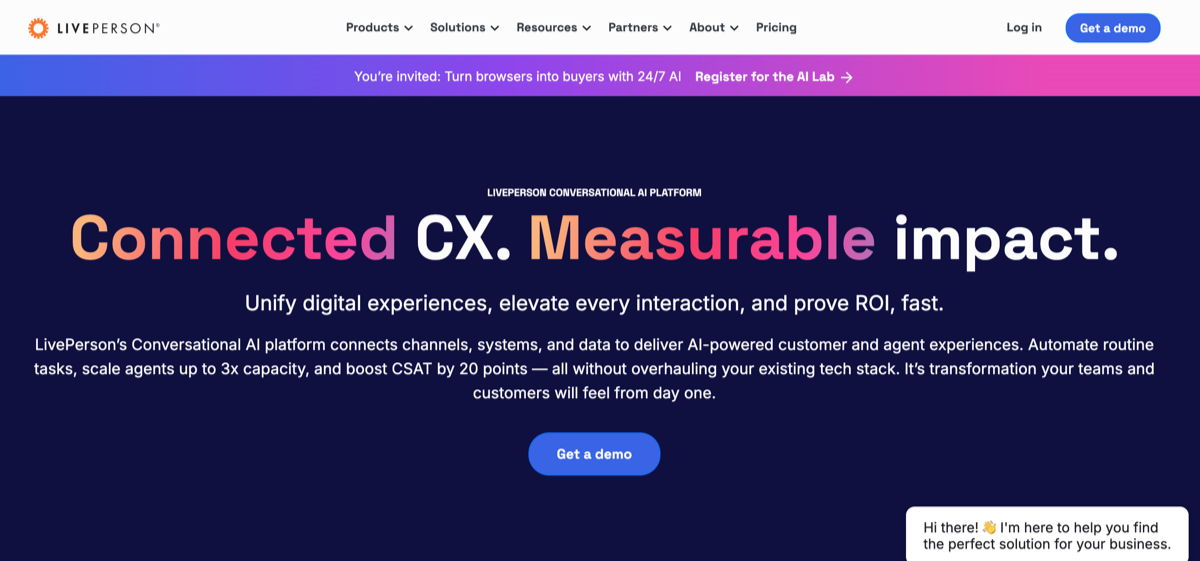
LivePerson boasts a conversational AI platform that connects multiple channels, systems, and data to provide a higher level of customer and agent experience.
You can automate routine tasks while scaling agents up to three times your capacity, boosting customer satisfaction (CSAT) scores in the process, with no need to completely revise your existing stack.
- Best for: Large enterprise-level organizations in need of a conversational AI platform including bots, live agents, and voice and messaging capabilities — especially for niche users in retail, telecom, and finance
- Key features: Gives you tools to route and direct conversations, letting bots handle the simple questions while handing off to live agents quickly and smoothly when things get more complex; with deep insights and metrics, you can easily track how many conversations were resolved by the bot, how many got turned over to live agents, what the CSAT is and how it’s changing over time, and which marketing messages are getting traction – real data, not just chat logs
- Pros: Can serve customers across chat, messaging, social, and voice with a single system, which is especially helpful for high-volume or enterprise-scale operations; robust analytics and insights so you can check what’s happening in real time and see how conversations are going; strong level of support for enterprise-grade needs, including security features, integration with key systems, and handling high traffic levels
- Cons: Some report that the user interface and experience feel clunky and not intuitive, cost can rise quickly if you want access to advanced features
- Plans/pricing: Contact LivePerson for information on plans and pricing
8. ViaSay
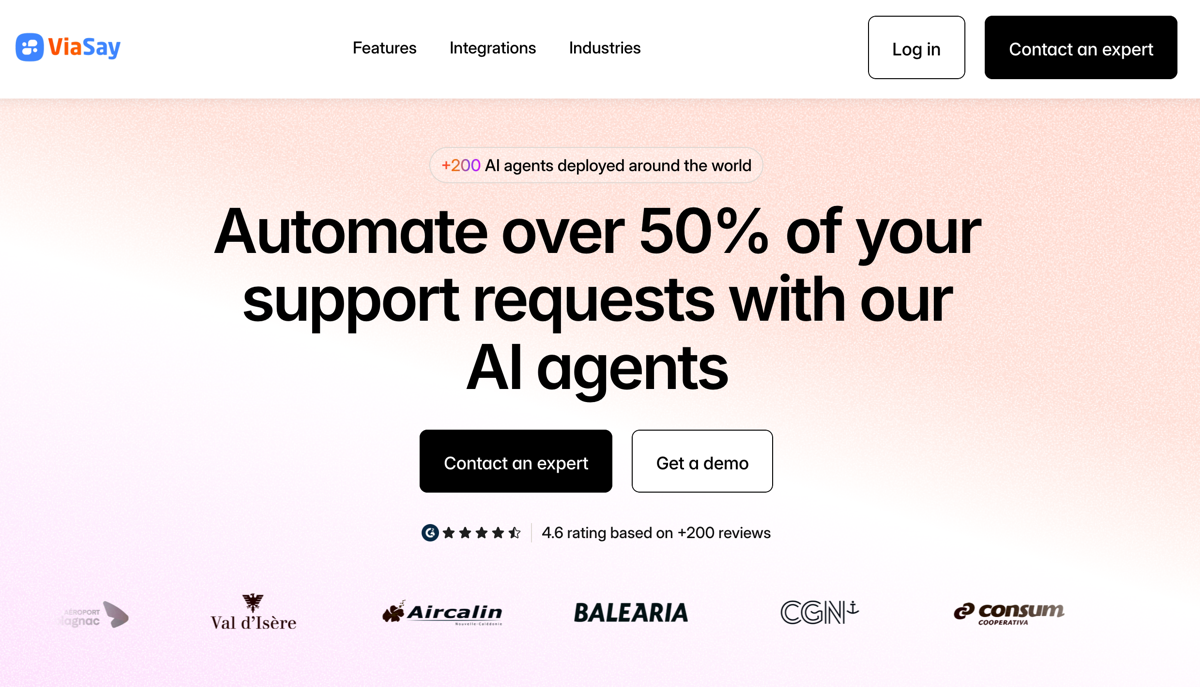
ViaSay (formerly Mindsay) offers a balance of conversational automation and smooth agent handoff when appropriate. Whenever the bot can’t fix a problem or answer a complex inquiry, it quickly hands off the conversation to an agent. It also works within your existing systems, meaning it’s more cooperative with actual workflows.
For service businesses — such as travel, hospitality, or international operations — where many customers ask the same or similar questions, and for those who need multilingual automation that’s channel-flexible, ViaSay is a solid choice.
- Best for: Travel, hospitality, and enterprise contact centers in need of multilingual cross-platform chatbots with agent handoff capabilities
- Key features: Works across multiple channels, including your website-based chat, messaging apps, and social media; supports multiple languages, which is a plus for organizations with an international customer base; uses natural language processing to improve its understanding of complex queries, slang, and variant phrasing, so that your customers are understood more often
- Pros: Simple enough for non-technical teams to use in many cases, especially when building chatbots to handle common tasks; supports multiple languages and used frequently in the travel industry, making it an especially strong choice for global service and hospitality brands; strong integrations with CRM and other systems, with bots able to pull in data from connected sources and craft more intelligent responses to inquiries
- Cons: Advanced use cases involving more complex logic, lots of branching, or operations at a much larger scale may need technical assistance; some users report slow load times or platform lag
- Plans/pricing: Contact ViaSay for information on plans and pricing
What to consider when choosing an agent workspace tool
Selecting the right agent workspace tool for your organizational needs is about clarifying your team’s priorities — especially the ones that help advance the team’s progress in pursuit of objectives and key performance indicators. Start by exploring your team’s answers to the following questions:
- Ticket management features: Can the tool handle multi-channel tickets (like email, chat, social, and voice) in a single view? Does it support workflow directional features such as item ownership, prioritization, and easy tagging? How does it support uptime, resolution time, and response time service level agreements (SLAs)?
- Workflow automation: Can you easily automate routine steps such as triage, escalation, and routing? How straightforward is it to build automations and to change them after they’ve been built? Is coding required?
- Agent assist tools: Does the platform or tool suggest responses, next actions, or macro inserts to help your agents save time? Can the AI be trained on your organizational knowledge base and fine-tuned for tone, voice, and compliance requirements?
- Integration capabilities: Does the tool integrate with your current CRM, workplace communication, VoIP, billing, and other mission-critical systems? Are these integrations native to the tool or would you need to pay for access to a third tool?
- Reporting and analytics: What reports can you expect directly out of the box, for example CSAT, handle time, backlog, and SLA breaches? How difficult is it to create custom reports and dashboard views?
- Scalability and user-friendliness: Will the tool’s performance remain strong as you scale users and number of tickets? Is the interface intuitive for new agents, or does it require extensive training? On average, how long does onboarding take?
Once you’ve established a broad view of each tool, you can begin to narrow down your choices to a shortlist of two or three top options:
- Define your team’s non-negotiables: Which features are a must-have, and which would be merely nice to have? Insist on the “musts.”
- Assign a numerical score to the rest: Which features mean the most to your team, or the least?
- Have your end users evaluate the top two or three tools: This real-world test helps you identify issues with performance, agent adoption, and other key aspects of your workflow. Ask your agents to use actual tickets based on current workflows.
- Evaluate total cost of use and deployment: Consider any additional costs you’ll need to incur to make the tool work for you. Integration, deployment and training, changes to the rest of your team’s tech stack, and more can add to the cost considerably.
This process should help you identify the best option for your organization’s needs.
Choosing the right Agentforce alternative
Now is a good time to evaluate alternatives. With AI-driven support tools evolving fast and integration capabilities expanding, many teams can streamline operations and improve customer satisfaction simply by switching to a better-fit platform.
Each of the Agentforce alternatives we’ve discussed here bring something distinct to the table and to your team. For example, ValueText offers strong WhatsApp and SMS integration, making it especially useful for sales and support teams that rely on mobile outreach, while LivePerson focuses on human-like conversational AI for customer engagement.
Before committing to any platform, take advantage of free trials or demo environments. Testing two or more options will show how well each tool fits your workflows, your team’s comfort level, and your data environment.
If you’re looking for a user-friendly, flexible solution that keeps Salesforce power without the steep learning curve, Jotform Salesforce Agent deserves to be your first stop. It offers a balanced mix of ease, customization, and performance that makes transitioning smoother and faster. Give Jotform Salesforce Agent a try for free today.
Frequently asked questions for Agentforce competitors
Yes. Agentforce is part of the Salesforce ecosystem, so you need a Salesforce plan to use it.
Look for tools with smart automation, chatbot, or AI support, as well as easy integrations with your CRM or helpdesk and clear reporting dashboards.
Often, yes. Many alternatives are simpler, more affordable, and easier to set up without a dedicated Salesforce admin.
Usually not. Most modern platforms offer guided onboarding, plug-and-play integrations, and customer support to make the transition smooth.
This article is for CRM admins, IT decision-makers, and customer service leaders who are evaluating Agentforce alternatives to find a more flexible, affordable, or easier-to-integrate platform for enhancing agent productivity and customer support operations.










Send Comment: