
Top platforms for enterprise task automation
- Jotform Enterprise: Best for large-scale AI workflows and complex integrations
- IBM watsonx: Best for compliant AI in regulated enterprises
- Salesforce Einstein: Best for CRM-based sales and service automation
- SAP Leonardo AI: Best for ERP-driven business automation
- HubSpot: Best for marketing, sales, and support automation
- Microsoft Copilot Studio: Best for internal productivity automation
AI agent platforms play a vital role in enterprise businesses, and for good reason. Businesses using AI automation reduce manual work, move faster, and can even see an increase in staff morale because the AI takes over the monotony, freeing up your team for more complex or integral tasks.
The difficulty is finding the best AI agents for enterprise task automation, so I wrote this article. I review popular AI platforms, covering key features, pros, cons, and pricing — plus tips on how to find the right solution for you.
How easily can AI agents be embedded into enterprise workflows?
It’s critical that AI agents be integrated into enterprise workflows. Enterprise businesses can’t afford to have their AI agents sit in isolation. They need to connect to other systems for automations to be valuable.
AI agent platforms are designed to work alongside tools, such as
- Customer relationship management (CRM) systems
- Enterprise resource planning systems (ERPs)
- Human resource information systems
- Ticketing systems
- Cloud storage
- Analytics tools
Instead of replacing systems, AI agents act as a connective layer, listening for events, responding to requests, and automating follow-up tasks across tools.
From a technical perspective, integration typically happens in three ways:
- APIs, which allow AI agents to push and pull data between systems securely
- Prebuilt connectors, enabling faster setup with popular enterprise tools
- No-code and low-code builders, which let non-technical teams configure workflows without developer support
With a range of integration options, you can find a solution that suits you.
With the right solution, embedding AI agents is no longer limited to engineering teams. Operations, HR, finance, support, and marketing teams can often deploy agents themselves, test use cases, and scale successful workflows across departments.
For example, Jotform AI Agents is a solution that anyone can set up. You don’t need any coding knowledge to connect it with CRMs, cloud drives, approval workflows, and analytics dashboards to trigger actions or retrieve data across systems.
In practice, no-code and low-code builders are the easiest and fastest way to integrate AI agents.
Pro Tip
Look for enterprise solutions that integrate directly with the systems your teams already use. This increases the likelihood that teams will adopt artificial intelligence and automation by enhancing existing workflows rather than creating new ones. Jotform Enterprise supports enterprise businesses quickly and easily. It also integrates with over 700 tools.
6 top AI agents for enterprise task automation
| Tool | Best for | Key Features |
|---|---|---|
 Jotform Enterprise AI Agents |
Integrating with complex and large tech stacks and embedding AI across workflows |
Over 7,000 AI Agent templates, no-code or low-code builders, and workflow-driven AI Agents that respond to triggers with specific actions |
 IBM watsonx |
Regulated enterprises requiring secure, compliant AI automation |
Enables enterprises to build, train, and deploy AI models with strong governance, transparency, and lifecycle management |
 Salesforce Einstein |
CRM-driven automation across sales, service, and customer data |
CRM-native AI agents that automate tasks, tools that allow teams to deploy autonomous agents across sales and service workflows, AI analytics, and predictions |
 SAP Leonardo AI |
ERP-driven automation across finance, supply chain, and operations |
ERP-native AI assistance that enables users to query data, generate insights, and trigger actions using natural language inside SAP applications; tools for process automation and intelligent workflows; and predictive and generative AI across core business functions |
 HubSpot |
Automating marketing, sales, and customer support tasks |
CRM-native AI automation that supports lead scoring, deal insights, ticket routing, and follow-up actions using real-time customer data; AI-powered content and conversation tools; and workflow automation across the HubSpot platform |
 Microsoft Copilot Studio |
Employee productivity and internal task automation |
Agent creation in Copilot Studio, Microsoft 365 integration, and low-code and no-code tools |
1. Jotform Enterprise
Jotform Enterprise AI Agents are designed for organizations that need automation to work across systems, teams, and use cases. They are highly scalable and easy to use thanks to their no-code flexibility, enabling deployment of AI Agents that trigger actions, manage requests, and connect data across the wider enterprise environment.
Best for: Integrating with complex and large tech stacks and embedding AI across workflows
Key features:
- 7,000-plus AI Agent templates covering enterprise use cases across support, HR, IT, sales, operations, and internal workflows, enabling fast deployment without starting from scratch. Start with a template for the fastest AI agent.
- Workflow-driven AI agents respond to triggers with specific actions. For example, the Enterprise AI Chatbot gathers information and then automatically sends it to your CRM. You can then trigger a next step for a specific person within your organization.
- Upload knowledge bases built from website URLs, uploaded files, or structured FAQs so your chatbots can deliver contextual responses. Unlike a rule-based chatbot, which sends answers based on parameters or decision frameworks set by you, the Enterprise AI Chatbot can refer to your knowledge base or accounts to deliver contextual answers. In other words, it can handle open-ended questions and consider your users’ unique situations.
- Manage requests that come in from your AI Agent conversations with ease. Connect an AI Agent to Jotform Boards and automatically create tasks based on its conversations. By combining the power of Jotform Boards with AI Agents, you can send requests to your task board for your team to view and complete.
Pros:
- Customize AI Agents with your organization’s colors, logo, tone of voice, and more. Leverage white labeling to display your domain when sharing your AI Agents via a URL or email.
- Use the Phone AI Agent feature to deliver 24-7 customer service through a dedicated phone number.
- Embed the Voice AI Agent feature on your website to allow customers to ask questions and receive answers verbally.
- Take advantage of strong enterprise readiness, including white labeling, brand customization, voice- and phone-based AI agents, and support for complex approval and task workflows. There’s also enterprise-grade security, including GDPR compliance, CASA Tier 2 accreditation, PCI compliance, two-factor authentication, and HIPAA-friendly Agents if you need them.
Cons:
- The breadth of features and templates can feel overwhelming for teams, but you don’t have to start with everything immediately. You can start small and expand Jotform’s workflows as you go. Start with the most important things.
Plans/Pricing:
Custom pricing: Contact Jotform for quotes and to discuss your unique needs.
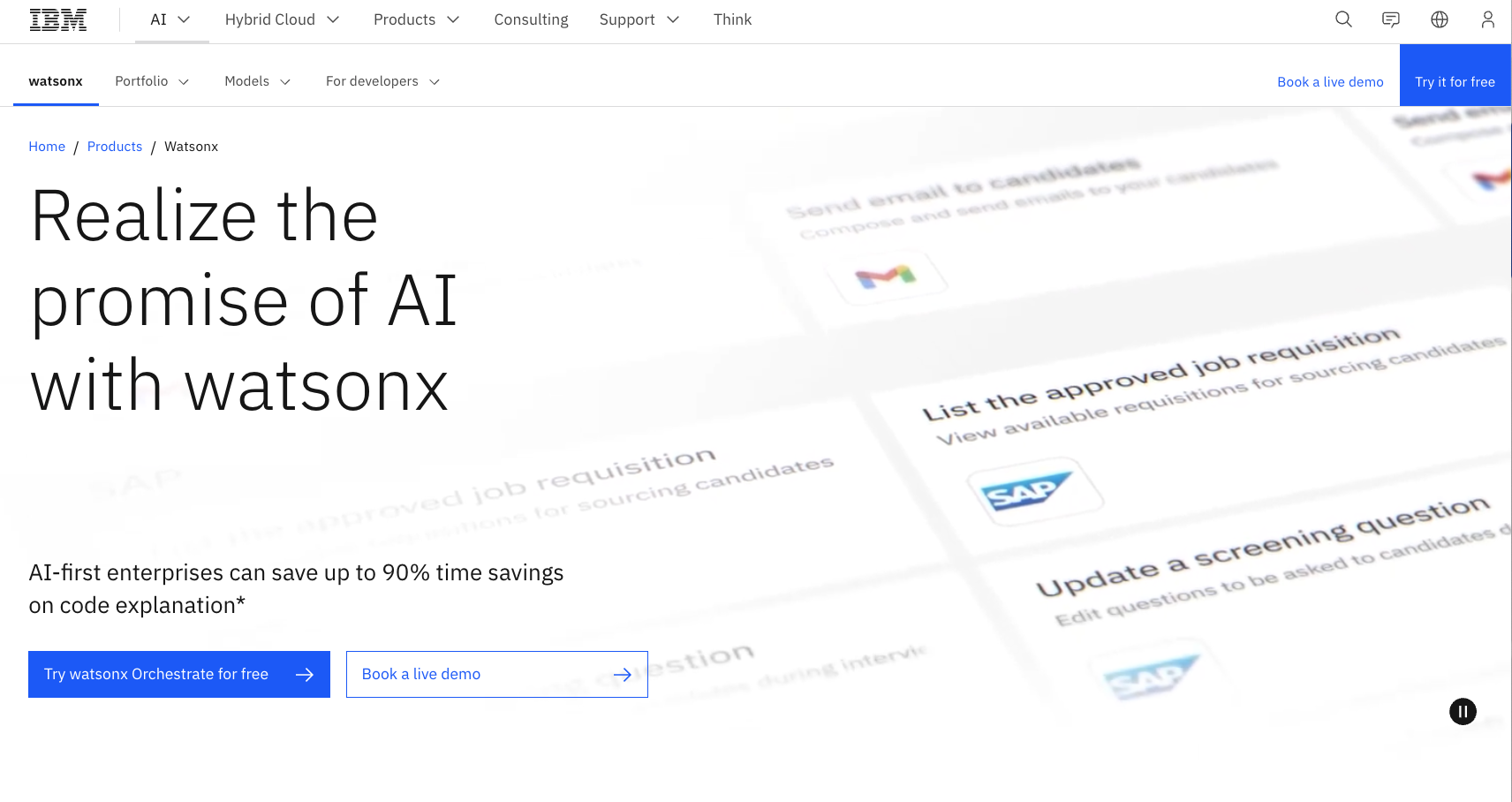
2. IBM watsonx
IBM’s Watson has evolved over years. It started as a single AI system and has evolved into a set of enterprise tools focused on business use cases. IBM shifted from general-purpose AI to industry-specific applications, particularly in regulated sectors such as healthcare, finance, and government. Today, Watson has been consolidated into watsonx, IBM’s enterprise AI and data platform.
Best for: Regulated enterprises requiring secure, compliant AI automation
Key features:
- watsonx AI (formerly IBM watson) enables enterprises to build, train, and deploy AI models with strong governance, transparency, and lifecycle management. Governance includes agent monitoring, risk management, and regulatory compliance.
- Enterprise virtual agents and assistants support customer service, IT support, and internal operations, with natural language understanding trained on domain-specific data.
- Built-in security, compliance, and explainability controls, including audit trails, bias detection, and model governance, meet regulatory and industry requirements.
Pros:
- It’s a strong fit for regulated industries such as finance, healthcare, government, and insurance, where compliance and trust are critical.
- With deep AI expertise, IBM is a long-standing leader in the AI space, and watsonx was integrated with enterprise infrastructure, integration support, and long-term scalability.
Cons:
- watsonx has a higher cost and greater implementation complexity compared to no-code or low-code AI agent platforms. You will need developer support, but watsonx makes this as straightforward as possible with APIs, tools, customizable models, flexible runtimes, and its code assistant.
Plans/Pricing:
- Essentials: $2 per 20 task prompts
- Standard: $3,000 per month, plus $2 per 20 task prompts
- On-premises: Custom pricing
3. Salesforce Einstein
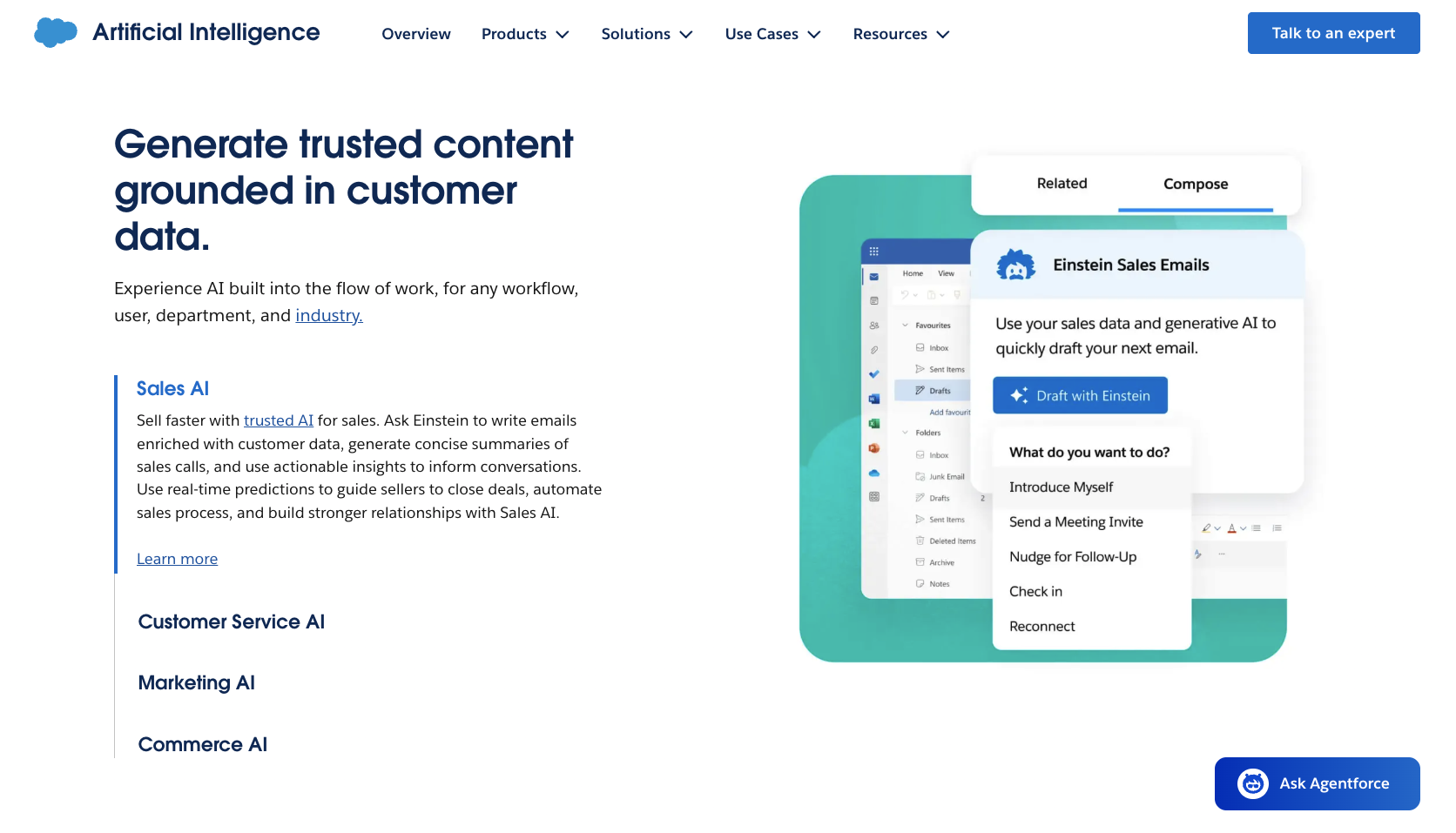
Salesforce Einstein brings AI agents directly into the Salesforce ecosystem, allowing enterprises to automate tasks across sales, customer service, marketing, and analytics. It’s designed for organizations that want AI agents to work natively with customer data and workflows inside their CRM.
Best for: CRM-driven automation across sales, service, and customer data
Key features:
- CRM-native AI agents automate tasks like lead routing, case resolution, opportunity insights, and next-best-action recommendations using real-time Salesforce data.
- Tools allow teams to deploy autonomous agents across sales and service workflows, coordinating actions between users, records, and systems.
- Einstein AI analytics and predictions for sales deliver forecasting, sentiment analysis, and performance insights directly within Salesforce dashboards and reports. It does this by analyzing real-time CRM data, past interactions, and customer signals to surface insights and recommendations directly inside sales workflows.
Pros:
- Deep, native integration with Salesforce data makes automation highly contextual and accurate.
- It scales well across large sales and service organizations already standardized on Salesforce.
Cons:
- It’s suitable only for Salesforce users. Pricing is also quite complex and can become expensive quickly if you want a lot of AI functionality.
Did you know?
Unlike Salesforce’s Agentforce, which operates inside the Salesforce platform, Jotform Salesforce Agent works externally — on websites and forms — engaging users and feeding clean, structured data back into Salesforce. It’s the fastest way to extend Salesforce automation beyond the CRM itself. Try Jotform’s Salesforce Agent for free.
Plans/Pricing:
Salesforce pricing, including AI functionality, is a little complex.
First, you need a more expensive Salesforce package that allows the AI features. Your options are the following:
- Enterprise: $175 per user per month
- Unlimited: $350 per user per month
- Agentforce 1 Sales: $550 per user per month
Then you need to purchase the AI. Pricing depends on your use case and ranges from $50 to $200 per AI agent per month. For example, customer service AI is an extra $100.
4. SAP Leonardo AI
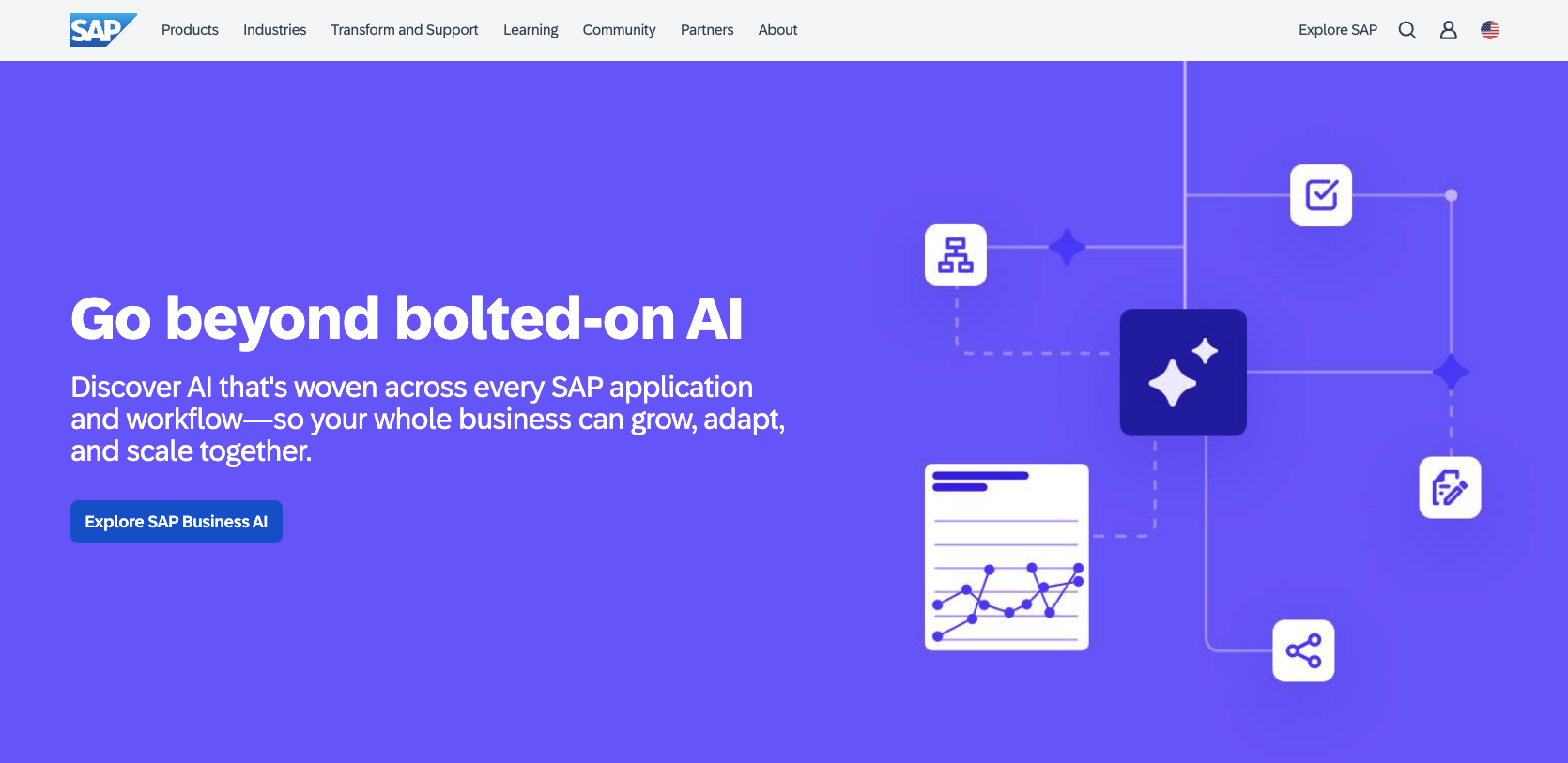
SAP is an enterprise automation platform with AI capabilities designed to run complex, ERP-led operations. Rather than acting as a standalone AI agent, SAP AI is embedded directly into SAP systems, helping teams automate tasks, surface insights, and take action across finance, procurement, supply chain, and manufacturing workflows.
Best for: ERP-driven automation across finance, supply chain, and operations
Key features:
- ERP-native AI assistance with SAP Joule enables users to query data, generate insights, and trigger actions using natural language inside SAP applications. SAP Joule can help with complex decisions like business models for the following year based on the previous year’s sales.
- Process automation and intelligent workflows combine AI with SAP build process automation to streamline approvals, reconciliations, and operational tasks.
- Predictive and generative AI across core business functions include forecasting, anomaly detection, demand planning, and financial analysis.
Pros:
- Deep integration with SAP ERP makes AI outputs highly reliable and context aware.
- United AI experience from one interface that connects data and workflows across both SAP and non-SAP applications helps teams apply AI consistently across the business.
Cons:
- Limited flexibility outside the SAP ecosystem makes it less suitable for organizations with highly diversified tech stacks.
Plans/Pricing:
Custom pricing: get in touch with SAP to discuss your needs.
5. HubSpot
HubSpot AI agents are built for teams that want automation embedded directly into their HubSpot workflows. HubSpot’s AI works as an AI employee across marketing, sales, and service hubs, helping teams act faster, personalize at scale, and reduce manual work without leaving the HubSpot platform.
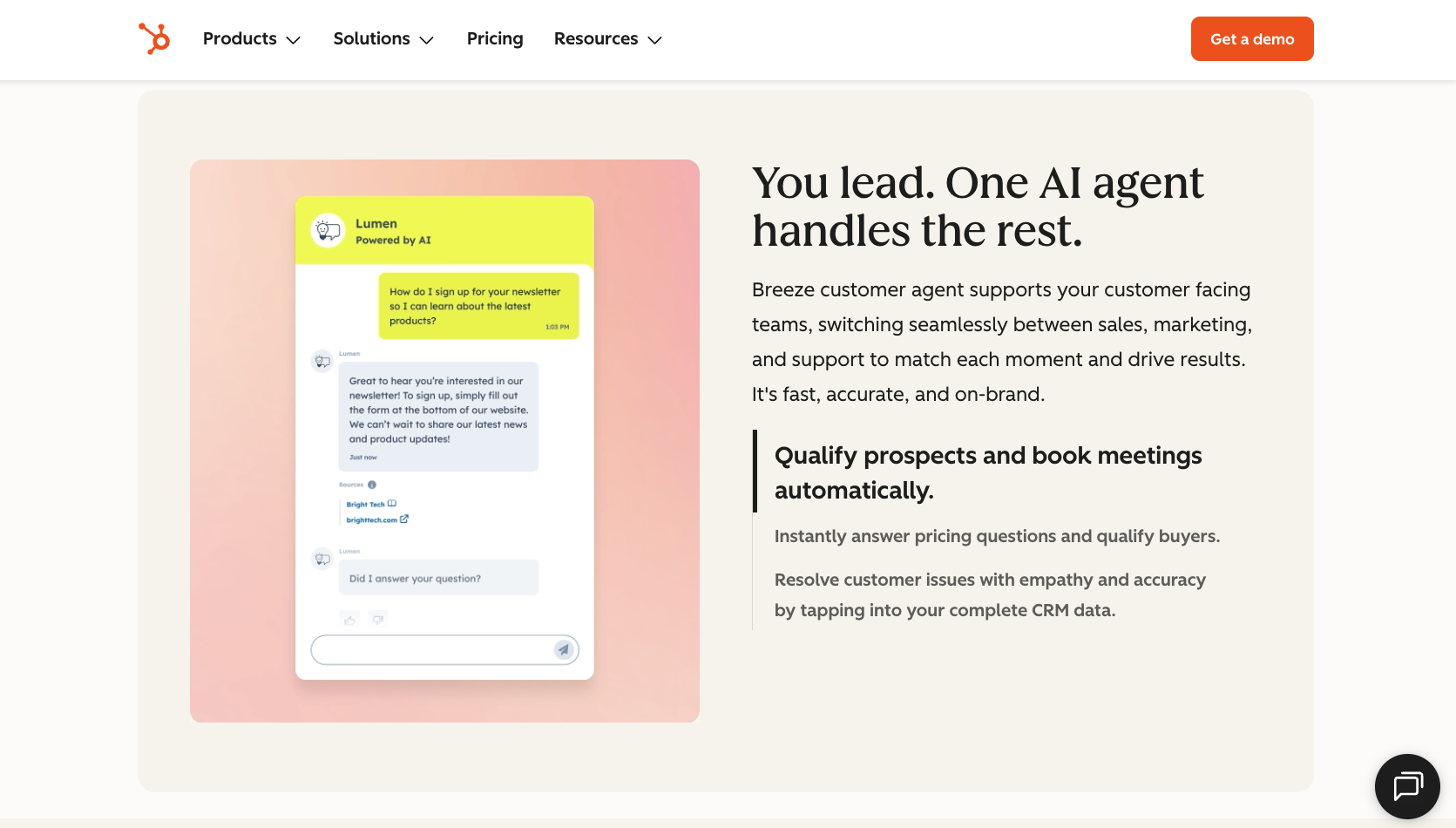
Best for: Automating marketing, sales, and customer support tasks
Key features:
- CRM-native AI automation supports lead scoring, deal insights, ticket routing, and follow-up actions using real-time customer data.
- AI-powered content and conversation tools include email drafting, chatbots, and content generation aligned to customer lifecycle stages.
- Workflow automation across the HubSpot platform allows AI to trigger actions across marketing, sales, and support processes based on behavior, intent, and engagement data.
Pros:
- It’s very accessible for non-technical teams, with no-code setup.
- Strong alignment between marketing, sales, and support data within a single platform is helpful if you’re all in on HubSpot.
Cons:
- It’s best suited to organizations already invested in HubSpot; it has limited flexibility outside the HubSpot ecosystem.
Plans/Pricing:
AI is built into HubSpot’s broader packages:
- Starter: $15 per month per seat
- Professional: $1,450 per month (five seats included)
- Enterprise: $4,700 per month (seven seats included)
6. Microsoft Copilot Studio
Microsoft Copilot Studio helps Microsoft users build and deploy AI agents that work directly inside Microsoft 365 and Dynamics environments. Copilot agents help employees automate routine tasks, retrieve information, and take action across Microsoft tools like Teams, Outlook, SharePoint, and Excel.
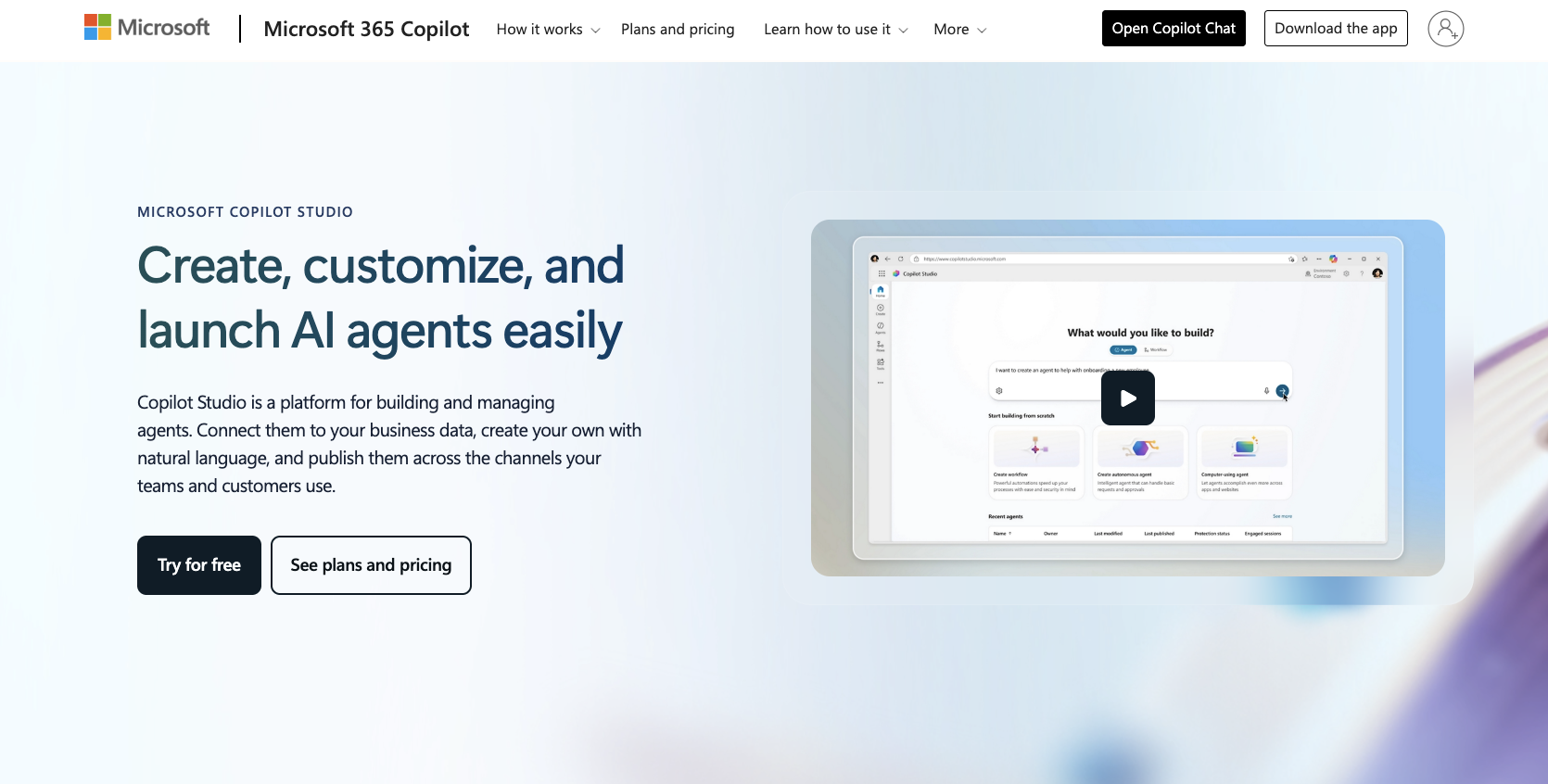
Best for: Employee productivity and internal task automation
Key features:
- Agent creation in Copilot Studio allows teams to design custom AI agents that respond to prompts, triggers, and business rules using enterprise data.
- Deep Microsoft 365 integration enables AI agents to access emails, documents, calendars, chats, and CRM records within Teams and Outlook.
- Low-code and no-code tools enable non-technical teams to build and manage agents while maintaining IT governance and security controls.
Pros:
- It works seamlessly within Microsoft tools that employees already use daily, which reduces AI and automation adoption friction.
- Start with Microsoft’s prebuilt agents and templates to expedite agent creation.
Cons:
- It’s most effective in Microsoft environments; it has limited value for organizations using mixed or non-Microsoft productivity stacks.
Plans/Pricing:
The AI is included for all businesses using Microsoft 365, or you can pay $30 per user per month, billed annually.
How to choose the best AI agent for task automation
Choosing the right AI agent for task automation starts with
- Nonnegotiables, such as the budget
- Clarity on what you want to automate
- Where the biggest problems are, so you can resolve them promptly
Start with your budgets and other nonnegotiables, such as required features, to narrow your short list. Then, consider what you need to automate and why. Chances are, any enterprise-grade AI platform will solve a lot of problems, to the point of overwhelm, but you can’t do it all at once. Start by mapping specific tasks and workflows to platform capabilities. For example, CRM-driven teams benefit from AI agents embedded in sales and support tools, while operations, finance, or HR teams may need agents that connect across ERPs, ticketing systems, and approval workflows.
Avoid choosing a platform based on features alone; focus on how well it supports the work you do today. Speak to your teams about what they need.
Before purchasing your tool, evaluate how the platform scales across teams. As adoption grows, you’ll need consistent permissions, monitoring, analytics, and the ability to reuse or adapt agents for new departments. Platforms that support shared templates, centralized management, and cross-system integration make it easier to expand automation without creating silos.
In other words, the best AI agent platform is one that fits your workflows today and can evolve with your organization as automation becomes more central to how work gets done.
Automate smarter with enterprise AI agents
Adopting AI agents in enterprise organizations is no longer a luxury or a passing trend. AI agents and automation are foundational capabilities. As competitors use AI-driven automation to streamline operations, reduce manual work, and scale more efficiently, organizations that delay adoption risk falling behind.
Enterprise AI agents enable teams to automate repetitive tasks, accelerate decision-making, and embed intelligence directly into everyday workflows — all while maintaining security, governance, and control. When implemented correctly, they help organizations move faster without increasing operational complexity or headcount.
Don’t let automation become a competitive gap. Explore Jotform Enterprise AI Agents and start embedding AI into your workflows today.
Frequently asked questions about enterprise AI automation
There’s no official “big four,” but enterprise leaders often include platforms from Jotform, Microsoft, Salesforce, and IBM, due to their scale, ecosystem reach, and enterprise adoption.
Yes. AI can automate tasks such as data entry, request handling, approvals, customer support, reporting, and internal workflows — often with no-code or low-code setup.
This article is for enterprise decision-makers, IT leaders, operations managers, and automation teams at mid-to-large organizations, as well as anyone who wants to evaluate, compare, and choose the best AI agent platforms for automating complex enterprise workflows across CRM, ERP, and internal systems.















































































Send Comment: