
Whether you’re a productivity-focused professional or part of a tech-savvy team, managing your email probably feels like a second job, with a never-ending flood of messages in your inbox. Fortunately, tools such as HEY and Superhuman promise to streamline email management with cleaner design, faster workflows, and stronger privacy solutions.
Choosing the right tool for you or your team usually depends on what you value most. Do you care more about replying as quickly as possible or having a calmer, less stressful inbox experience? Do you prioritize robust security or smoother workflows? Does the price match the value you’re getting?
The market is flooded with premium email clients, and making the wrong choice can be an expensive, time-consuming mistake for anyone serious about productivity.
If you’re looking for a faster, smarter, and more integrated solution for managing high email volume without compromising control or security, it’s worth comparing HEY and Superhuman Mail. And just in case neither is a fit for your team, we’ll also explore a new Gmail-native AI tool that can give you similar (or better) results: Jotform Gmail Agent.
Comparing Superhuman Mail & HEY
 HEY |  Superhuman Mail |  Jotform Gmail Agent | |
|---|---|---|---|
| Gmail integration | No. Requires switching to HEY’s own inbox. | Yes. Works on top of Gmail and Outlook. | Yes. Lives directly inside your existing Gmail. |
| AI-generated drafts | Limited. No true AI that writes full replies for you. | Yes. AI-assisted suggestions and Write with AI feature. | Yes. Drafts full replies for you, modeled on your own voice. |
| Knowledge-base sync | No. It can’t learn from past emails or docs. | No. AI doesn’t deeply tap your knowledge base. | Yes. It can learn from past emails, FAQs, and docs. |
| Human review before sending | Yes. Everything is written and sent by you. | Mostly yes. You still review before sending. | Yes. It drafts, and you always approve before sending. |
| Adaptive labels & priority | Some organization, but more rule- and view-based. | Prioritization via workflow and shortcuts. | Adaptive labels and smart routing to surface what matters. |
| Team use/collaboration | Better for individuals than large teams. | Great for speed-focused individuals and small teams. | Built for teams (sales, support, ops) to share context and stay consistent. |
What makes a modern email client great?
Imagine you open your laptop to find 147 unread emails, a meeting in 10 minutes, and a client waiting for a proposal.
A good email client can look “nice,” but a great email client helps you get from an overwhelming inbox to “done” in as few clicks as possible, without missing an important message or leaking sensitive information. It handles the repetitive work so you can focus on conversations that actually move revenue, relationships, and projects forward.
So what does “great” look like in 2026, beyond a pretty user interface? For most busy professionals, it comes down to various key features:
- Speed and low-friction workflows
- Helpful, trustworthy AI features
- Integrations with your existing tools
- Strong privacy and security by design
- Smart automation for routine messages
- A reliable, focused mobile experience
Of course, no single tool nails them all perfectly. Some focus on speed, others on privacy or automation. That’s why the “right” choice depends on what matters most in your daily life.
HEY vs Superhuman Mail: Feature-by-feature comparison
Both HEY and Superhuman promise less inbox chaos and more control; they just take different paths to get you there. Here’s how HEY and Superhuman compare.
HEY email client
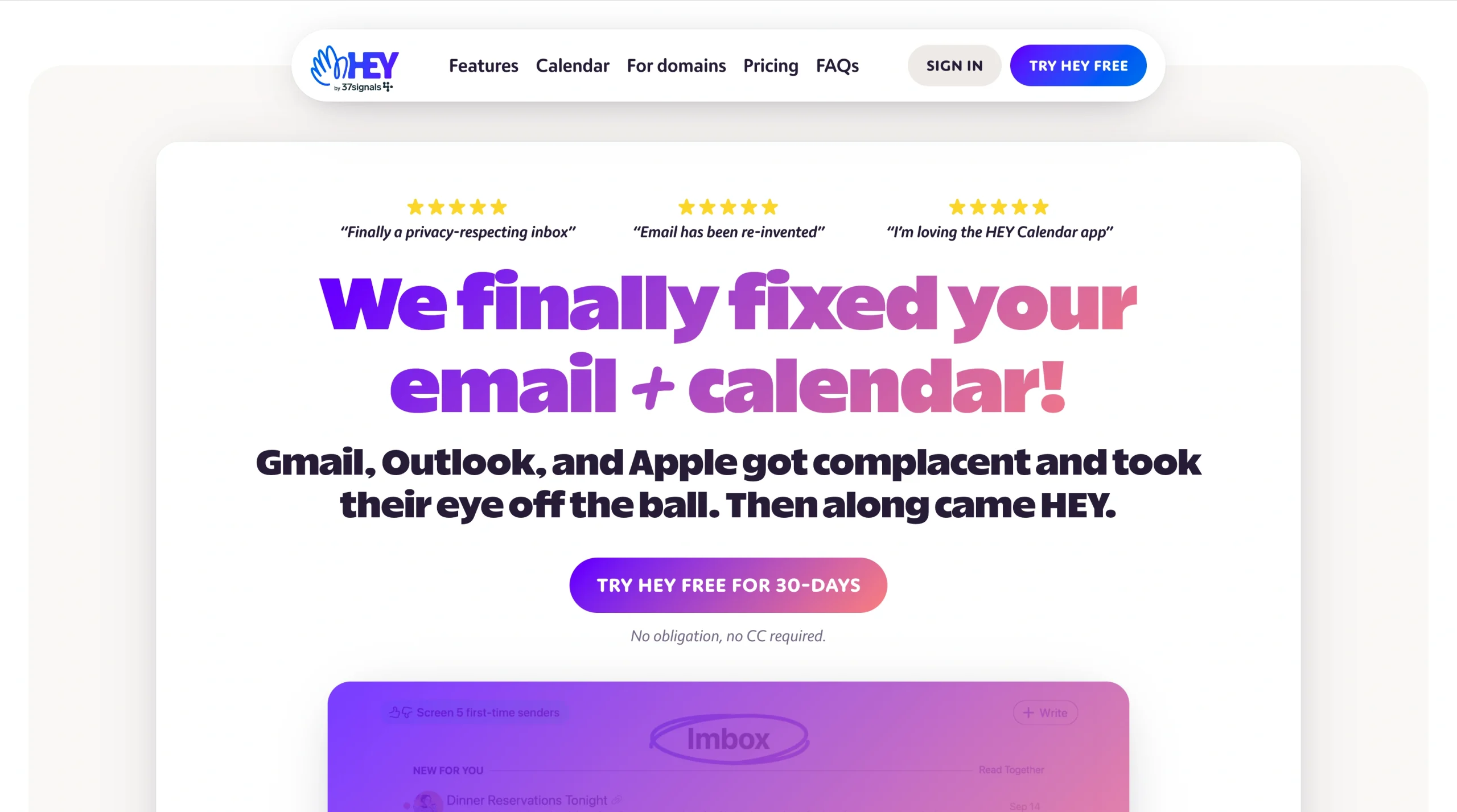
HEY is an email service that replaces your Gmail, Yahoo Mail, Outlook, or other email and calendar services entirely. If you want your inbox to feel calmer and more intentional, HEY protects your attention and privacy before messages even reach you.
To help you decide whether HEY is right for you, here’s a breakdown of its unique value, strengths, and weaknesses:
Unique value
- You decide who gets in: HEY’s Imbox and The Screener let you approve senders before they ever show up in your inbox, which is helpful when you’re drowning in newsletters, email marketing campaigns, sales outreach, and never-ending threads.
Strengths
- Your inbox stops feeling like surveillance: Built-in blocking for hidden email trackers and a strong privacy stance mean you can open emails in HEY without worrying about hidden trackers in your marketing emails.
- It clears mental clutter: A decluttered interface, robust folders and labels, and features such as “Reply Later” help you batch responses and keep important emails from getting lost in your inbox.
Weaknesses
- You have to leave Gmail behind: There’s no Gmail/Google Workspace integration, so you’re committing to a new ecosystem and an annual fee. HEY’s opinionated way of working also pushes you toward specific workflows through built-in concepts (for example, The Feed and Paper Trail), rather than letting you set everything according to your preferences.
Superhuman email client
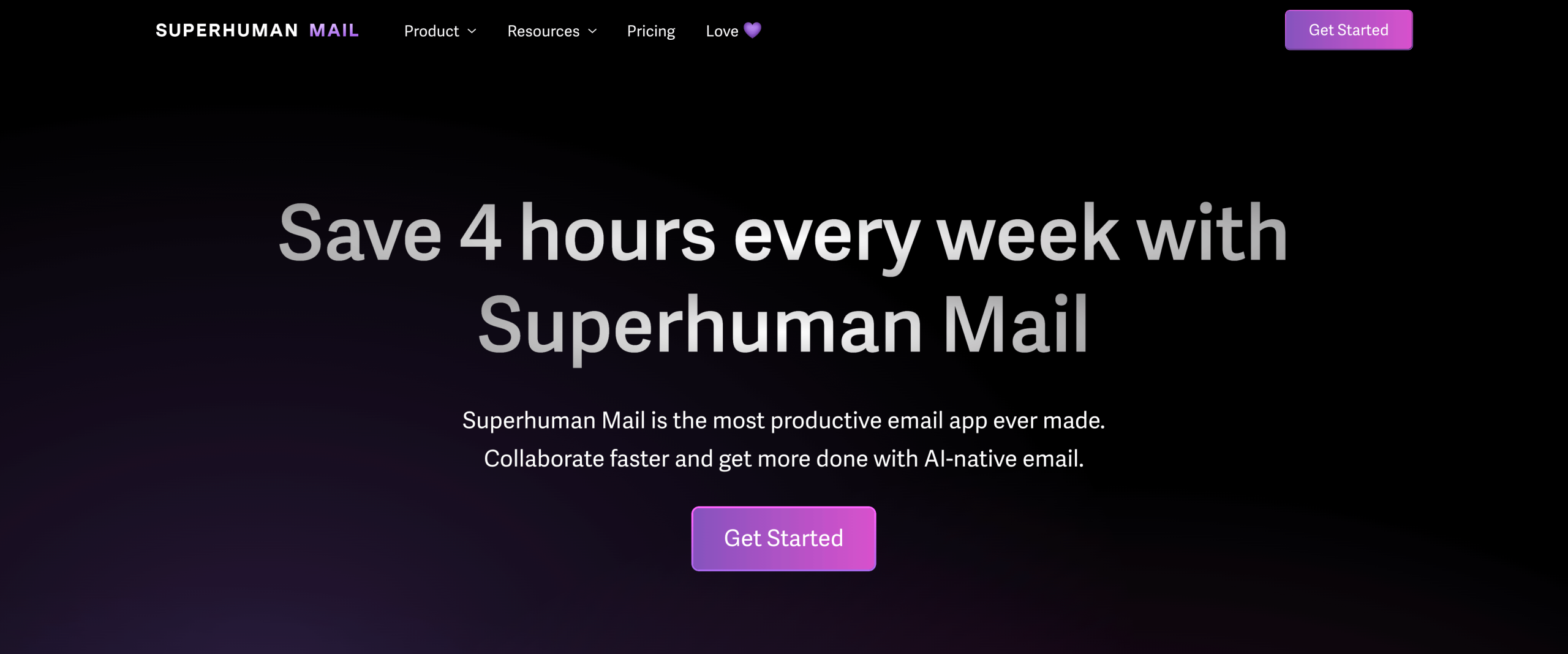
Superhuman Mail is an email client that sits on top of your Gmail and Outlook, rather than replacing them. If you care less about redesigning your inbox and more about moving through email as fast as possible, Superhuman helps clear messages in seconds.
Here’s a breakdown of Superhuman’s unique value, strengths and weaknesses:
Unique value
- Quickly handle a high volume of emails: Use lightning-fast keyboard shortcuts, snippets, and AI-assisted reply suggestions to move through your inbox in seconds.
Strengths
- You don’t have to switch providers: Superhuman works with the tools you already use, including Gmail and Outlook.
- You have access to robust AI features: Options such as write with AI, undo send, and read receipts make it easier to reply quickly, recover from mistakes, and see when important messages are opened.
Weaknesses
- You have to pay premium pricing: Superhuman comes with a premium price tag and an invite-style brand that may not fit every team or budget.
- You face various limitations: There’s limited room to customize how Superhuman works, and while its AI features help you move faster, it doesn’t tap deeply into your broader knowledge base or offer a clear “drafts only” human-review flow by default.
Gaps and limitations: Where both fall short
Even with all their strengths, HEY and Superhuman both leave big gaps for busy professionals and teams. Both tools can help you read and reply faster, but they don’t learn from you or your organization on a deeper level.
Here are common limitations you might encounter when using either HEY or Superhuman:
- Both lack knowledge base-empowered AI drafting. Superhuman’s AI focuses more on speeding up replies than on enforcing structured, human-in-the-loop review workflows for teams or creating on-brand replies, while HEY’s “HI not AI” approach means it doesn’t offer AI drafting as a feature at all.
- They don’t offer tight integration with support and sales workflows that depend on consistent, scalable communication.
- HEY doesn’t support essential toolssuch as Gmail and Google Workspace and requires switching platforms entirely, while Superhuman adds a separate, premium layer instead of deeply augmenting the Gmail or Outlook experience you already rely on.
While both tools make email faster, they still leave you doing too much manual work and context-switching on your own. This leaves many support leaders looking for alternative tools that fit more naturally into their existing workflows.
The smarter alternative: Jotform Gmail Agent

Imagine opening Gmail in the morning and seeing most of your replies already drafted for you in your own voice, based on how you’ve answered similar emails before. That’s what Jotform Gmail Agent does, and it’s just one way this tool helps you stay on top of your email.
Here are some other ways Jotform Gmail Agent improves your existing inbox to make your day easier:
- Gmail-native, AI-driven: It connects directly to your existing Gmail via Open Authorization (OAuth) flow, so there are no new inboxes to learn and no passwords to share.
- True AI assistant: It learns from your sent emails, knowledge base, and FAQs to draft replies that are context-aware and on-brand the moment new messages arrive.
- Human in the loop: It creates drafts, but nothing is ever sent without your review, so you still have total control of your messages.
- Faster than manual replying: By cutting email response time from hours to seconds and eliminating repetitive rewriting, you get the benefits of Superhuman speed while cutting down busywork, as HEY does.
- Powered by your knowledge: Jotform Gmail Agent can use your sent mail and connected knowledge bases to keep answers accurate, consistent, and aligned with your policies and brand.
- A smarter inbox: AI-driven labels and organization help surface emails that need attention now and keep less urgent messages out of your way.
- Ideal for teams: Sales and support teams can automate emails to keep replies fast and consistent, even as volume grows.
- Security and privacy first: It uses secure OAuth (no passwords), encryption, and strict controls so your data stays in Gmail, and you decide what the agent can see and do.
Special advantages of Jotform Gmail Agent
While Jotform Gmail Agent does a great job of cleaning up your inbox, it also connects to a bigger system that can handle even more of your day-to-day work for you. That way, you spend less time copying information between tools and chasing down context, and more time focusing on work that moves projects forward.
Jotform Gmail Agent connects to Jotform AI Agents. But what are AI agents, and how do they help? AI Agents can power your web forms, chat, and email, so everything exists in a unified workflow that gathers context and conversation history.
That means you can see what a customer submitted in a form, how they chatted with support, and the emails you’ve exchanged, all in one place. And because it works with Gmail, you don’t have to abandon your existing tools or learn a new interface.
Fix your inbox with Jotform Gmail Agent
If you’ve made it this far, you probably want more than a “prettier” inbox. You want email to take less time and you want to make fewer mistakes while supporting the way you and your team already work.
For solo professionals, HEY or Superhuman might be enough to take control of your chaotic inbox. But if you’re relying on Gmail and need AI that actually learns from your past work while letting you stay in control, Jotform Gmail Agent gives you a smarter, safer way to scale your communication without changing the tools you already use.
It delivers on-brand, AI-generated drafts, smarter prioritization, and full control over what gets sent, all from inside the Gmail tab you already use.
Tired of expensive “super apps” that barely make a difference or locked-in workflows that force you to rethink your entire email setup? Then it might be time to try something different.
Try Jotform Gmail Agent for free, and see how it feels to use a truly intelligent, human-in-the-loop email productivity tool without leaving Gmail. You stay in control, and your inbox finally starts working for you (instead of the other way around).
This article is for readers comparing modern email tools, AI-assisted inbox workflows, and Gmail-based productivity solutions who want a clearer sense of which option best fits their existing communication habits, team needs, and control preferences.










































Send Comment: