
If you’re a Salesforce admin, CRM manager, or customer support lead, you may have heard of Salesforce ’s Agentforce agentic AI solution. Agentforce works with the cloud-based CRM your team already uses, bringing AI-powered agents directly into the platform to help you handle more requests. Agentforce makes your team more productive and can summarize, route, and act on work using your Salesforce data.
Keep reading for a more detailed explanation of Agentforce and similar tools, why they matter for service work, and how to enable Agentforce in Salesforce. Such tools can streamline your team’s workflows and help you deliver faster, more consistent customer service with Salesforce.
What is Agentforce in Salesforce, and why do you need it?
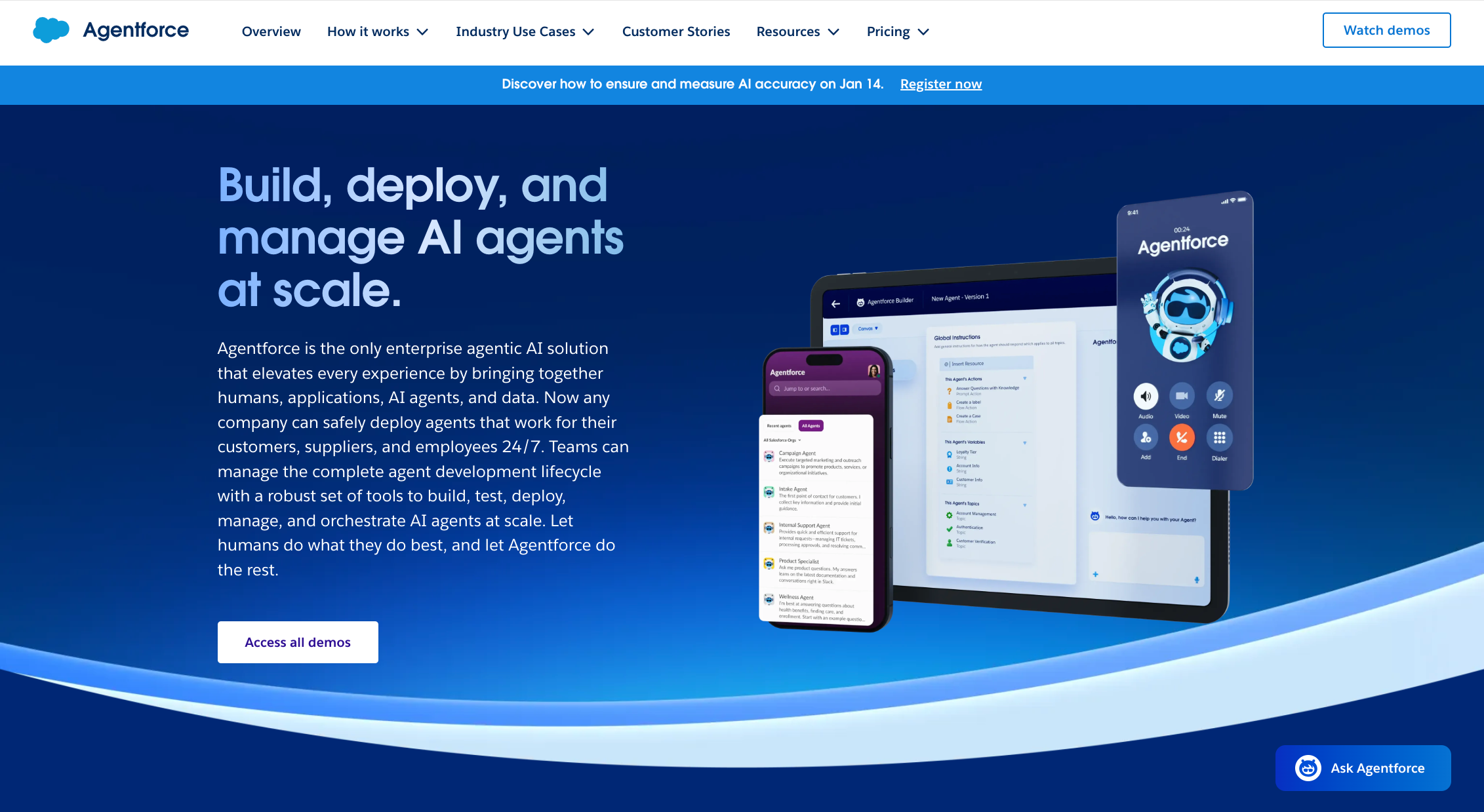
Agentforce, Salesforce’s native agentic AI platform, boosts AI agent productivity across Salesforce’s Service Cloud and other apps, working with the tech stack your team already uses. It lets you build AI-powered agents that help your team: They will be able to handle more cases, and you won’t need to add to your staff head count.
Agentforce pulls your CRM and knowledge data into an AI‑driven workspace that contains communication tools, macros, and guided workflows, so your staff don’t have to click through multiple tabs to find answers or update records.
Features such as integrated voice and digital channels, knowledge article recommendations, and reusable macros reduce the handle time per customer and standardize responses. Such streamlining is especially valuable for high‑volume support teams.
In addition, your support leaders can onboard faster, ensure more consistent service, and introduce (and eventually scale) AI into day‑to‑day support without rebuilding your entire Service Cloud setup.
How to enable Agentforce in Salesforce: Step-by-step
You can activate Agentforce by starting in the Salesforce Setup menu:
- In Salesforce, click the gear icon and open Setup.
- In the Quick Find box, type “Generative AI.”
- Open Einstein Setup, and set Turn on Einstein to On so Agentforce can use AI.
- Return to Setup, and search by typing “Agents.”
- Select Agentforce Agents under Agent Studio. Then toggle Agentforce on. This unlocks the Agentforce framework in your organization.
- Enable the default agent so you can start building agents for real applications, such as service assistance.
- Go to Permission Set Assignments for each admin or team user, and add the relevant Agentforce permissions so they can access the workspace.
Once you do this, you’ll see Agentforce available to configure in your console.
How to use Salesforce Agent in Salesforce
Once Agentforce is live, you can use Salesforce Agent to update your CRM with each conversation, and your agents don’t have to learn a new tool.
However, if you’re still testing, enable Agentforce in the Salesforce Sandbox. You can move to production once you’re confident in the setup.
Here are instructions for setting up Salesforce Agent and for setting it up in the Salesforce Sandbox:
- Open the AI agent builder, and go to the Channels menu. Click Salesforce.
- Click the Salesforce icon in the top-right corner to open the Publish tab.
- Under Salesforce Agent, keep Production selected, and click Connect to Salesforce. Or choose Sandbox for testing.
- In the popup window, log in with your Salesforce username and password.
- Choose one of the Predefined Skills (or choose Start from Scratch):
- Lead & Opportunity Management
- Case Management
- Order Tracking
- Appointment Scheduling
- Knowledge & FAQ Assistance
- Employee & HR Support
- Click Next. This will link your AI agent to Salesforce.
Your AI agent will now be able to create, update, and display Salesforce records and use Salesforce Knowledge articles to answer questions in context.
If your team wants to adopt AI even further into your workflows without committing to additional Salesforce AI licenses and credits, consider skipping Agentforce altogether and trying a Salesforce alternative.
Jotform for Salesforce offers a free starting plan and flexible paid tiers, so you can test AI-powered Salesforce automation and see real impact before you take on the cost and complexity of a fully native Agentforce launch.
How teams use Jotform Salesforce Agent to get more done
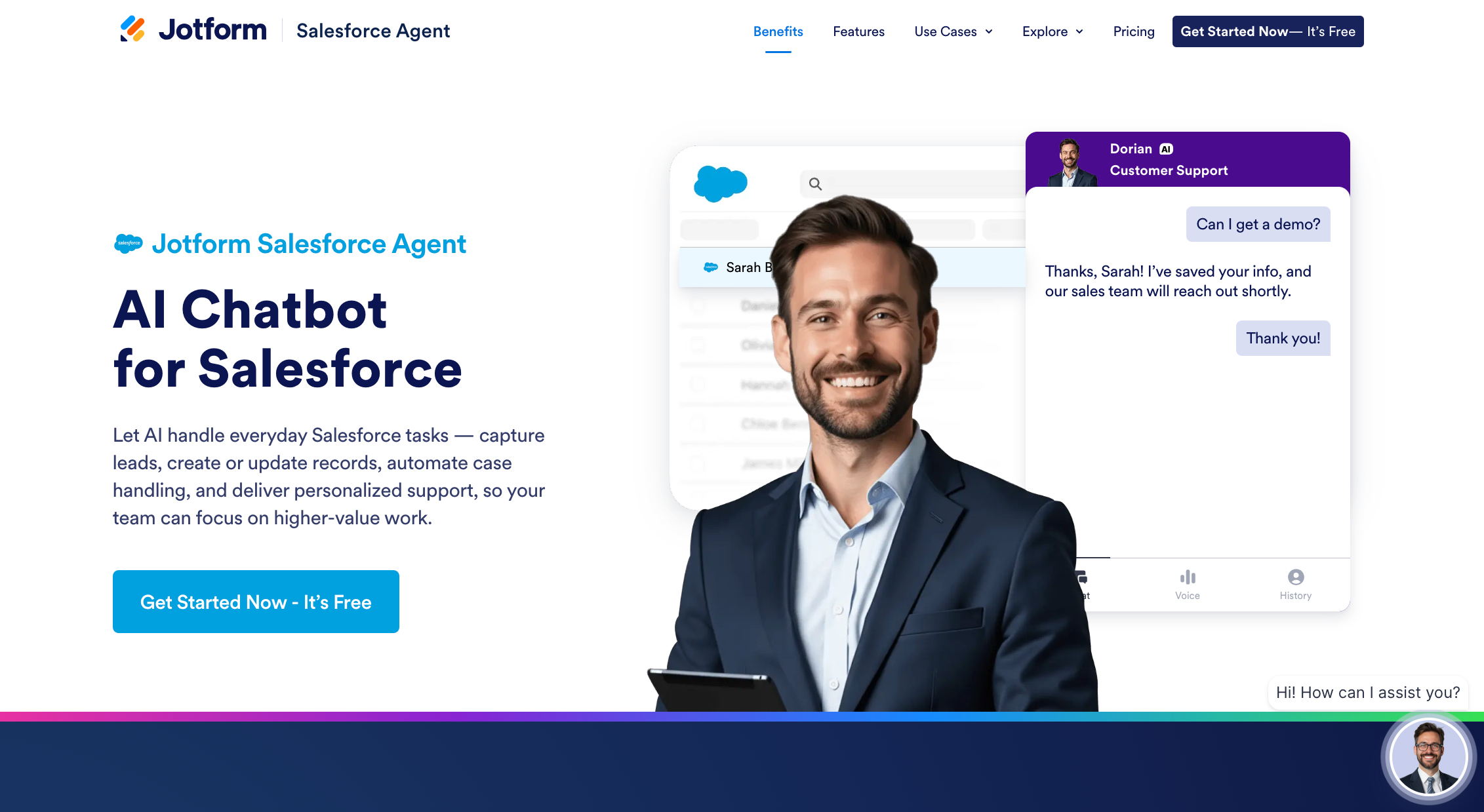
An AI-powered Salesforce copilot, the Jotform Salesforce Agent follows the commands that your team types or says in plain language. For example, if you type, “Create a high-priority case for this customer,” it will automatically create a Salesforce record. The agent helps your team work faster in the tools they already use, while keeping Salesforce records accurate. When you pair the Jotform Salesforce Agent with Jotform’s Salesforce forms, every form submission will automatically create or update a Salesforce record. This workflow will provide your AI agent with structured data instead of scattered responses in emails and spreadsheets.
Here are some Jotform Salesforce Agent applications:
- Direct Salesforce integration: By integrating Jotform and Salesforce, your team can connect to the Salesforce Sandbox to test your AI agent safely. When you’re confident it’s ready, your agent can go live with a few clicks.
- Predefined skills and actions: Training an AI agent can be tedious work, but you aren’t starting from scratch. You’ll have Jotform Salesforce Agent templates for lead and opportunity management, case management, order tracking, appointment scheduling, knowledge and FAQ assistance, and employee and HR support.
- Compatible with any Salesforce objects: You can use both standard and custom objects, so the agent fits your existing Salesforce model. That way, you don’t need a redesign.
- Automatic knowledge article retrieval: Salesforce Knowledge articles give agents the context they need to answer questions quickly, without wasting time searching for content.
- Omnichannel deployment: Create an experience that feels consistent across all interactions on every channel.
- AI-powered interactions: Understanding their intent is crucial when handling sensitive customer issues. If AI Agents can determine whether to handle an inquiry or bring a human into the loop, your team can meet customer frustrations with the right level of attention.
- Better tracking and visibility: If a customer isn’t happy with an interaction, an admin can review the conversation’s success, failure, and related actions in detailed integration logs. This level of visibility can help them better understand where the breakdown occurred and how to mitigate it in similar cases.
- Critical testing and fine-tuning: Try different prompts, set guardrails, and adjust permissions in a safe environment before launching your AI agent. This carefulness will help ensure accuracy and the correct tone before you go live.
These applications lead to shorter handle times, fewer manual updates, and a service operation that scales without burning out your staff. And your support leads have time to focus on higher‑value work, such as improving processes, coaching your team, and analyzing the data Salesforce collects instead of just maintaining it.
Is Agentforce right for your team?
While you might already be familiar with core Salesforce benefits for customer support, Agentforce could be a tempting option for teams with rising case volumes or strict Service-Level Agreements. The AI-powered solution can streamline how workflows through your console and help standardize responses, but it also introduces the new tasks of setup, permissions settings, and change management.
All of this may be overkill for your small or low-volume team. The simplest way to decide whether Agentforce is right for your organization is to audit your current support workflows and then ask whether a native Salesforce AI assistant would realistically streamline your team’s tasks enough to justify the investment. Maybe a more flexible alternative, such as Jotform Salesforce Agent, would be a better fit.
FAQs about enabling Agentforce in Salesforce
Yes, you’ll need an edition and licenses that include Agentforce or AI capabilities. These are often tied to enterprise-level plans or add-ons. The specifics depend on your contract, so review your Salesforce account or talk to your account executive.
No, Agentforce is not free. It’s a paid service, and costs vary based on edition, usage, and add-ons. If you’re not ready for that investment, or you want to experiment with AI-powered Salesforce automation at a lower cost, alternatives such as the Jotform Salesforce Agent offer a free option.
This article is for Salesforce admins, CRM managers, and customer support leads who want to enable Agentforce in Salesforce to enhance agent productivity, streamline workflows, and leverage AI-driven tools for better customer service.
This article is for Salesforce admins, CRM managers, and customer support leads who want to enable Agentforce in Salesforce to enhance agent productivity, streamline workflows, and leverage AI-driven tools for better customer service.











Send Comment: