
In 2024, more than 361 billion emails were sent worldwide every day, and that number’s projected to grow to 424 billion by the end of 2026. With inboxes overflowing and response times under constant pressure, even small inefficiencies in how we handle email can quietly eat up hours of the workday.
When you consider how you might better spend that time, it’s no wonder some professionals are turning to AI-powered solutions such as Superhuman and Spark to manage their inboxes. These solutions promise increased productivity, efficiency, and time savings that make them popular among time-constrained professionals. But choosing between Superhuman and Spark can be challenging because they offer many similar features.
Which is the best email productivity app for you? To help you make an informed decision, we created a comprehensive Spark vs Superhuman email app comparison guide. We break down the top factors to consider (e.g., pricing, automation, features), highlight must-know differences between these two solutions, and suggest a third solution: Jotform Gmail Agent.
 Superhuman |  Spark |  Jotform Gmail Agent | |
|---|---|---|---|
| Best for | High-performance professionals and email power users | Teams seeking affordable collaboration and organizational tools | Users who need AI assistants for drafting, labeling, and workflows |
| Industry fit | Fast-paced industries such as sales, marketing, and consulting | General use, education, freelancers | Customer support, operations, and enterprise |
| Scalability | Highly scalable for teams and enterprise users | Some scalability, more suited for small to medium-size teams | Easily scalable because of the flexibility and trainability of Jotform AI Agents |
| Core functionality | Speed and productivity through AI tools and keyboard-driven user interface (UI) | Organizational and collaborative tools with help from AI features | Automation tools that work alongside Gmail to streamline workflows |
| AI and automation | Robust, deeply integrated Superhuman AI tools designed for instant assistance | Powerful but limited Spark +AI solutions for writing and email organization | Central AI tools that learn and improve to optimize responses and inbox tasks |
| Security | SOC 2 compliant, OAuth password access, two-factor authentication, GDPR compliant, encrypted | SOC 2 and ISO 27001 certified Google-hosted cloud infrastructure, GDPR and CCPA compliant | GDPR compliant, PCI compliant, two-factor authentication, HIPAA-friendly agents |
| Platforms | Mac, Windows, Android, and iOS; compatible with Gmail and Outlook only | Mac, Windows, Android, and iOS; compatible with Gmail, Outlook, Exchange, iCloud, Yahoo!, and custom IMAP and EWS email providers | Mac, Windows, Android, and iOS; compatible with Gmail exclusively, |
| Collaboration tools | Shared conversations, drafts, and team tools | Assignments, team file storage, shared inbox, and shared drafts and templates | Centrally configured agents and workflows, team training and use |
| Pricing | No free version. Paid plans range from $25 to $33 per user, per month. Custom enterprise pricing is available. | A limited free version is available. Paid plans are $4.99 per month individually or $6.99 per user, per month for team plans. | A free version is available. Paid plans range from $34 to $99 per month. Custom enterprise pricing is available. |
Superhuman: Speed, simplicity, and premium UX
Superhuman is an email automation tool centered on productivity and designed to decrease the time you spend responding to and organizing emails.
The Superhuman UI is minimalist, streamlined, and high output. Using features including keyboard shortcuts, a command palette, and high-powered AI automations, this solution is ideal for those looking to maximize the potential of their email workflows.
Superhuman’s key value area is its industry-leading, natively built AI. Superhuman AI helps you reduce response times, automate repetitive tasks, and improve your performance through tools such as
- AI email generation
- Instant replies
- Automatic labeling
- Event generation
Along with these robust AI tools, Superhuman offers organization and productivity tools to keep your email on track. These features make Superhuman an excellent choice for professionals looking for speed and performance. That said, accessing these advanced features means you may have to pay a bit more than you would for some other email management choices.
Spark: Collaboration-first email with AI boosts
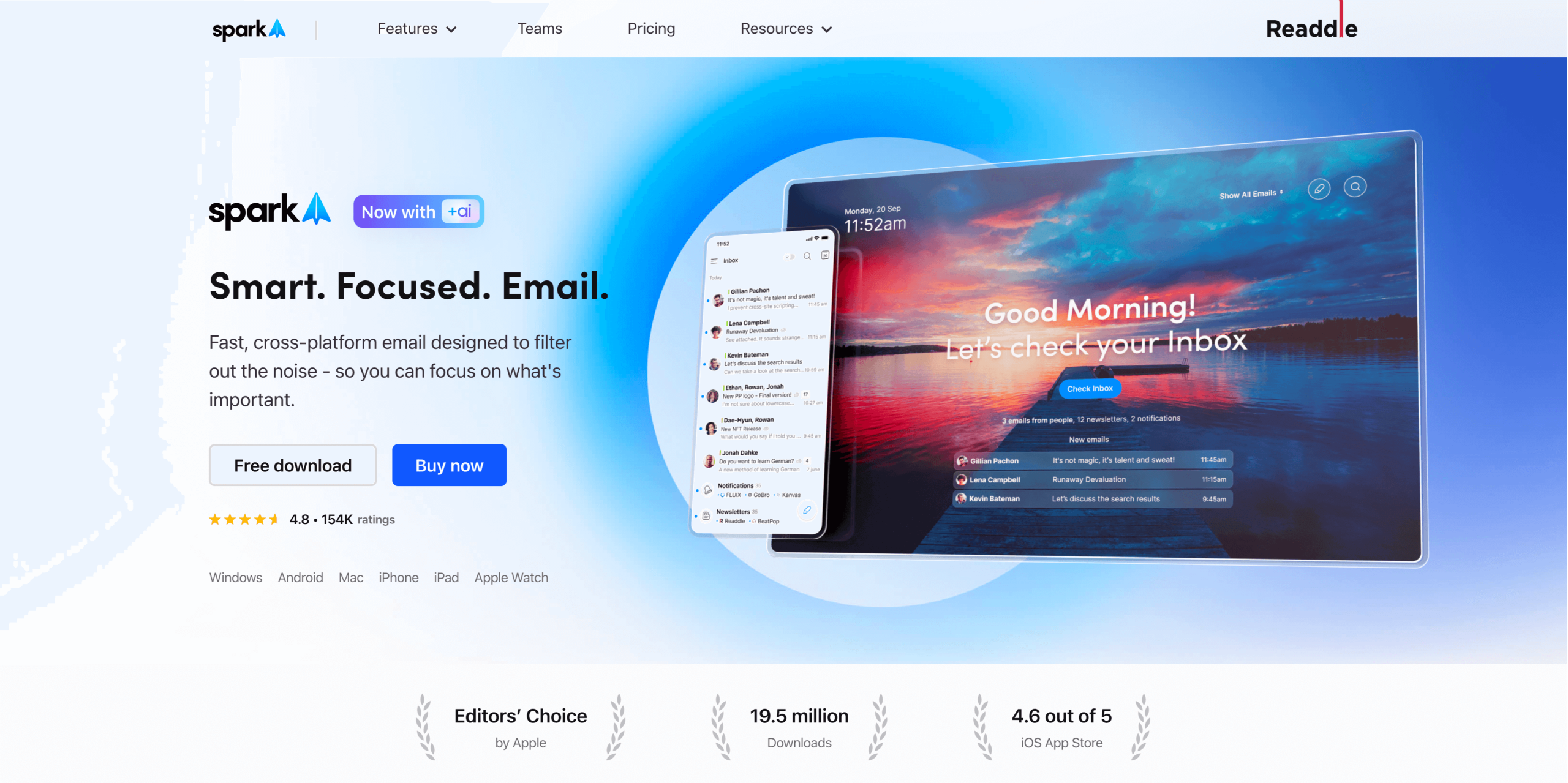
Spark is an email tool designed for teams that want to improve their collaboration and organization skills with the help of AI and automation. Rather than prioritizing output and productivity, Spark is built for those seeking more order in their inbox. It helps reduce clutter and provides insight into how your team members manage their emails.
Spark is a favorite among teams and startups, thanks to its budget-friendly payment tiers and collaboration-focused features, which include
- Shared inboxes
- Smart inboxes
- Shared drafts
- AI writing tools
Spark is designed to make it easier for your team to work together, offering a wider range of platform availability compared with some alternatives. With access to more email and device options, your team can use whichever service they prefer, without sacrificing Spark’s organizational tools.
Spark’s pricing tiers offer a team-specific plan with access to advanced collaboration tools and unlimited versions of some team features.
Who should use Superhuman vs Spark?
Both of these tools offer features and capabilities that can work for a wide range of roles and users, but users may be better suited to either Superhuman or Spark, depending on their email management priorities:
- Superhuman: Power users, salespeople, customer success professionals
- Spark: Small teams, freelancers, cost-conscious professionals
Feature breakdown: Superhuman
Superhuman’s strength is its wealth of advanced features. The platform offers many powerful tools that can drive performance:
- Command palette: Superhuman’s UI command palette is designed to provide quick access to common shortcuts. This feature simplifies routine tasks into triggers that are instantly available, saving valuable time.
- AI drafting tools: The drafting phase will no longer be a bottleneck. With AI tools, Superhuman can instantly generate drafts, including replies, to speed up your workflow.
- Snippets: Rather than writing the same response over and over again for similar emails, Superhuman allows you to automate the process. Through the use of custom phrases, attachments, recipients, or even whole emails, you can automatically respond to emails based on criteria that you set.
- Split inbox views: Superhuman helps you prioritize your tasks by segmenting your inbox with tags such as “teamwork” or “Google Drive.” This allows you to focus on specific tasks without distractions from unrelated notifications.
- Offline mode: Superhuman continues working at full organizational capacity even when you can’t get online.
These key features power high-performance workflows, making them ideal for users who want a faster way to process emails or who deal with a high volume of email.
Feature breakdown: Spark
Spark’s main features aim to help your team collaborate and keep your email organized:
- Smart inbox: This feature places your most important emails at the top of your inbox. You can apply filters for personal, newsletter, and notification emails across your accounts using Spark’s unified inbox.
- Shared drafts and comments: Spark allows you to craft emails with your teammates’ help in a single document where everyone can leave comments.
- Calendar integration: Spark offers an in-app calendar to schedule, track, and manage your meetings. You can connect conference call tools including Google Meet or Zoom to further unify your meeting workflow.
- AI composer: Just provide context for your email, and Spark +AI will compose a message that matches your voice and tone.
- Assignments: Spark helps you delegate email work among team members. With assignment tools, you can attach team members to tasks and track their completion status.
These tools eliminate common bottlenecks that come with email collaboration, allowing your team to work better and faster.
Superhuman vs Spark: Where they overlap
Here’s a look at some features the Spark and Superhuman email apps share:
- AI drafting: Both tools offer AI drafting solutions, though Superhuman’s AI provides users with more options for handling their emails.
- Email scheduling: Superhuman and Spark both provide send-later tools that allow you to send emails at the ideal moment.
- Templates: Each solution has its own approach to templates, but Spark’’s interface tends to be more team-oriented.
- Follow-up reminders: Both solutions allow you to set reminders, but Superhuman has the edge by using AI to automate the process.
- Cross-device sync: With both Spark and Superhuman, it’s easy to manage your email across multiple devices. While Spark is compatible with more email providers, Superhuman offers offline access that may be more useful for some users.
Superhuman vs Spark: What sets them apart
With Superhuman and Spark offering many of the same features, your decision may come down to those that are exclusive to one platform or the other. Consider these unique capabilities when shopping for the best email productivity app for your needs.
Superhuman’s unique strengths
- Ask AI: Superhuman offers access to AI-generated answers; just ask, and Superhuman AI will find what you need.
- Instant actions: You can automate replies, event scheduling, and email intros to save time.
- Keyboard-focused UI: Are you a power user with a passion for shortcuts? Superhuman’s minimalist UI has advanced email tools.
Spark’s unique strengths
- AI translation: Spark +AI allows you to translate incoming or outgoing emails at a moment’s notice, all within the app.
- Gatekeeper inbox: Spark’s filter system lets you screen and block unknown senders before their notifications clutter your inbox.
- Integrated meeting notes: Spark +AI automatically generates meeting transcripts, so you can focus on connecting.
Comparing Superhuman vs Spark side by side
There are a few key areas you’ll want to examine closely before deciding between Superhuman and Spark. These five factors will affect your overall experience with the platform you choose, as well as its long-term value and ease of use.
1. Automation and AI
When it comes to AI and automation, Superhuman can’t be beat. While Spark does offer some AI tools and various automations, these capabilities are limited, compared with Superhuman’s. Superhuman’s advanced, fast AI streamlines a wider range of tasks across your email management process.
2. Speed and UX
Thanks to its minimalist design and heavy use of AI, Superhuman also takes the lead in overall speed and user experience (UX). The Superhuman UI offers tools such as keyboard shortcuts and a command palette to cut down on actions that can waste hours of your time. Spark has some time-saving benefits, but they are mainly achieved through reducing bottlenecks in team-focused processes.
3. Collaboration tools
Spark’s platform is centered on collaboration, making it the better email client for teams. Compared with Superhuman, Spark offers more team-oriented features, though Superhuman does provide users with team-focused tools and doesn’t limit access to them by pricing tier like Spark does.
4. Platform compatibility
Both solutions are compatible with common mobile and desktop devices your team likely uses for email. But Spark leads in overall compatibility because of its wider range of available email clients; Superhuman works only with Gmail and Outlook.
5. Scalability
Both tools are scalable, though in different ways. In terms of user volume, Spark is much more budget friendly and can be scaled quickly. However, Superhuman’’s capabilities lend themselves better to an enterprise-level team, reducing the likelihood that you’ll need to upgrade solutions to meet your growing team’s changing needs.
Each of these considerations likely will play a large role in your final decision, but it ultimately could come down to how each solution fits into your budget.
Superhuman vs Spark: Pricing and plans
Your budget will always be a major factor when shopping for software, but cost is about more than a monthly or yearly fee. You must also consider the value you’ll receive for your investment, in both the long and short term. Determining which solution offers the best return on your investment may tilt the scales in favor of one tool over the other.
Here’s a breakdown of each solution’s pricing plans. (Note: These prices are for plans billed yearly, though both offer monthly plans at a higher price.)
Superhuman
- Starter: $25 per user, per month; includes Superhuman AI, email productivity tools, and team collaboration features
- Business: $33 per user, per month; includes access to all Starter features plus sales tools, auto drafts, Ask AI, and voice/tone match
- Enterprise: Custom pricing; includes access to all Superhuman features, such as advanced team management controls and security tools.
Spark
- Free Access: Includes all organizational tools, shared threads, and unified inbox
- Premium Individual: $4.99 per month; includesSpark +AI features, email prioritization tools, smart folders, and integrations
- Premium Teams: $6.99 per user, per month; includes all Spark features, such as shared inboxes, team administration, and read statuses
For the budget-conscious, Spark may seem like the clear winner. But consider which features you need most. If you are looking for a way to amplify your productivity, Superhuman offers more features in its base plan than Spark in its top tier. If your top priority is affordability, Spark can provide the tools you need to increase your email efficiency at a fraction of Superhuman’s price.
But what if you want the best of both worlds: affordability and power? You may need to consider a Superhuman or Spark alternative.
Still unsure? Try Jotform Gmail Agent
You shouldn’t have to compromise when seeking a solution that will provide you with advanced AI tools for an affordable price. Jotform Gmail Agent is a free-to-use email automation solution that offers exactly that. It’s user-friendly, powered by AI, and easy to set up in minutes.
Gmail Agent is built for busy professionals across various industries who want to take control of their email, offering tools to streamline workflows. It can save you hours on drafting emails by generating relevant, on-brand replies that won’t send without your final approval.
Thanks to its ability to create emails based on past conversations and internal data, Gmail Agent is one of the best AI email assistants and best AI email generators on the market. This tool allows you to tap into benefits such as:
- Faster response times: Gmail Agent instantly drafts emails, so you can cut your response time down to seconds.
- Improved consistency: Gmail Agent uses your internal data as a guide, so every draft it creates will consistently mirror your voice and tone.
- Elevated control over messaging: No draft goes out without your approval, so you have the final say on everything Gmail Agent generates.
- Increased inbox efficiency: Gmail Agent can filter out emails that don’t need responses and use smart labels to organize your inbox.
In addition to its integration with Gmail, this AI tool is tightly integrated with all Jotform solutions. Gmail Agent can connect and share information with other Jotform AI Agents to improve their consistency and effectiveness.
Gmail Agent can also connect to other Jotform tools to help facilitate functions such as email marketing, customer service, and data analysis. These tools include
- Data storage and organization with Jotform Tables
- E-signature collection with Jotform Sign
- Automated workflows with Jotform Workflows
- Task management with Jotform Boards
- Data analysis with Jotform Report Builder
You can also easily view every draft Gmail Agent has generated in one place using the Conversations Inbox tool. These combined capabilities make it a top Spark or Superhuman alternative.
Level up your email automation
If you’re choosing between Superhuman and Spark, your decision will likely come down to your budget and biggest need: speed or collaboration. Both tools offer advanced features that can help you stay on top of your email inbox, improve your organization, and reduce the headaches associated with email management.
But if you’re looking for an option that is both advanced and budget-friendly, consider Jotform Gmail Agent. It offers many of the top features available in both Superhuman and Spark, packaged in a user-friendly interface that’s easy on your wallet.
This article is for anyone comparing email productivity apps and AI inbox tools, from solo professionals to teams, who want to understand how speed, collaboration, automation, and pricing affect day-to-day email workflows.







































Send Comment: