
Here’s the question everyone in e-commerce is asking themselves right now: Should we bring AI into our customer support or continue providing human-led live chat?
That’s the decision you’re facing when making a Tidio vs tawk.to comparison.
tawk.to gives you free live chat with built-in ticketing and a hosted knowledge base, plus apps for web, desktop, and mobile, so you can get a support hub running without adding another subscription.
Tidio, on the other hand, is generative AI for customer service. The Lyro AI Agent provides automated answers; no-code flows for drag-and-drop automations; and a unified inbox across chat, email, and social channels.
Not sure which tool is right for your team? Keep reading for a detailed tawk.to vs Tidio comparison, so you can better understand which tool makes the most sense by reviewing use cases, day-to-day features, WordPress integrations, setup complexity, scalability, and pricing approaches.
 tawk.to |  Tidio | |
|---|---|---|
| Best for | A free live chat WordPress plugin with basic ticketing and knowledge base | An AI chat and automations with a unified inbox |
| Primary focus | Real-time chat; help desk and hosted knowledge base | AI customer service technology (Lyro) and visual flows |
| Channels | Website chat; multi-platform apps | Website chat, plus email and social in one dashboard |
| Ticketing/help desk | Built-in ticketing in the platform and knowledge base | Turns chats into tickets; light help desk/inbox |
| Automation/AI | Triggers, schedulers; human-led by default | Lyro AI agent, flows, and AI-assisted actions |
| Knowledge base | Hosted knowledge base built into tawk.to | FAQ content and flows; Lyro draws on provided sources |
| Setup complexity | Low (plug in and connect account) | Low–medium (configure flows and AI sources) |
| Pricing approach | Free unlimited usage with optional paid add-ons (AI, voice/video, removal of branding) | Tiered plans and add-ons (free tier available) |
What is tawk.to?
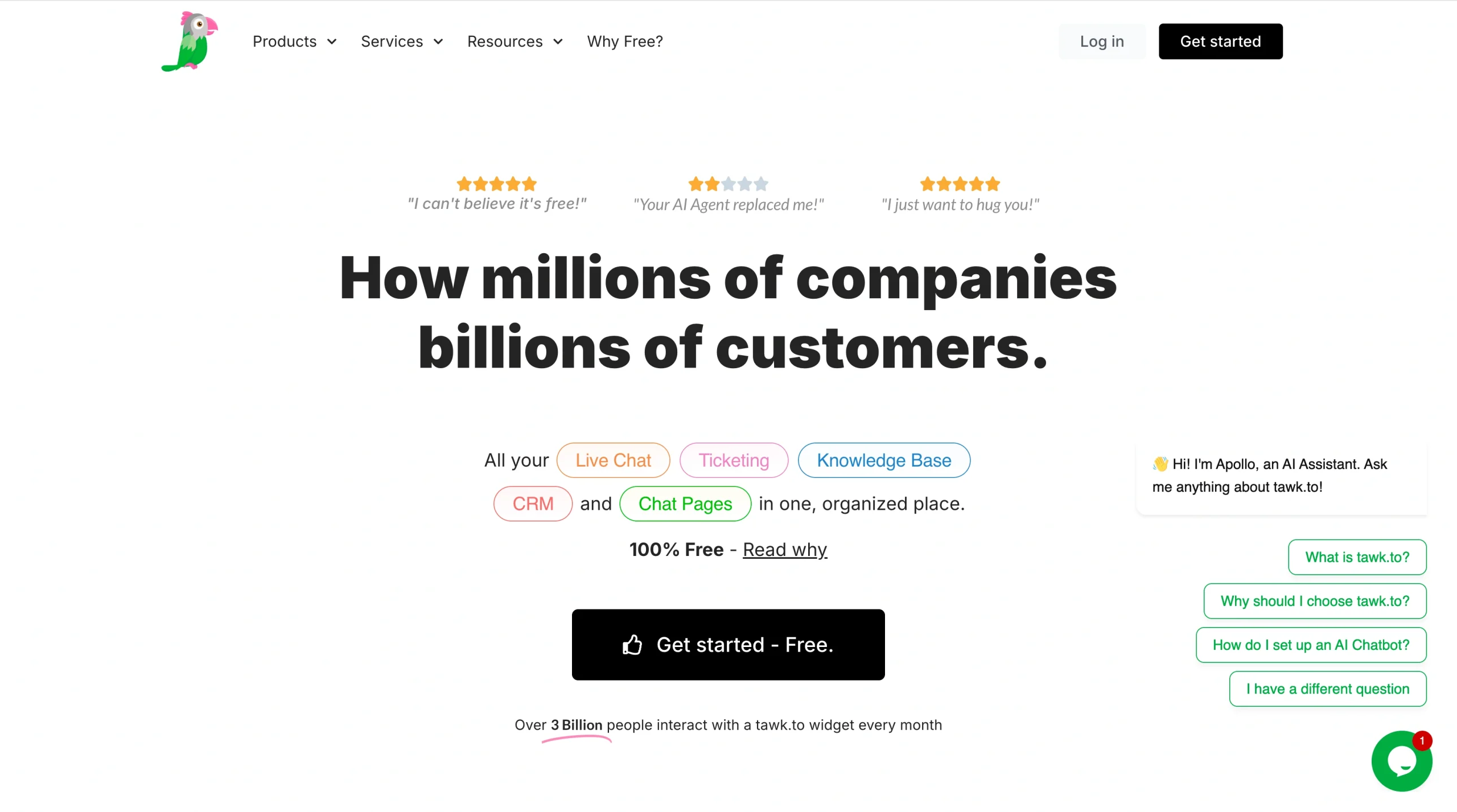
tawk.to, one of Tidio’s competitors, is a free live chat platform that lets you add a support widget to every site you manage, with no limit on seats, chats, or sites. That means you can give every agent an account, keep live chat available at all times, and stay within budget.
Thanks to built-in ticketing and a hosted knowledge base, the customer experience is a single, continuous thread. A simple question can start in chat and span multiple platforms while being tracked in a single dashboard, so agents respond based on the full conversation history.
Desktop and mobile apps also help agents stay responsive on the go, so customers get help fast and are less likely to abandon the interaction.
- Key features
- Focus on highest-intent visitors: Real-time chat with triggers, scheduling, attention-grabbers, and visibility controls by page or shortcode
- Keep all follow-ups in one place: Ticketing inside the main dashboard and via a “Submit Ticket” option in the knowledge base
- Publish a self-serve hub fast: Hosted knowledge base included, so you can launch FAQs without buying or integrating a separate docs tool
- Reply quickly from anywhere: Multi-platform apps for iOS, Android, and desktop, so issues are resolved even when agents are on the go
- Start with free core product, then explore add-ons: Ability to add AI assist, video and voice, removal of branding, and hired agents when you’re ready to level up support
What is Tidio?
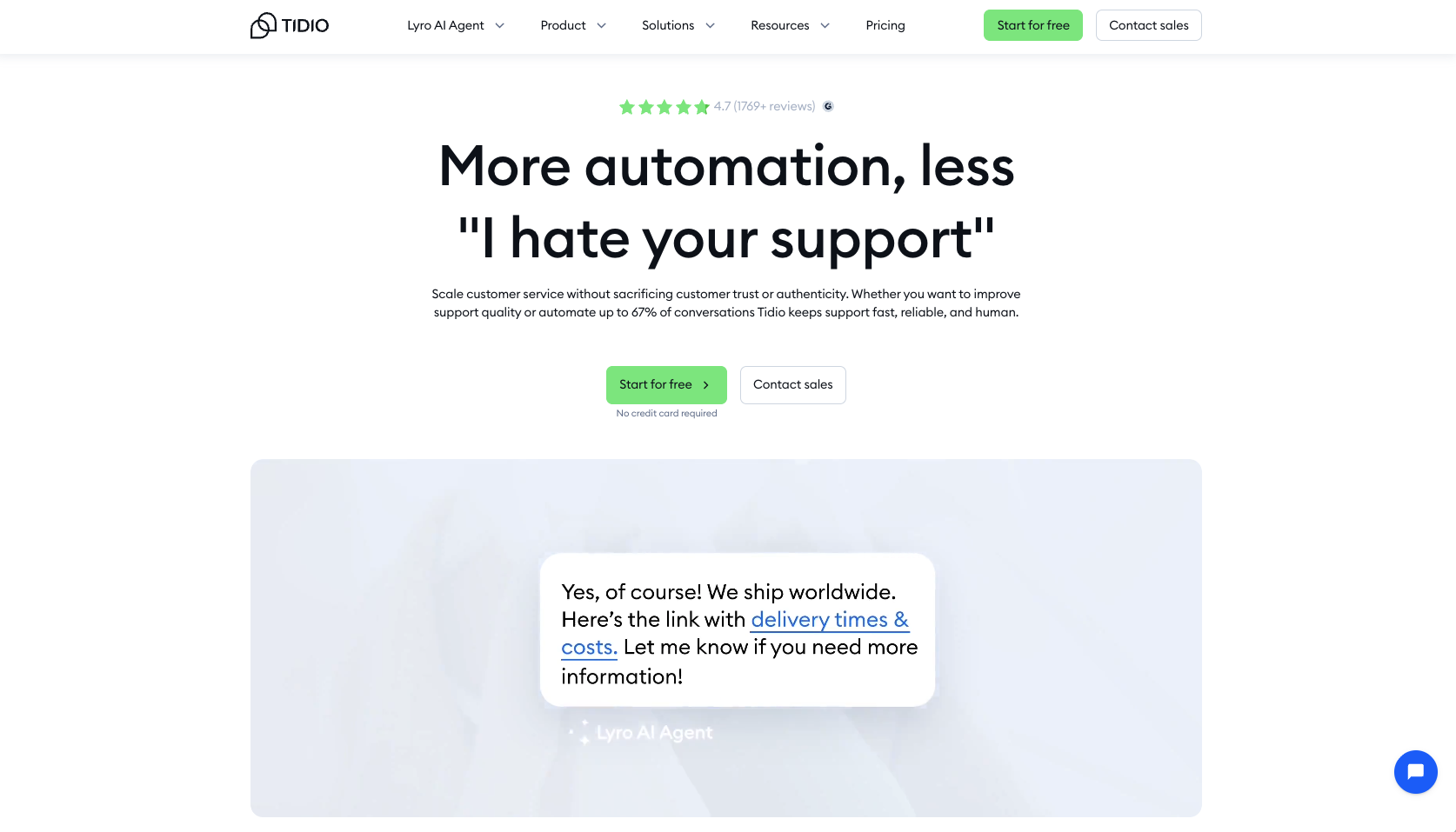
Tidio is an AI-first customer service platform designed to help growing teams handle conversations without burning out. Lyro AI Agent, the conversational AI agent that Tidio provides, can automatically answer common questions, so your support team can stay focused on challenging queries and upsell opportunities.
Visual flows let you drag and drop automation paths for sales, support, and lead capture instead of hard-coding rules. A built-in help desk and inbox pull chat, email, and social messages into one view, so agents don’t lose track of conversations across channels.
For WordPress and WooCommerce teams, native guides and apps make it easy to get started quickly.
- Key features
- Lyro AI Agent (multilingual): Automates resolutions so your team can resolve repetitive questions while keeping answers consistent.
- Flows builder: Offers drag-and-drop templates for sales, support, and lead generation so you can launch effective automation flows without writing code.
- Unified inbox: Combines chat, email, and social messages with ticket creation, giving agents one place to track every customer thread.
- WordPress and WooCommerce ready: Provides setup guides and apps to help you connect your site or store and start chatting in just a few steps.
- Expanding Lyro Actions: Uses APIs to let AI handle lookups and updates across your other tools so your team doesn’t have to do them manually.
WordPress integrations of tawk.to and Tidio
If you’re a WordPress admin, you’ve probably lived this: You find a great chat tool, install the plug-in, and then spend the next week struggling with shortcodes, display rules, and theme conflicts.
What really matters is how fast you can get from “install” to “talking to customers,” and how much of that you can manage without leaving your WordPress dashboard.
tawk.to and Tidio both promise an easy WordPress setup, but they take different approaches to visibility, automation, and follow-up. If none of those approaches quite meet your standards and you want to compare another tool that handles all types of customer service, you can try an alternative like Jotform AI Chatbot for WordPress. It’s a WordPress-native, AI-led chatbot that you may decide is a better fit. (See the following table for some info, with more to come later.)
 Jotform AI Chatbot for WordPress | tawk.to for WordPress | Tidio for WordPress | |
|---|---|---|---|
| Install and setup | No-code plug-in from the WordPress directory; build and manage your AI chatbot in WordPress or Jotform | Free plug-in; connect your account and choose where the widget appears | Fast plug-in install and onboarding, positioned as a complete customer service process for WordPress |
| Visitor experience | On-brand, multilingual AI chat that feels native and routes visitors to Jotform forms, apps, or payments | Triggers, attention-grabbers, and scheduling; show or hide chat per page or shortcode | Live chat plus a unified inbox for chat, email, and Instagram/WhatsApp/Messenger, with automation templates |
| Beyond chat | WooCommerce assistance for product Q&A, order status, and cart recovery, with every chat visible in the agent inbox | Built-in ticketing and a hosted knowledge base for self-serve support and tickets | Turn chats into tickets and start video calls from the widget when a conversation needs more depth |
tawk.to vs Tidio: Which one should you choose?
When choosing between tawk.to and Tidio, or between live chat and an AI chatbot, you’re choosing how your team will work. Do you want your support to stay mostly human-led? Or are you tempted to take an AI-assisted approach?
The right fit depends on whether your biggest constraint is budget, time, or channel complexity. To help you choose, here’s a quick look at when each tool is the better fit for your team.
Choose tawk.to when
- You need a free, human-led live chat with built-in ticketing and a hosted knowledge base, so you can centralize support without adding another subscription.
- Your team prefers a simple setup with triggers, scheduling, and multi-platform apps, so agents can jump in from anywhere without learning a new, complex system.
Choose Tidio when
- You want AI-driven automation (Lyro) and visual flows to handle common inquiries at scale. That way, your agents can focus on nuanced conversations and revenue opportunities.
- You need a unified inbox for chat, email, and social, plus options including video calls and ticketing, to keep every customer thread in one place rather than juggling multiple tools.
Similarities and differences between tawk.to and Tidio
While tawk.to and Tidio differ, there is common ground between the two. Let’s examine those differences and commonalities and how they matter for your workflow, so you can make a confident decision about which tool is best for your team.
Where they overlap:
- Real-time website chat, with options to customize branding, colors, and widget behavior
- The ability to proactively start conversations with basic automations, such as triggers and greetings
- WordPress chat plug-ins that let you add a chat widget to your site without custom development
What makes each tool unique:
- tawk.to strengths: Free core with unlimited usage, plus built-in ticketing and a hosted knowledge base, all with quick setup and a low learning curve
- Tidio strengths: Lyro AI at the center, visual flows templates for automation, a unified inbox across channels, and the ability to start video calls directly from the widget
tawk.to vs Tidio pricing and value comparison
Pricing for tawk.to is kept simple. With a free core product and optional add-ons, you pay only when you’re ready to upgrade features.
tawk.to offers
- Free unlimited live chat and help desk
- Optional add-ons:
- AI assist
- Video and voice
- Removal of branding
- Hired agents
Tidio pricing uses tiered plans plus add-ons. A free tier lets you get started; paid plans expand access and unlock additional AI and automation.
Tidio offers
- Free tier to test the platform
- Higher tiers that add conversations, seats, and automation/AI features
If you’re a smaller, human-led team that relies on chat and a knowledge base, tawk.to’s free core plan can deliver strong ROI. You get the essentials of live chat and self-serve support without needing another subscription. This protects your budget while still improving the customer experience.
As conversation volume, channels, and automation needs grow, Tidio’s AI-assisted resolutions and flows can be worth the investment by saving agents time and reducing missed messages. That way, your team can handle more requests without adding headcount and can give customers faster, consistent replies.
Looking for a smarter chat built for WordPress? Meet Jotform AI Chatbot for WordPress

After making a Tidio vs tawk.to comparison, if neither feels quite right for your team, Jotform AI Chatbot for WordPress might be what you’re looking for.
Jotform’s solution is designed to help site owners, agencies, and ecommerce shops convert visitors to customers through instant, on-brand conversations. Adding it to your WordPress site happens in a matter of minutes, with no code required. Once installed, it will start answering FAQs, guiding shoppers, booking appointments, and qualifying leads directly on your site.
Your Jotform AI Chatbot for WordPress will provide
- 24/7 responses that guide customers to forms, checkout, or booking pages, helping reduce drop-offs and abandoned sessions
- WooCommerce support for product Q&A, order status, and cart recovery so you can fix funnel leaks without custom development
- Auto-training that keeps the chatbot synced with your pages, posts, and FAQs, plus controls for tone, design, and language to stay on brand and multilingual
- Conversation review and live takeover from your WordPress dashboard, so it feels like managing any other part of your site
Your WordPress chatbot can also use the same knowledge base, tone, and actions as your existing Jotform AI Agents for consistent communication across channels. It can route customers to Jotform forms, apps, and payments, and every chat appears in the agent’s conversations inbox, so your team maintains full visibility.
This article is for the support leaders, ecommerce managers, founders, and product/growth teams comparing a free, chat+KB+ticketing tool (tawk.to) with an AI-forward chat + automations platform (Tidio).
























Send Comment: