
The 4 best WhatsApp plug-ins for WordPress
If your business relies on WhatsApp, you need a way to use online. For many WordPress users, the most common solution is to add a WhatsApp WordPress plug-in designed to wrangle your customers and drive online interactions.
But with more than 800 WhatsApp plug-ins available on the WordPress marketplace, finding the best WordPress plug-ins for your website can seem impossible, especially since many options are clones of other tools. That’s why we filtered out the noise and found the top four solutions worth your time and money.
We used specific criteria to identify the WhatsApp WordPress plug-ins with the most value.
When you actually need a WhatsApp WordPress plug-in (and when you don’t)
The truth is, you don’t always need a WordPress WhatsApp integration. A simple “click to chat” hyperlink that sends users directly to WhatsApp may better suit your style.
However, some WhatsApp plug-ins for WordPress can increase engagement, improve the customer experience, enhance support, and more. Here are a few features WhatsApp plug-ins can provide:
- Floating buttons
- Multiple agents
- Styling and customization
- Conditional display options, such as mobile only or on scroll
These features help your WordPress site’s chat stand out, attracting users and offering an engaging experience compared to a standard URL call to action.
Click-to-chat WhatsApp WordPress plug-ins are ideal for businesses that want to interact more with their online customers, whether that’s by driving lead generation or increasing conversion rates.
How we evaluated these plug-ins
To help you find the best WhatsApp WordPress plug-in, we narrowed down the available options using the following criteria to address common user concerns:
- Setup simplicity: At their core, plug-ins should be a simple way to add functionality to your WordPress website without the need for a developer. Plug-ins that are too difficult to set up defeat this purpose, so easy implementation is a must.
- Plug-in update history and support: Some plug-ins are updated more often than others. A frequently updated plug-in is less likely to break down, and a plug-in developer that offers support can help when the plug-in does fail.
- Front-end user experience (UX): How your plug-in appears to customers is central to its effectiveness. Your WhatsApp WordPress plug-in should feature a mobile-friendly interface, responsive behavior, and a floating button option to maximize customer engagement.
- Clarity of free versus paid features: You don’t want to download a plug-in thinking it’s free, only to find out that the features you need are blocked behind a paywall. WordPress WhatsApp integrations should clearly outline what is available in their free plans and what you have to pay for, to avoid any unpleasant surprises.
- Real differentiators, not cosmetic bloat: Flashy interfaces and custom displays are nice to have, but they aren’t what truly move the needle on customer engagement. Finding solutions with advanced features (such as multiple agents, form filling, and e-commerce integrations) can significantly impact a plug-in’s practicality for your business.
The 4 best WhatsApp WordPress plug-ins
Based on our criteria, as well as user reviews, we narrowed down the top WhatsApp WordPress plug-ins on the market to four solid options that may help your business.
1. Chaty
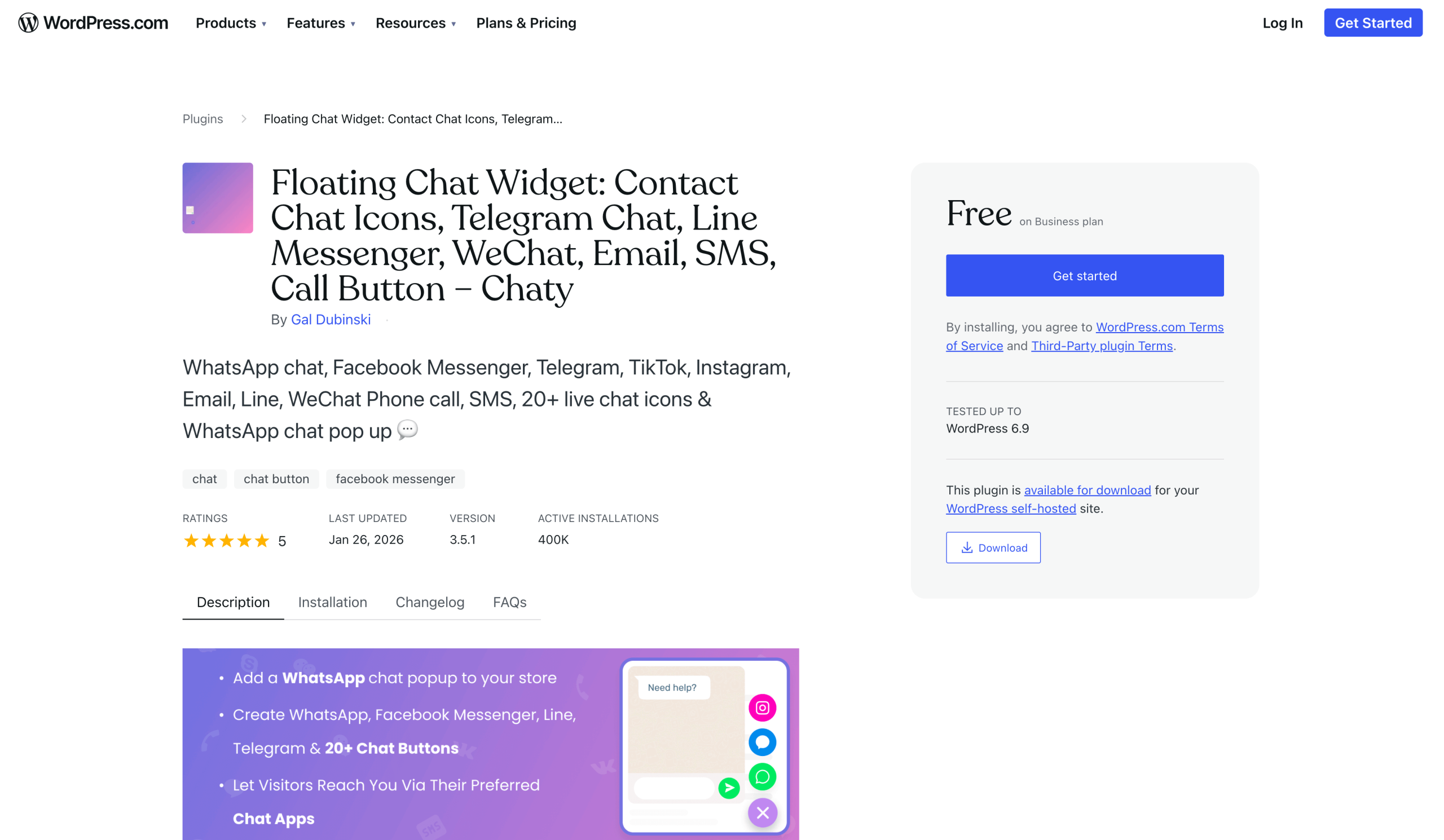
Chaty is a multichannel chat button tool that enables easy communication on your WordPress site. And this WordPress plug-in isn’t limited to WhatsApp; it offers buttons for Facebook Messenger, Slack, Instagram, and more. Implementation is as easy as installing and activating the Chaty app, choosing which channels you want to integrate into your site, and entering the relevant information.
The Chaty UX is easy, customizable, and mobile friendly. You can even customize which channels you want displayed on both the mobile and desktop versions of your site. This plug-in is also well maintained and updated often.
Chaty’s free plan allows you to create a button with unlimited channels and customize your chat widget to match your preferences. However, to access advanced features, such as multiple agents, you will need to upgrade to a paid plan. Monthly visitor numbers are also limited based on your plan, with only 500 available in the free plan compared to 50,000 in the pro plan.
Of the four options on this list, Chaty may be the best choice for providing omnichannel support. Since this chat button can feature multiple channels at once, you can maximize your WordPress site’s reach.
2. Social Chat
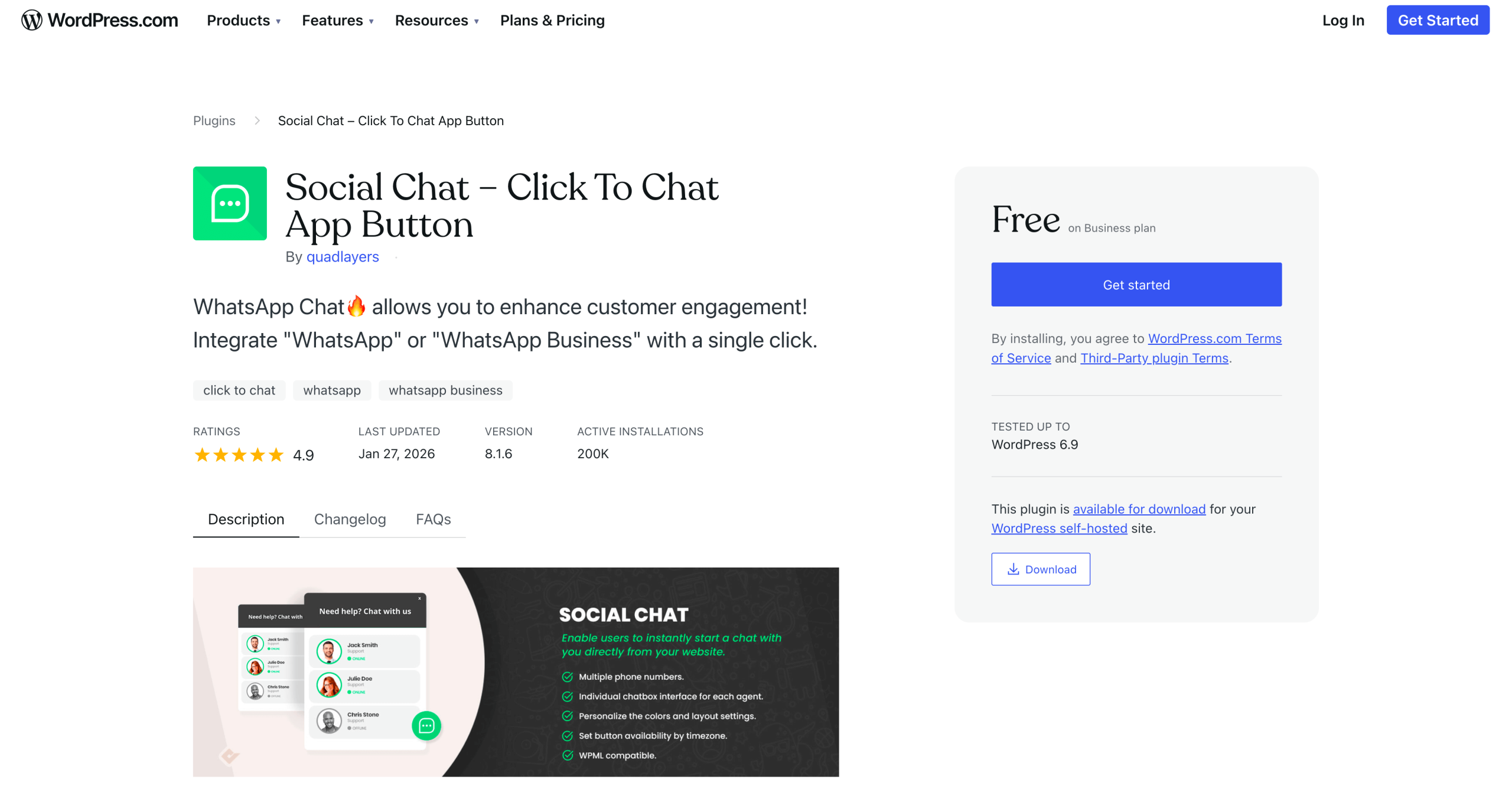
Formerly known as WhatsApp Chat, Social Chat is a WhatsApp-specific chat button plug-in for WordPress. Similar to Chaty, this tool’s setup is simple: Download the plug-in, activate it, and input your WhatsApp account information in the dashboard. This solution is straightforward, and it allows you to use multiple phone numbers and integrate with WooCommerce.
This solution does not offer a long-term free license. Instead it offers a free test. Paid plans are available as both monthly and lifetime subscriptions. The advanced features of this solution remain hidden behind paywalls.
Social Chat’s UX is basic, but it can be easily customized. It is also mobile friendly, multilingual, and GDPR compliant. Social Chat is also well maintained and features recent updates to its user interface in its plug-in changelog. For those looking to add a basic, no-nonsense chat button to their site, this may be the right plug-in for you.
3. WP Chat App
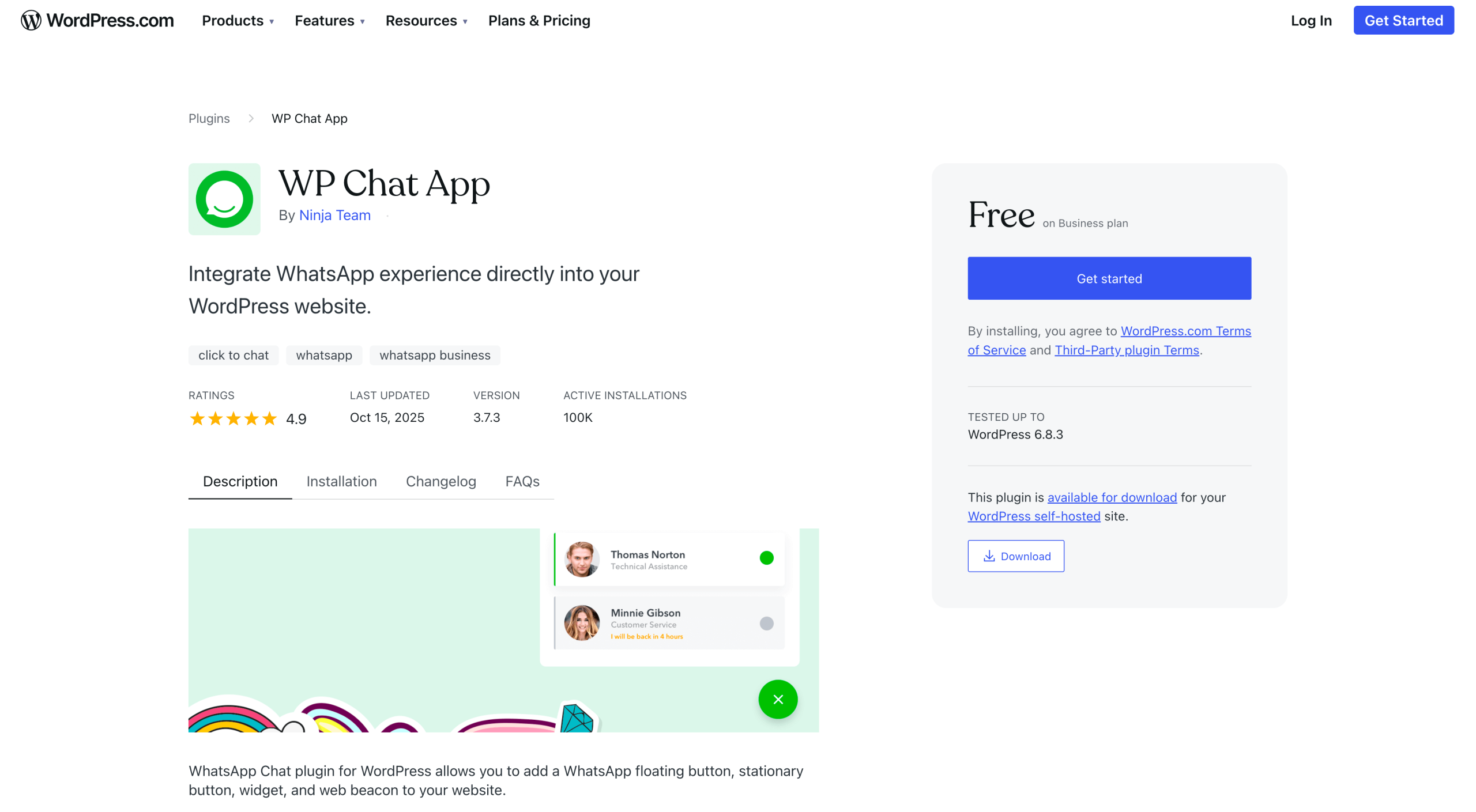
If you’re looking for the best free option available, WP Chat App has the most to offer without requiring an investment. Features such as multiple agents, work hours, and avatars are all available under this plug-in’s free plan. WP Chat App is also optimized for WooCommerce, helping to streamline your online retail efforts.
The UX for this solution is well designed and clean, albeit basic. It also offers mobile and responsive display options, as well as a variety of customization tools to tweak your chat button’s interface.
Out of the options on this list, WP Chat App seems to be the least recently updated. However, it is still regularly updated and maintained to avoid unwanted bugs or loss of functionality. Installation is easy, with most of the work involving setting up your WhatsApp information.
4. Click to Chat
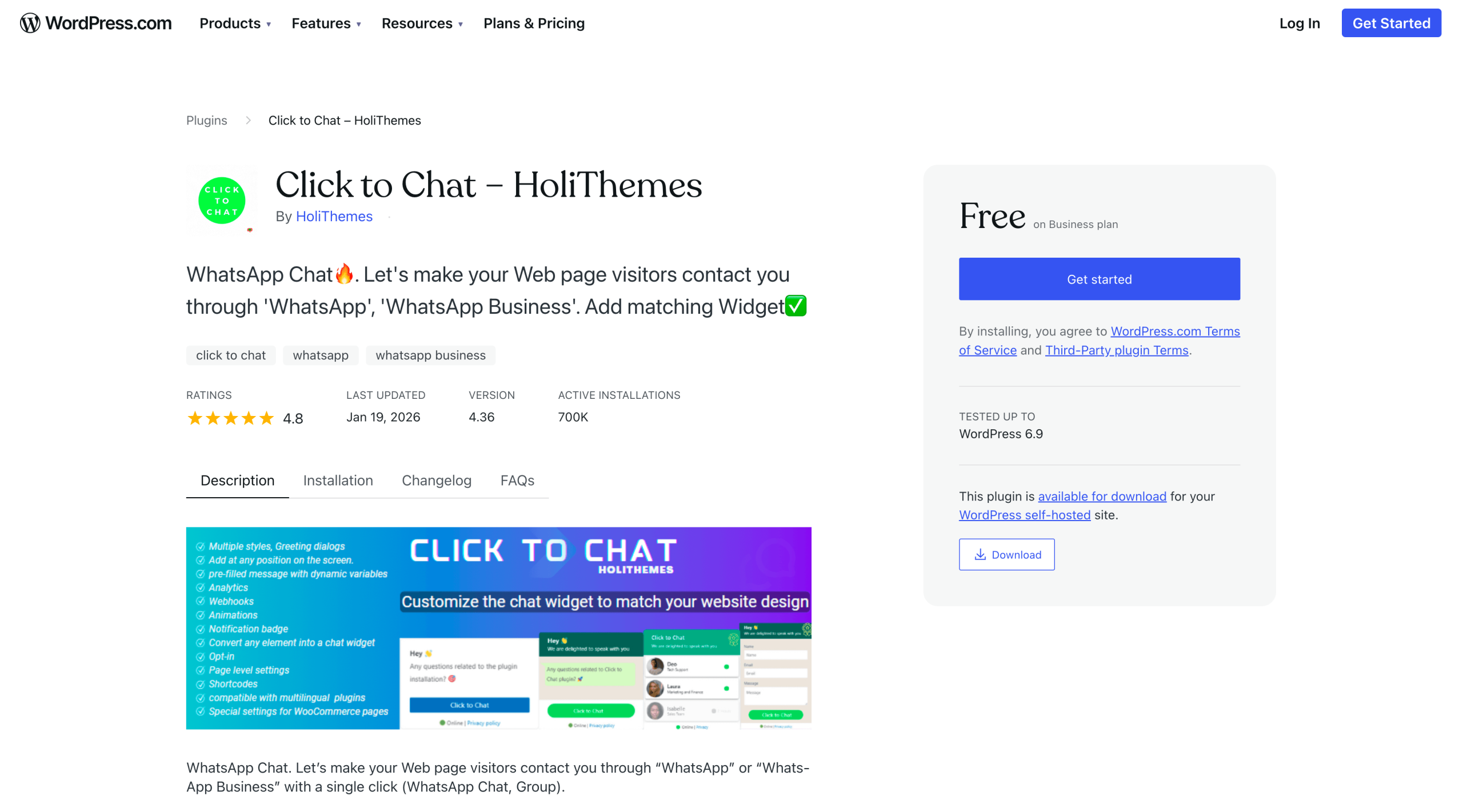
For those who prefer a highly customizable tool, Click to Chat is your best bet. Between the WhatsApp shortcode WordPress options for placement and internal premade customization options, you can easily adjust the Click to Chat plug-in to fit your needs.
Installation ease is comparable to the other tools on this list, and the platform itself is mobile responsive. It also features a clean, straightforward UX with a high level of customization options that are frequently updated and maintained.
When it comes to features, Click to Chat has a wide range of advanced tools. The downside is that the tool has no free version. Access to all advanced features requires choosing from three paid plans, which are available in either an annual or lifetime license option.
Looking for more than a button? Try Jotform AI Chatbot for WordPress
WhatsApp WordPress plug-ins are an easy way to provide simple support for your online users. But their functionality is limited, and many still require human agents to handle customer requests. If you’re considering an alternative to a WhatsApp plug-in, try the Jotform AI Chatbot for WordPress.
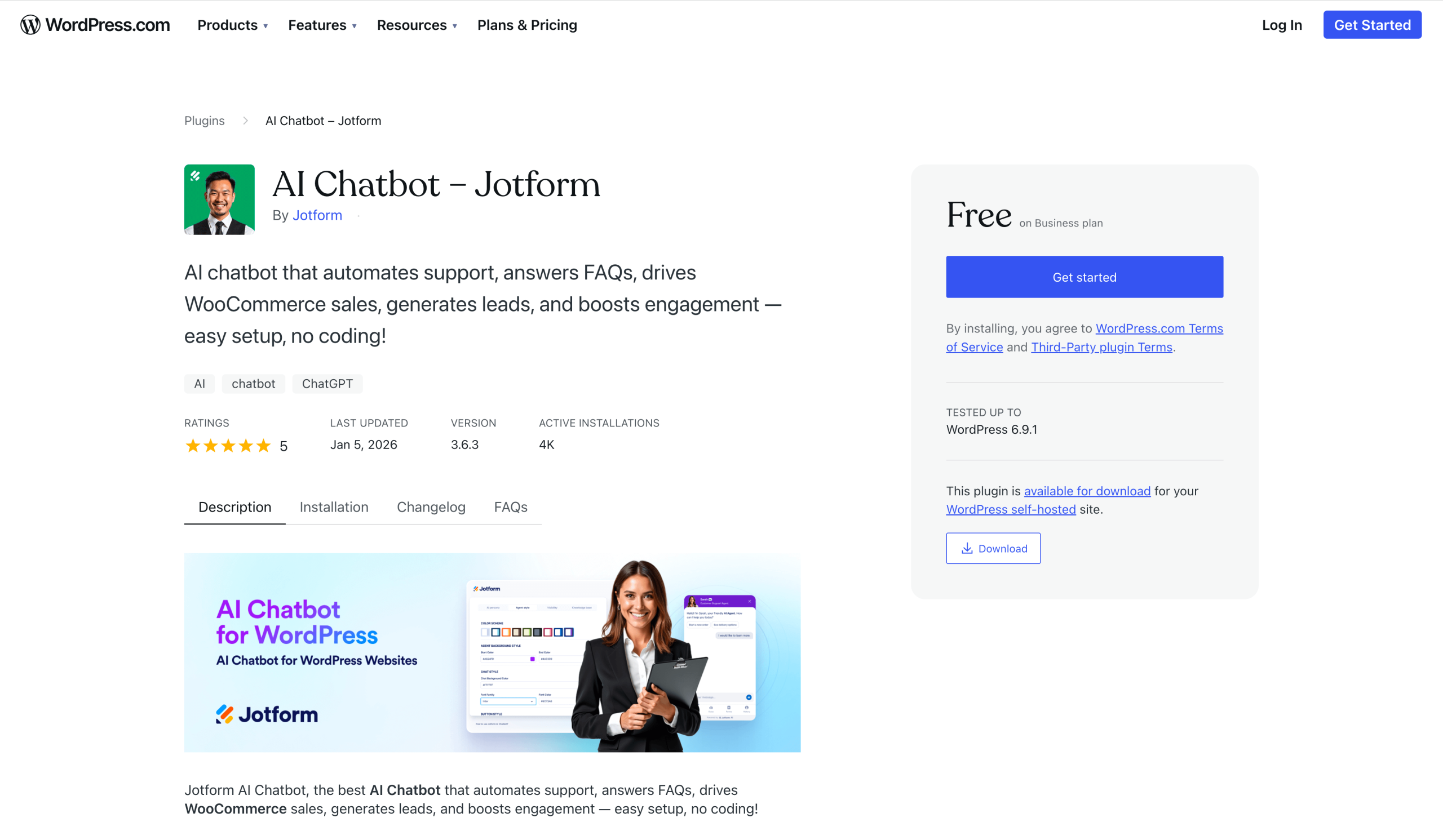
Although this chatbot cannot act as a direct replacement for WhatsApp, it can provide autonomous support for your customers in an easy-to-install and easy-to-use onsite format.
- Guided form interactions
- No-code setup
- Multilingual support
Using this tool, you can streamline essential business processes, such as lead qualification and customer onboarding, by combining the power of AI chatbots with robust online forms. Jotform AI Chatbot will also improve the overall user experience and optimize conversion rates.
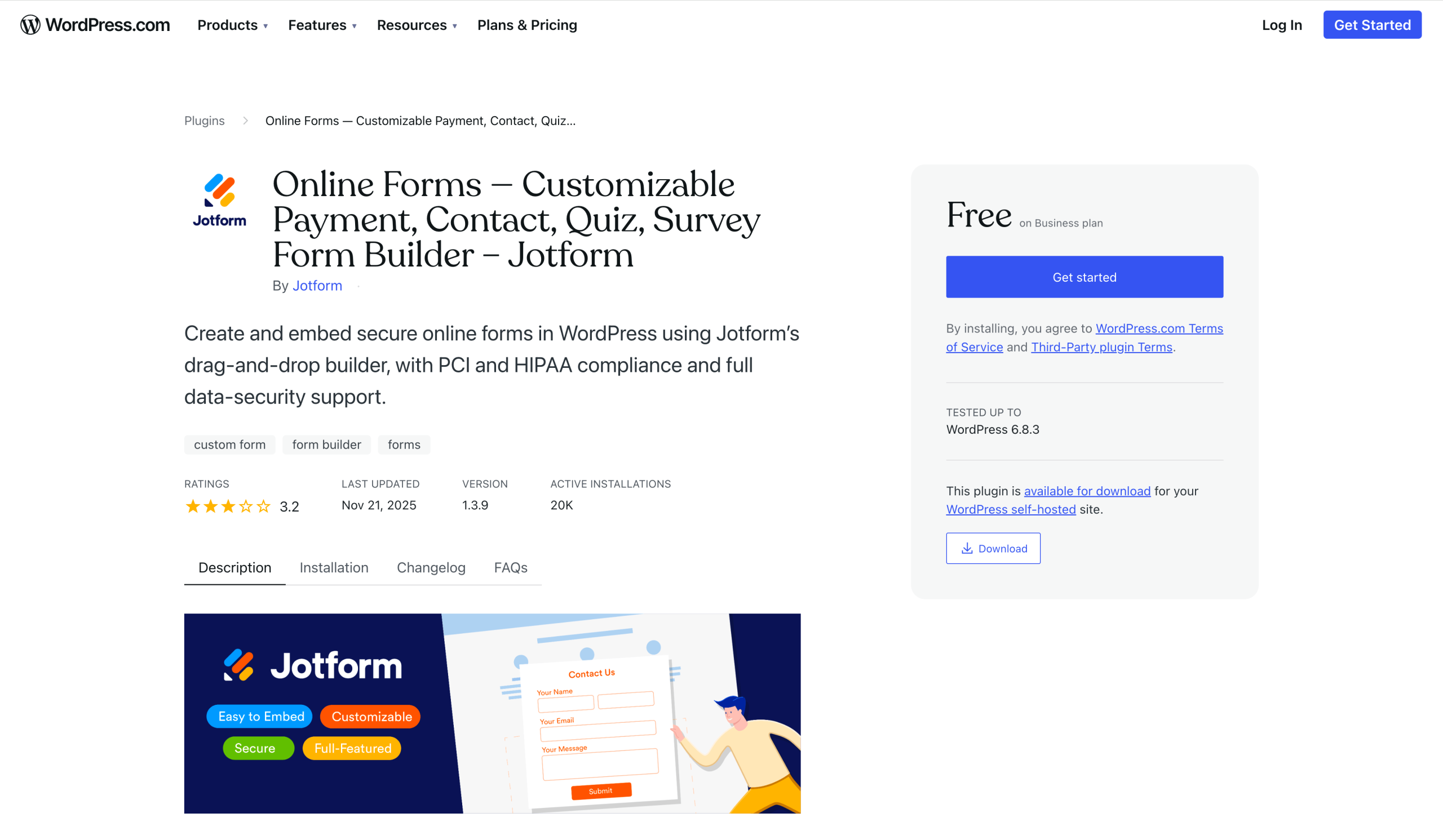
If you prefer a form-based experience over a chatbot, the Jotform Online Embed Forms plug-in is another option. This solution embeds your custom forms directly into your WordPress site’s interface.
Make an informed decision about your choice of plug-in
In a sea of solutions that offer the same functionality, it’s important to identify the few that are truly effective. In many cases, the best way to figure out which plug-ins fall into this category is to try a solution that interests you and see how it works out. Don’t overthink it; just take it one plug-in at a time. Many WordPress WhatsApp plug-ins offer free trials or free versions, so you can test without fear.
If you can’t find a solution that works for you, consider an alternative, such as Jotform AI Chatbot for WordPress, to see whether a different approach better suits your style.
This article is for WordPress users and businesses evaluating WhatsApp plug-ins, who want clear comparisons, real-world use cases, and guidance on choosing between simple click-to-chat buttons or more advanced customer engagement tools.
























Send Comment: