Create Widgets with AI
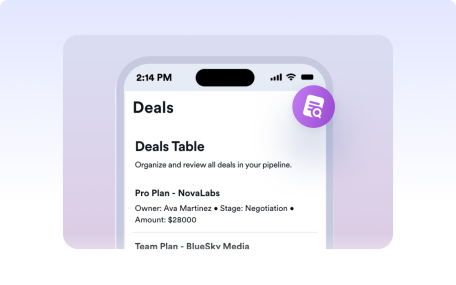
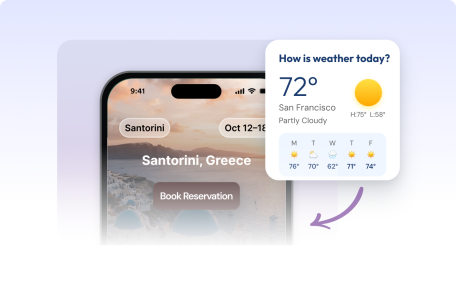
Create custom widgets with Jotform Apps in ChatGPT. Describe what you need, such as a weather display or data visualization, and ask the AI to build a widget that fits your app’s purpose.
Create Widgets
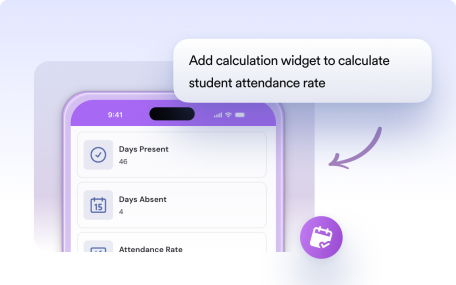
Create widgets directly inside ChatGPT by describing your goals, from displaying dashboards and real-time calculations to adding search and filters tailored to your app.
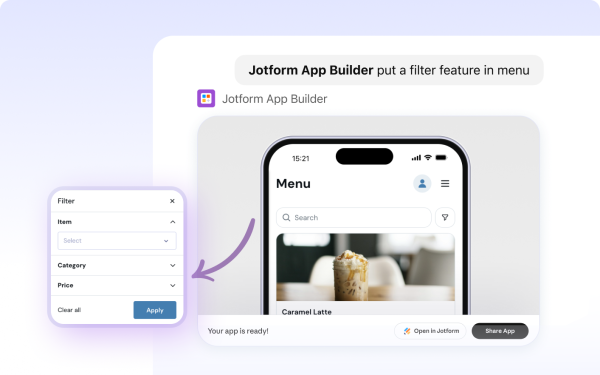
Use Jotform Apps in ChatGPT to add search and filter widgets, making it easier to locate records, refine results, and explore your app’s data.
Help app users find the information they need. Use Jotform Apps in ChatGPT to add search and filter widgets, making it easier to locate records, refine results, and explore your app’s data.
Improve your app's usability by integrating search and filter widgets. Users can swiftly locate records, refine results, and explore data, making information access more efficient and user-friendly. With the power of Jotform Apps in ChatGPT, you can easily add these features to enhance your app's functionality and user experience.
Have questions about this feature? Explore the FAQs below for quick answers.
To add search and filters to your app, simply describe your requirements in a conversation with ChatGPT. For example, you can say 'Add a search bar to the top of my app' or 'Include filters for my product list.' Jotform AI App Builder will interpret your instructions and add the requested features to your app.
Absolutely! By describing your requirements in ChatGPT, you can customize the search and filter widgets in your app easily.
Search and filter widgets enhance user experience by providing quick access to relevant records. This reduces time spent scrolling through data and improves overall navigation within the app.