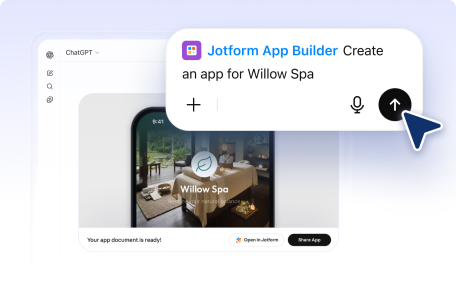
Create an App With a Prompt
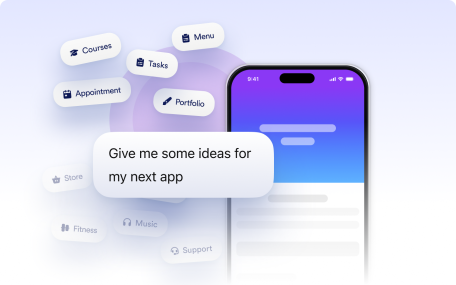
Create an app by telling Jotform Apps in ChatGPT what you want it to do. Explain your idea in your own words, and let AI build an app based on your description.
Create Apps
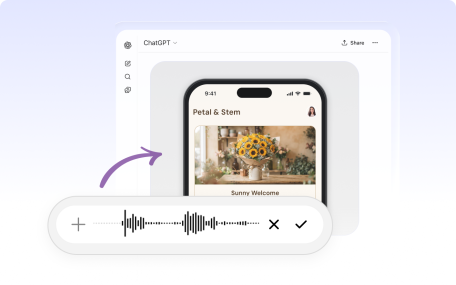
Describe your app idea in plain language and watch your words become a fully functional app tailored to your needs directly inside ChatGPT.
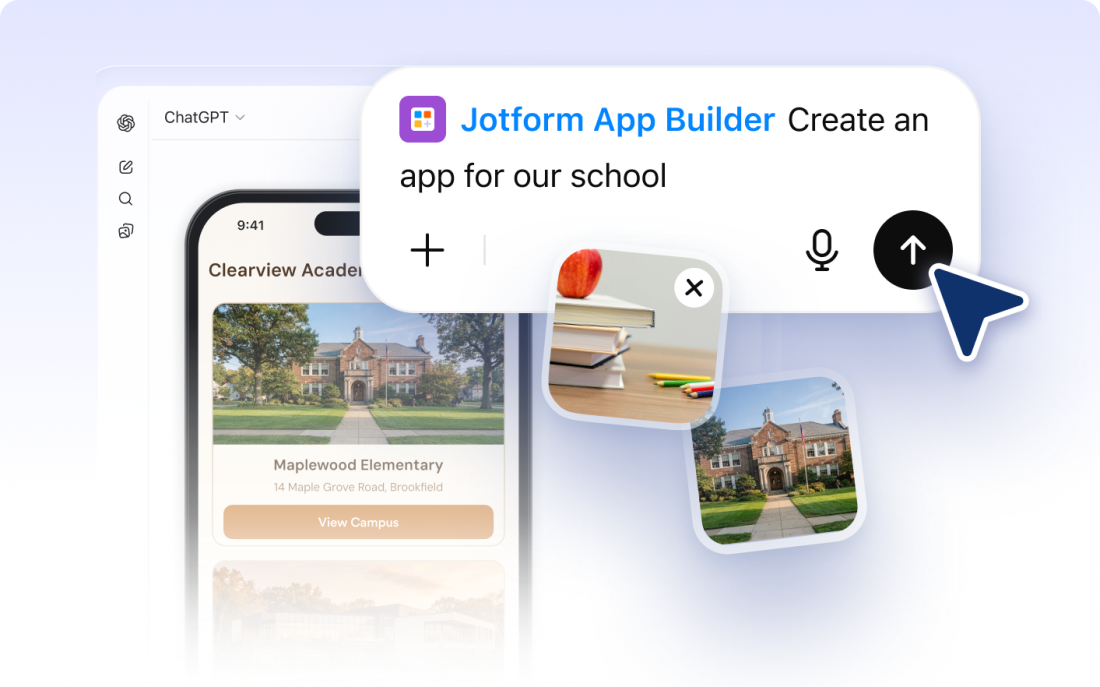
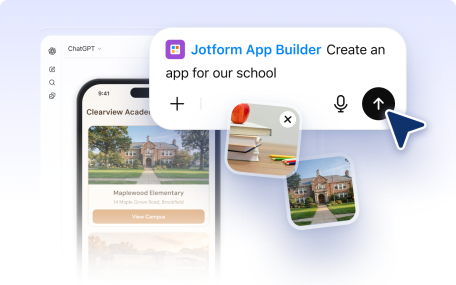
Upload an image to Jotform Apps in ChatGPT and describe the app you need. AI uses your image and instructions to create an interactive app with a polished layout and structure for your idea.
Transform your into interactive apps with Jotform Apps in ChatGPT. Simply upload an image and describe the app you need. The AI will interpret your visuals and create a complete app with a polished layout and structure.
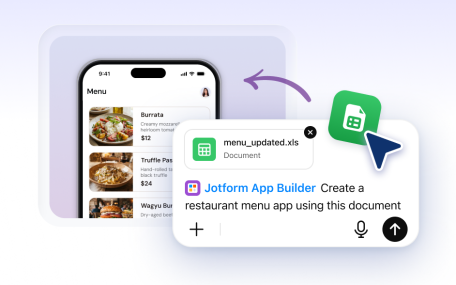
Give Jotform Apps in ChatGPT an image, add context, and describe your app. AI interprets your visual reference alongside your instructions to create a functional app based on your needs.
Start with an image that represents your app idea. Upload it to Jotform Apps in ChatGPT and explain what you need so AI can create an app layout and structure guided by your reference.
Have questions about this feature? Explore the FAQs below for quick answers.
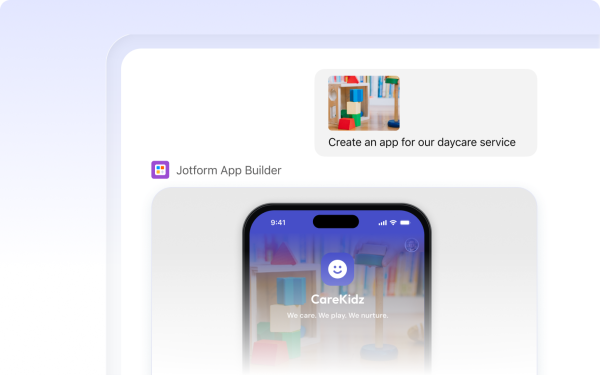
You can create an app by uploading an image in ChatGPT. Include context and describe the app you need. The Jotform AI App Builder will interpret your visuals and instructions to create a complete app with a polished layout and structure.
You can use any image that clearly represents the layout, structure, or content you want in your app. This could be a sketch, a screenshot, a professionally designed mockup, or any other visual that conveys your app concept.
Absolutely! After your app is created from an image, you can continue to modify and customize it according to your requirements directly in ChatGPT.