Customize how your form looks and how it behaves. Adjust layout, language, and key form settings so the form matches your brand and works the way you expect.
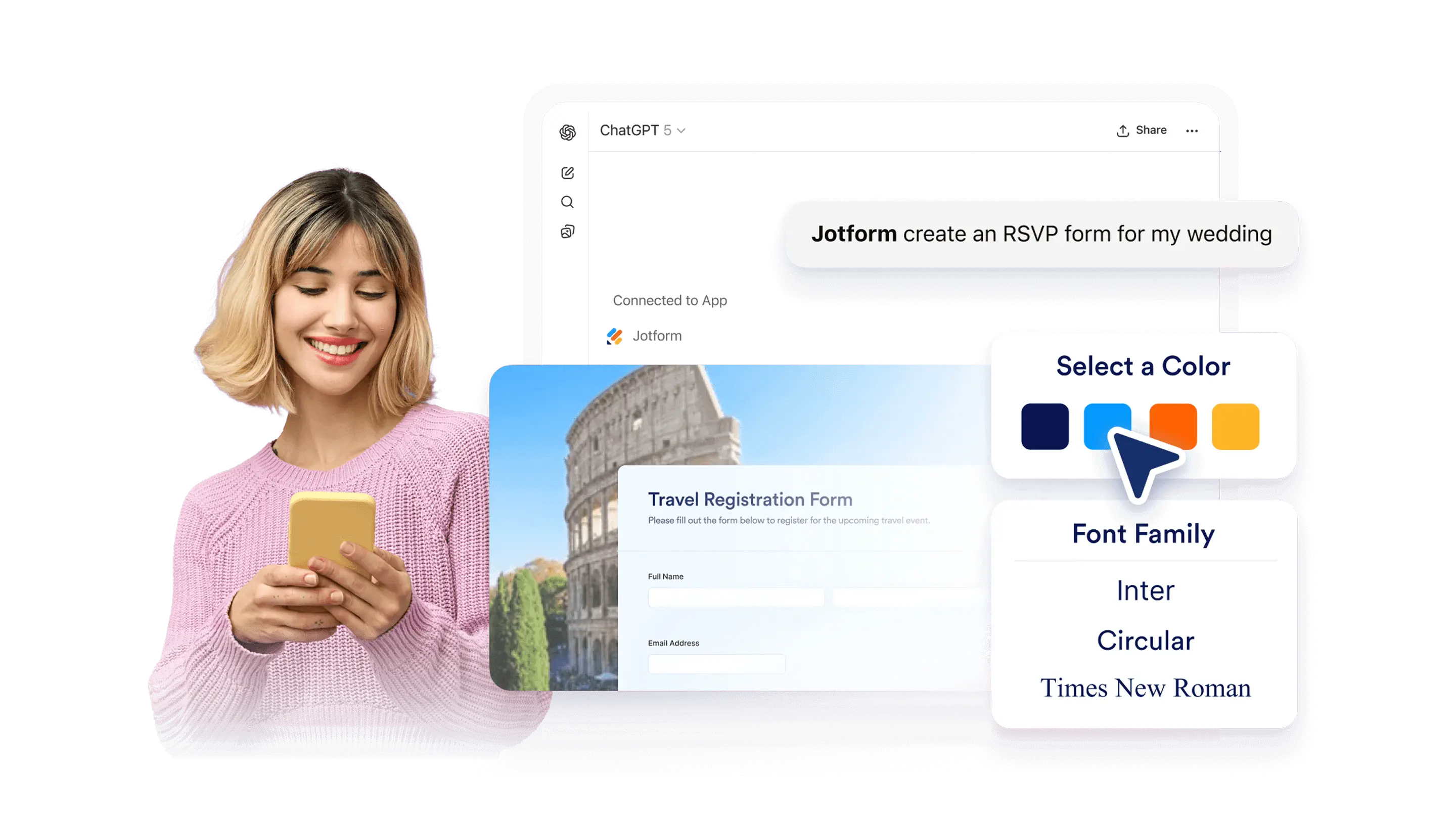
Change your form’s theme, layout, and styling in ChatGPT. Make design updates by prompt, preview the results, and keep working without leaving the conversation.
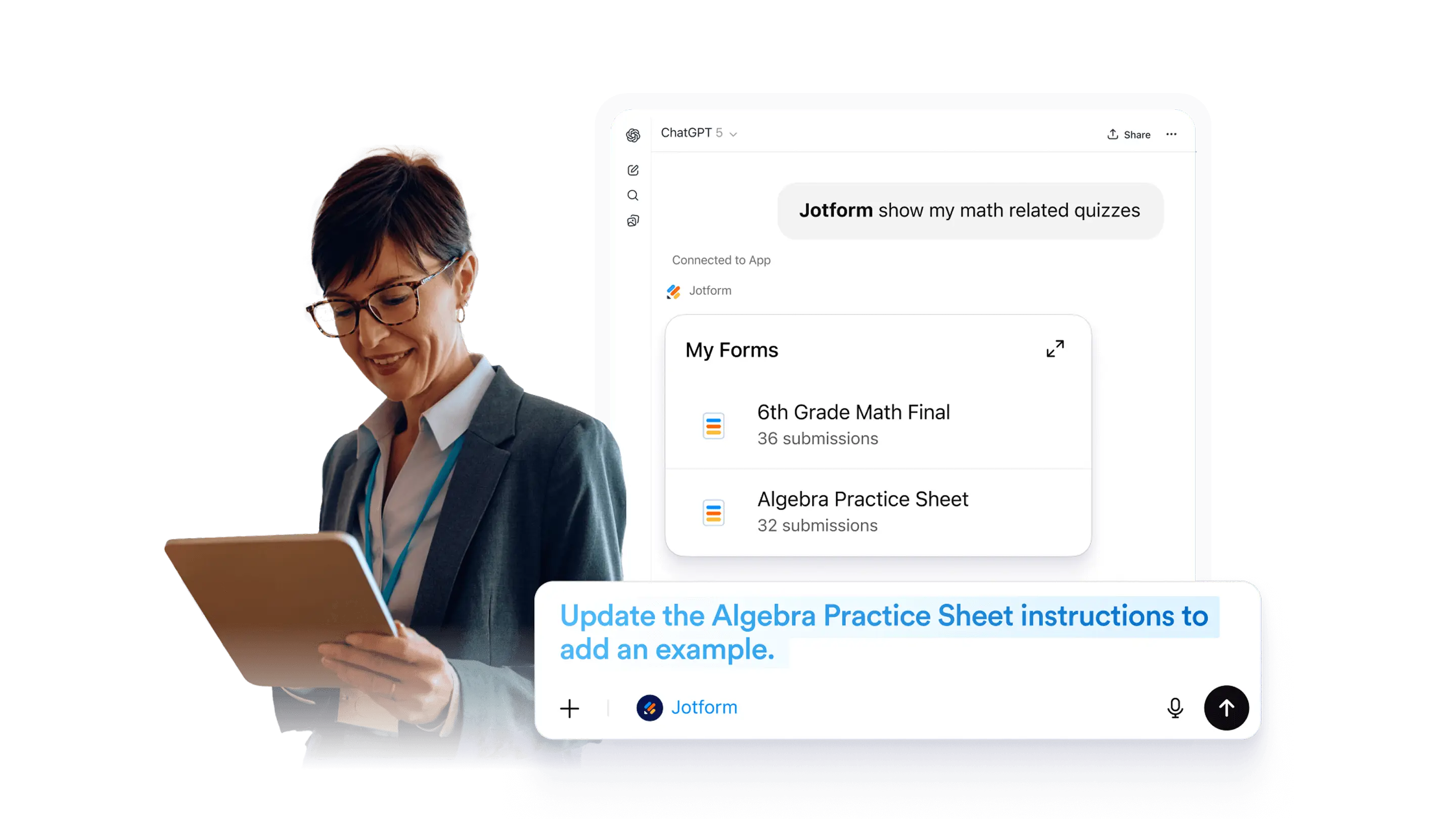
Open an existing form in ChatGPT and make updates fast. Edit questions, adjust layout, change theme and colors, then preview and publish when ready.
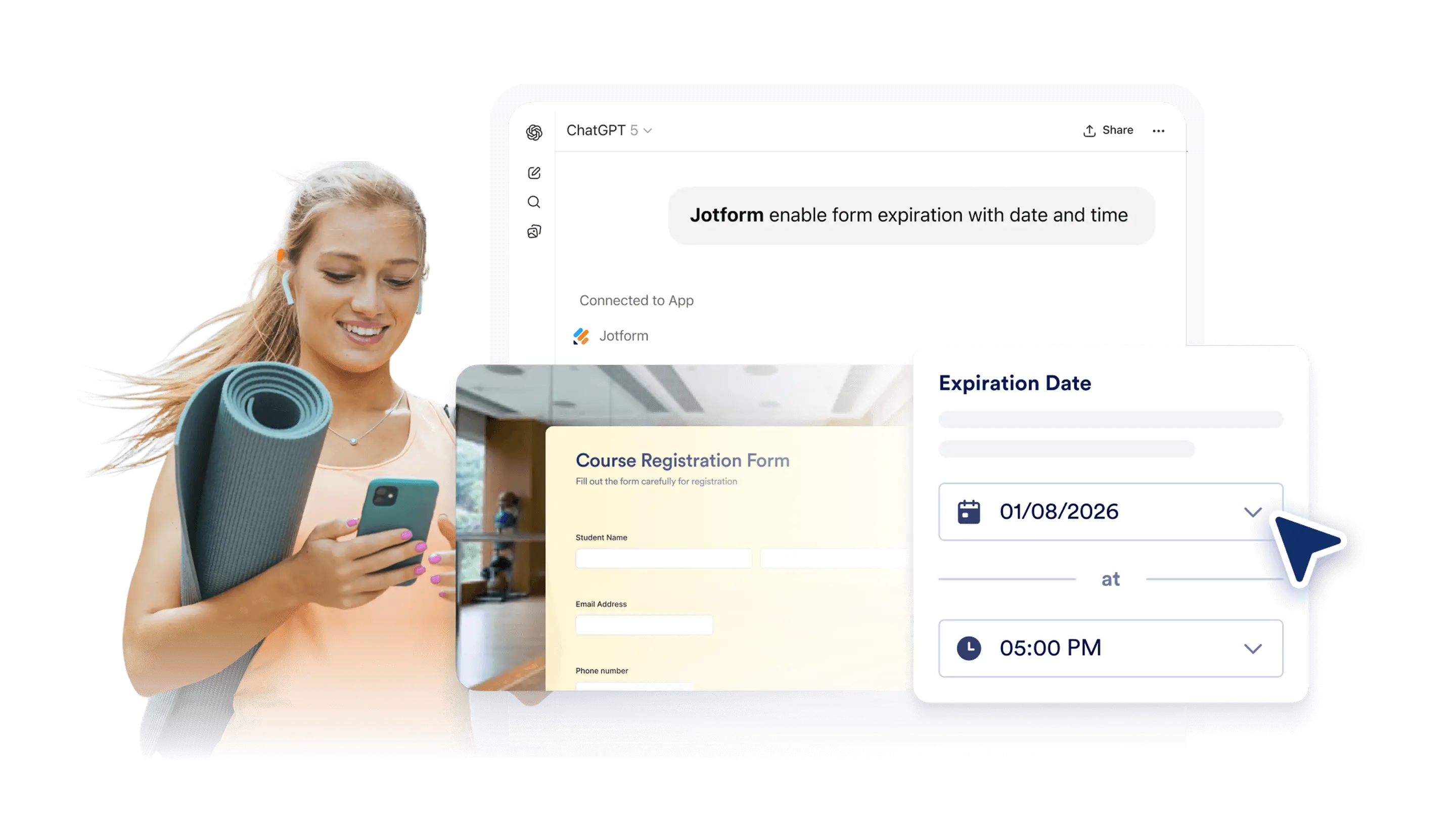
Set a deadline for your form in ChatGPT. Add an expiration date and time, preview the result, and publish.
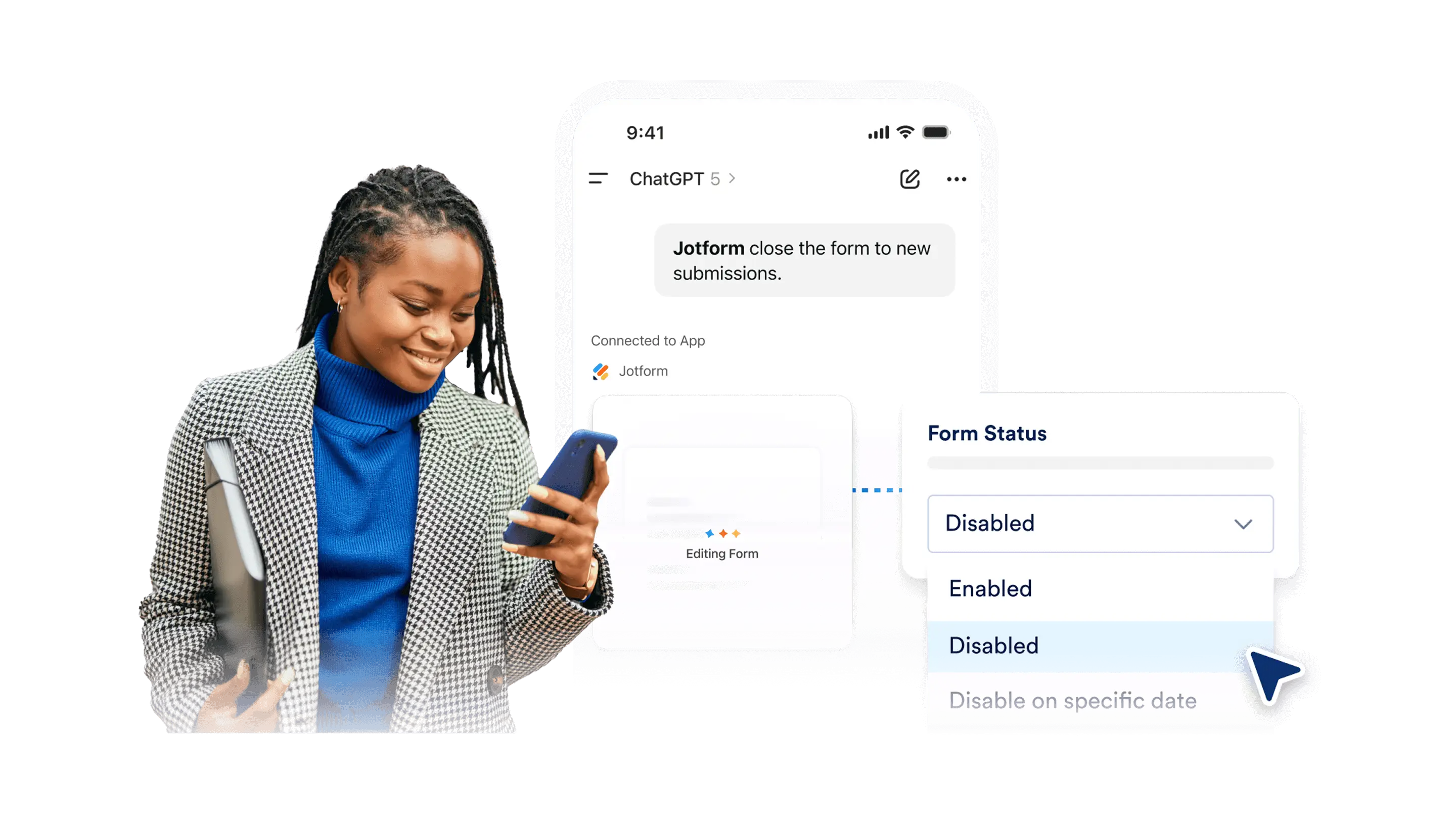
Pause or reopen your form in ChatGPT. Disable submissions, display a clear notice, then enable it again when you want to collect responses.
Set a redirect after form submission in ChatGPT. Send users to an external page, and route them to different pages based on conditions you describe.
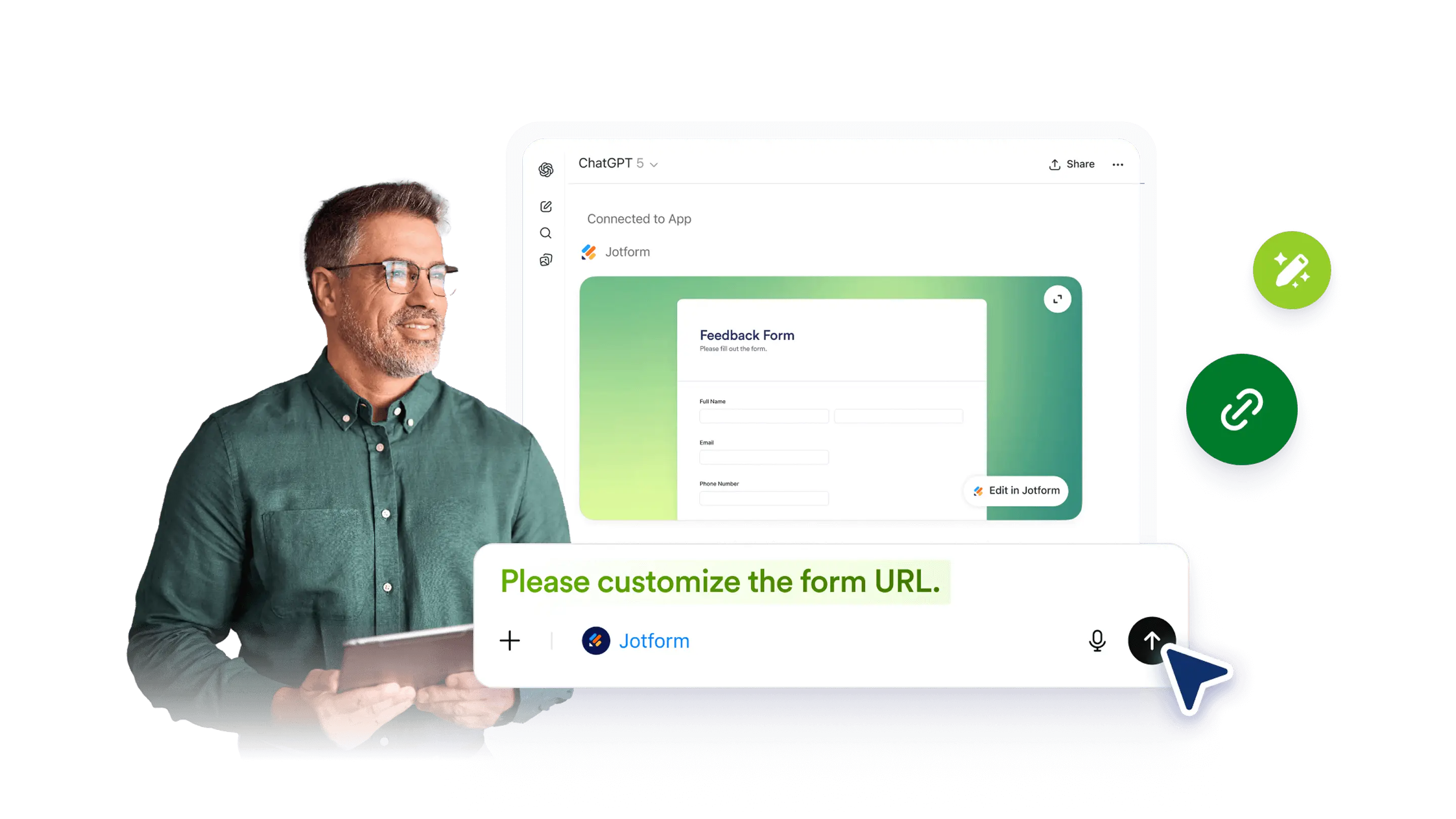
Change your form’s URL in ChatGPT with a simple prompt. Use a clean, easy-to-share link, then confirm it is available and publish when ready.
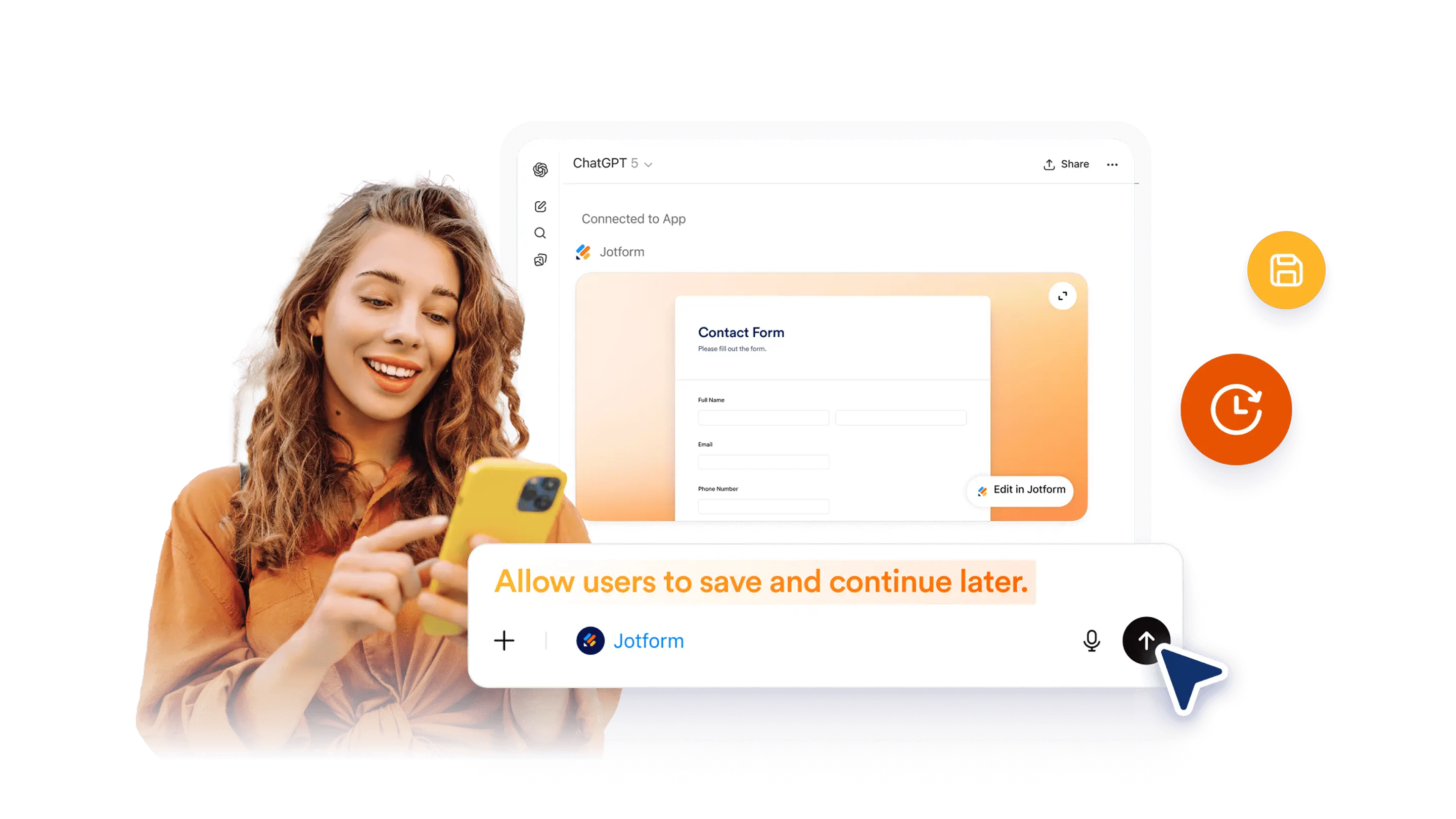
Enable 'Save and Continue Later' in ChatGPT with a simple prompt. Help people finish long forms by saving progress and returning when they are ready.
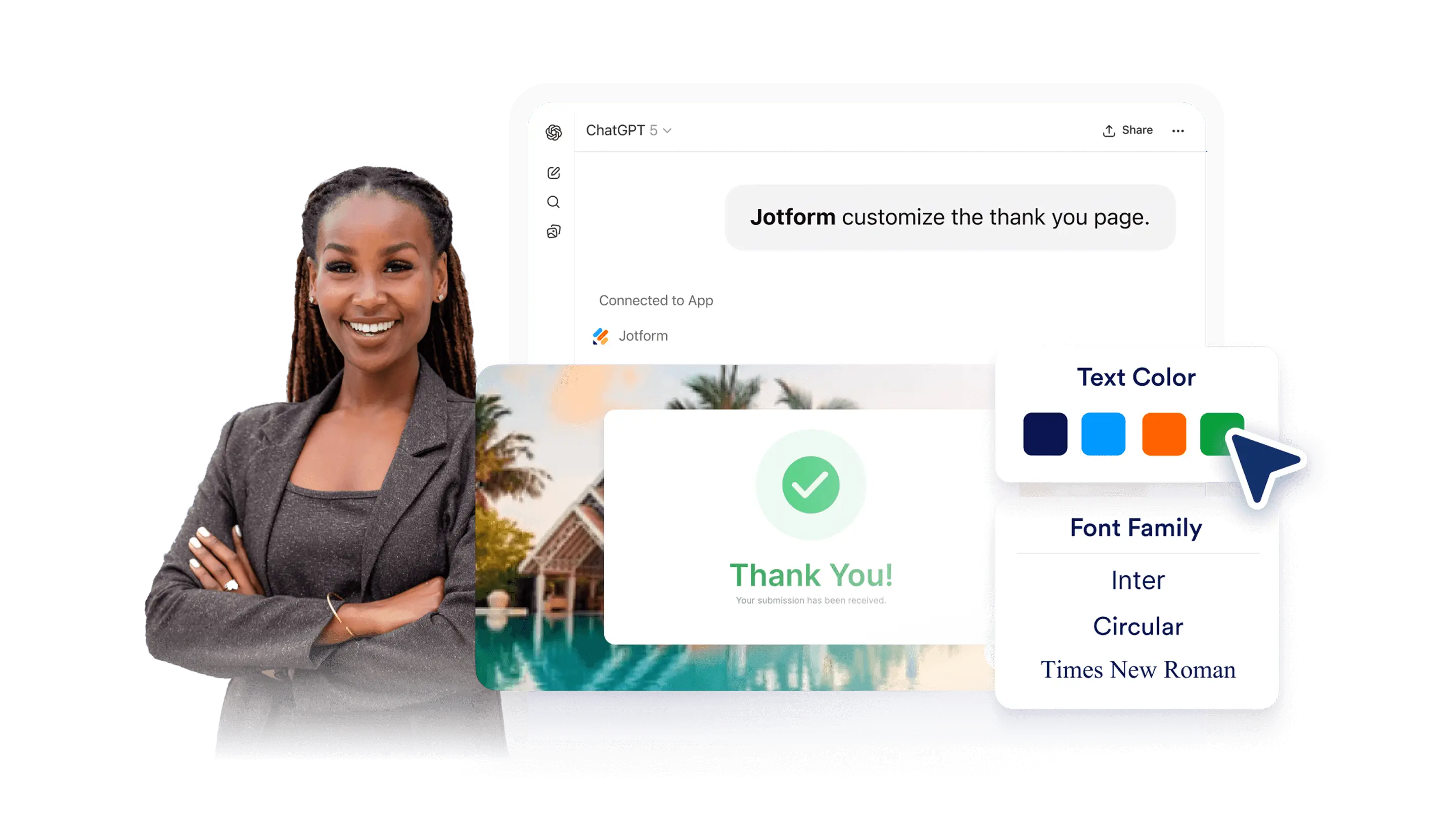
Change your Thank You page in ChatGPT with a prompt. Customize Classic and Card layouts, redirect to an external link, and display different messages based on user responses.
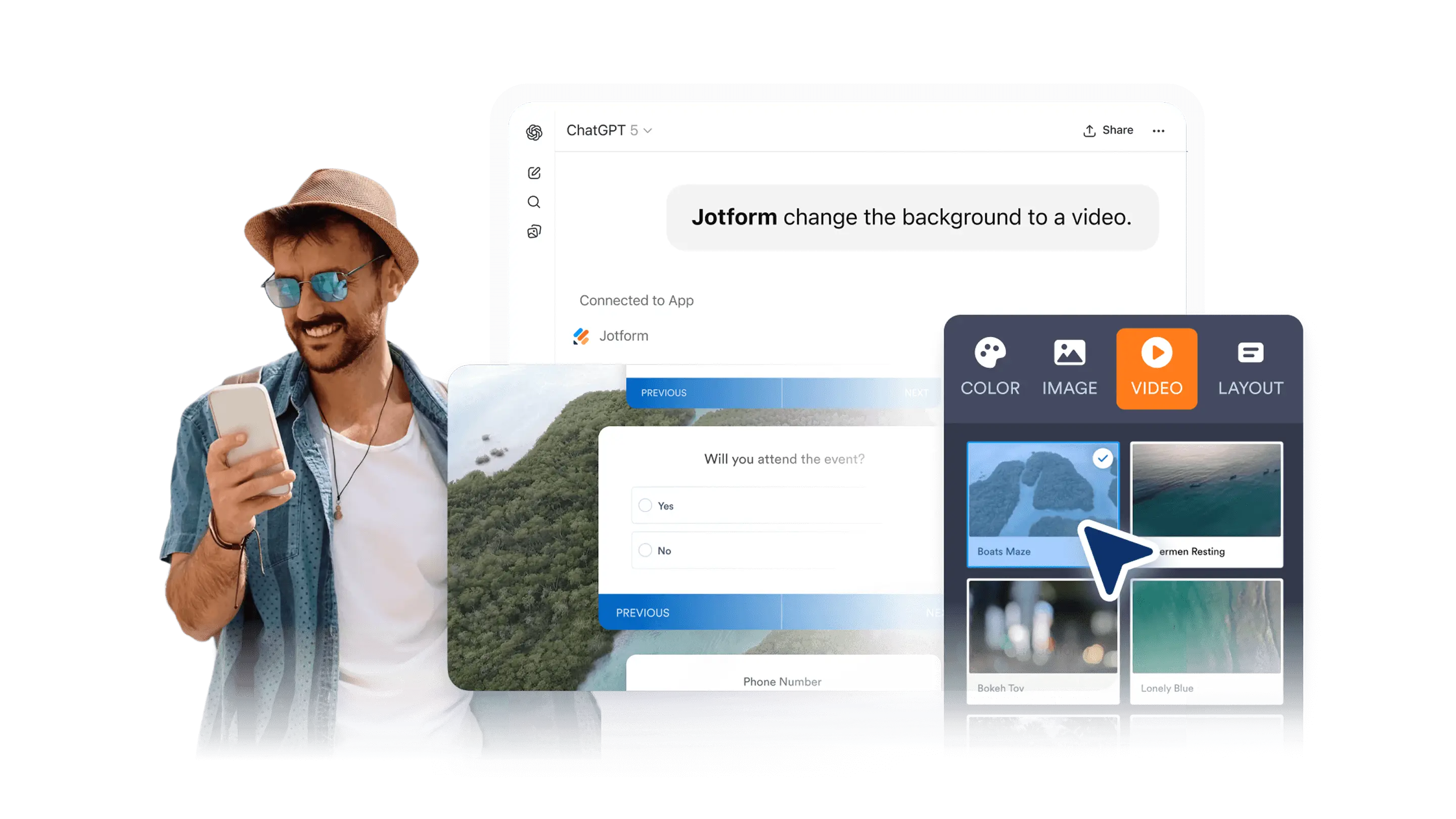
Add a video as your form background in ChatGPT with a prompt.
Add videos to your form questions in ChatGPT with a prompt. Use video to explain, demonstrate, or guide respondents.